

Powerful EcoFlow stations for energy anywhere!
In cart {{totalProductsCount}} item(s)
Your cart is empty
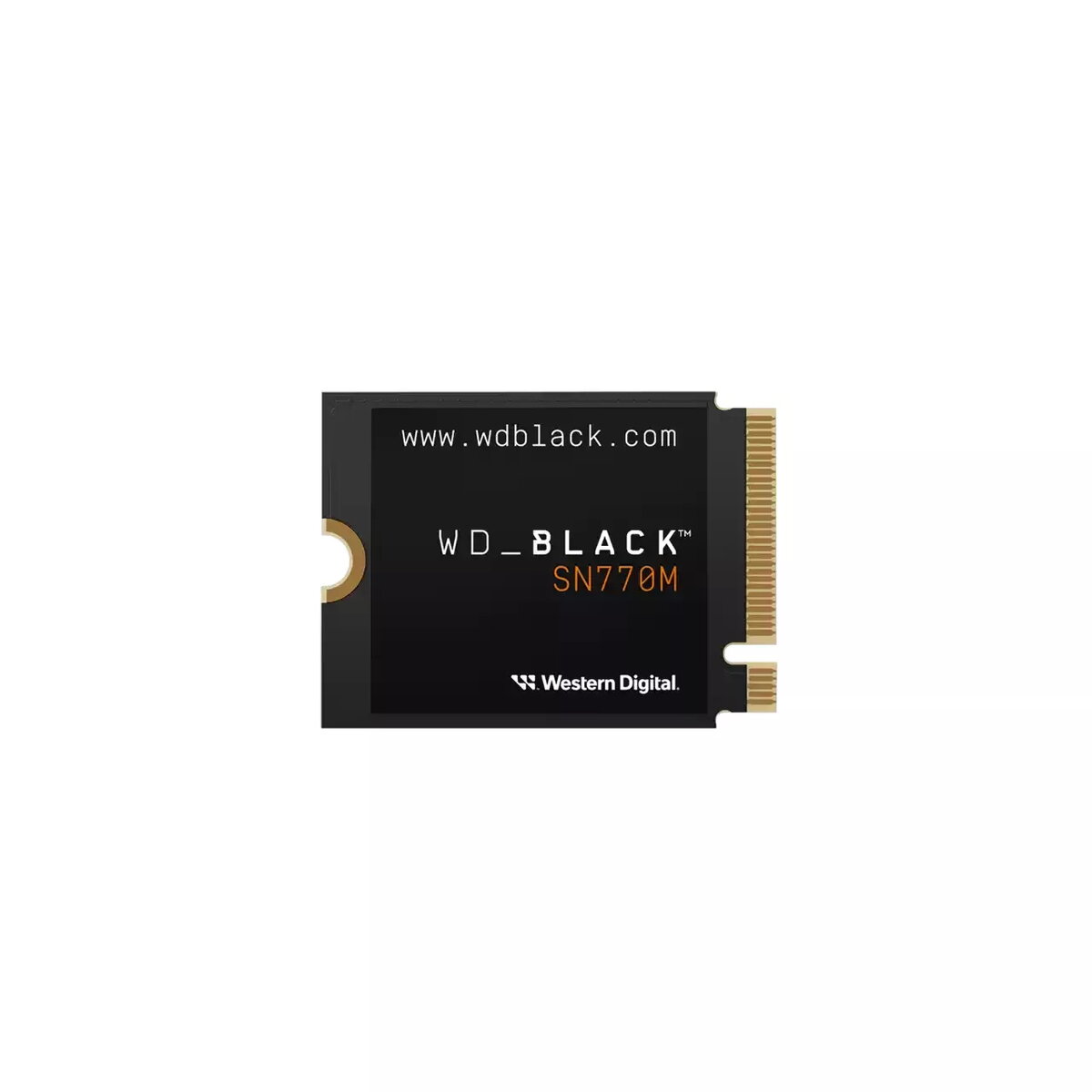
SSD drive Western Digital 1 TB M.2 PCI Express 4.0 NVMe WDBDNH0010BBK-WRSN
Level up storage on your handheld gaming device or M.2 2230 compatible laptop with the WD_BLACK SN770M M.2 2230 NVMe SSD. Available in capacities up to 2 TB, this M.2 2230 PCIe® Gen4 SSD offers high sustained performance, Western Digital’s nCache™ 4.0 technology and Microsoft DirectStorage support to reduce game load and installation times. Use the Western Digital Dashboard (Windows only) to monitor drive health and performance.
The WD_BLACK SN770M delivers PCIe® Gen 4 performance with sequential read speeds up to 5,150 MB/s on 1 TB and 2 TB models, backed by Western Digital TLC NAND for reliable storage. Its compact M.2 2230 form factor fits handheld consoles and ultrathin laptops, and included software tools help keep the drive optimised.
Power off your device and follow the manufacturer’s service instructions to access the M.2 2230 slot. Carefully insert the WD_BLACK SN770M into the M.2 2230 socket at the correct angle and secure it with the mounting screw. After reassembly, boot the system and use the operating system’s disk management tools to initialize and format the drive. On Windows, install Western Digital Dashboard to monitor performance and firmware updates.
Confirm device compatibility with M.2 2230 PCIe® Gen 4 NVMe modules before installation. Back up important data before replacing or upgrading storage. For optimal performance, use the drive in systems that support PCIe Gen4 and ensure the latest firmware and drivers are installed.
{{highlightedFeature.featureTitle}}:
{{getProductFeatureValueById(product, highlightedFeature.featureId)}}
{{ productComparisonGenerationError }}