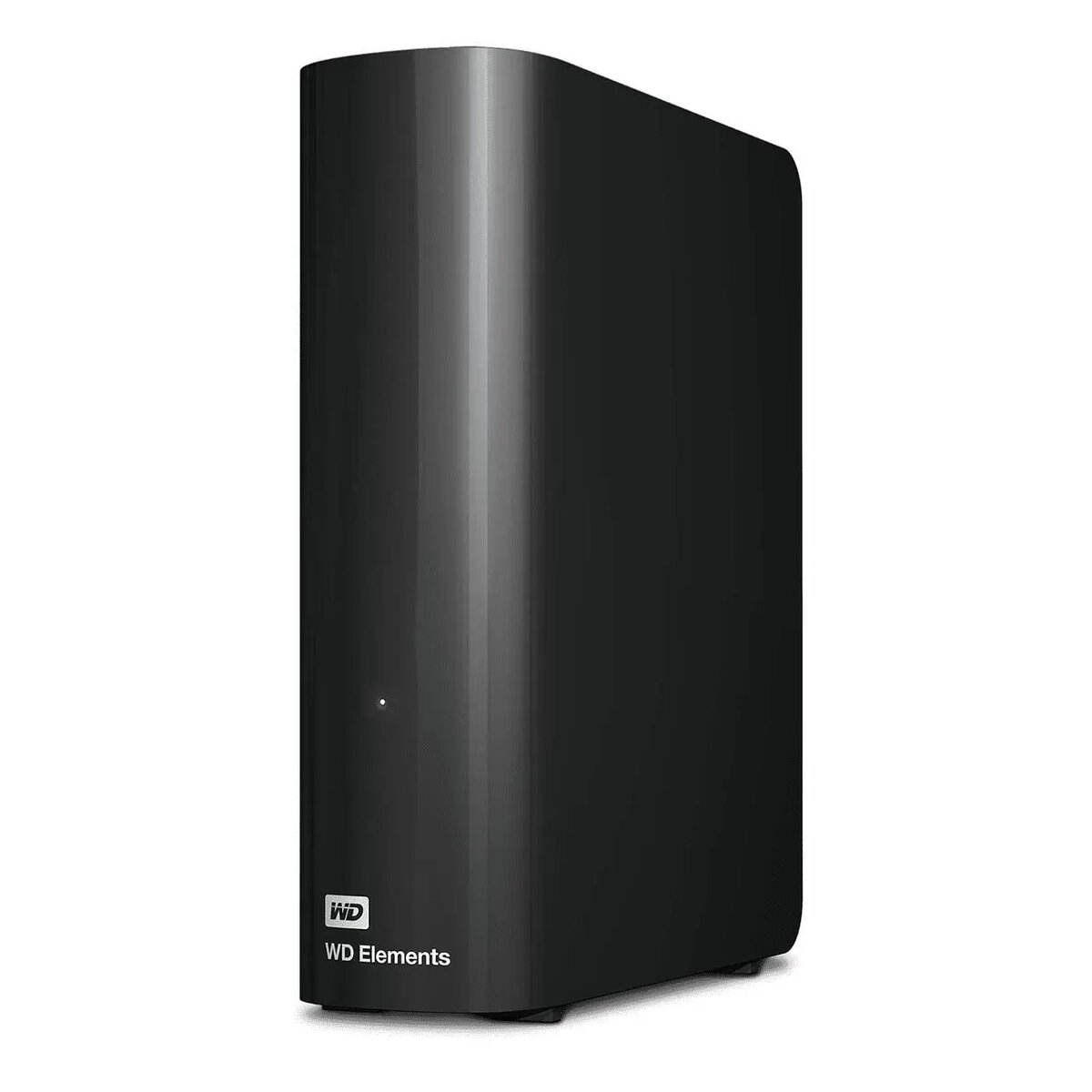
Western Digital Elements Desktop external HDD model WDBWLG0140HBK is a 14TB desktop-class external hard drive intended for large-capacity local storage and backup. The drive connects to a computer via a USB interface compatible with USB 3.0/3.1, offering a single-drive solution for archiving photos, videos, documents and expanding PC or workstation storage. The enclosure is designed for desktop use and includes the necessary power adapter for continuous operation.
Advantages
This 14TB Western Digital Elements Desktop drive provides a high-capacity storage option in a single, easy-to-install unit. It supports USB 3.0/3.1 connectivity for faster transfers compared with USB 2.0 when used with compatible hosts, while maintaining backward compatibility with older USB ports. The drive is ready to use out of the box for most operating systems without additional setup for basic storage and backup tasks, and its desktop enclosure supplies stable power for long-term data retention.
Suitable for
- Long-term archiving of large media libraries (photos, video collections)
- Local backup of personal or small business PCs and workstations
- Expanding storage capacity for editing projects that require large files
- Centralized single-drive external storage for home or office use
When it may not be suitable
This single-drive external HDD is not intended as a fault-tolerant RAID solution; it does not provide redundancy against drive failure. If continuous uptime, enterprise-grade performance or multi-drive redundancy are required, a multi-bay NAS or RAID array would be more appropriate. The drive's mechanical HDD design also makes it less suitable for applications that require the sustained high IOPS or ultra-low latency of solid-state storage.
Key specifications
- Capacity: 14 TB
- Interface: USB 3.0/3.1 compatible (Type: USB-A to device cable)
- Form factor: Desktop external enclosure
- Intended use: Desktop / stationary external storage
- Compatibility: Works with Windows and macOS (may require reformatting for some systems)
- Power: External power adapter for continuous operation
How to use
Connect the Western Digital Elements Desktop drive to a computer using the supplied USB cable and connect the external power adapter to a mains outlet. The drive should be recognized automatically by most operating systems; if not, check disk management or disk utility tools to initialize or mount the drive. For macOS users who require full read/write access, reformatting to a compatible file system may be necessary. Use standard backup software or copy files directly to the drive to store data. Place the unit on a stable surface with adequate ventilation and avoid moving it while powered and in use.
What to consider before purchase
- Single-drive design: no built-in redundancy; plan backup strategy accordingly
- Mechanical HDD: lower random-access performance compared with SSDs
- Requires external power—check available mains outlets at the intended location
- Check host compatibility and reformatting needs for macOS or specific backup software
Usage recommendations
Use this drive as a primary large-capacity repository for media and file backups, and maintain at least one additional backup copy (on another drive or cloud storage) for important data. Keep the enclosure on a stable, well-ventilated surface and avoid moving it during read/write operations to reduce risk of damage to the internal mechanical drive.