Filters you can trust. Pure water every day.
In cart {{totalProductsCount}} item(s)
Your cart is empty
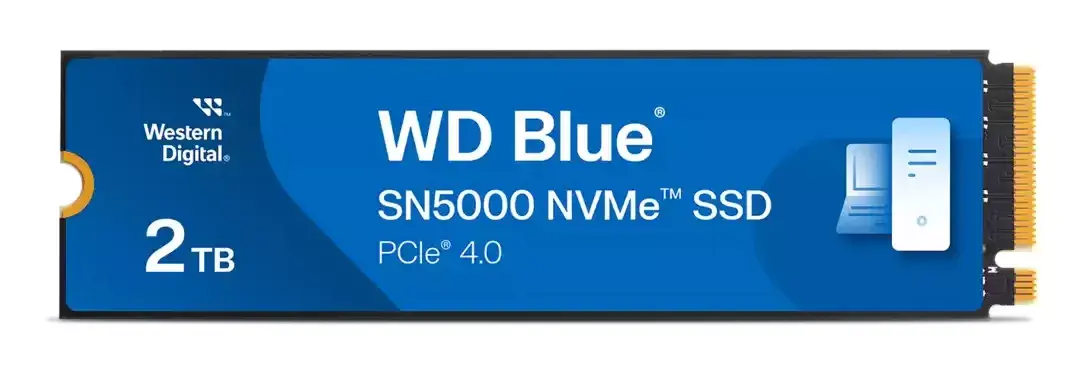
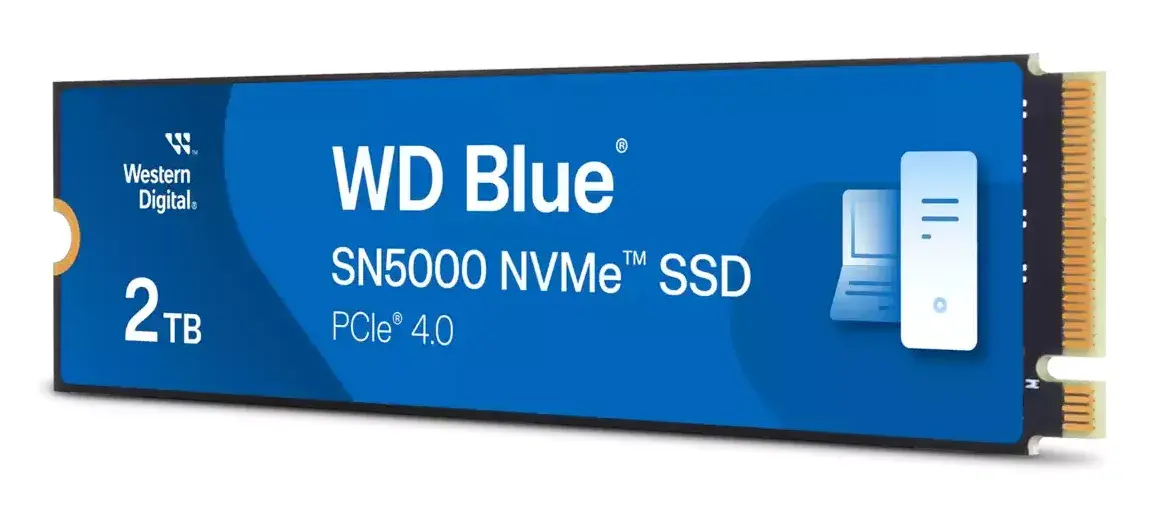
SSD Western Digital Blue SN5000 2 TB M.2 PCIe 4.0 NVMe Read 5150 MB/s Write 4850 MB/s
The Western Digital Blue SN5000 2 TB M.2 PCIe 4.0 NVMe SSD delivers high-speed solid-state storage in a compact M.2 form factor. With sustained read speeds up to 5150 MB/s and write speeds up to 4850 MB/s, this 2000 GB drive is designed to accelerate system responsiveness, reduce load times and improve file transfer performance for a wide range of computing tasks. Its compact M.2 design allows straightforward installation in compatible laptops, desktops and workstations that support PCIe Gen4 NVMe drives.
The WD Blue SN5000 provides fast sequential read and write performance that benefits demanding applications and large file workflows. The M.2 PCIe 4.0 interface enables higher bandwidth compared with PCIe 3.0, improving transfer times for large media files and datasets. The 2 TB capacity offers a balance of storage space and performance for users who need both local capacity and speed. Low physical weight and a single-sided M.2 design simplify installation in systems with limited internal space.
Ensure your computer’s motherboard or laptop supports M.2 PCIe NVMe Gen4 drives before installation. Power down the system, open the case or access panel, and locate the M.2 slot. Insert the SSD at the recommended angle, secure it with the mounting screw, then reassemble the system. On first boot, initialize and format the drive in your operating system’s disk management utility if required. For data migration, use compatible cloning software to transfer an existing system image to the new SSD.
For optimal performance, install the drive in a PCIe Gen4-capable M.2 slot and ensure your system firmware and drivers are up to date. Maintain adequate airflow around the M.2 slot to help manage temperature during sustained heavy workloads, and consider using manufacturer-recommended migration tools for cloning existing drives.
{{highlightedFeature.featureTitle}}:
{{getProductFeatureValueById(product, highlightedFeature.featureId)}}
{{ productComparisonGenerationError }}