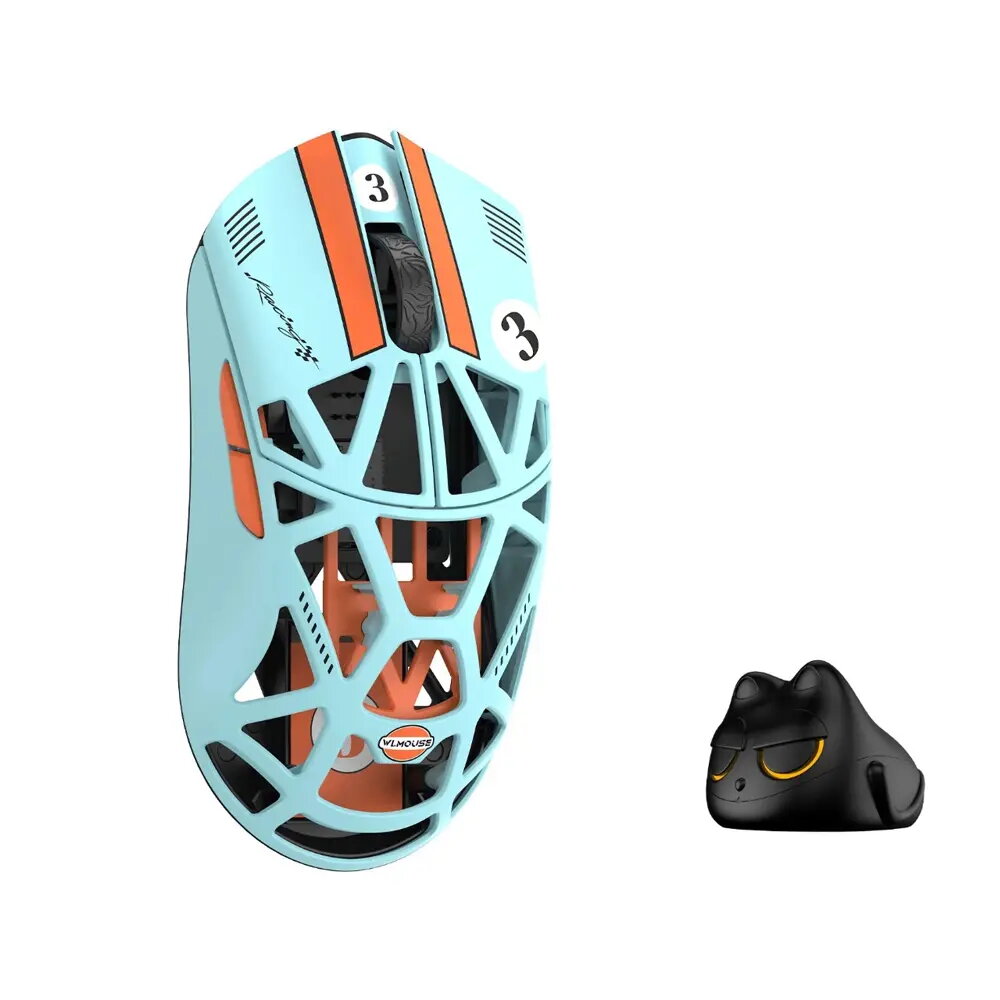
The WLMouse Beast X Mini Pro is a high-performance gaming mouse engineered for competitive players who demand precision, speed, and reliability. Featuring a lightweight construction of only 34 grams and a symmetrical shape, this mouse provides exceptional maneuverability during intense gaming sessions. The inclusion of solid side panels ensures a consistent and secure grip, while the high-end PixArt 3950HS sensor delivers accurate tracking across various surfaces. Equipped with Omron optical switches, the device offers rapid actuation and long-term durability, making it a robust tool for professional-grade gaming.
Advantages
The primary advantage of this mouse lies in its ultra-lightweight design, which significantly reduces wrist fatigue during prolonged use. The integration of the PixArt 3950HS sensor ensures high-fidelity movement tracking, allowing for pixel-perfect accuracy in fast-paced environments. Furthermore, the Omron optical switches provide a distinct tactile response and eliminate the risk of double-clicking issues common in mechanical switches. The symmetrical form factor makes it versatile for different grip styles, while the solid side panels offer a stable surface for improved control and consistency.
Suitable for
- Competitive FPS gaming
- Fast-paced action and strategy games
- Users preferring lightweight peripherals
- Gamers requiring high-precision sensor tracking
This mouse may not be suitable for users who prefer heavy, ergonomic mice with specialized thumb rests or those who require a large number of programmable side buttons for complex macros. Additionally, its compact size might be less comfortable for individuals with very large hands who prefer a palm grip.
Key specifications
- Sensor: PixArt 3950HS
- Weight: 34g
- Connection: 2.4GHz wireless and USB wired
- Shape: Symmetrical
- Switches: Omron optical
- Lighting: None
To use the WLMouse Beast X Mini Pro, connect the provided USB cable for wired operation or use the 2.4GHz wireless receiver for a cable-free experience. Ensure the device is placed on a clean, flat surface to allow the optical sensor to function optimally. The mouse is plug-and-play compatible, though you may install manufacturer software to adjust sensitivity settings, polling rates, and button assignments to suit your specific gaming preferences.
What to consider before purchase
- Verify that the compact size fits your hand dimensions and grip style
- Ensure your computer has an available USB port for the receiver or cable
- Consider if the lack of RGB lighting aligns with your setup aesthetic
For the best performance, keep the sensor lens free of dust and debris, and use a high-quality mouse pad to ensure smooth tracking and consistent sensor response.