
JBL speakers and headphones for pure and deep sound!
In cart {{totalProductsCount}} item(s)
Your cart is empty
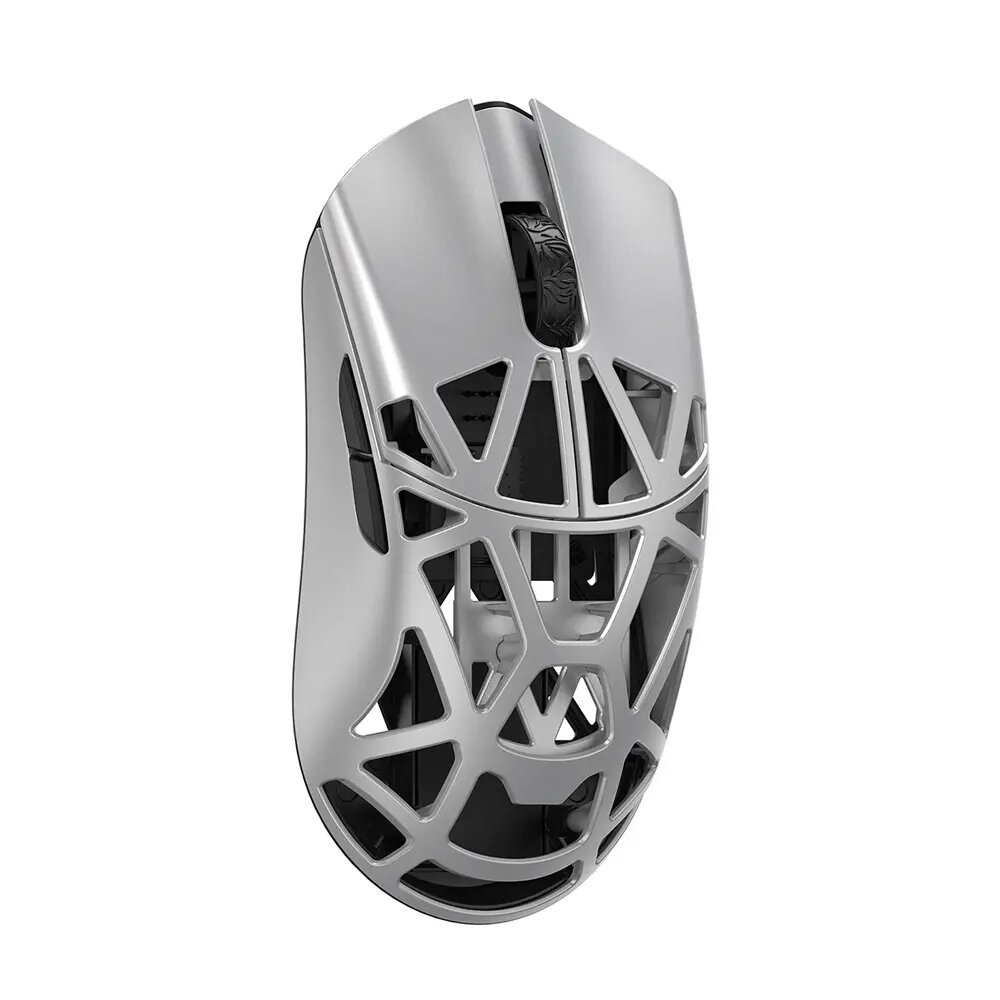
WLMouse Beast X Pro Gaming Mouse, Solid Sides, Omron Optical Switches, Metallic Silver
The WLMouse Beast X Pro is a high-performance gaming mouse engineered for competitive play, featuring a lightweight metallic silver chassis and solid side panels for a stable grip. Equipped with responsive Omron optical switches and the advanced PixArt 3950HS sensor, this device provides precise tracking and rapid input registration. Its symmetrical design ensures comfortable handling for various grip styles, making it a reliable tool for professional gamers and enthusiasts who demand consistency and speed in their peripherals.
This gaming mouse stands out due to its ultra-lightweight construction, weighing only 41 grams, which significantly reduces fatigue during extended gaming sessions. The integration of Omron optical switches ensures long-term durability and eliminates double-clicking issues common in mechanical switches. The high-precision PixArt 3950HS sensor offers exceptional accuracy across various surfaces, while the dual-mode connectivity via 2.4GHz wireless or USB cable provides flexibility and low-latency performance essential for fast-paced gaming environments.
This mouse may not be suitable for users who require a large number of programmable side buttons for complex macros or MMO gaming. Additionally, individuals who prefer a heavier mouse for increased tactile feedback or those who specifically require integrated RGB lighting may find this model less ideal due to its minimalist design and focus on weight reduction.
To use the WLMouse Beast X Pro, connect the provided USB receiver to your computer for 2.4GHz wireless operation or use the included USB cable for a wired connection. The mouse is designed to be plug-and-play, though installing the manufacturer's software allows for further customization of sensitivity settings and polling rates to suit your specific gaming preferences.
For optimal performance, keep the sensor lens clean from dust and debris, and ensure the 2.4GHz receiver is placed in a clear line of sight to the mouse to maintain a stable, interference-free connection.
{{highlightedFeature.featureTitle}}:
{{getProductFeatureValueById(product, highlightedFeature.featureId)}}
{{ productComparisonGenerationError }}