{{ totalProductsCount }}

In cart {{totalProductsCount}} item(s)

Total:
{{sum | formatAmount}}

Your cart is empty

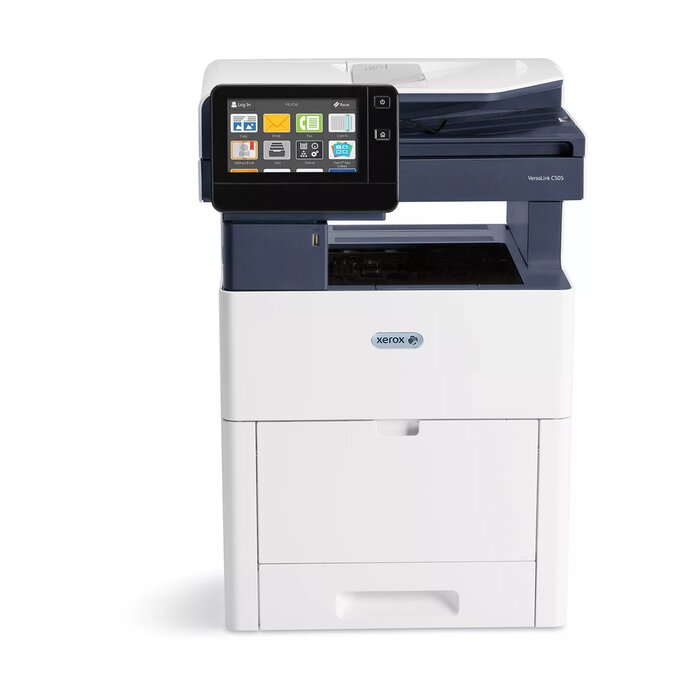
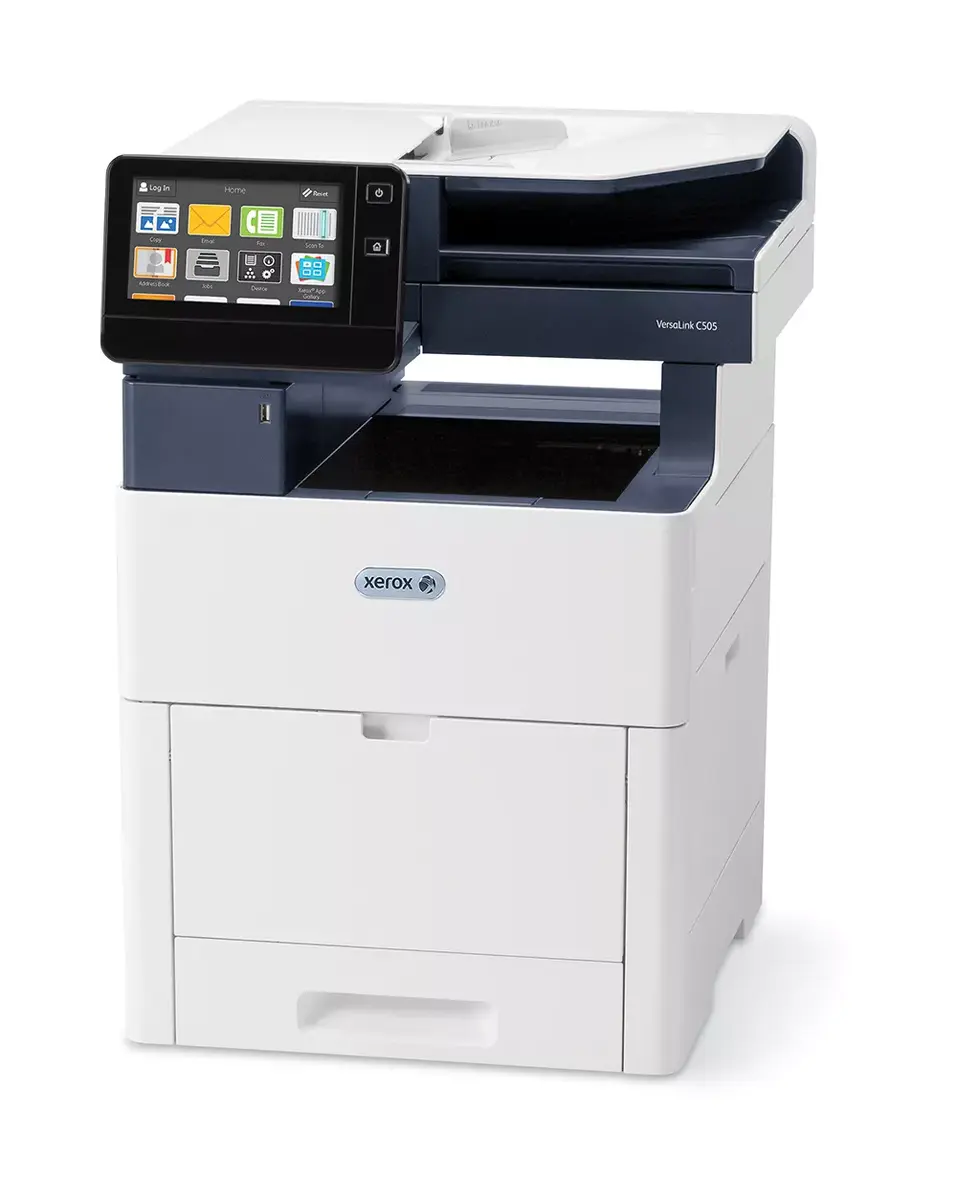
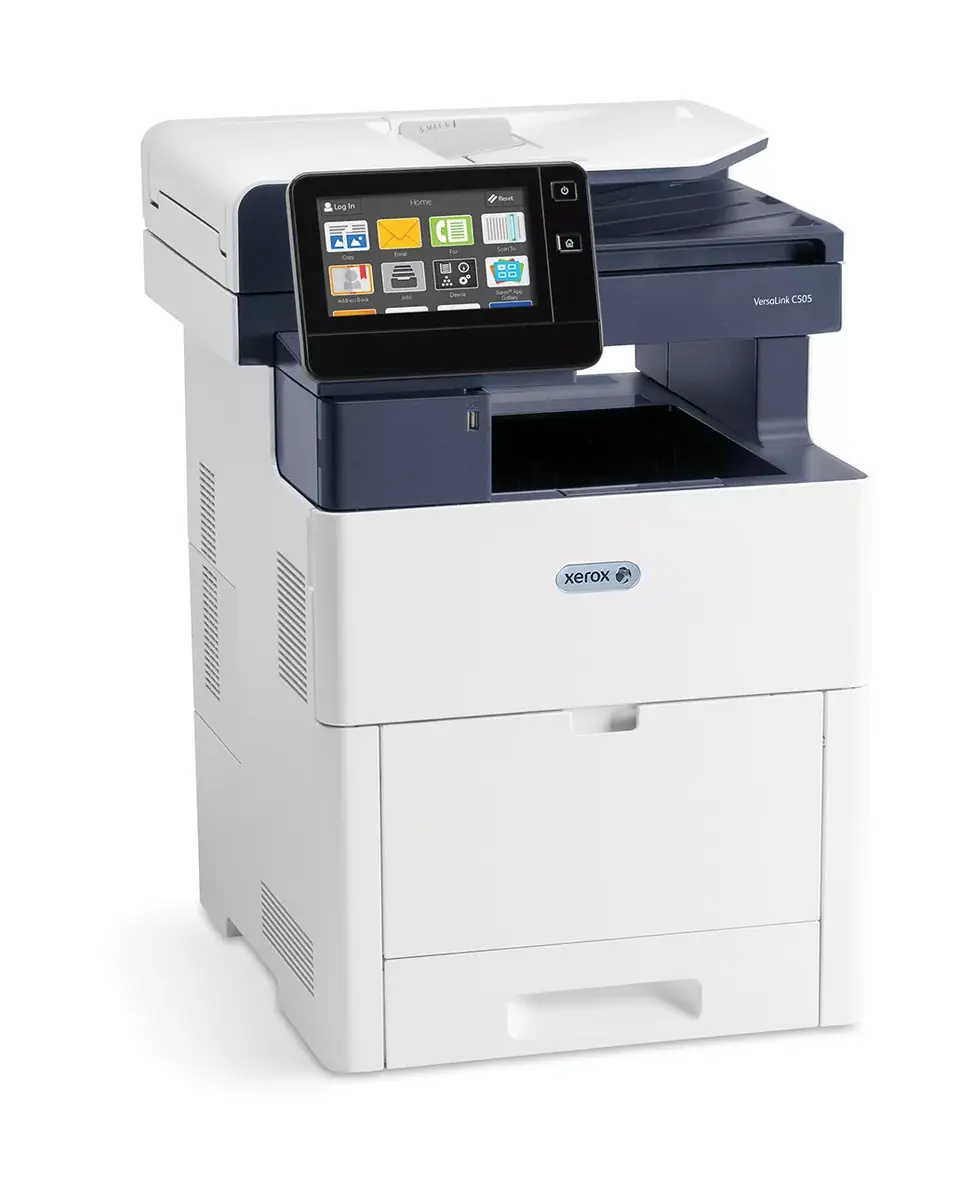
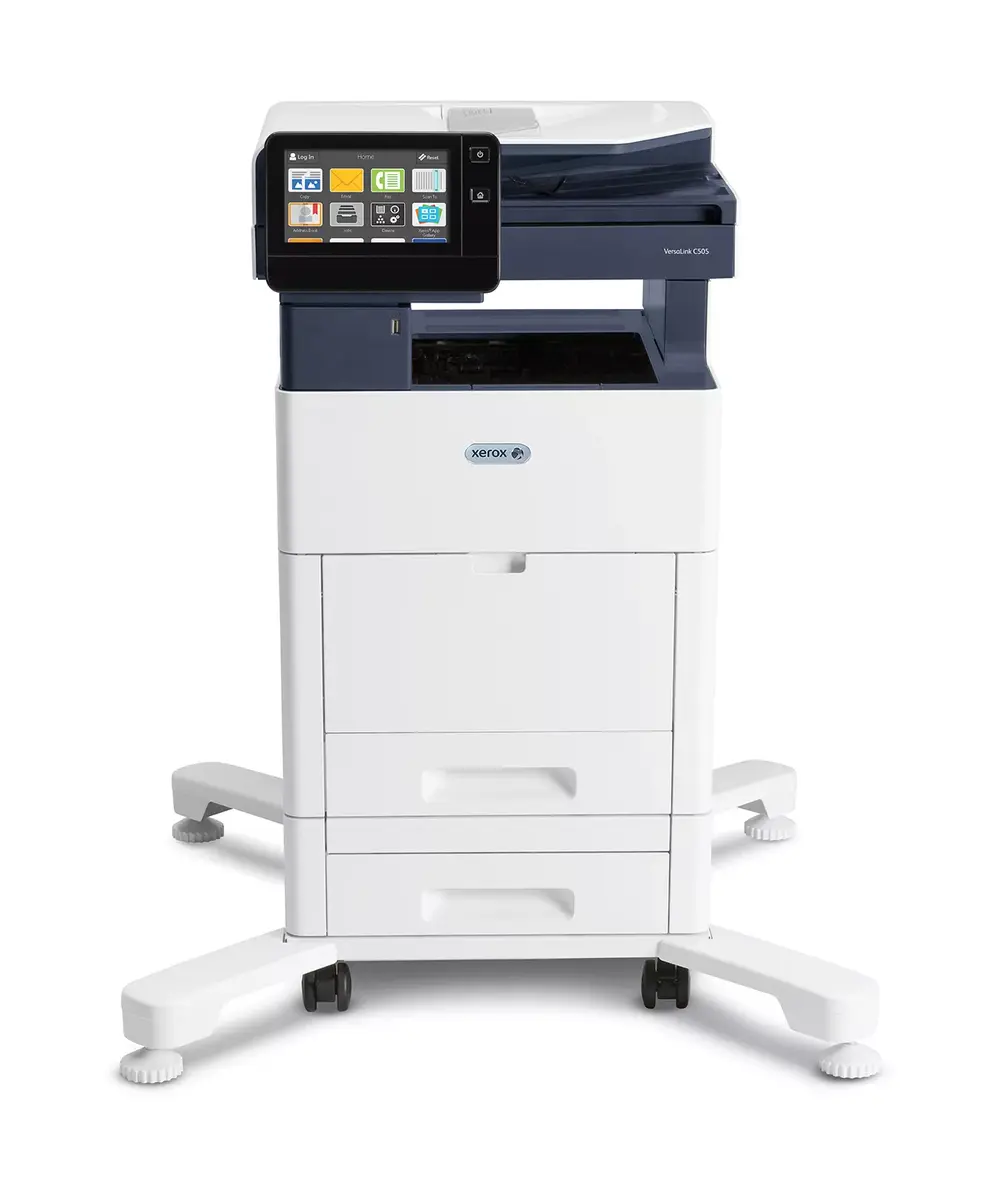
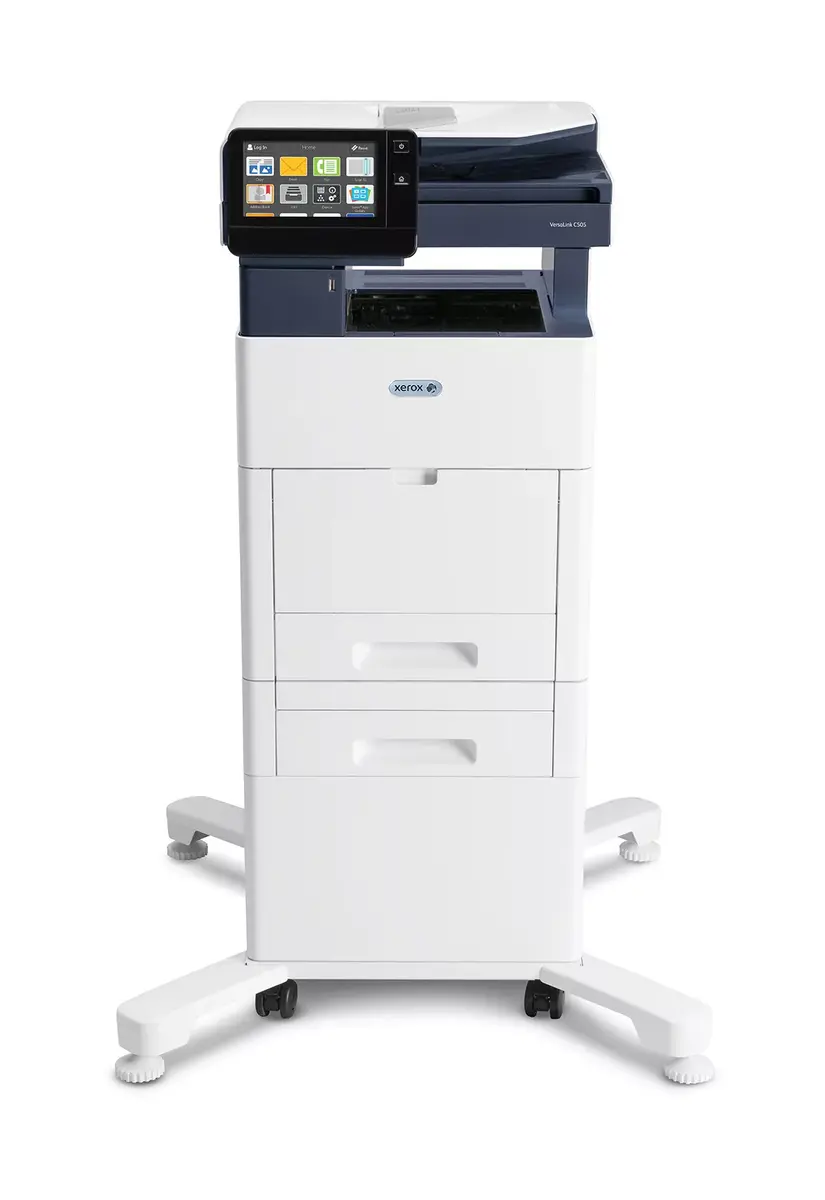
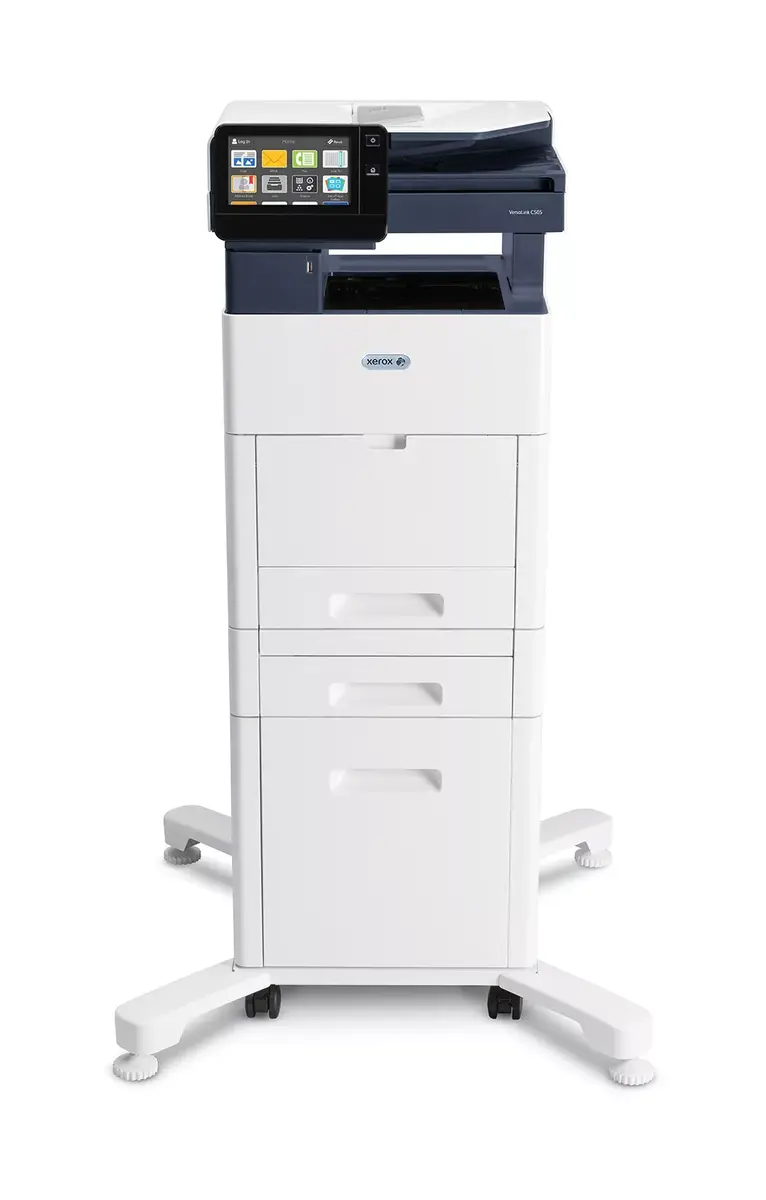
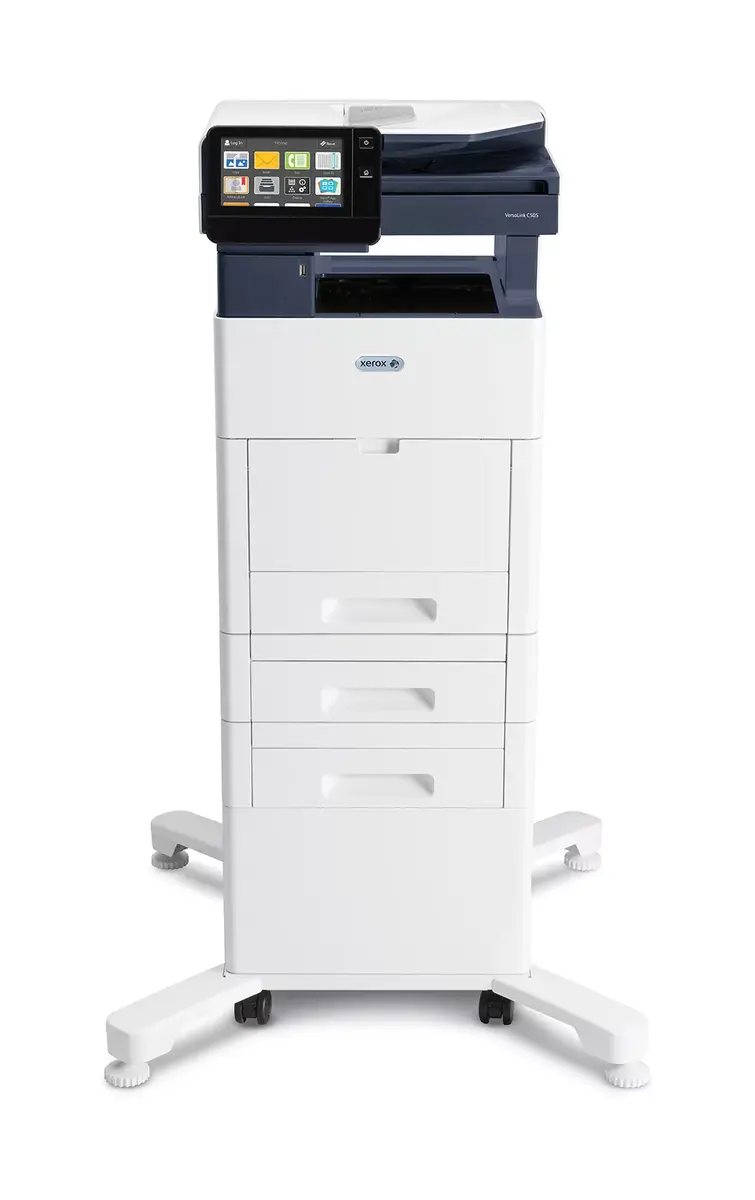
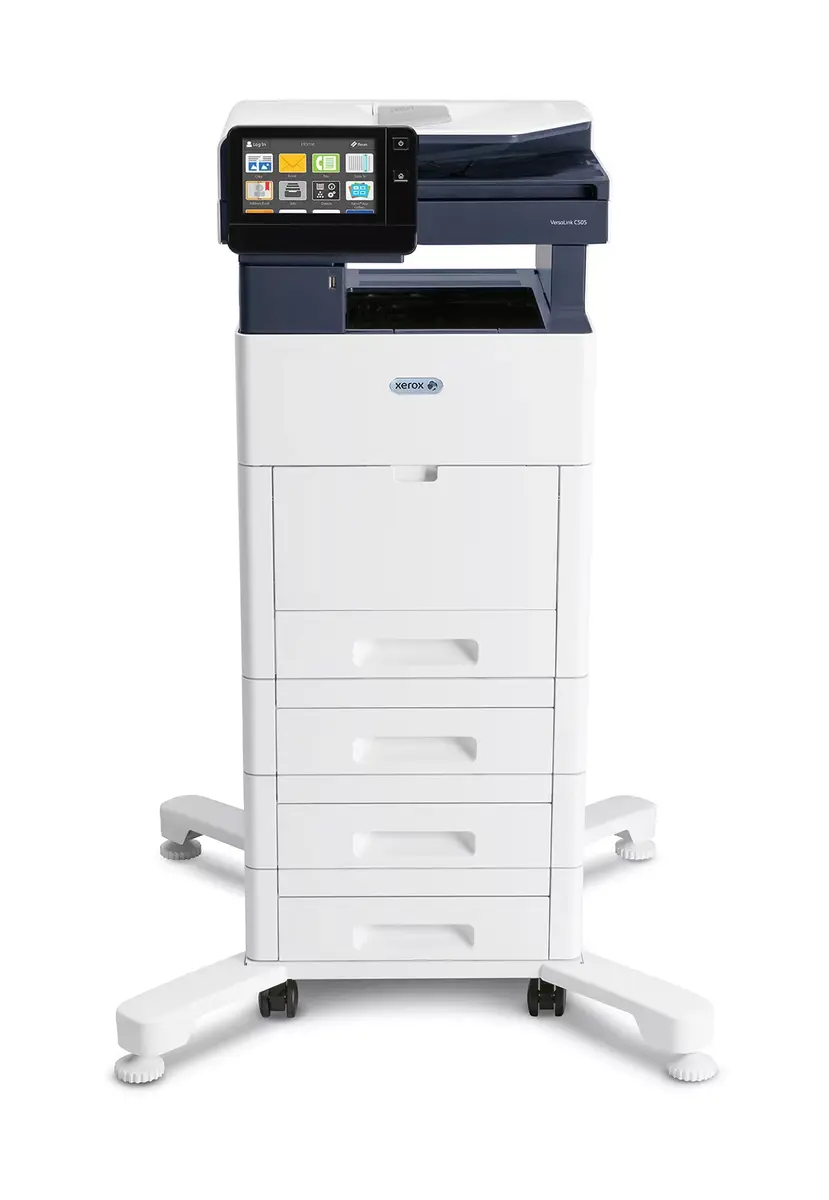
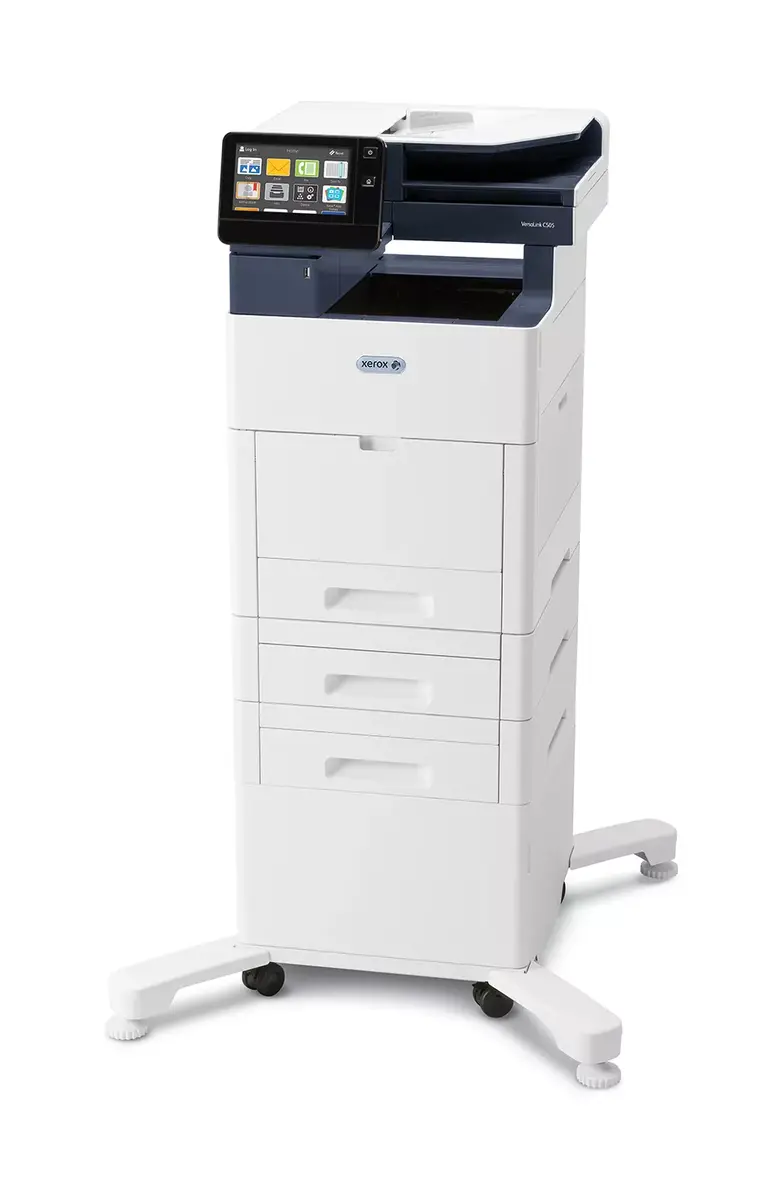
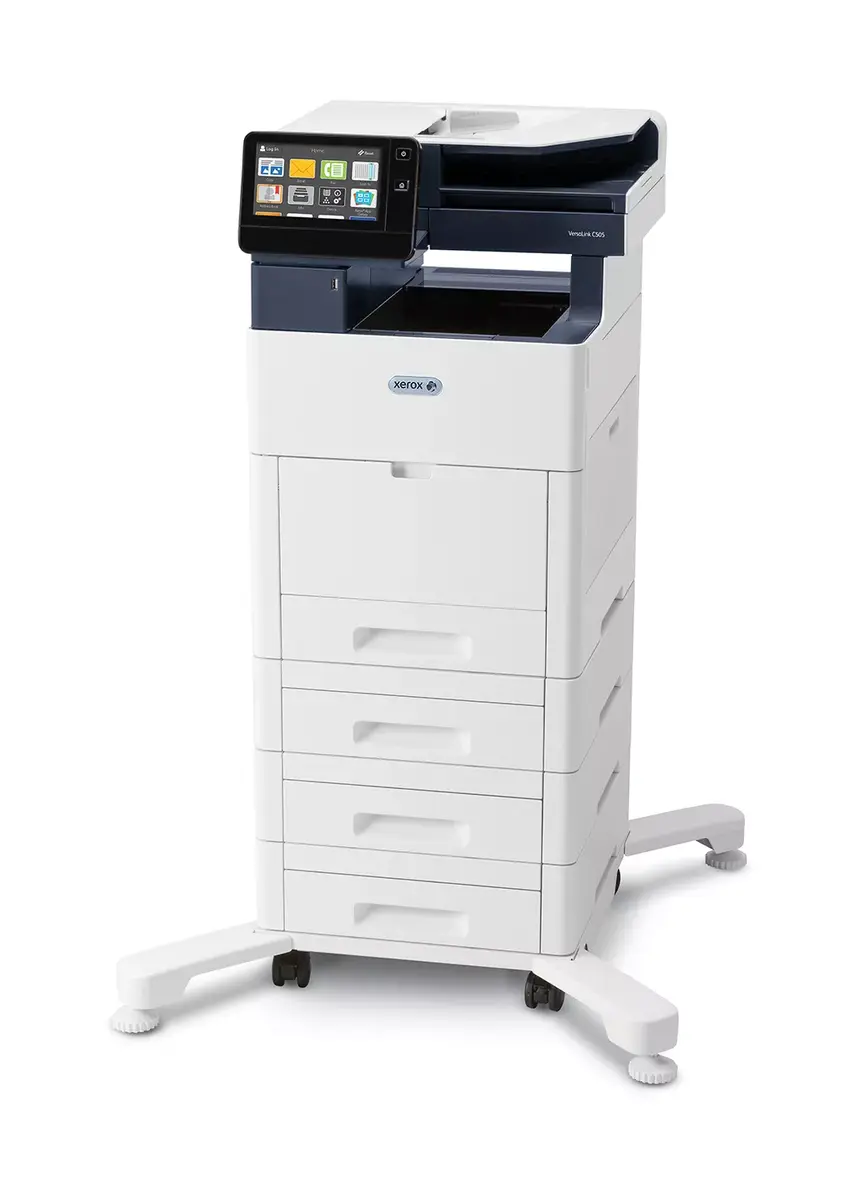
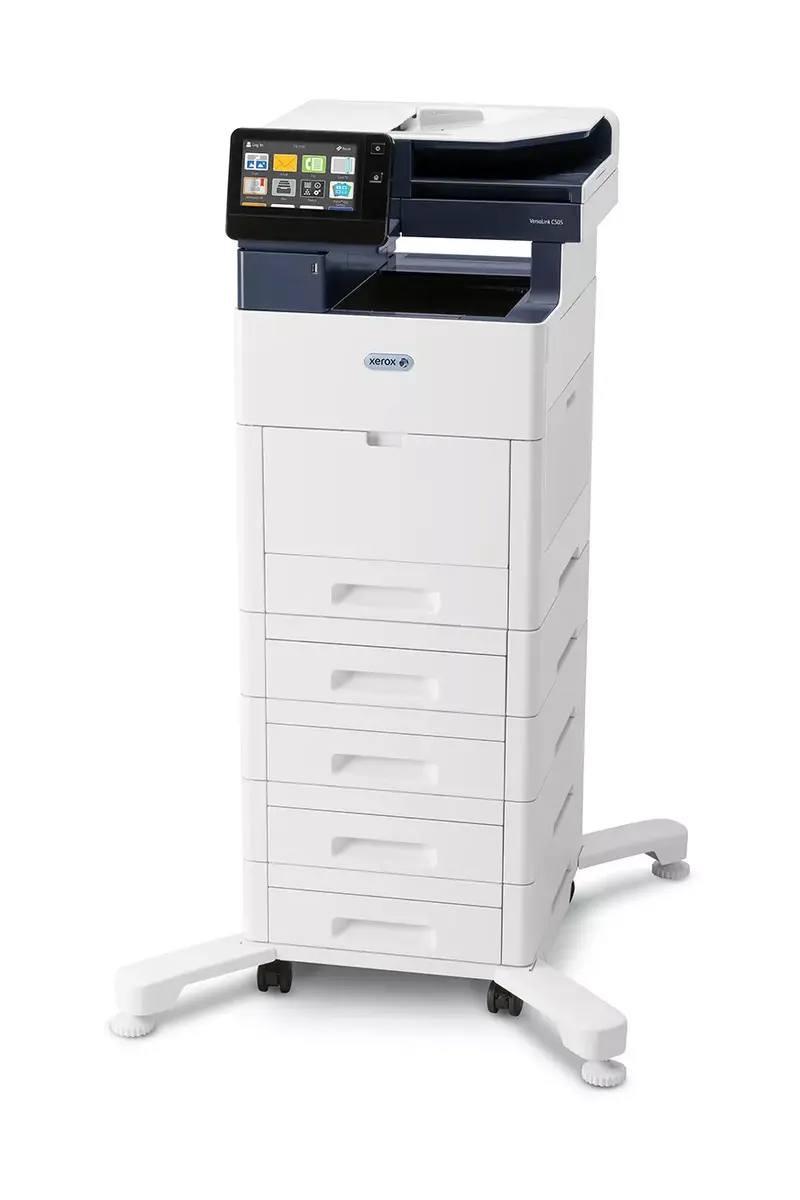
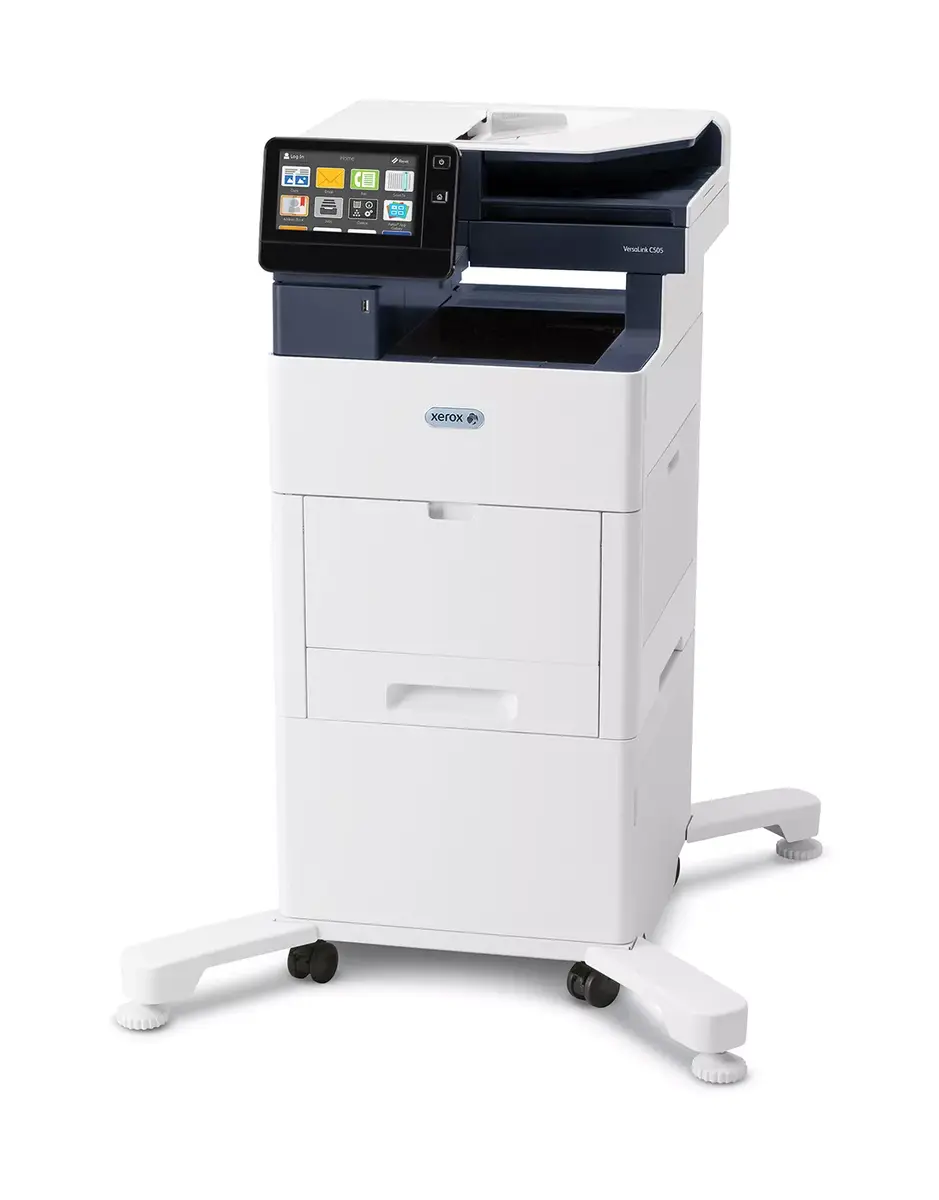
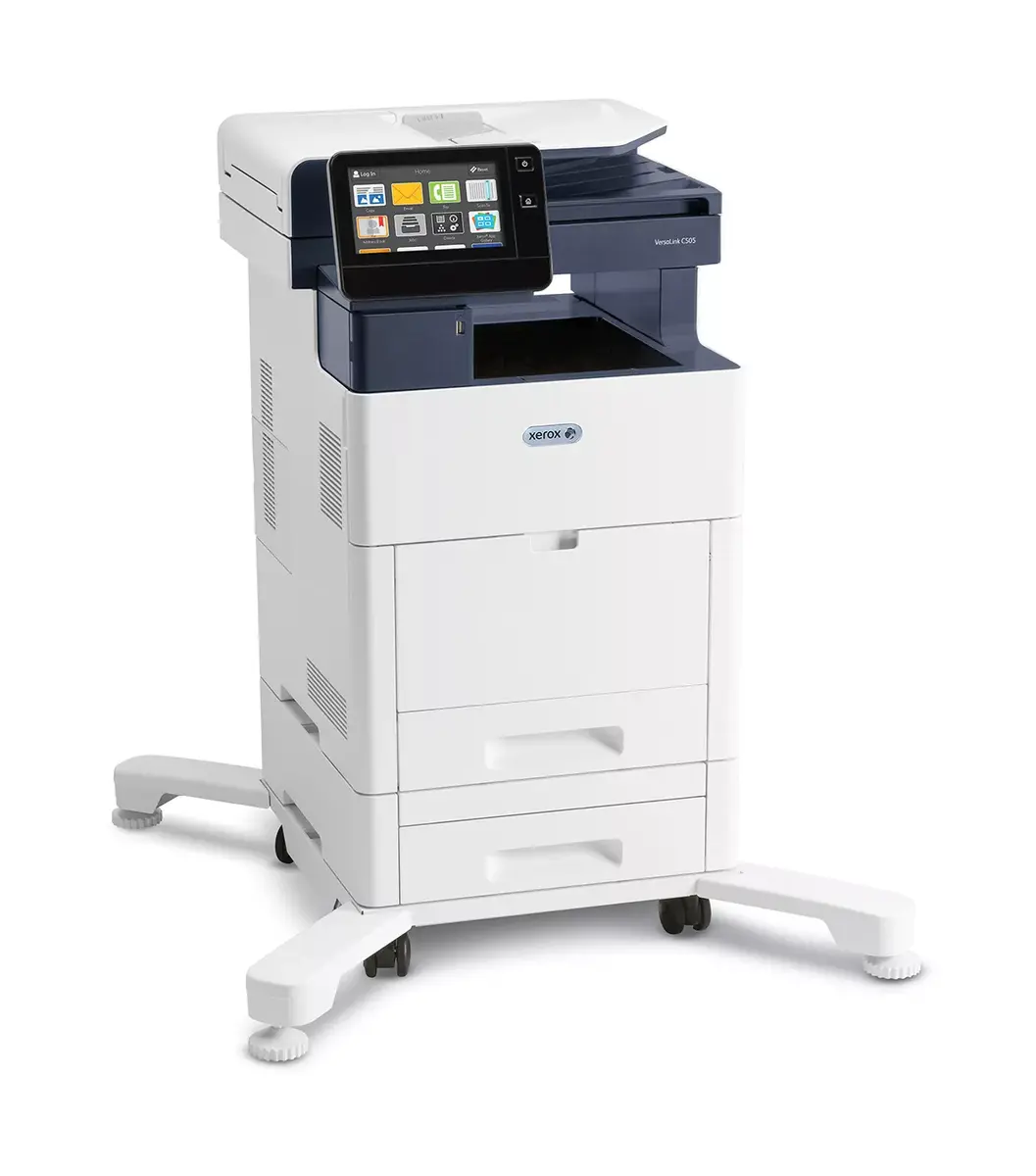
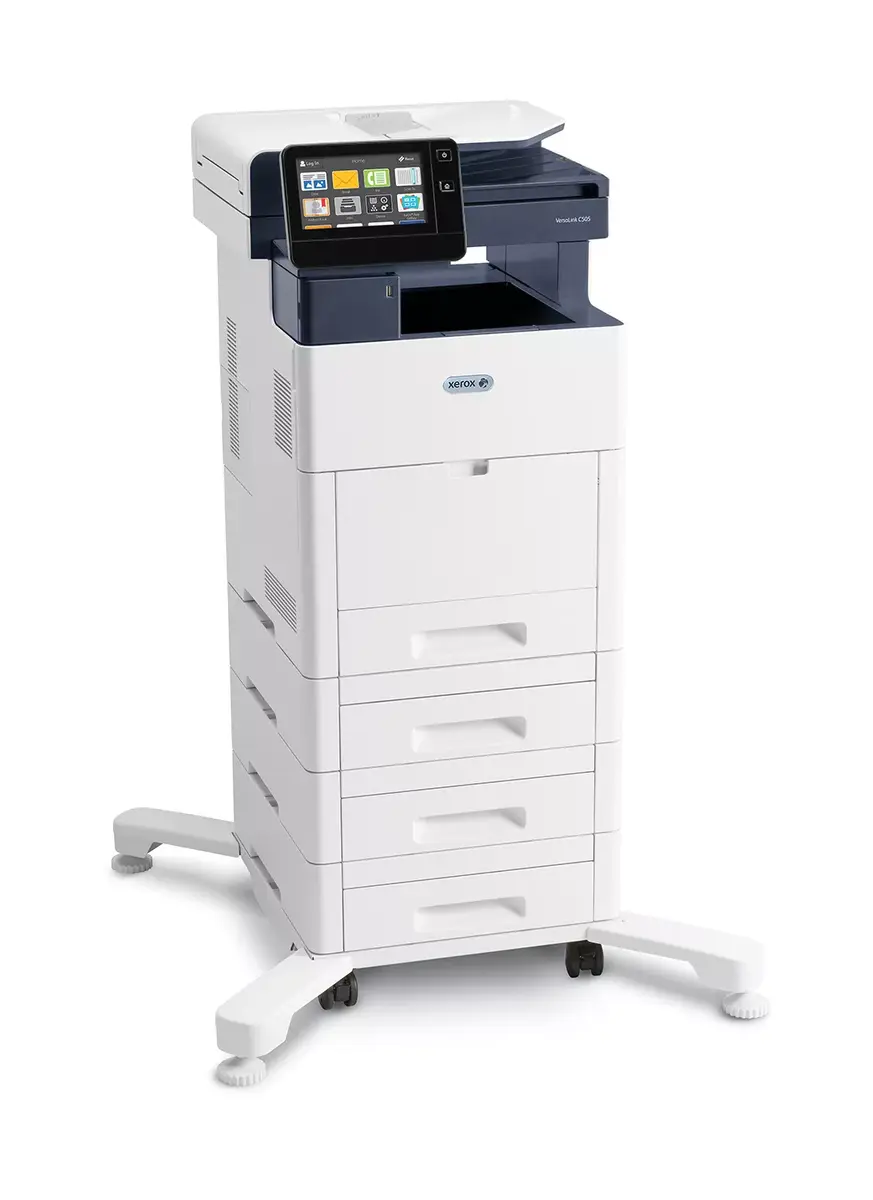
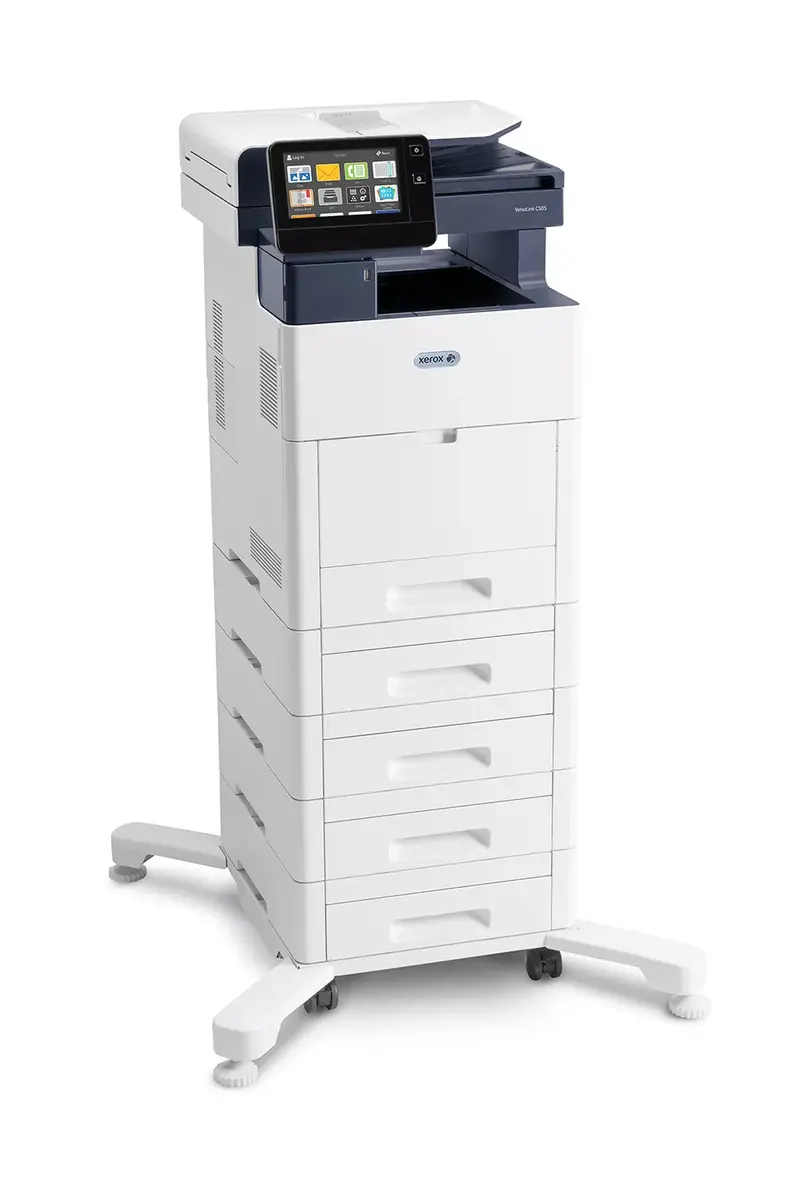
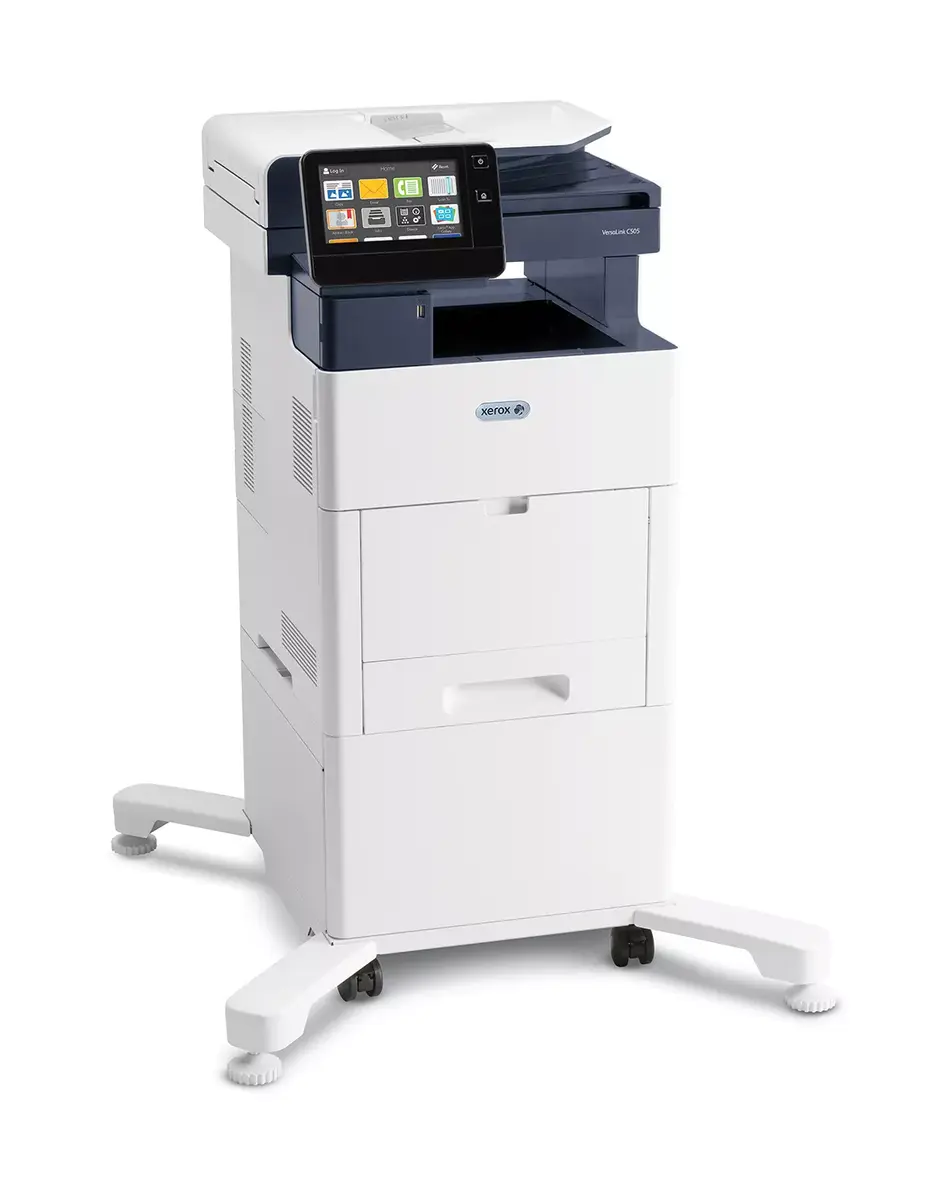
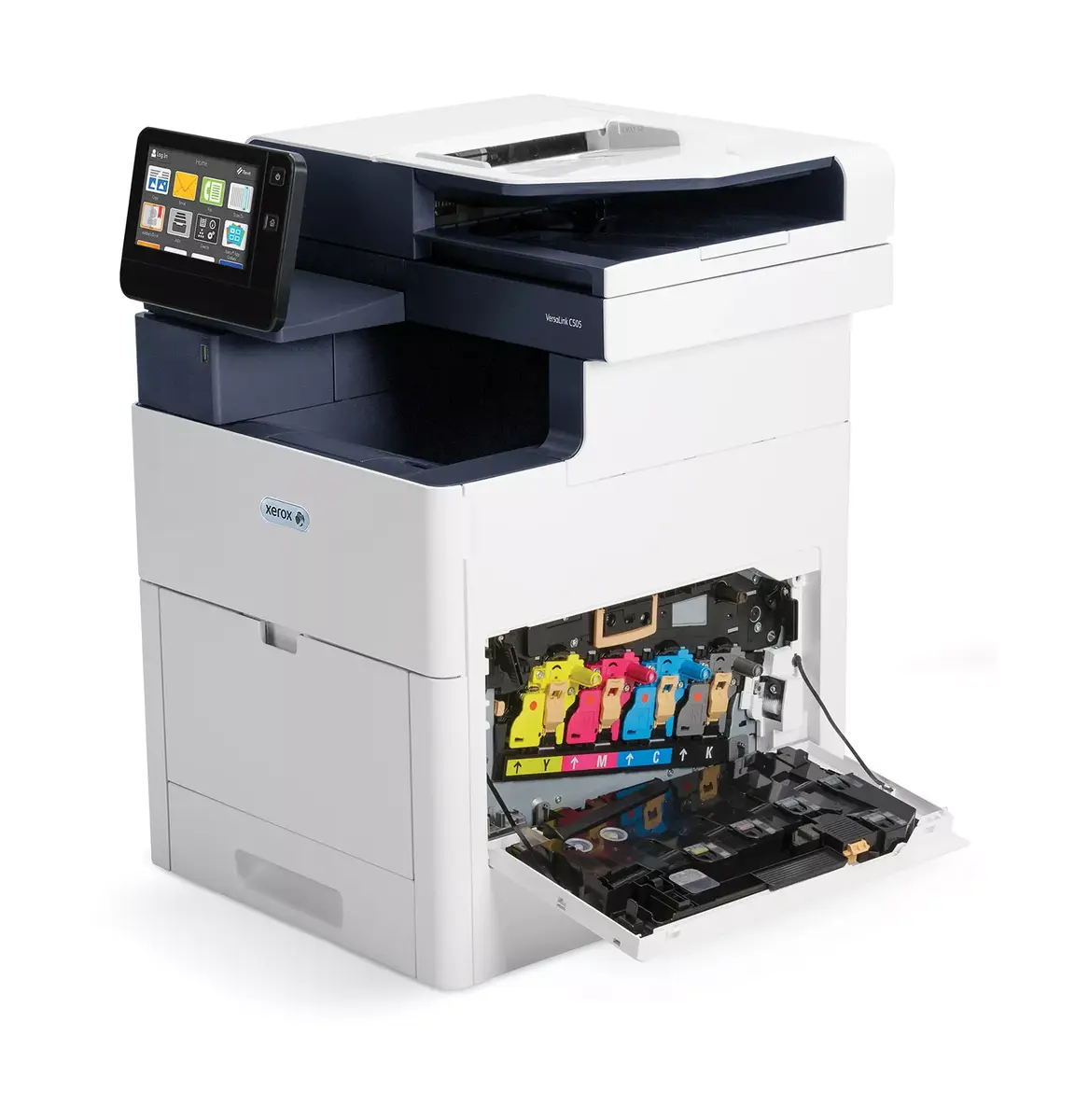
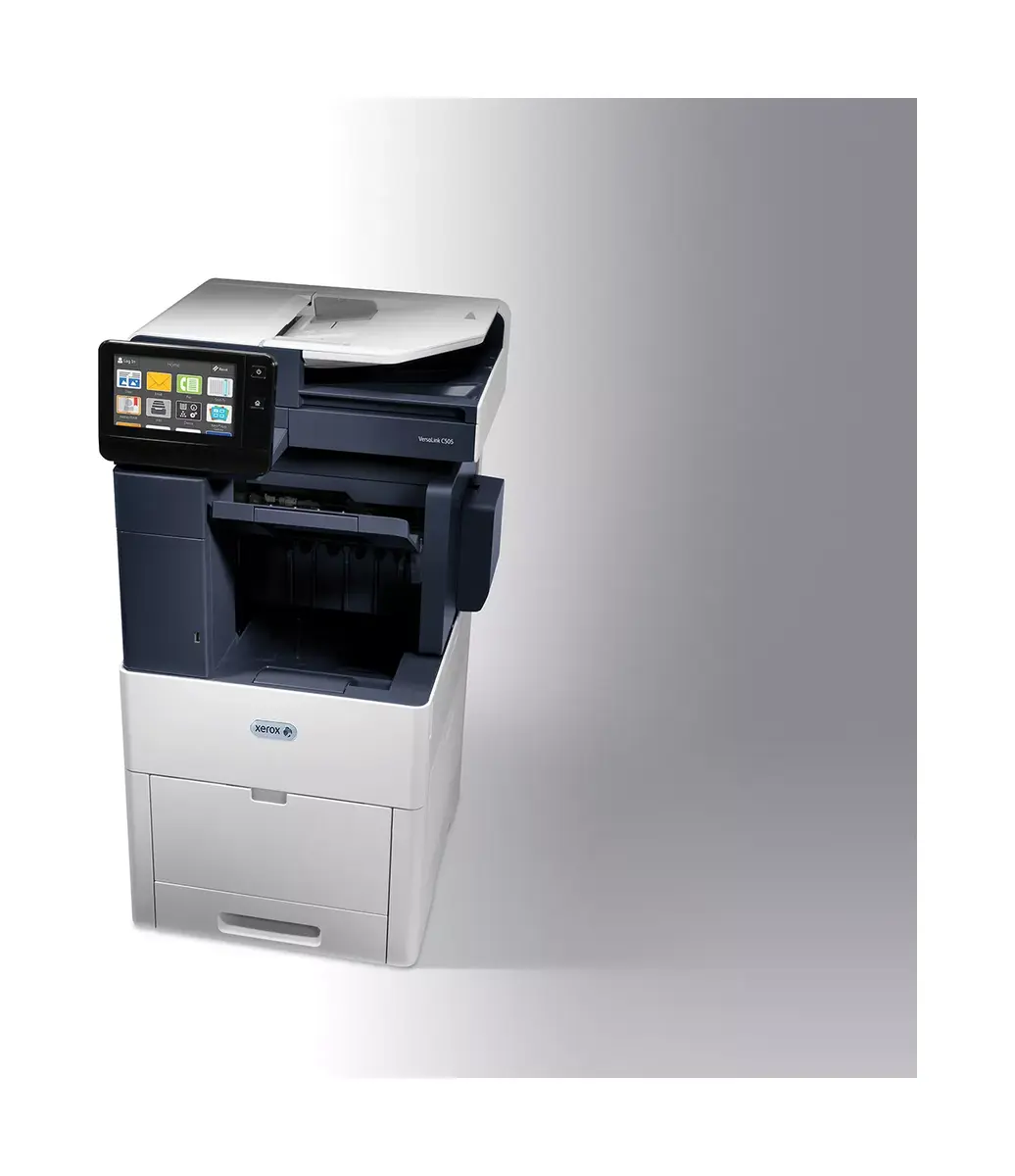
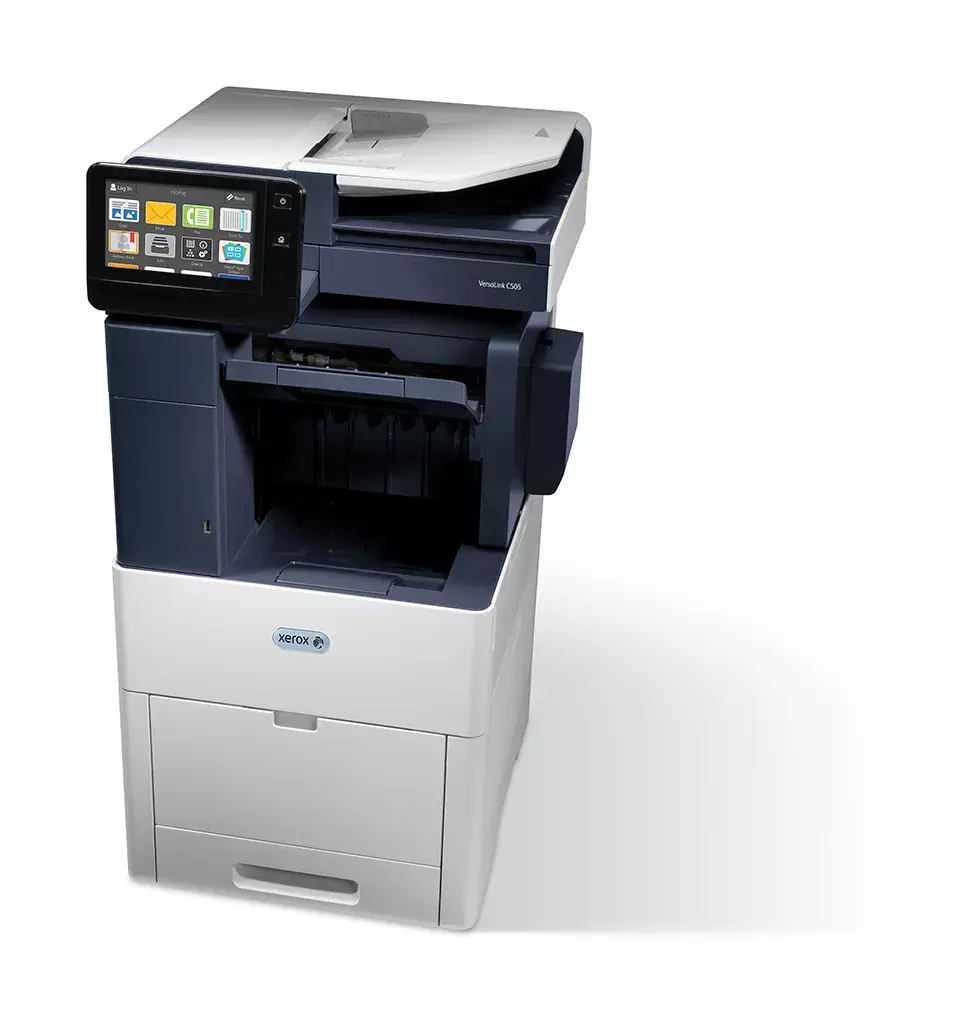
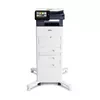
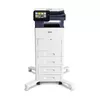
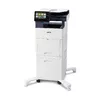
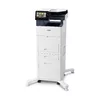
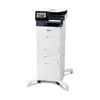
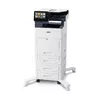
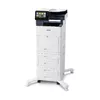
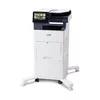
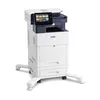
header-product Multifunction Device Xerox VersaLink C505 A4 43ppm Duplex Color Printing

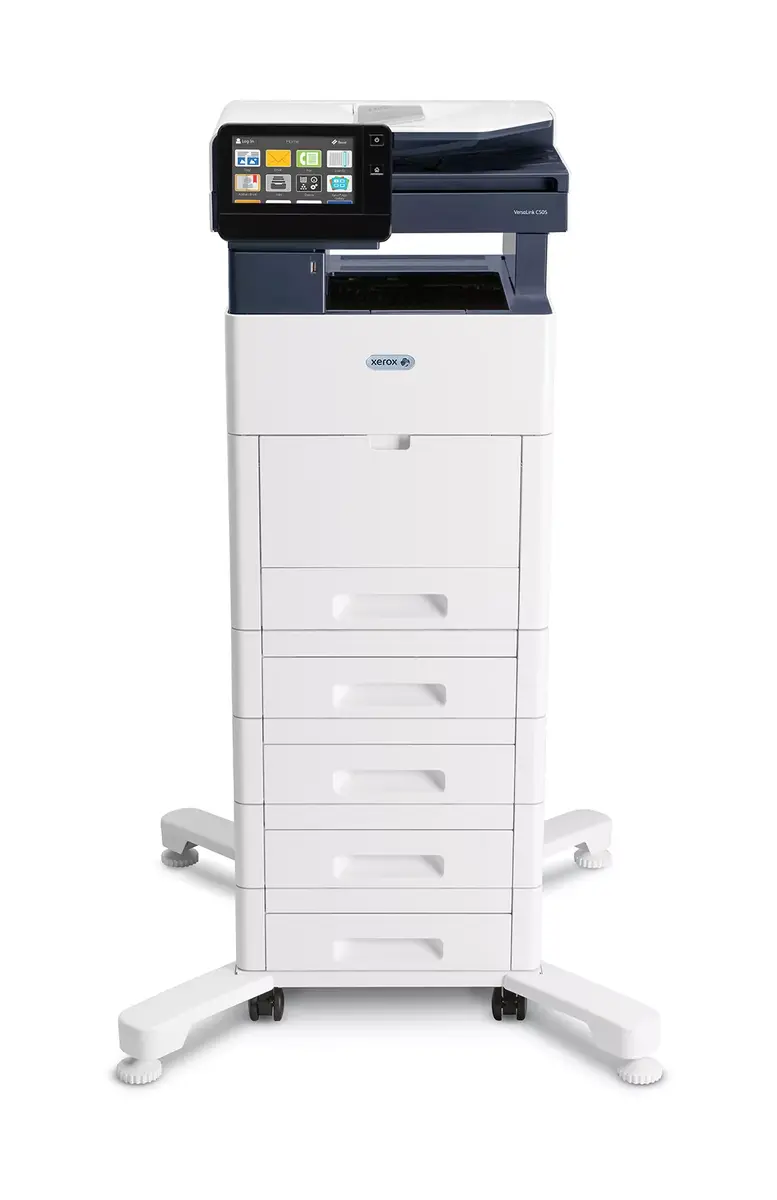
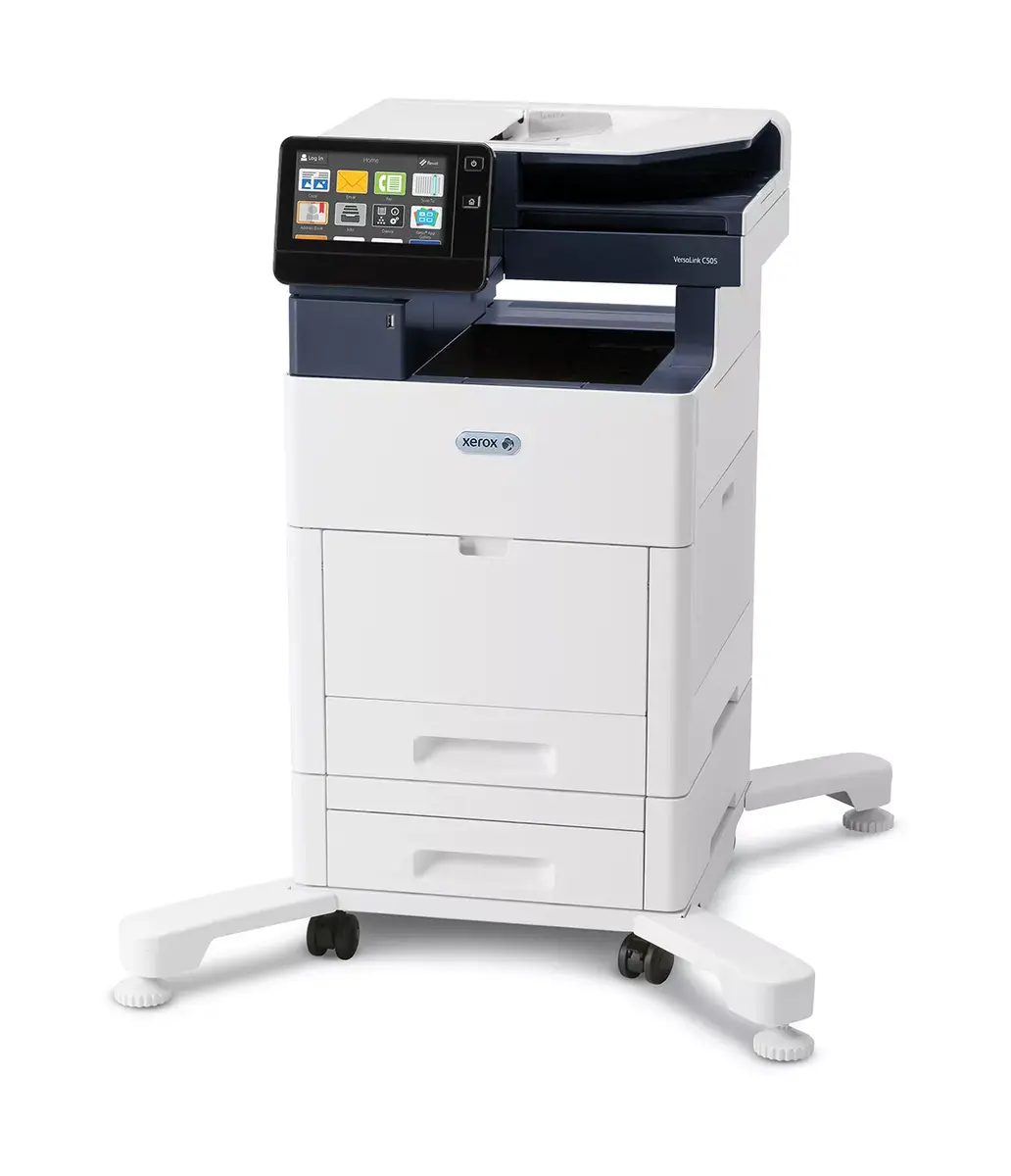
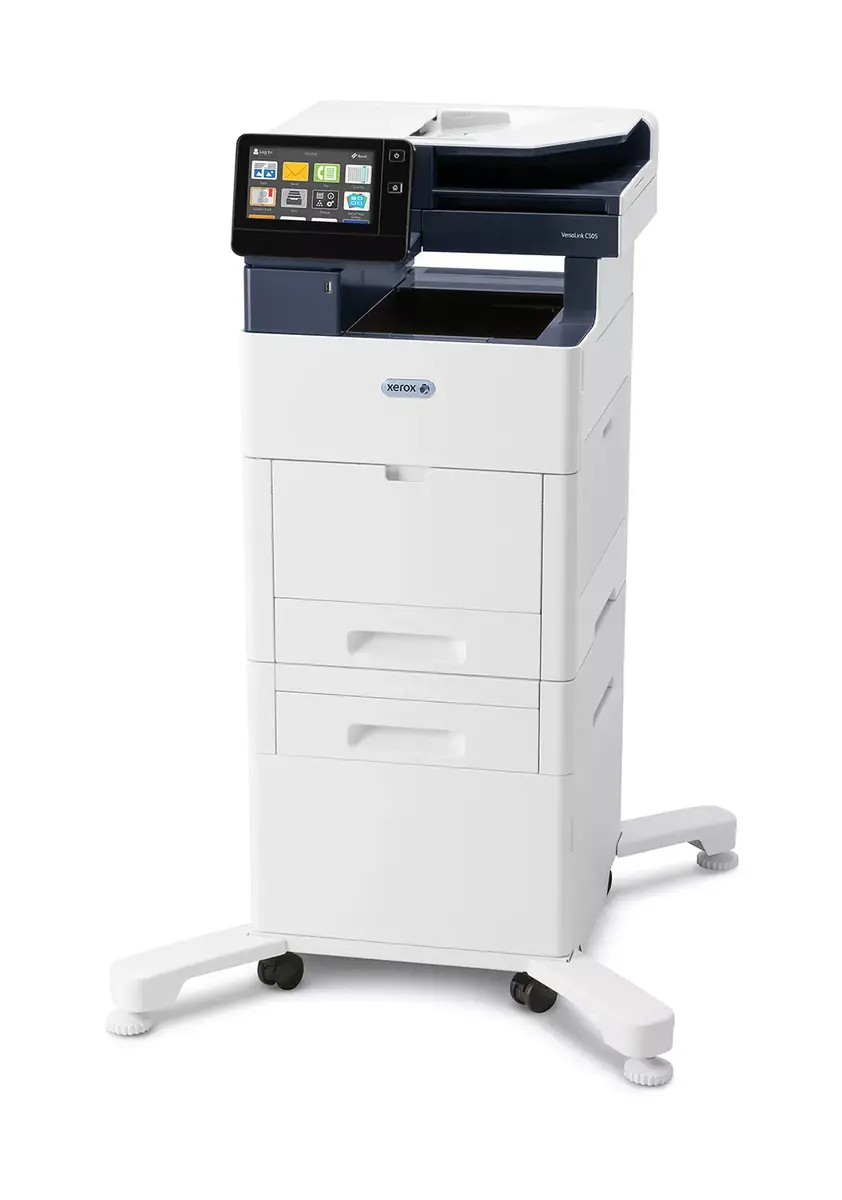
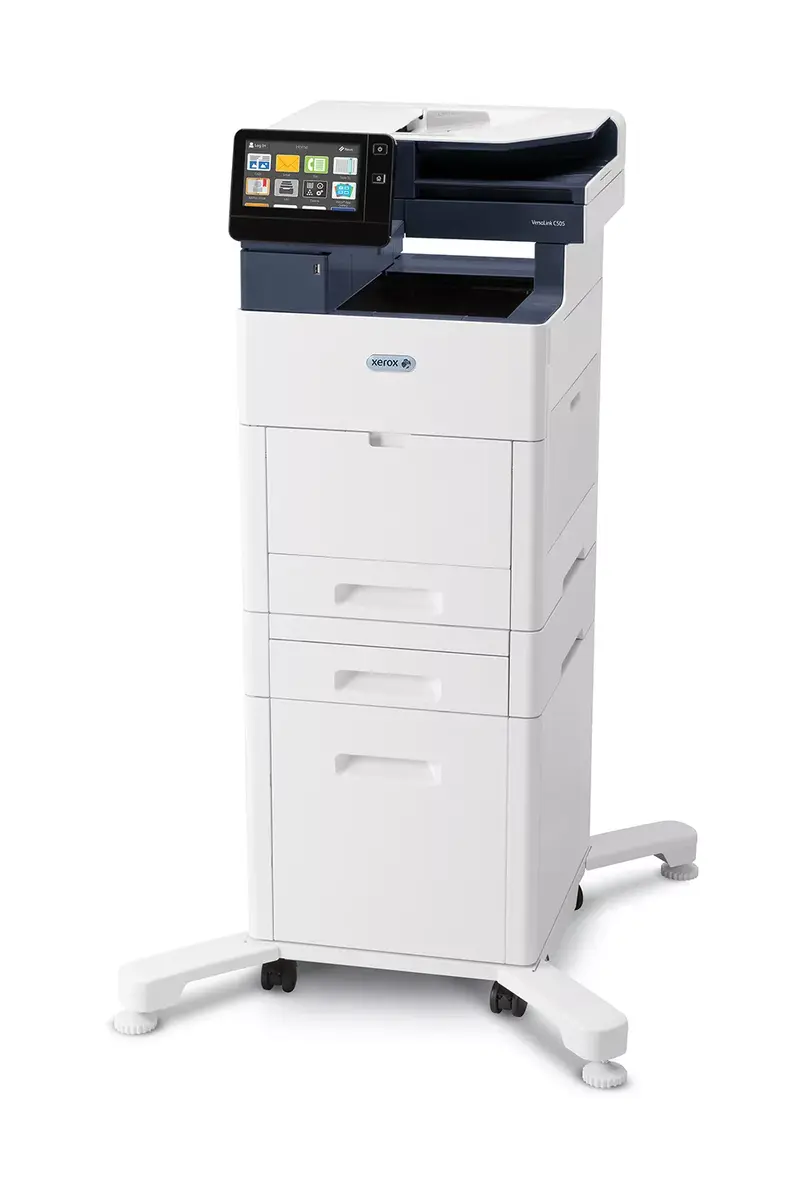
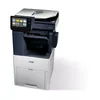
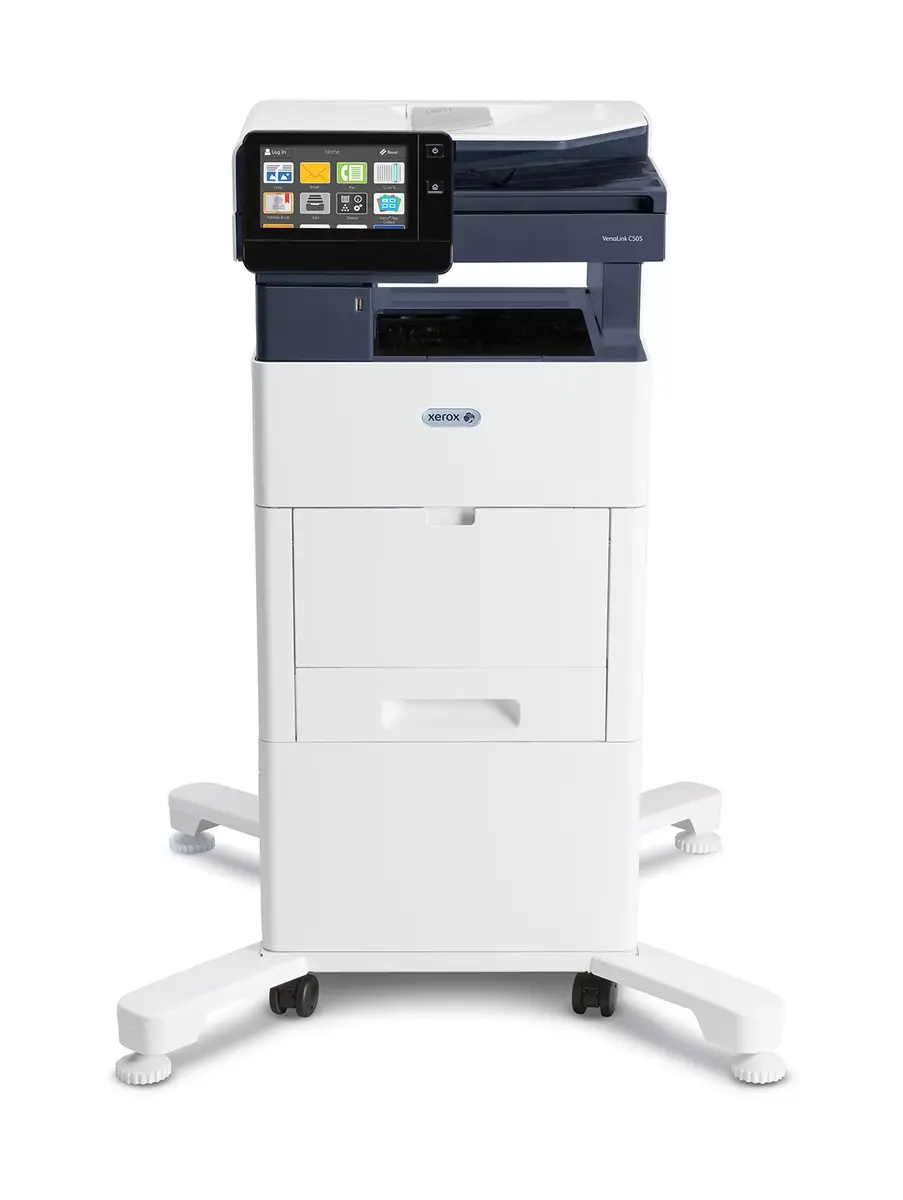
Multifunction Device Xerox VersaLink C505 A4 43ppm Duplex Color Printing

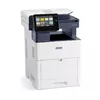
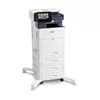
Multifunction Device Xerox VersaLink C505 Photo 1
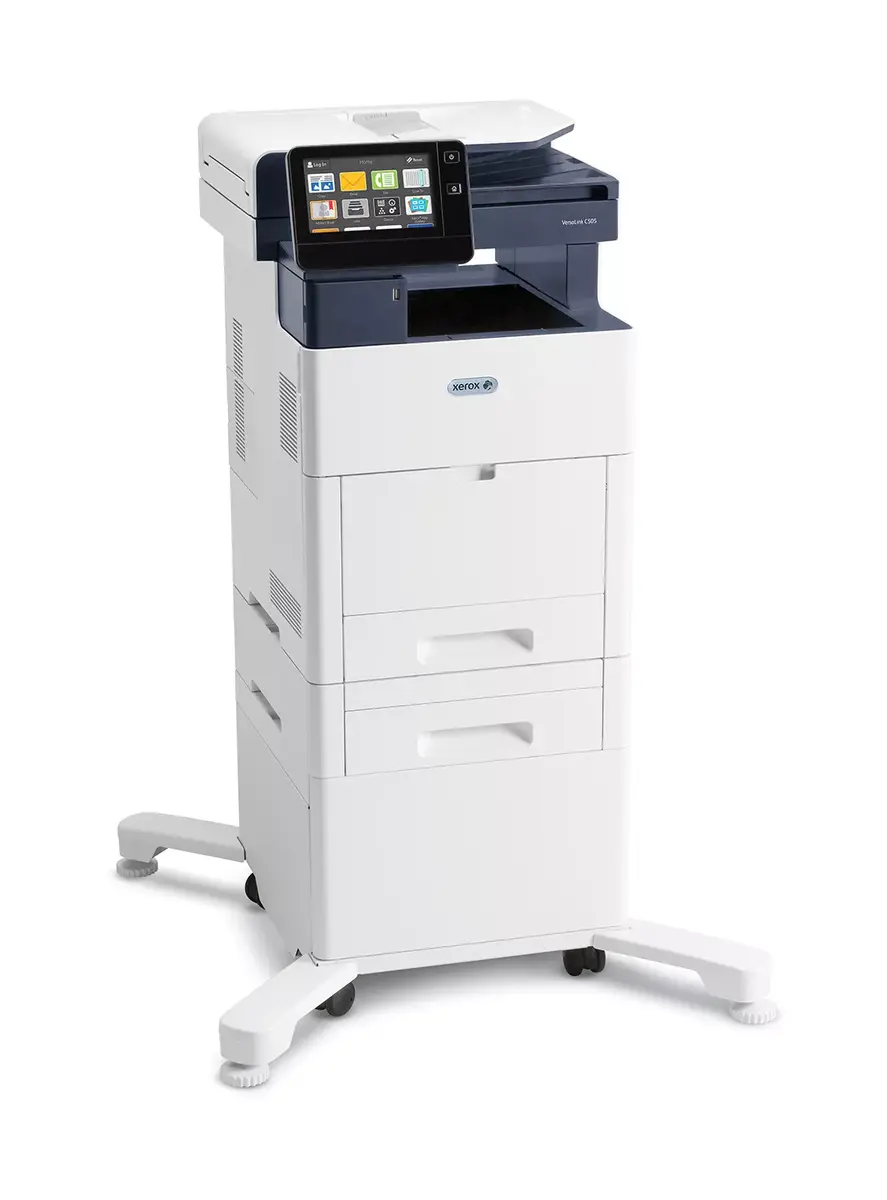
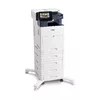
Multifunction Device Xerox VersaLink C505 Photo 2
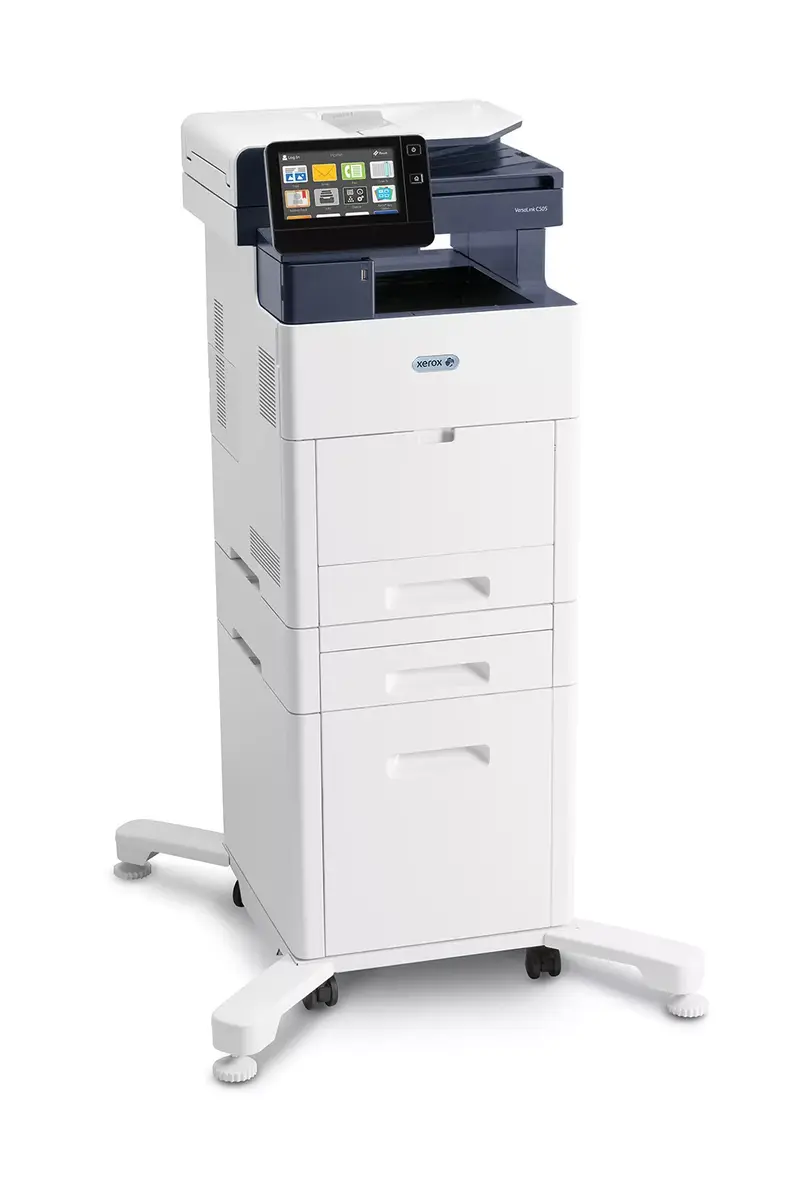
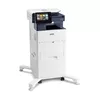
Multifunction Device Xerox VersaLink C505 Photo 3
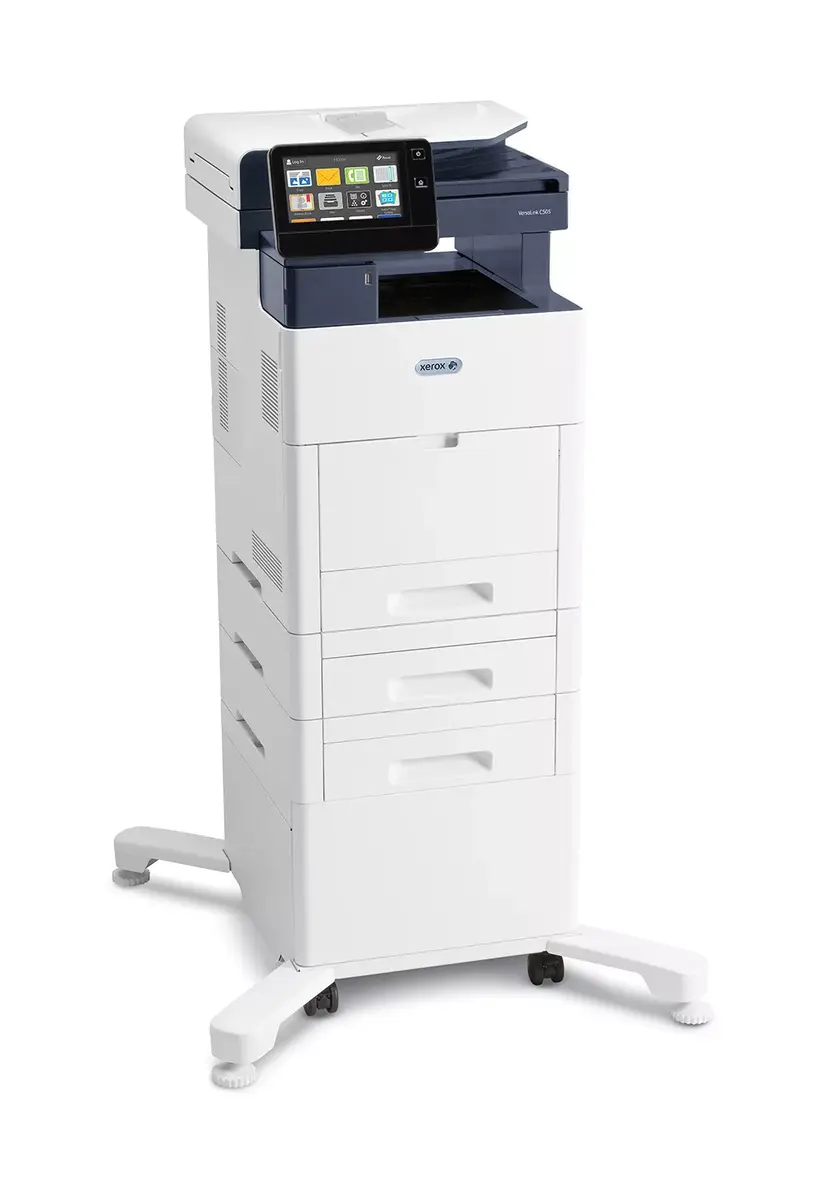
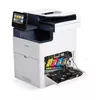
Multifunction Device Xerox VersaLink C505 Photo 4
Multifunction Device Xerox VersaLink C505 Photo 5
Multifunction Device Xerox VersaLink C505 Photo 6
Multifunction Device Xerox VersaLink C505 Photo 7
Multifunction Device Xerox VersaLink C505 Photo 8
Multifunction Device Xerox VersaLink C505 Photo 9
Multifunction Device Xerox VersaLink C505 Photo 10
Multifunction Device Xerox VersaLink C505 Photo 11
Multifunction Device Xerox VersaLink C505 Photo 12
Multifunction Device Xerox VersaLink C505 Photo 13
Multifunction Device Xerox VersaLink C505 Photo 14
Multifunction Device Xerox VersaLink C505 Photo 15
Multifunction Device Xerox VersaLink C505 Photo 16
Multifunction Device Xerox VersaLink C505 Photo 17
Multifunction Device Xerox VersaLink C505 Photo 18
Multifunction Device Xerox VersaLink C505 Photo 19
Multifunction Device Xerox VersaLink C505 Photo 20
Multifunction Device Xerox VersaLink C505 Photo 21
Multifunction Device Xerox VersaLink C505 Photo 22
Multifunction Device Xerox VersaLink C505 Photo 23
Multifunction Device Xerox VersaLink C505 Photo 24
Multifunction Device Xerox VersaLink C505 Photo 25
Multifunction Device Xerox VersaLink C505 Photo 26
Multifunction Device Xerox VersaLink C505 Photo 27
Multifunction Device Xerox VersaLink C505 Photo 1
Multifunction Device Xerox VersaLink C505 Photo 2
Multifunction Device Xerox VersaLink C505 Photo 3
Multifunction Device Xerox VersaLink C505 Photo 4
Multifunction Device Xerox VersaLink C505 Photo 5
Multifunction Device Xerox VersaLink C505 Photo 6
Multifunction Device Xerox VersaLink C505 Photo 7
Multifunction Device Xerox VersaLink C505 Photo 8
Multifunction Device Xerox VersaLink C505 Photo 9
Multifunction Device Xerox VersaLink C505 Photo 10
Multifunction Device Xerox VersaLink C505 Photo 11
Multifunction Device Xerox VersaLink C505 Photo 12
Multifunction Device Xerox VersaLink C505 Photo 13
Multifunction Device Xerox VersaLink C505 Photo 14
Multifunction Device Xerox VersaLink C505 Photo 15
Multifunction Device Xerox VersaLink C505 Photo 16
Multifunction Device Xerox VersaLink C505 Photo 17
Multifunction Device Xerox VersaLink C505 Photo 18
Multifunction Device Xerox VersaLink C505 Photo 19
Multifunction Device Xerox VersaLink C505 Photo 20
Multifunction Device Xerox VersaLink C505 Photo 21
Multifunction Device Xerox VersaLink C505 Photo 22
Multifunction Device Xerox VersaLink C505 Photo 23
Multifunction Device Xerox VersaLink C505 Photo 24
Multifunction Device Xerox VersaLink C505 Photo 25
Multifunction Device Xerox VersaLink C505 Photo 26
Multifunction Device Xerox VersaLink C505 Photo 27
Out of stock.
View similar!

Short description

The Xerox VersaLink C505 is a versatile A4 multifunction device offering 43 pages per minute printing, duplex capabilities, and vibrant color output. It features advanced connectivity options, including Wi-Fi and mobile printing, ensuring seamless integration into any office environment. With a user-friendly touchscreen interface and robust security features, the C505 is designed for efficiency and productivity, making it an ideal choice for small to medium-sized businesses.
Warranty: 2 Years
SKU: 420654
delivery
Information regarding the items availability for purchase will be posted on this site
price
Item cost information will be published on this site
Together cheaper
{{product.price | formatAmount}}
{{product.title}}
{{productBundle.reference.specialPrice | formatAmount}}
{{productBundle.title}}
{{productBundlePreviousPrice | formatAmount}}
{{productBundleSpecialPrice | formatAmount}}

You saving {{productBundleYouSave | formatAmount}}

Product information

Description

The Xerox VersaLink C505 is a colour A4 multifunction device offering fast 43 ppm printing with duplex capability and 1200 x 2400 dpi maximum print resolution. Designed for small workteams, it combines copying, scanning, faxing and cloud-enabled printing in a single machine with standard Ethernet and USB connectivity and a user-friendly interface. The device supports A4/Letter/Legal sizes and delivers reliable output for up to 8,000 pages monthly recommended volume.

Advantages

The VersaLink C505 provides integrated copy, print, scan, fax, email and cloud workflows with consistent colour quality and dependable laser reliability. It is mobile-ready and app-enabled, allowing customisation and remote access while supporting common printer languages (PS3, PCL5e/6). With duplex printing and two standard trays holding up to 700 sheets, it suits offices needing productive multifunction performance without a finisher option.

Suitable for

  • Small to medium workteams (approximately 5–15 users)
  • General office document production: reports, presentations, and correspondence
  • Environments requiring colour marketing materials and reliable duplex printing
  • Offices needing cloud and mobile printing integration

Key specifications

  • Print technology: Laser
  • Print speed (A4, colour, normal): 43 ppm
  • Maximum print resolution: 1200 x 2400 dpi
  • Copying: Colour copying, max 600 x 600 dpi
  • Scanning: Colour scanning, optical 600 x 600 dpi
  • Paper sizes: up to A4 (supports Letter and Legal)
  • Paper handling: Duplex printing, 2 trays, up to 700 sheets standard
  • Interfaces: Ethernet, USB 3.2 Gen 1
  • Recommended monthly print volume: up to 8,000 pages
  • Maximum duty cycle: 120,000 pages per month
  • Product colours: Black, Blue, White
  • Weight: 35 kg

How to use

Connect the VersaLink C505 to your network via Ethernet or USB and follow the on-screen setup to configure user accounts, cloud services and mobile printing options. Load A4/Letter/Legal paper into the trays, select duplex or single-sided printing from the driver or device panel, and choose appropriate quality and paper settings for colour or black-and-white jobs. Use the touchscreen to access copy, scan and fax functions or the integrated apps for direct cloud workflows.

Usage recommendations

For consistent output and device longevity, use Xerox-recommended toner and media, schedule regular preventive maintenance according to usage intensity, and configure user access controls for secure cloud and network printing.

Specifications

Print technology:
Laser
Printing:
Colour printing
Print speed (black, normal quality, A4/US Letter):
43 ppm
Maximum resolution:
1200 x 2400
Copying:
Colour copying
Maximum copy resolution:
600 x 600
Scanning:
Colour scanning
Optical scanning resolution:
600 x 600
Maximum ISO A-series paper size:
A4
Ethernet LAN:
Yes
Weight:
35 kg
Maximum duty cycle:
120000 pages per month
Standard interfaces:
Ethernet, USB 3.2 Gen 1 (3.1 Gen 1)
Product colour:
Black, Blue, White
All features

Performance

Processor frequency:
1050 MHz
Processor cores:
2
Internal memory:
4096 MB
Compatibility:
VersaLink C505
Maximum internal memory:
4096 MB
Card reader integrated:
No
Sound pressure level (printing):
56.2 dB
Sound power level (standby):
33.6 dB

Printing

Print technology:
Laser
Printing:
Colour printing
Duplex printing mode:
Auto
Maximum resolution:
1200 x 2400
Print speed (colour, normal quality, A4/US Letter):
43 ppm
Print speed (black, normal quality, A4/US Letter):
43 ppm
Time to first page (colour, normal):
5.6 s
Time to first page (black, normal):
5.1 s
Warm-up time (from sleep mode):
11 s
Secure printing:
Yes
Booklet printing function:
Yes

Copying

Copying:
Colour copying
Copy speed (black, normal quality, A4):
43 cpm
Copier resize:
25 - 400
Copy speed (colour, normal quality, A4):
43 cpm
Maximum number of copies:
999 copies
Time to first copy (black, normal):
4.9 s
Time to first copy (colour, normal):
6.6 s
Maximum copy resolution:
600 x 600
ID-card copy function:
Yes
Book copy function:
Yes
Edge erase function:
Yes
Auto fit function:
Yes
Background adjustment function:
Yes
Center erase function:
Yes
Duplex copying:
Yes

Scanning

Scanning:
Colour scanning
Scanner type:
Flatbed & ADF scanner
Optical scanning resolution:
600 x 600
Image formats supported:
JPG, TIF
Duplex scanning:
Yes
Scan to:
E-mail, FTP, SMB, USB
Maximum scan area:
216 x 356
Scan drivers:
TWAIN, WIA
Input colour depth:
24
Output colour depth:
8
Document formats supported:
PDF, XPS

Fax

Faxing:
No
Job build function:
Yes

Paper handling

Maximum ISO A-series paper size:
A4
Maximum print size:
216 x 356 mm
Duplex media weight:
60 - 220
Auto Document Feeder (ADF) media weight:
60 - 128
ISO A-series sizes (A0...A9):
A4
Multi-purpose tray media types:
Bond paper, Envelopes, Labels, Letterhead, Plain paper, Preprinted forms, Recycled paper
Non-ISO print media sizes:
Legal (media size)
Custom media width:
76.2 - 216
Custom media length:
127 - 356
Multi-Purpose Tray media weight (imperial):
7.26 - 36.3
Auto Document Feeder (ADF) media weight (imperial):
7.26 - 20.4
Paper tray media types:
Bond paper, Card stock, Envelopes, Labels, Letterhead, Lightweight paper, Plain paper, Pre-Printed, Recycled paper
Paper tray media weight:
60 - 220
Paper tray media weight (imperial):
7.26 - 36.3

Network

Management protocols:
Apple Bonjour, Email alerts, Xerox CentreWare Web, Xerox Embedded Web Server
Authentication method:
Convenience Enabled
Wi-Fi standards:
802.11a, 802.11b, 802.11g
Security algorithms:
256-bit AES, FIPS 140-2, SNMPv3, SSL/TLS
Cabling technology:
10/100/1000Base-T(X)
Ethernet LAN:
Yes
Ethernet LAN data rates:
10, 100, 1000
IP address filtering:
Yes
Supported network protocols (IPv4):
TCP/IP: HTTP/HTTPS, Internet Printing Protocol, LPR/LPD, Raw Socket Printing/Port 9100, IPv4/IPv6, WSD
Supported network protocols (IPv6):
TCP/IP: HTTP/HTTPS, Internet Printing Protocol, LPR/LPD, Raw Socket Printing/Port 9100, IPv4/IPv6, WSD
Near Field Communication (NFC):
Yes
Mobile printing technologies:
Apple AirPrint, Google Cloud Print, Mopria Print Service, Xerox PrintBack

Ports & interfaces

Optional connectivity:
Wireless LAN
Direct printing:
Yes
USB 3.2 Gen 1 (3.1 Gen 1) ports quantity:
1
Standard interfaces:
Ethernet, USB 3.2 Gen 1 (3.1 Gen 1)
USB port:
Yes

Power

Power consumption (PowerSave):
0.9 W
Power consumption (standby):
89 W
AC input frequency:
50 - 60
AC input voltage:
220 - 240
Power consumption (average operating):
730 W

Design

Display:
LCD
Product colour:
Black, Blue, White
Control type:
Touch
Touchscreen:
Yes
Built-in display:
Yes
Market positioning:
Business
Colour display:
Yes

System requirements

Windows operating systems supported:
Windows 10, Windows 10 Education, Windows 10 Education x64, Windows 10 Enterprise, Windows 10 Enterprise x64, Windows 10 Home, Windows 10 Home x64, Windows 10 IOT Core, Windows 10 Pro, Windows 10 Pro x64, Windows 7 Enterprise, Windows 7 Enterprise x64, Windows 7 Home Basic, Windows 7 Home Basic x64, Windows 7 Home Premium, Windows 7 Home Premium x64, Windows 7 Professional, Windows 7 Professional x64, Windows 7 Starter, Windows 7 Starter x64, Windows 7 Ultimate, Windows 7 Ultimate x64, Windows 8, Windows 8 Enterprise, Windows 8 Enterprise x64, Windows 8 Pro, Windows 8 Pro x64, Windows 8 x64, Windows 8.1, Windows 8.1 Enterprise, Windows 8.1 Enterprise x64, Windows 8.1 Pro, Windows 8.1 Pro x64, Windows 8.1 x64
Mac operating systems supported:
Mac OS X 10.10 Yosemite, Mac OS X 10.11 El Capitan, Mac OS X 10.12 Sierra
Linux operating systems supported:
Fedora 25, RedHat EL Linux, openSUSE 13.2
Server operating systems supported:
Windows 2000 Server, Windows Server 2003, Windows Server 2008, Windows Server 2008 R2, Windows Server 2012
Other operating systems supported:
HP-UX 11.31, IBM iSeries, Solaris 11

Weight & dimensions

Weight:
35 kg
Height:
643.7 mm
Width:
470 mm
Depth:
502.8 mm

Operational conditions

Operating relative humidity (H-H):
15 - 85
Storage temperature (T-T):
-20 - 40
Operating temperature (T-T):
10 - 32

Certificates

Certification:
CE

Packaging content

Power cord included:
Yes
Quick installation guide:
Yes
Drivers included:
Yes
Cartridge(s) included:
Yes

Other features

Printer management:
Apple Bonjour, Email alerts, Xerox CentreWare Web, Xerox Embedded Web Server
Fonts included:
Yes
Energy saving mode:
Yes
Software CD:
Yes
Duplex:
Yes
Documentation CD:
Yes

Features

Maximum duty cycle:
120000 pages per month
Printing colours:
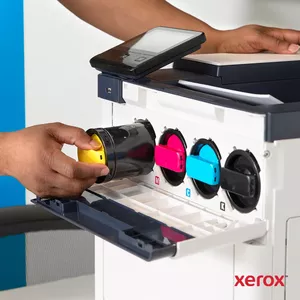
Black, Cyan, Magenta, Yellow
Number of print cartridges:
4
Recommended duty cycle:
0 - 10000
Country of origin:
Vietnam
Number of PCL fonts:
83
Number of PostScript fonts:
136
Number of printer fonts:
219
Printer fonts:
PCL, PostScript
Page description languages:
HP-GL, PCL 5e, PCL 6, PDF 1.7, PostScript 3, TIFF, XPS

Processor

Built-in processor:
Yes

Input & output capacity

Maximum input capacity:
1250 sheets
Auto document feeder (ADF) input capacity:
150 sheets
Auto document feeder (ADF) output capacity:
100 sheets
Paper input type:
Paper tray
Total number of input trays:
1
Total input capacity:
700 sheets
Total output capacity:
500 sheets
Maximum number of input trays:
2
Auto document feeder (ADF):
Yes

Packaging data

Package weight:
44000 g
Package depth:
656 mm
Package height:
790 mm
Package width:
594 mm

Logistics data

Harmonized System (HS) code:
84433100

Sustainability

Sustainability certificates:
ENERGY STAR

Description

Machine translation. Load original

Reasons to buy

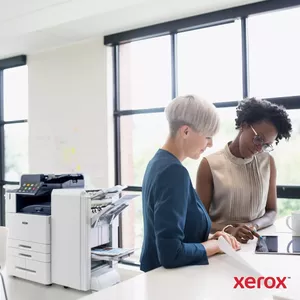
High-performance productivity — personalised.
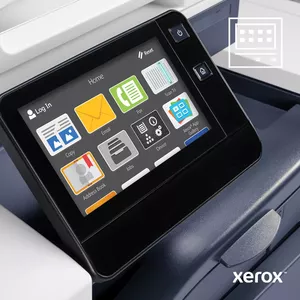
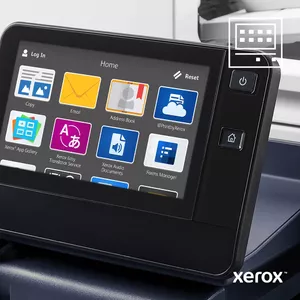
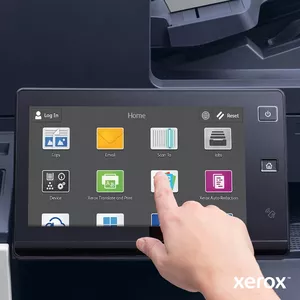
Easily tap into powerful features with 7” colour touchscreen.
High-performance productivity — personalised.
Revolutionise your productivity with next generation features.
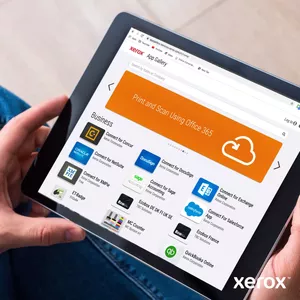
Xerox App Gallery easy cloud connectivity to Dropbox™, Google Drive™, OneDrive® and more.
Revolutionise your productivity with next generation features.
ConnectKey Overview
Work and print smarter than ever before.
ConnectKey Overview
Mobile & cloud
Mobile and cloud ready printers for a connected workforce.
Mobile & cloud
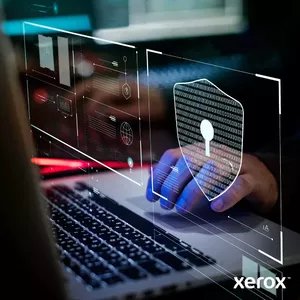
Security
A comprehensive and proactive approach to security.
Security
Apps
More productive ways to work with a gateway to new possibilities.
Apps
User Interface
Intuitive and personalised — feel right at home instantly.
User Interface
Sustainability
Reducing environmental impact through innovation.
Sustainability
Free Extended Warranty on Xerox printers. Peace of mind page after page.
Worry-free printing for up to 5 years*

Simply replenish with Genuine Xerox® Toner and register to extend for another year*

*T&Cs apply. Claim required. xerox.co.uk/fewtc
Free Extended Warranty on Xerox printers. Peace of mind page after page.
Don't just scan, add Workflow Central and do more: translate, summarize, redact, etc.
Don
Xerox® Print & Scan Experience makes printing and scanning simple with Windows 10 & 11.

Similar products

{{product.title}} Show details Hide details
{{highlightedFeature.featureTitle}}:

{{getProductFeatureValueById(product, highlightedFeature.featureId)}}

{{product.price | formatAmount}}
Might be useful
{{product.manufacturerName}}
{{product.categoryName}}
{{product.title}}
{{product.specialPrice}}
{{product.price}}

Customer reviews

Customer questions

FAQ

What payment options are available?

AiO.lv offers several payment methods: Bank transfer, Leasing for legal entities. All transactions are 100% secure and encrypted.

Can this product be purchased for a company (with VAT)?

Yes. AiO.lv works with legal entities in Latvia and across Europe. The product price already includes VAT. For certain product categories, as well as for companies from other EU countries with a valid VAT number, a 0% VAT rate may apply. We issue the invoice immediately after the order is placed, support electronic BIS invoices, and automatically generate all necessary accounting documents. You can complete the purchase for a company online — simply select the company profile and choose bank transfer as the payment method during checkout.

What is the warranty period?

All Xerox products come with an official 2 Years warranty. It covers all manufacturing defects and malfunctions that may occur during use. The warranty is valid at all authorized Xerox service centers and through AiO.lv

Can the product be returned after purchase?

Yes, you can return the product within 14 days of purchase if you bought it as a consumer (not a legal entity). Returns are possible without giving any reason — the main condition is that the product retains its original appearance and full set of accessories. We will make the process as simple and convenient as possible: just contact our customer support team, and we will help you arrange the return.

Where should I contact for warranty service?

For warranty-related questions you can contact the AiO.lv (SIA VSPRO) customer support team. We will assist with consultation, warranty claim processing, and coordination with certified service centers.

How can I tell if this product suits my needs?
When making a choice, we recommend paying attention to the key features: print technology, printing, print speed (black, normal quality, a4/us letter), maximum resolution, copying, maximum copy resolution, scanning, optical scanning resolution, maximum iso a-series paper size, ethernet lan, weight, maximum duty cycle, standard interfaces, product colour, compatibility with your devices or usage conditions, material quality, functionality, and warranty terms. These characteristics will help you determine how well the model meets your needs.
warranty
14-Day Return Policy We are confident in our quality, but if the purchase doesn’t fit — you have 14 days to return the product with peace of mind.
shipping
Fast Delivery Get your orders as quickly as possible — right to your door, parcel lockers, or pickup points across Latvia and the EU.
payment
Secure Payment Pay the way you prefer: cash, VISA, MasterCard, Apple Pay, Google Pay, bank transfer, or 0% installment plan.
warranty
Quality Since 2008 AiO.lv has been on the market for over 18 years and has earned trust — with more than 6000 genuine positive reviews on Google.