This is due to long delivery times and limited product warranties.
Save time and money with our discounts!
In cart {{totalProductsCount}} item(s)
Your cart is empty
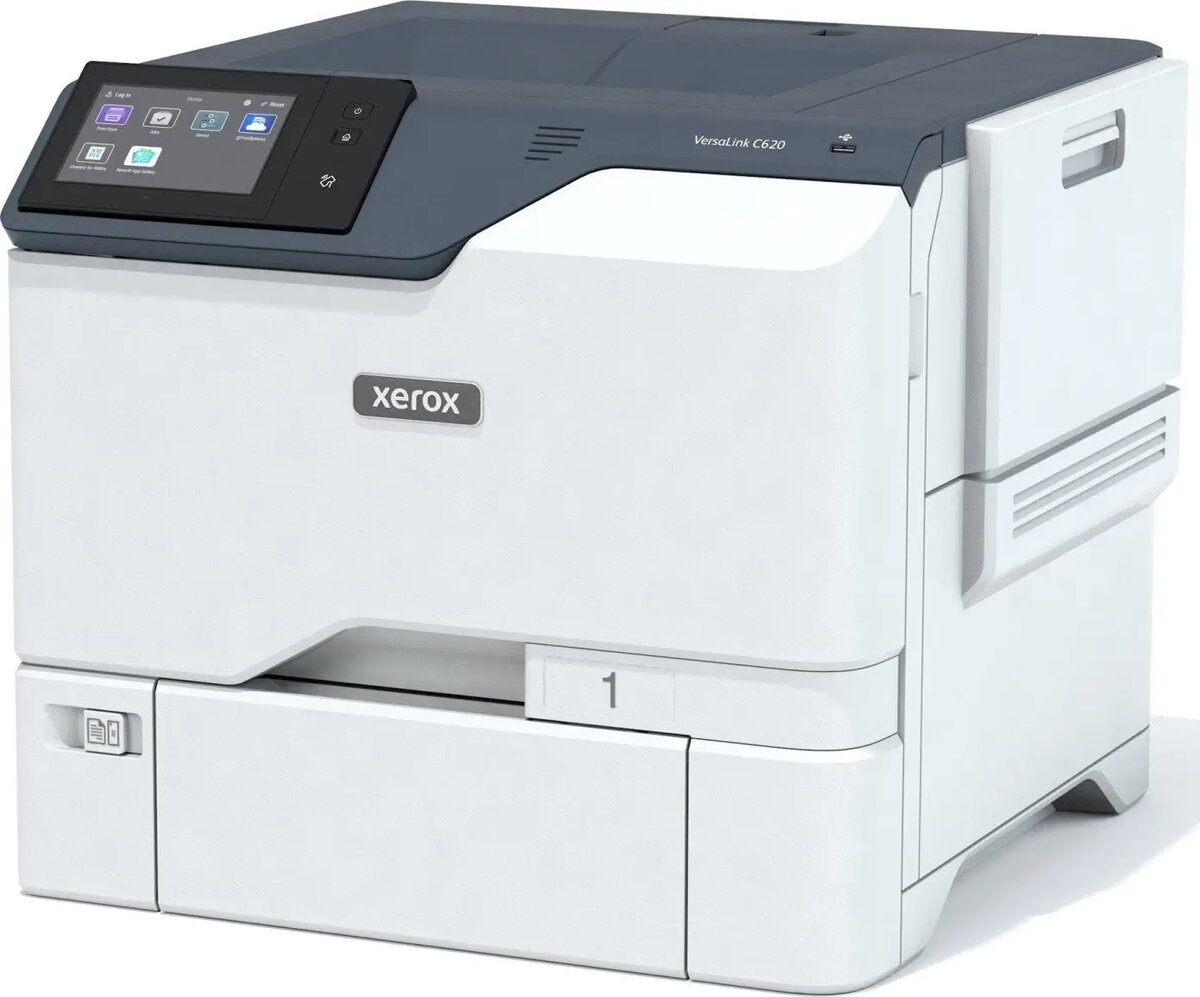
Printer Xerox VersaLink C620V/Z Laser Color
The Xerox VersaLink C620V/Z Laser Color is a high-performance office printer designed for medium to large workgroups. It produces print speeds up to 50 pages per minute in both color and monochrome, supports automatic duplex printing, and delivers output at a resolution of 1200 x 1200 dpi. With a standard paper capacity of 650 sheets and multiple connectivity options including USB 2.0, Gigabit Ethernet, USB-Host and NFC, the device integrates into varied office workflows and supports direct mobile interactions.
The VersaLink C620V/Z combines fast print speeds with consistent color quality at 1200 x 1200 dpi and reliable duplexing for efficient two-sided output. Its 650-sheet paper capacity and expandable input options reduce interruptions for high-volume jobs. Multiple connectivity choices—USB, Gigabit LAN, USB-Host and NFC—allow flexible placement and straightforward integration into wired and wireless-friendly environments. Built to serve busy workgroups, the printer balances performance, media handling and connectivity in a compact footprint.
Install the Xerox VersaLink C620V/Z on a stable surface and connect it to a power source. Use the control panel or the web administration interface to configure network settings for Gigabit LAN and enable NFC or USB-Host options as needed. Load paper into the main trays and adjust guides to the paper size. Install manufacturer-approved toner cartridges and run an initial calibration if prompted. Send print jobs from a connected PC via USB or over the network; mobile devices can use NFC or network printing methods supported by the operating system or print management software.
For consistent print quality and reliability, use original or approved consumables, keep paper within recommended humidity ranges, and perform periodic maintenance tasks such as cleaning the print path and updating firmware. For high-volume workflows, configure duplex printing by default and consolidate large jobs to scheduled windows to optimize throughput.
{{highlightedFeature.featureTitle}}:
{{getProductFeatureValueById(product, highlightedFeature.featureId)}}
| Warehouse | Stock | Delivery to the store | Store Price | |
| WH357 | 6 | 07.07.2026 Best delivery | 1,522.49 € |
| Warehouse | Stock | Delivery to the store | Store Price | |
| WH109 | 6 | 15.07.2026 | 1,347.49 € Best price |
|
1,522.49 €
Stock:
6
Delivery Date:
07.07.2026
Best delivery
Warehouse: WH357
|
|
1,347.49 €
Stock:
6
Delivery Date:
15.07.2026
Warehouse: WH109
|