








Save time and money with our discounts!
In cart {{totalProductsCount}} item(s)
Your cart is empty
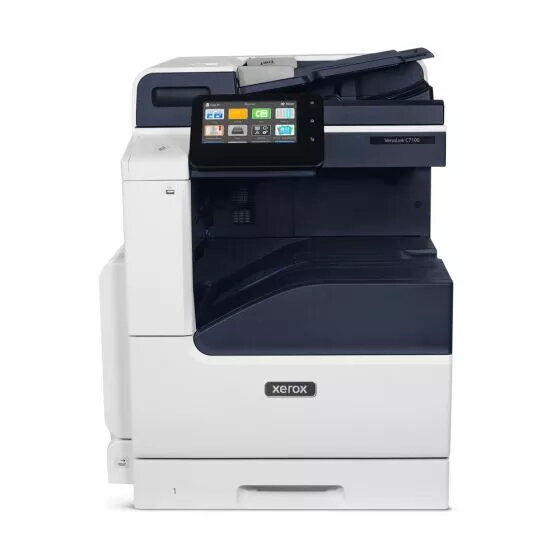
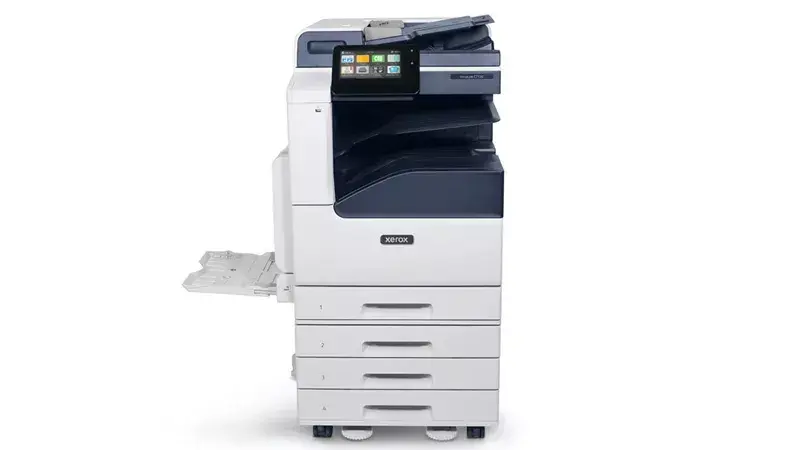
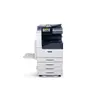
Multifunction Printer Xerox VersaLink C7120V Laser Colour
The Xerox VersaLink C7120V is a professional-grade multifunction laser printer designed to streamline document workflows in busy office environments. This versatile device combines high-quality color printing, scanning, and copying capabilities into a single, efficient unit. With support for paper sizes up to A3 and integrated duplex functionality for all primary tasks, it provides the flexibility needed for diverse business documentation requirements.
This multifunction printer stands out due to its robust construction and high-resolution output, ensuring that text and graphics remain sharp and professional. The inclusion of automatic duplex printing, scanning, and copying significantly reduces paper waste and saves time on manual document handling. Its reliable performance is supported by a high monthly duty cycle, making it a dependable asset for teams that require consistent output. The intuitive design and modern aesthetic allow it to integrate seamlessly into various office layouts while providing the essential tools for daily productivity.
This device may not be the ideal choice for environments requiring wireless connectivity, as it relies on Ethernet LAN for network integration. Additionally, its physical weight and dimensions may be restrictive for smaller home offices or spaces with limited floor capacity.
To begin using the Xerox VersaLink C7120V, connect the device to your office network via the Ethernet port. Once connected, install the necessary drivers on your workstations to enable full functionality. Load your paper into the trays, ensuring the guides are adjusted to the correct size. Use the control panel to select your desired function, such as printing from a computer, scanning to a network folder, or making color copies. The duplex settings can be managed directly through the print driver or the device interface for automated double-sided output.
To maintain optimal print quality and device longevity, use genuine Xerox consumables and perform regular maintenance as indicated by the printer's status alerts. Keep the device in a well-ventilated area and ensure the firmware is updated periodically to maintain security and performance standards.
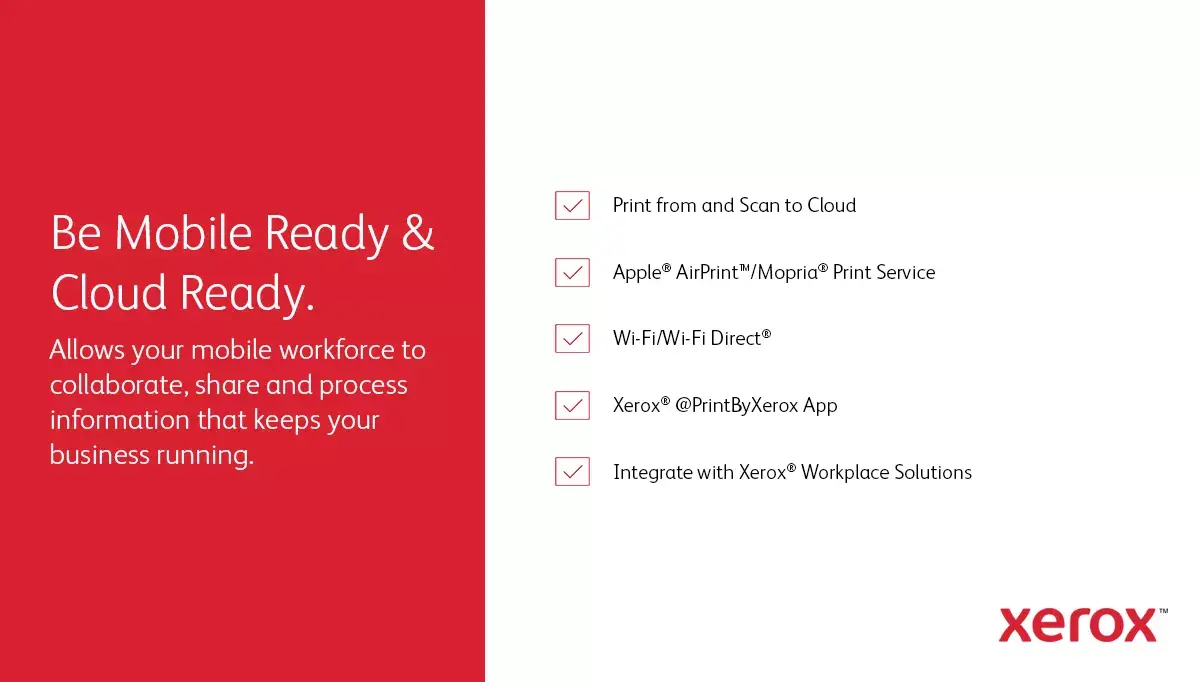
Print effortlessly from any location and device using Apple AirPrint, Mopria, and Wi-Fi Direct technology.

Simplify your daily workflow with Xerox Print Drivers, designed to make printing from laptops and desktop computers quick and intuitive.

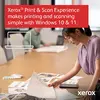
The Xerox Print & Scan Experience application ensures seamless printing and scanning operations on Windows 10 and 11 systems.

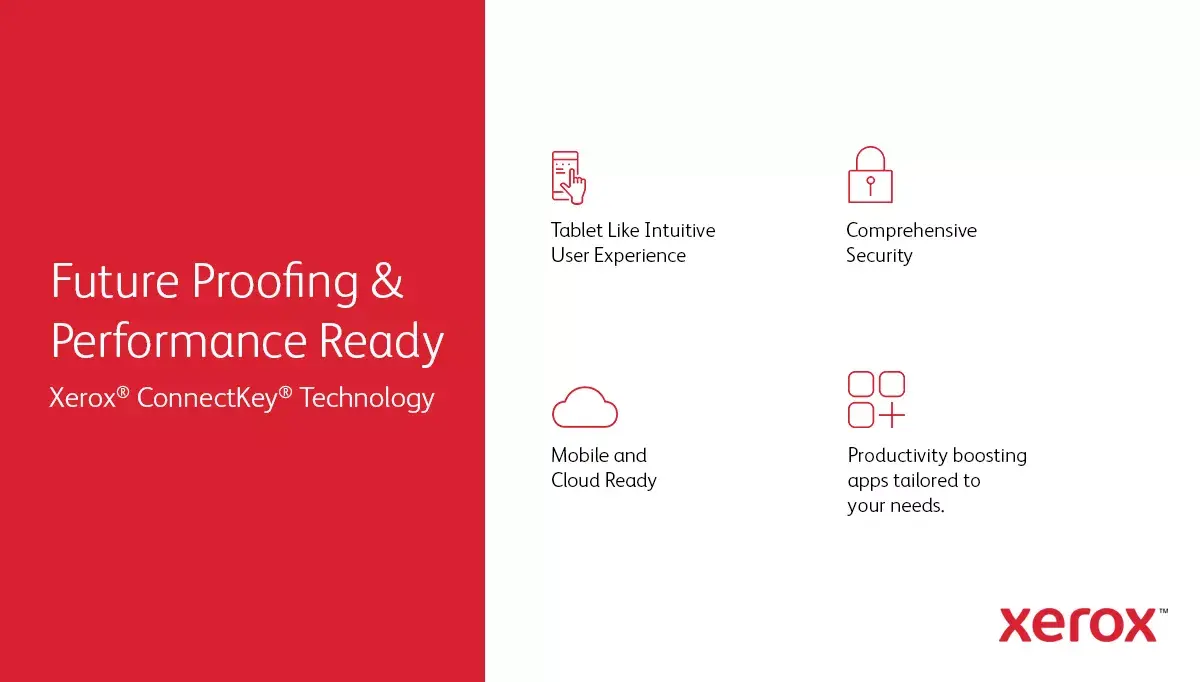
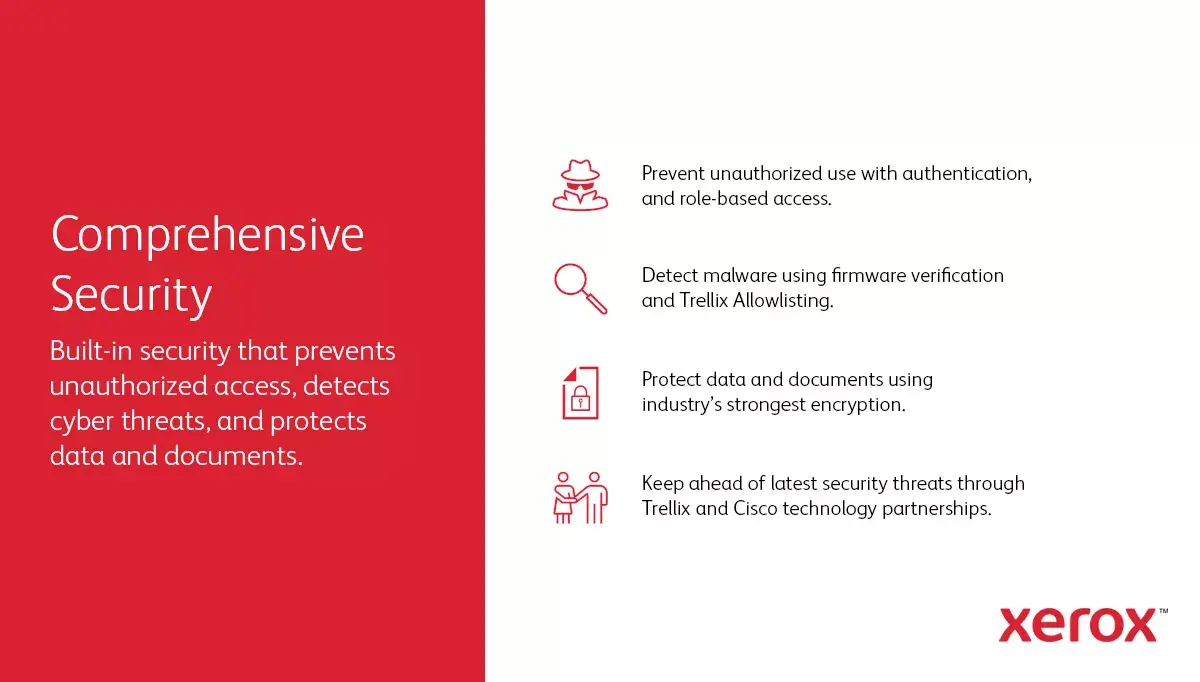
Safeguard your business data and infrastructure with robust, integrated security features designed to protect your documents and network.

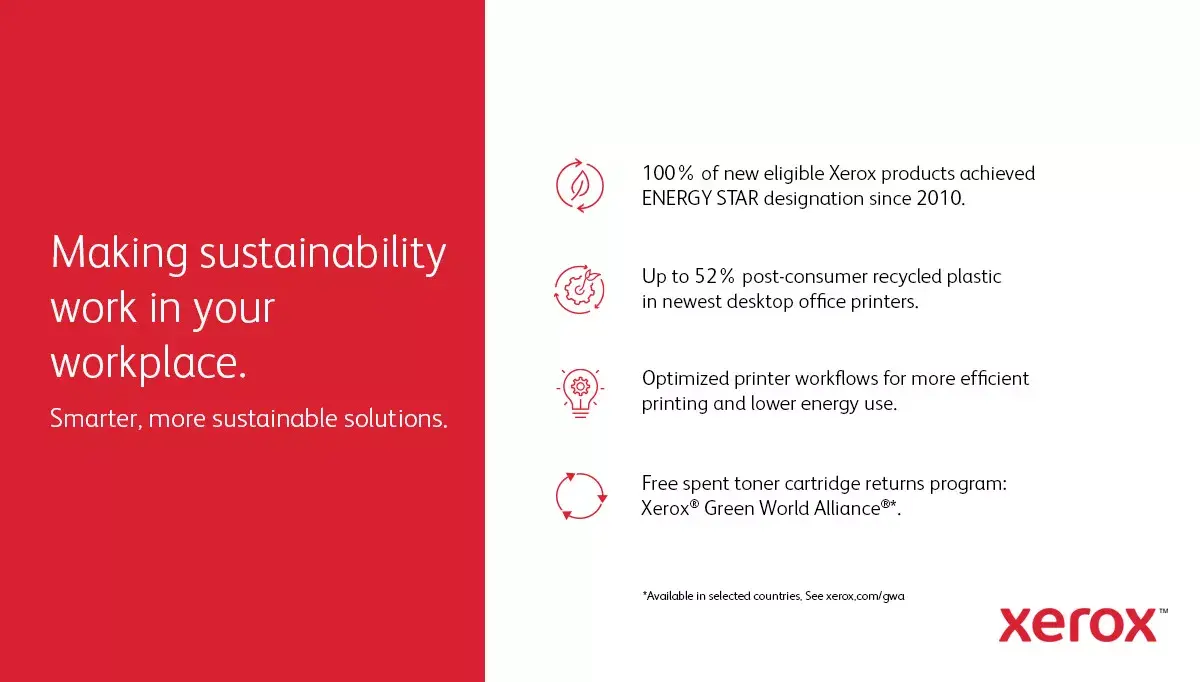
Minimize your environmental footprint by participating in the Green World Alliance program, which offers a simple and efficient way to recycle used toner cartridges.

Enjoy the freedom to place your printer anywhere in the office thanks to integrated standard Wi-Fi connectivity.
{{highlightedFeature.featureTitle}}:
{{getProductFeatureValueById(product, highlightedFeature.featureId)}}
{{ productComparisonGenerationError }}