

















Powerful EcoFlow stations for energy anywhere!
In cart {{totalProductsCount}} item(s)
Your cart is empty
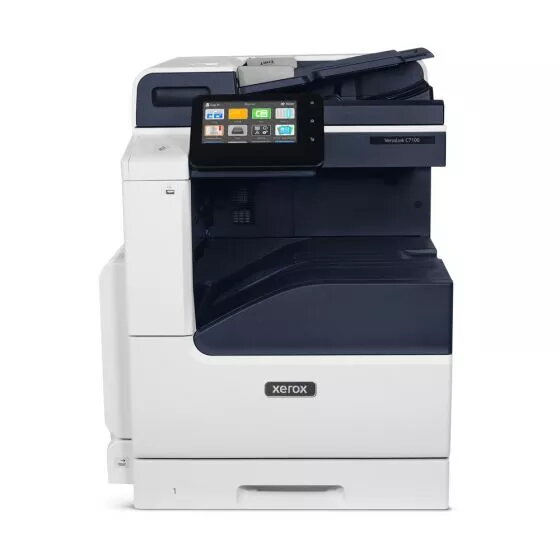
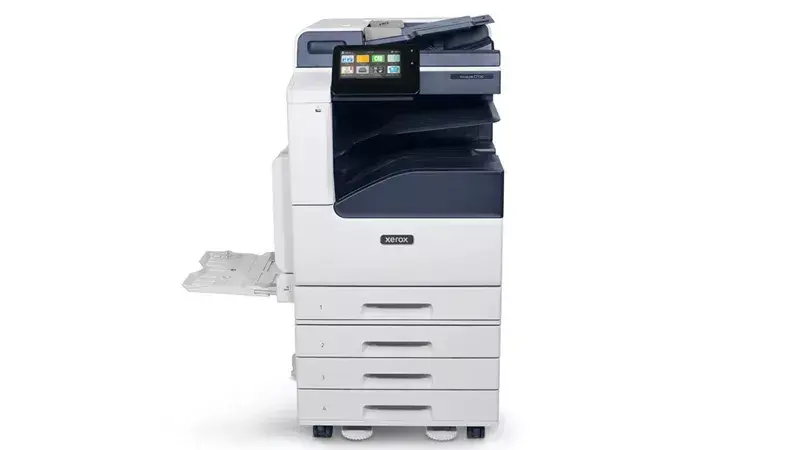
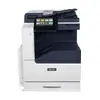
Multifunction Device Xerox VersaLink C7120V Laser Colour Printing
The Xerox VersaLink C7120V is a multifunction laser colour printing device designed for offices that need A3 capability, duplex copying/printing/scanning and reliable daily performance. It delivers colour printing at up to 20 ppm with a maximum print resolution of 1200 x 2400 dpi, colour copying and colour scanning with optical resolution up to 600 x 600 dpi, and supports a monthly duty cycle up to 87,000 pages. The device connects via Ethernet LAN and comes in a blue-and-white design.
The VersaLink C7120V combines A3 support and duplex functions for copy, print and scan in a single unit, offering consistent colour output with laser print technology and high maximum resolution. Built-in network connectivity via Ethernet and a high monthly duty cycle make it suitable for busy office environments. Its compact multifunction format reduces the need for separate devices while providing reliable everyday capabilities and room to expand features as workflows evolve.
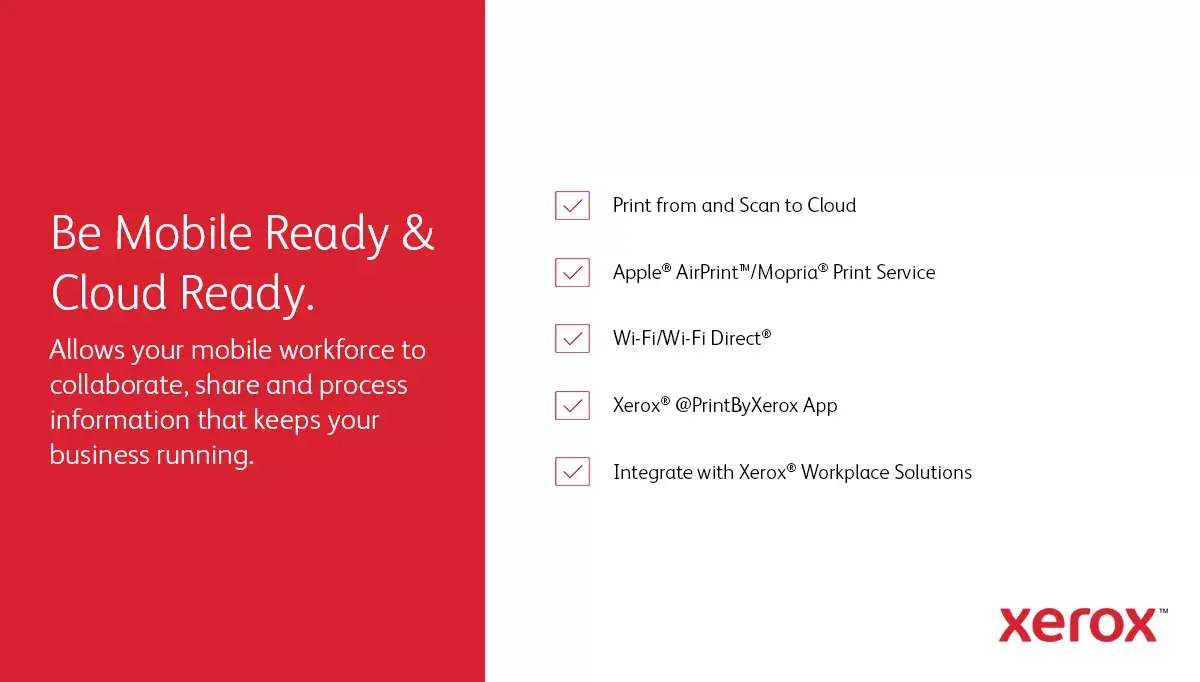
Install the VersaLink C7120V on a stable surface and connect it to your network using the Ethernet LAN port. Load paper into the appropriate trays according to A3/A4 sizing and adjust tray guides. Install the printer drivers and any recommended Xerox software on workstations to enable printing, scanning and copying functions. Use the control panel to select duplex settings, image quality and paper size for each job. For scanning, choose the required optical resolution and destination (email, folder or USB) through the device interface or installed scanning utility.
To maintain consistent print quality and reliability, use manufacturer-recommended toner cartridges and perform periodic maintenance such as cleaning the scanner glass and checking paper trays. For networks, ensure a stable wired Ethernet connection and monitor monthly print volumes to plan consumables replacement and preventive servicing.


{{highlightedFeature.featureTitle}}:
{{getProductFeatureValueById(product, highlightedFeature.featureId)}}