







JBL speakers and headphones for pure and deep sound!
In cart {{totalProductsCount}} item(s)
Your cart is empty
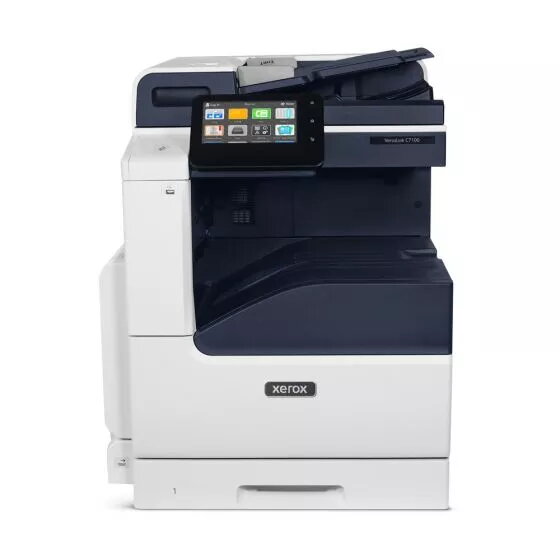
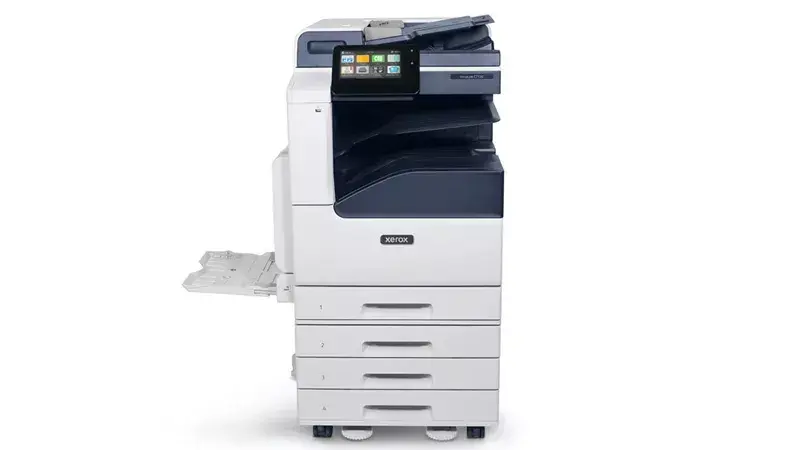
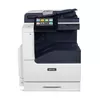
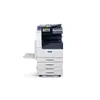
Multifunction Device Xerox C7125V Laser Colour Printing
The Xerox C7125V is a professional-grade multifunction device designed to streamline document workflows in busy office environments. This laser colour printer offers high-quality output with a maximum resolution of 1200 x 2400 DPI, ensuring sharp text and vibrant graphics for all your business materials. With a print speed of 25 pages per minute and support for paper sizes up to A3, it provides the versatility needed for diverse printing, copying, and scanning tasks.
This device excels in productivity by offering integrated duplex functions for printing, copying, and scanning, which helps reduce paper consumption and saves time on manual document handling. Its robust construction supports a maximum duty cycle of up to 107,000 pages per month, making it a reliable workhorse for high-volume office demands. The inclusion of Ethernet LAN connectivity ensures stable integration into existing office networks, while the intuitive interface allows for efficient management of daily document tasks.
This device may not be the ideal choice for small home offices or environments with limited floor space due to its substantial weight and physical footprint. Additionally, as it lacks built-in Wi-Fi, it is not suitable for wireless-only network setups without additional hardware or wired infrastructure.
To begin using the Xerox C7125V, connect the device to your office network via the Ethernet port and install the necessary drivers on your workstations. Load your paper into the trays, ensuring the guides are adjusted to the correct size. Use the control panel to select your desired function—print, copy, or scan—and adjust settings such as colour mode or duplexing as required. For scanning, place your documents on the glass or in the document feeder and follow the on-screen prompts to send files to your preferred destination.
Regularly monitor paper levels and toner supplies to maintain consistent performance. It is recommended to perform routine maintenance and keep the scanner glass clean to ensure the highest quality output for both copies and digital scans.
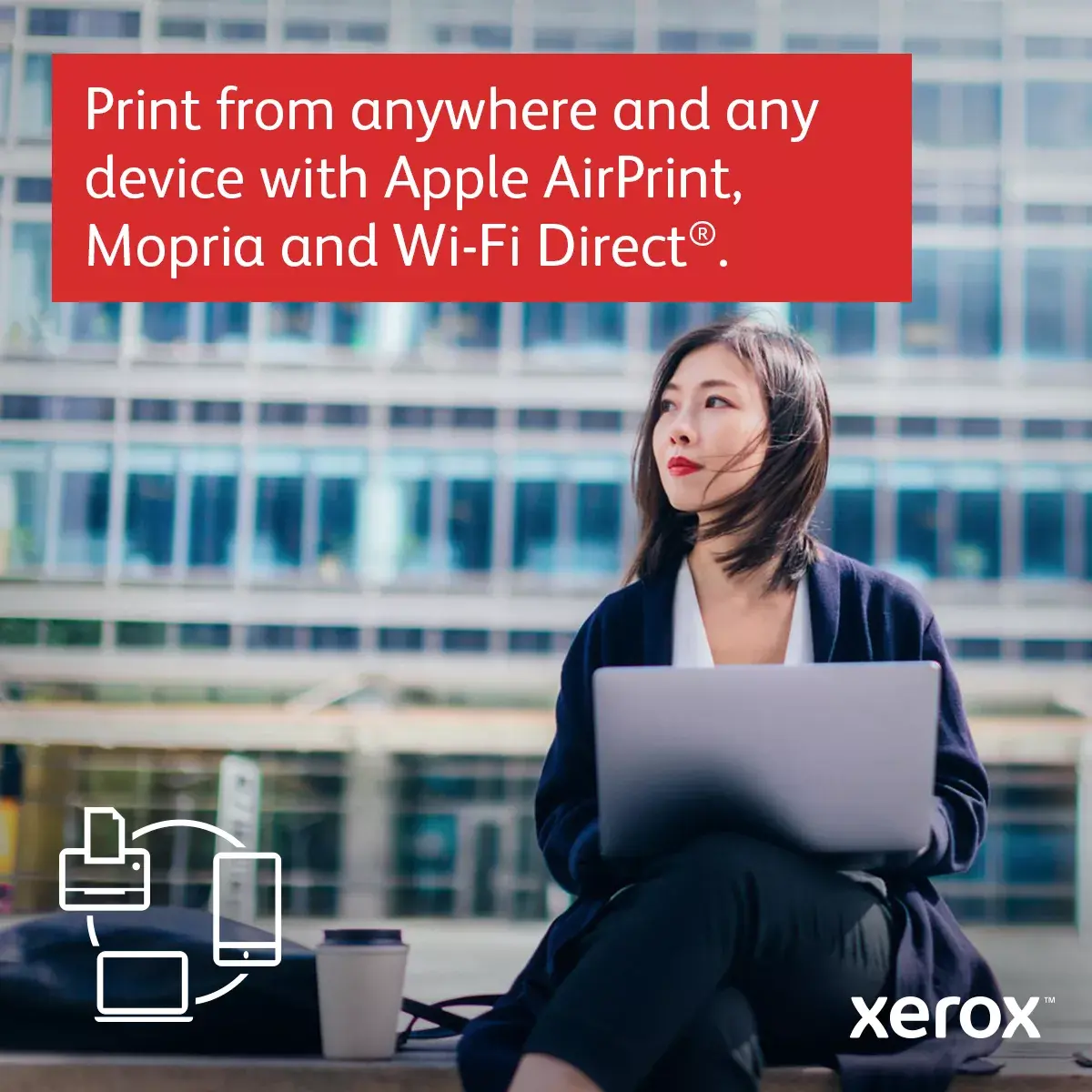
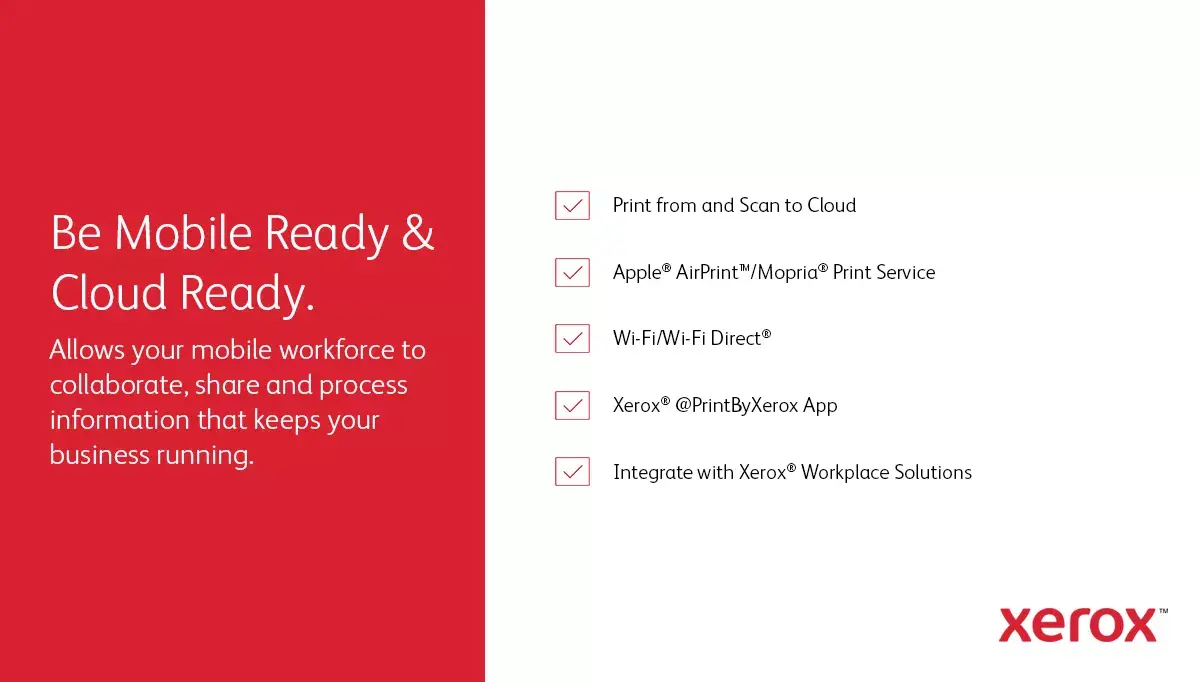
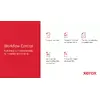
Print effortlessly from any device or location using Apple AirPrint, Mopria, and Wi-Fi Direct technology.

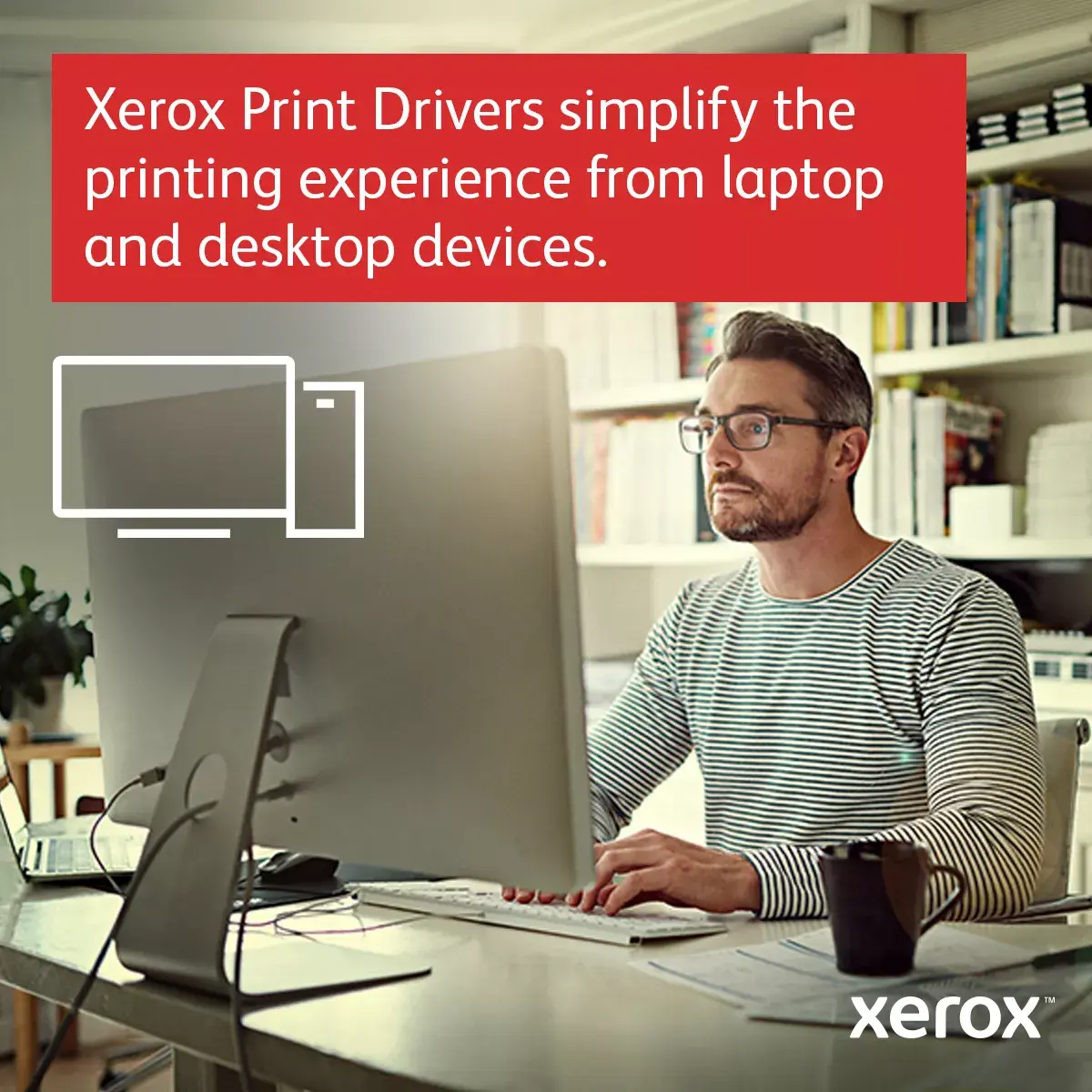
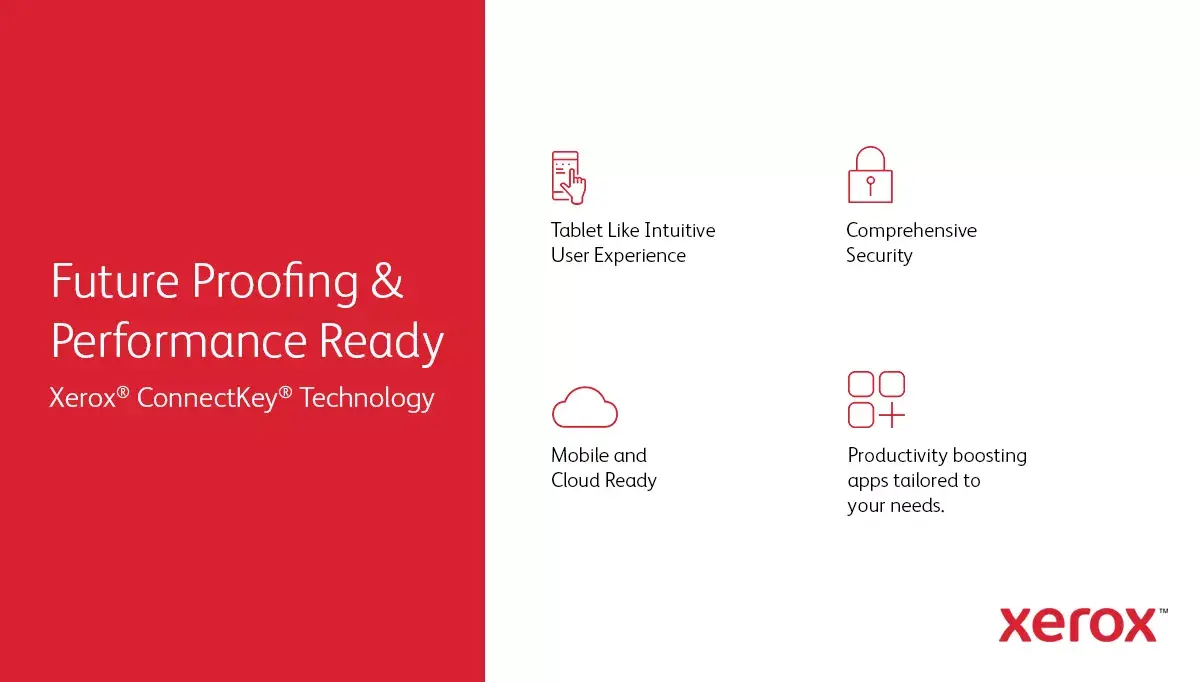
Xerox Print Drivers streamline your workflow, making it easier than ever to print directly from your laptop or desktop computer.

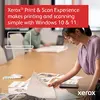
The Xerox Print & Scan Experience app ensures a seamless and intuitive printing and scanning process for Windows 10 and 11 users.

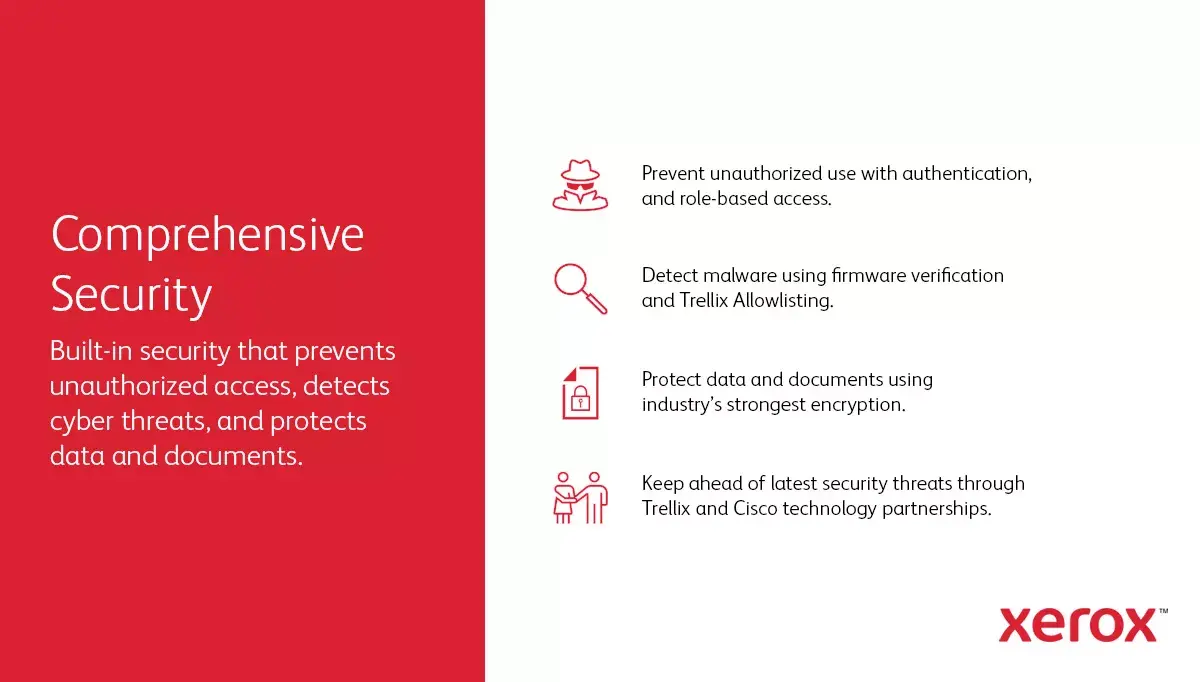
Safeguard your sensitive business data with robust, built-in security features designed to protect your documents and network.

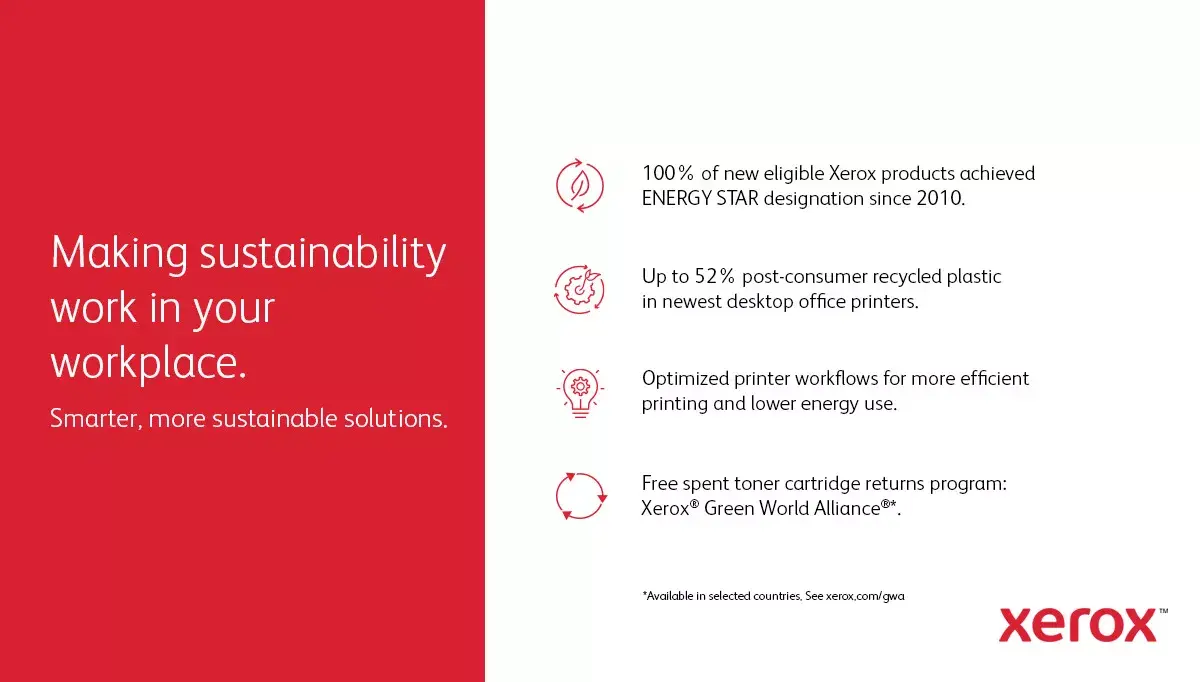
Minimize your environmental footprint by participating in the Green World Alliance program, which offers a simple way to recycle your used toner cartridges.

Enjoy the freedom to position your printer anywhere in your office thanks to standard integrated Wi-Fi connectivity.
{{highlightedFeature.featureTitle}}:
{{getProductFeatureValueById(product, highlightedFeature.featureId)}}
{{ productComparisonGenerationError }}