







JBL speakers and headphones for pure and deep sound!
In cart {{totalProductsCount}} item(s)
Your cart is empty
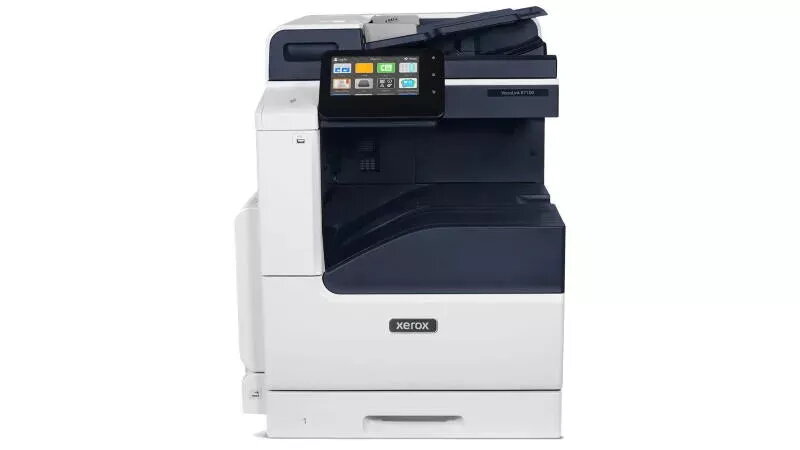
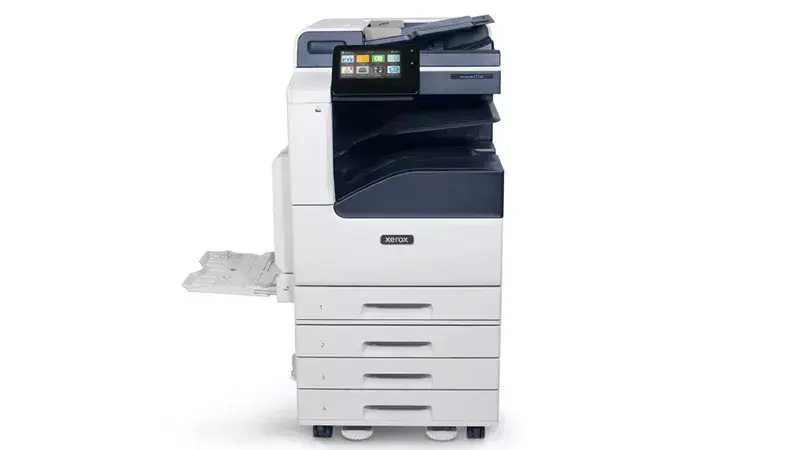
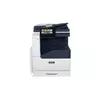
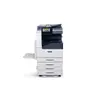
Multifunction Device Xerox VersaLink C7130V Laser Colour Printing
The Xerox VersaLink C7130V is a robust multifunction laser device designed to handle the diverse document needs of modern office environments. This versatile machine provides high-quality colour printing, copying, and scanning capabilities, supporting paper sizes up to A3. With a print speed of 30 pages per minute and a maximum resolution of 1200 x 2400 DPI, it ensures that professional documents are produced efficiently and with exceptional clarity.
This device stands out due to its comprehensive duplex functionality, which allows for automatic double-sided printing, copying, and scanning, significantly reducing paper consumption and saving time. The integration of advanced security features ensures that sensitive data remains protected throughout the document lifecycle. Its ability to handle A3 formats makes it suitable for a wide range of professional tasks, while the intuitive interface simplifies complex workflows. The high monthly duty cycle ensures reliability even in demanding work environments.
This device does not include built-in Wi-Fi connectivity, which may be a limitation for offices that rely exclusively on wireless network infrastructures. Additionally, its physical weight of 62.5 kg requires a stable and dedicated location, making it less suitable for small, mobile, or home-office setups with limited space.
To begin using the Xerox VersaLink C7130V, ensure the device is connected to your local network via an Ethernet cable. Load your paper into the designated trays, ensuring the guides are adjusted to the correct size. Use the control panel to select your desired function—print, copy, or scan—and configure settings such as colour mode or duplexing. For network printing, install the appropriate drivers on your workstation to send documents directly to the device.
Regularly update the device firmware to maintain optimal performance and security. Ensure that the paper trays are not overfilled and use high-quality paper to prevent jams and maintain print head longevity.
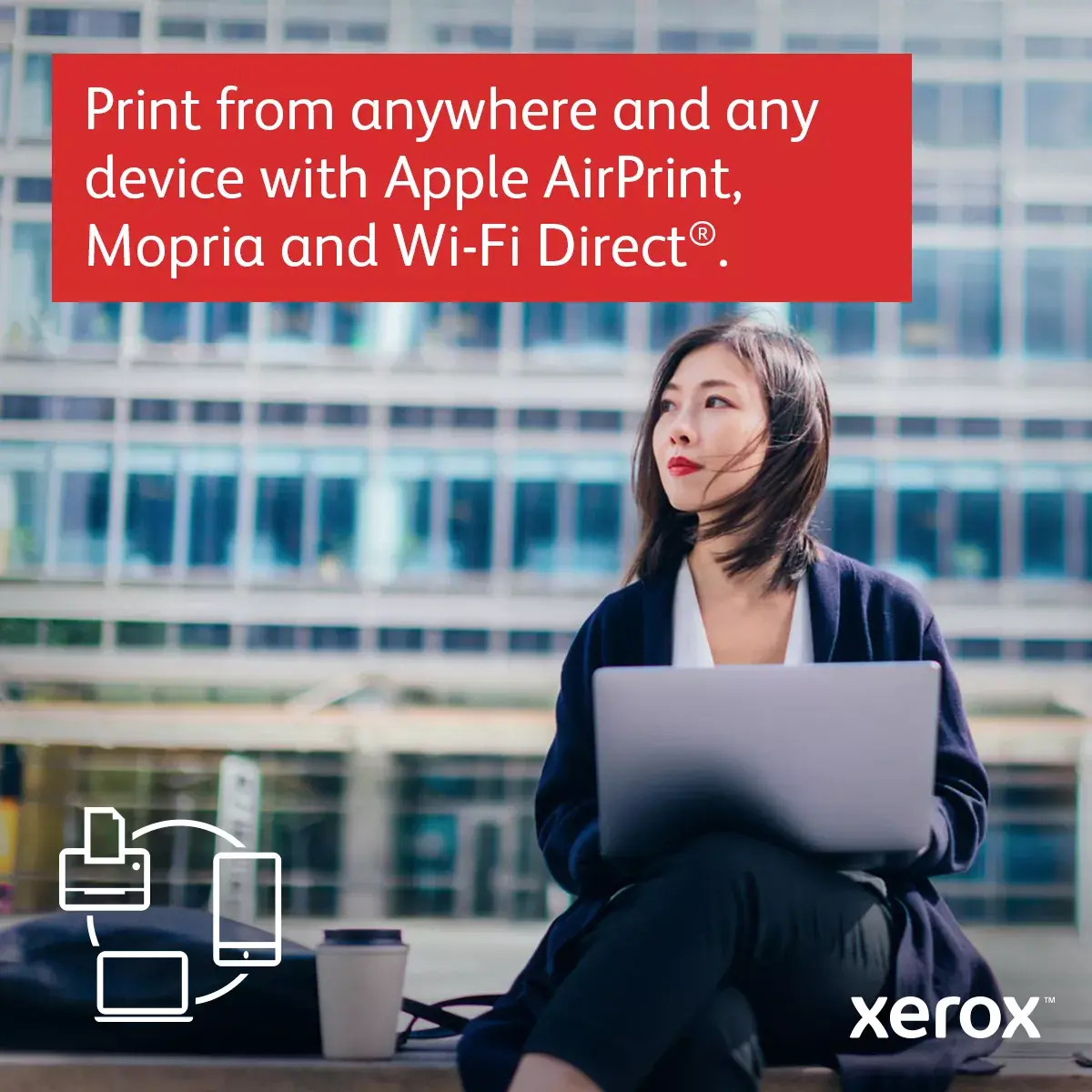
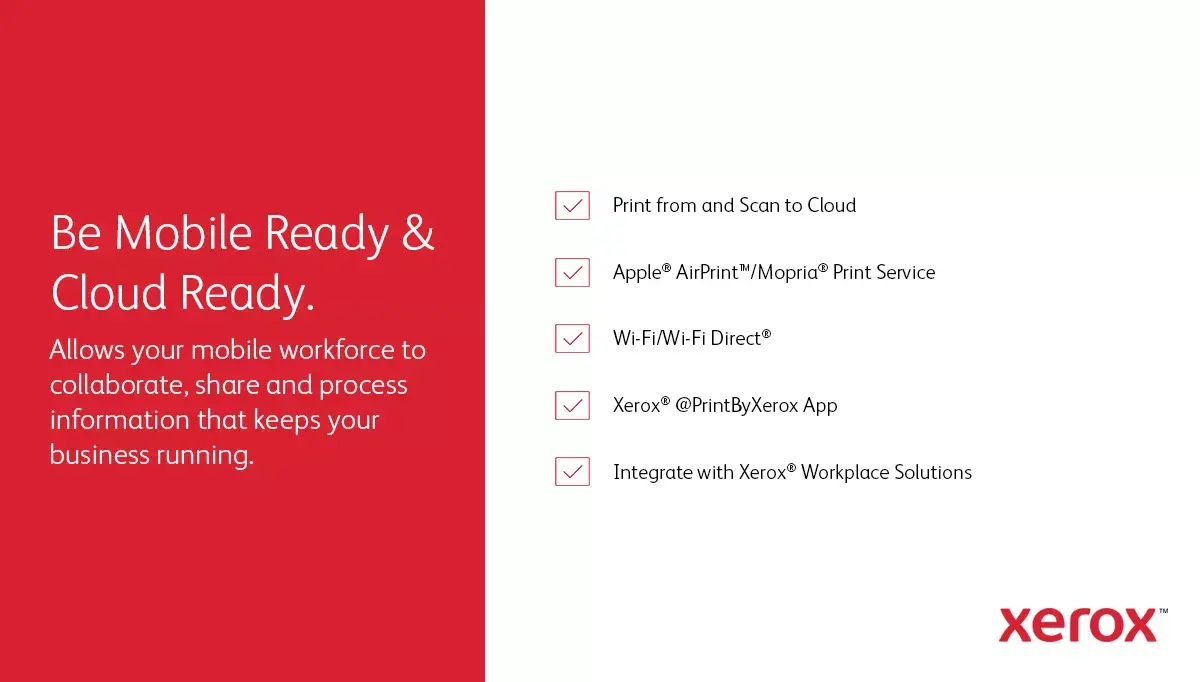
Print effortlessly from anywhere and any device using Apple AirPrint, Mopria, and Wi-Fi Direct technology.

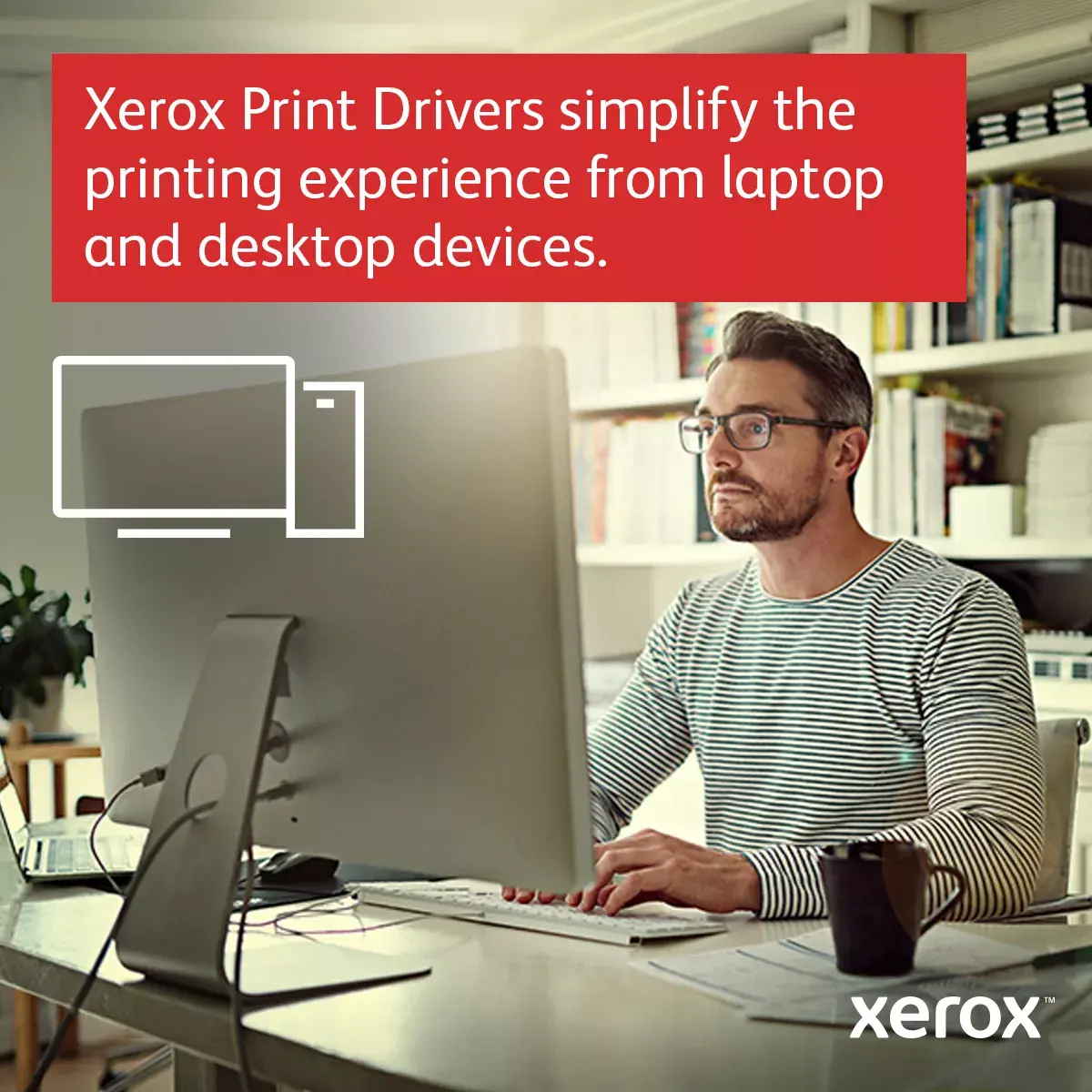
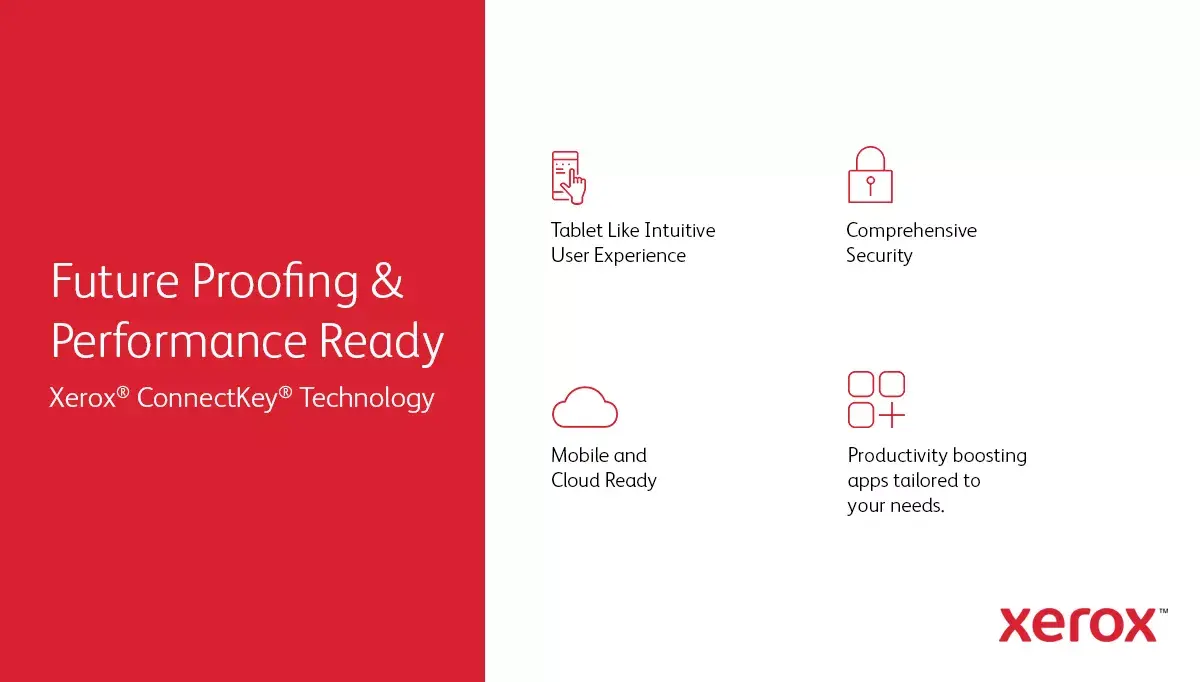
Xerox Print Drivers are designed to streamline your workflow, making printing from your laptop or desktop computer easier than ever.

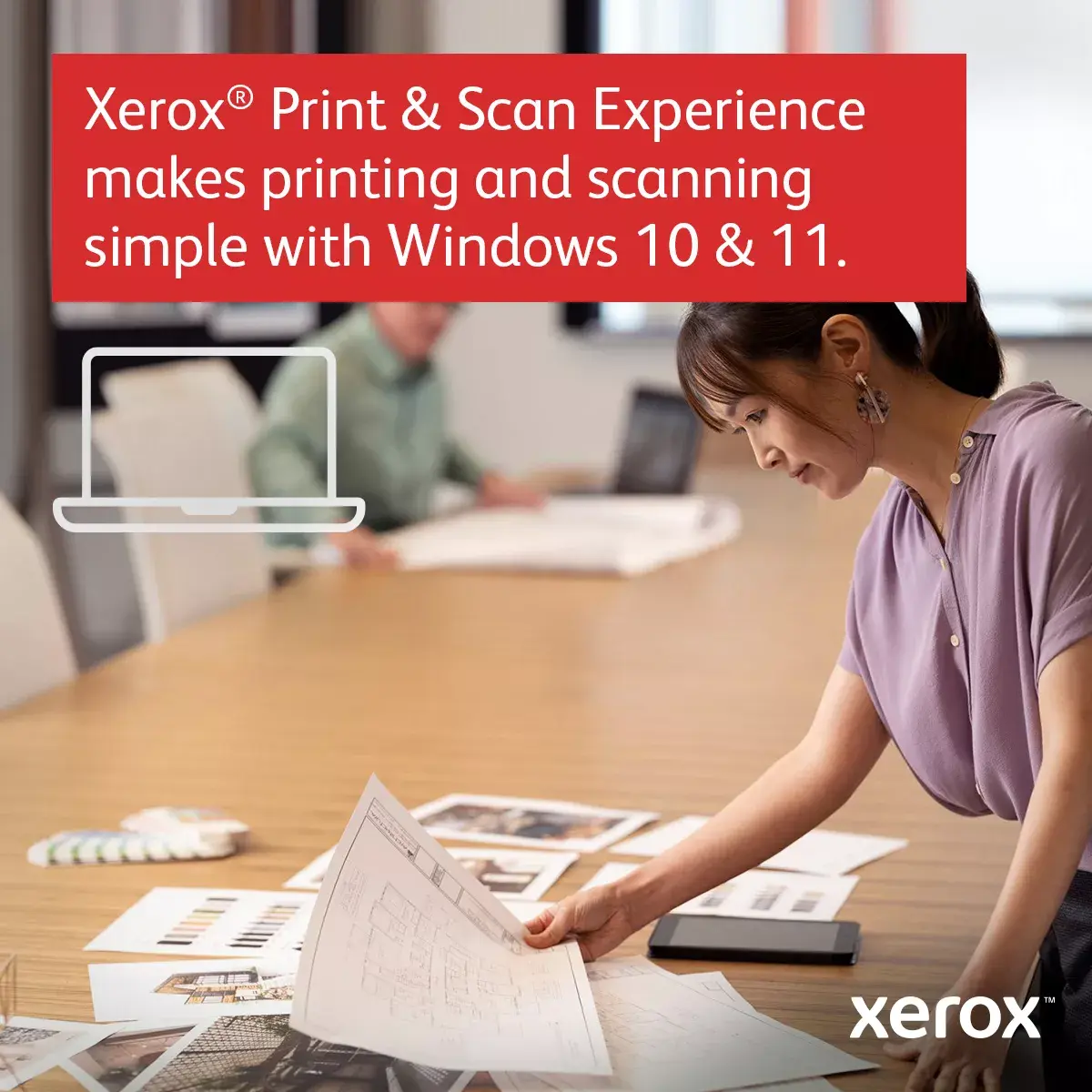
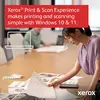
The Xerox Print & Scan Experience app simplifies your daily printing and scanning tasks when using Windows 10 and 11.

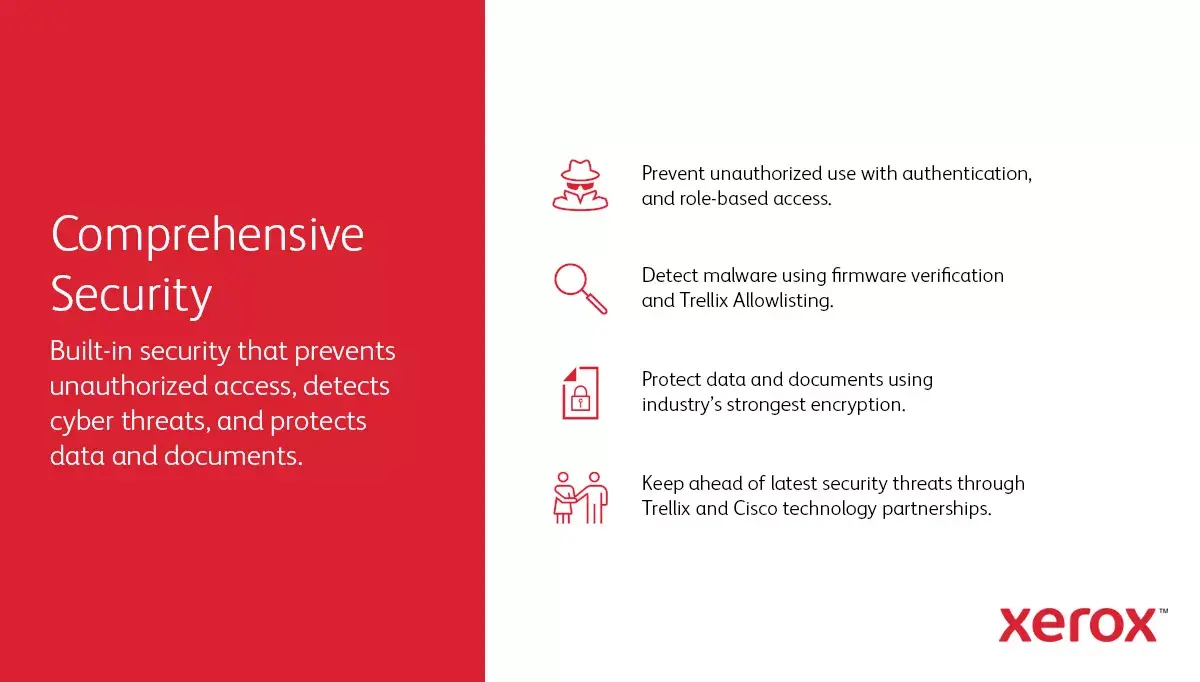
Protect your business-critical data with advanced, built-in security features designed to keep your information safe.

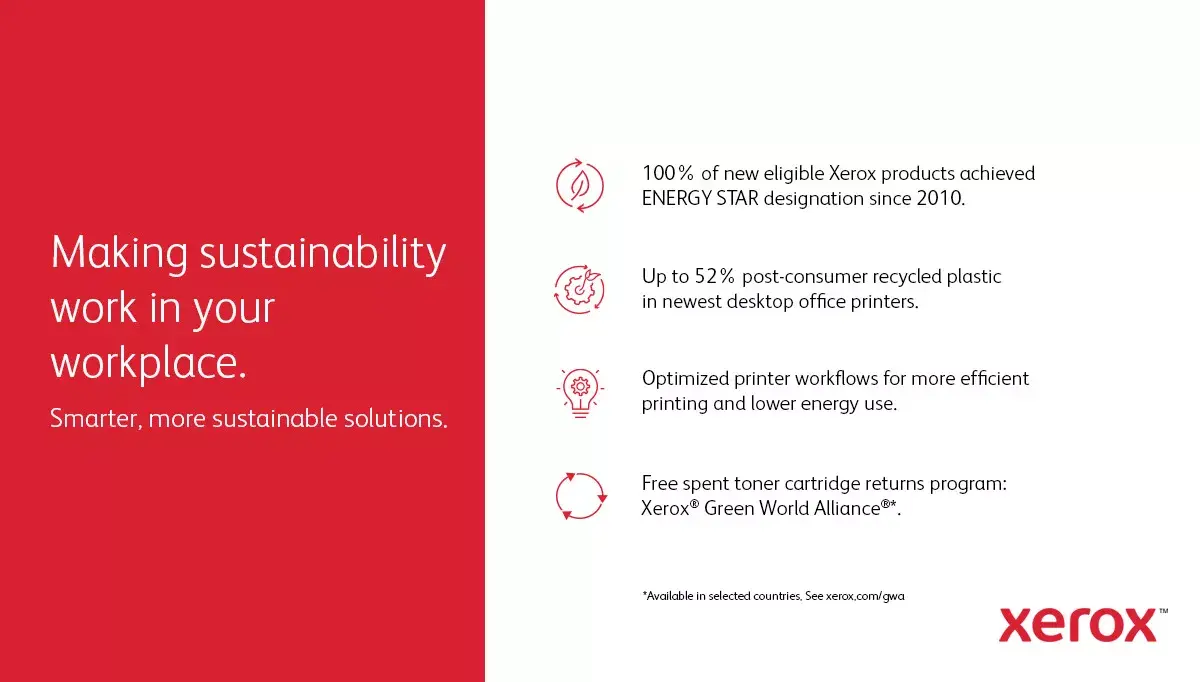
Minimize your environmental footprint by participating in the Green World Alliance program, which offers a simple way to recycle your used toner cartridges.

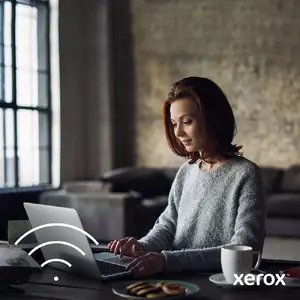
Enjoy the freedom to position your printer anywhere in your office thanks to integrated standard Wi-Fi connectivity.
{{highlightedFeature.featureTitle}}:
{{getProductFeatureValueById(product, highlightedFeature.featureId)}}
{{ productComparisonGenerationError }}