Leave your address - as soon as the price of the product goes down, you'll know about it right away
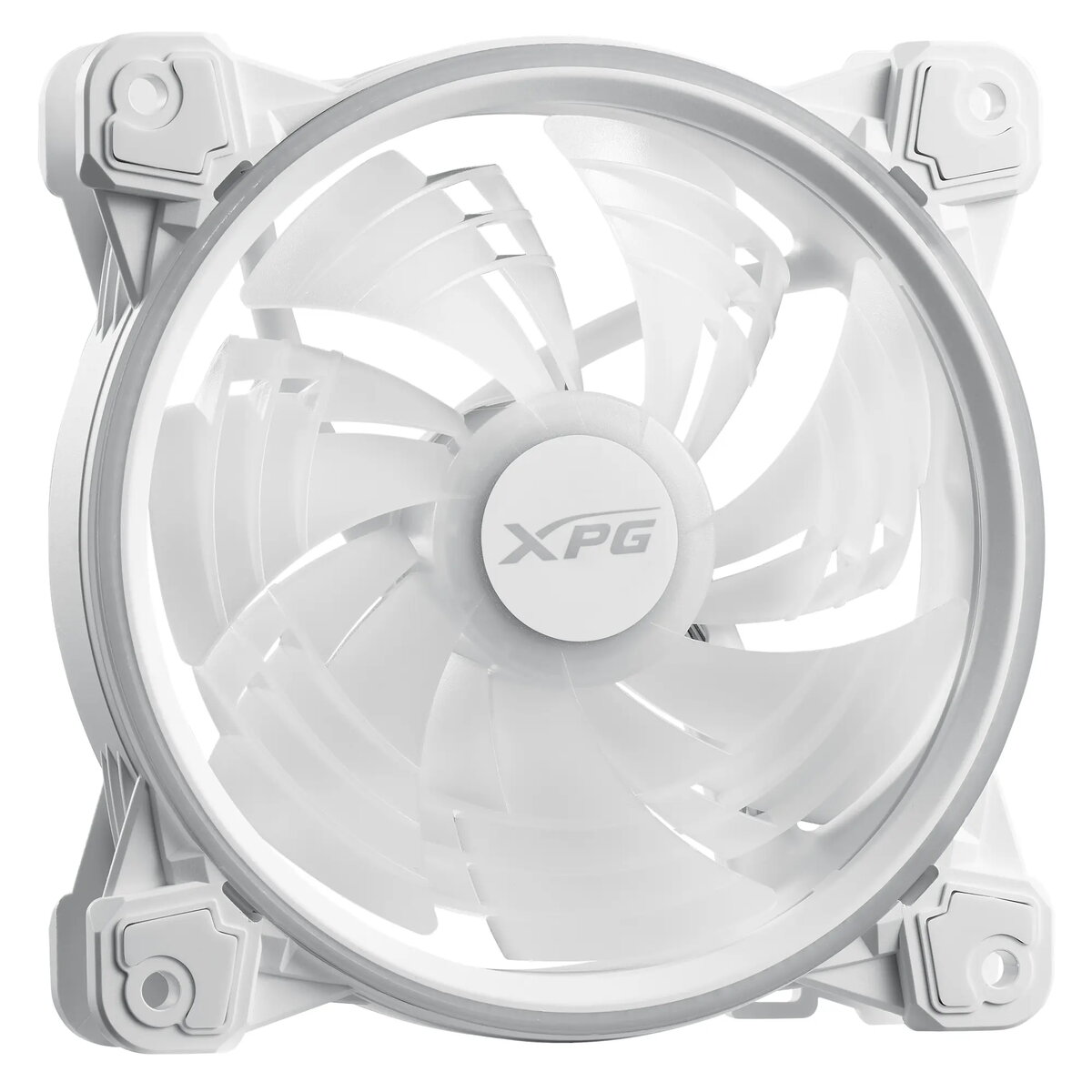
Fan XPG HURRICANE 120 ARGB PWM White — 120 mm, 600–2000 RPM, FDB
In cart {{totalProductsCount}} item(s)
Your cart is empty
Fan XPG HURRICANE 120 ARGB PWM White — 120 mm, 600–2000 RPM, FDB
Leave your address - as soon as the price of the product goes down, you'll know about it right away
Fan XPG HURRICANE 120 ARGB PWM White — 120 mm, 600–2000 RPM, FDB
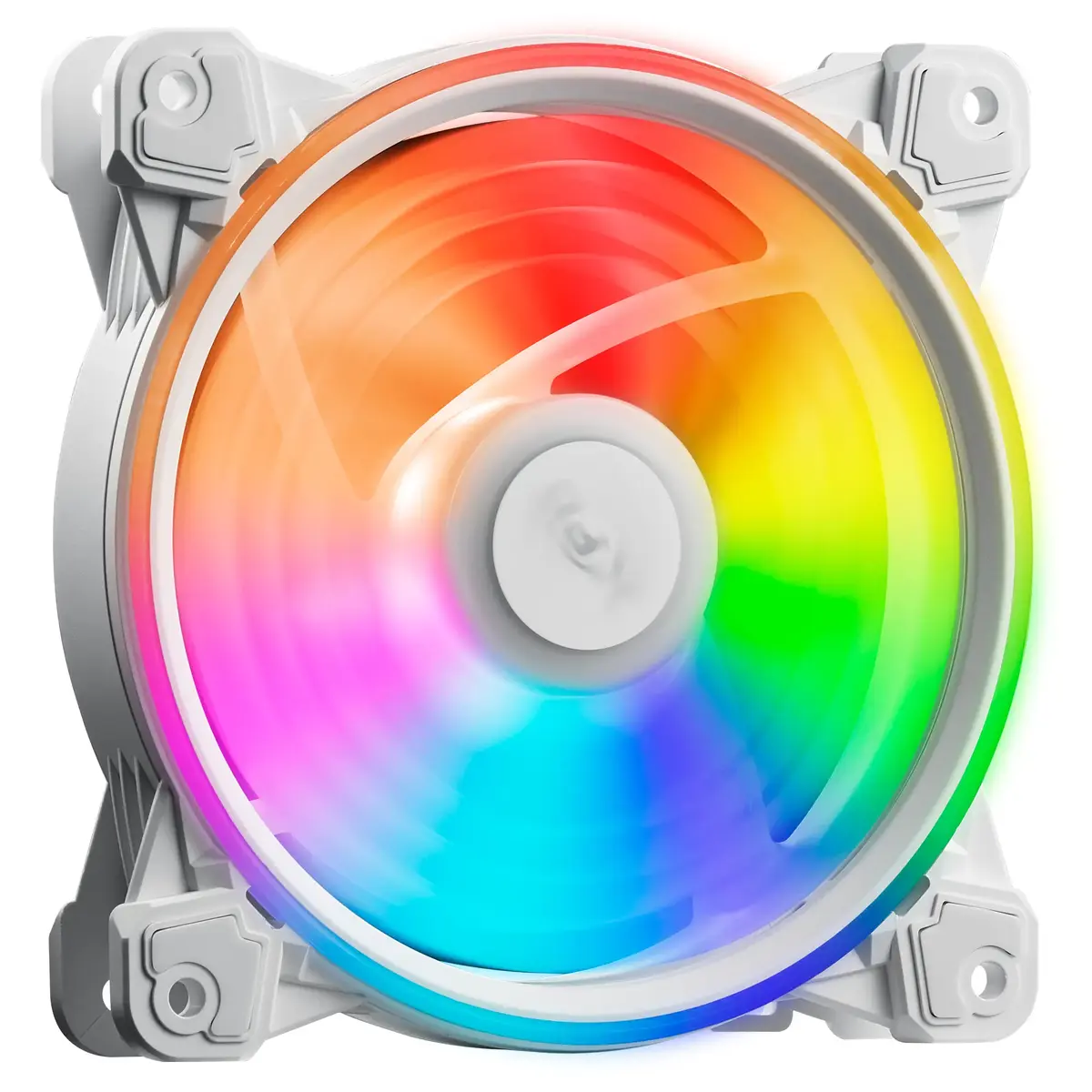
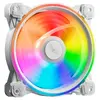
XPG HURRICANE 120 ARGB PWM White is a 120 mm case or cooler fan that combines addressable RGB lighting and PWM speed control. The fan operates between 600 and 2000 RPM, uses a Fluid Dynamic Bearing (FDB) for reduced noise and extended service life, and is designed to provide adjustable airflow and static pressure for desktop and gaming PC cooling needs. Its dual-ring ARGB LED design is compatible with major motherboard ARGB software and supports daisy-chaining of multiple fans.
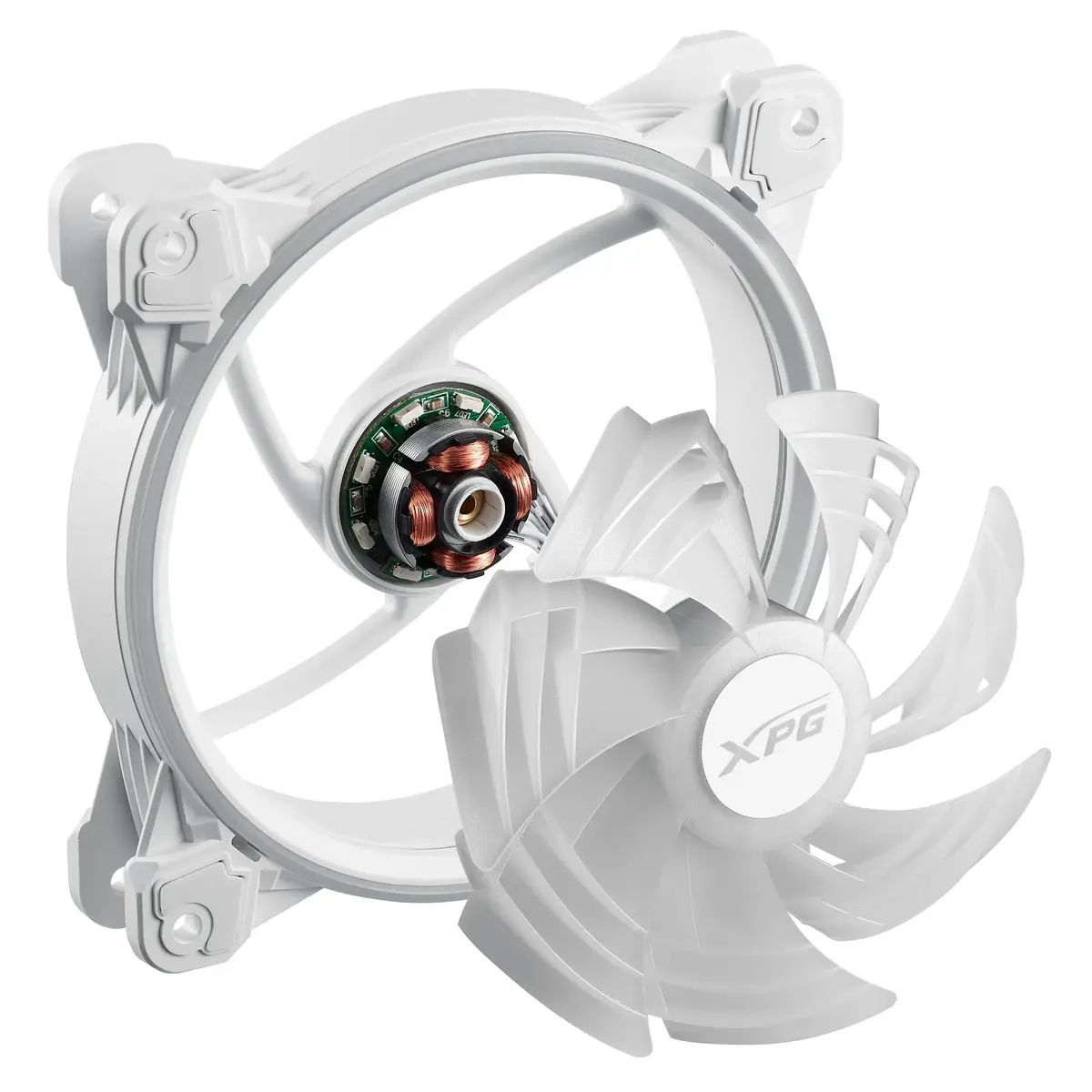
The Fluid Dynamic Bearing lowers friction and noise while improving durability compared with sleeve bearings. A patented dual-layer blade design—main blade plus booster blade—optimizes airflow and static pressure while reducing wind resistance. PWM control enables automatic speed adjustment based on system temperature, and anti-vibration rubber pads reduce transmitted vibration and acoustic output. The white finish provides a neutral aesthetic that integrates with a wide range of build styles.
Install the fan into a compatible 120 mm mounting location in a PC case or onto a CPU cooler following the orientation that directs airflow as required (intake or exhaust). Connect the 4-pin PWM power cable to a motherboard fan header to allow speed control and temperature-based adjustments. Connect the ARGB cable to a compatible ARGB header or controller to enable lighting effects and synchronize with motherboard software. Secure the fan with the provided screws and ensure anti-vibration pads contact the case or bracket to reduce noise.
For balanced cooling and noise performance, configure PWM curves in BIOS or motherboard software to maintain moderate RPM under idle and progressively increase fan speed under load. When using multiple fans, align airflow direction for efficient intake and exhaust paths and avoid obstructing airflow with cables. Periodically clean the fan blades and ARGB ring to maintain performance and lighting clarity.
{{highlightedFeature.featureTitle}}:
{{getProductFeatureValueById(product, highlightedFeature.featureId)}}