

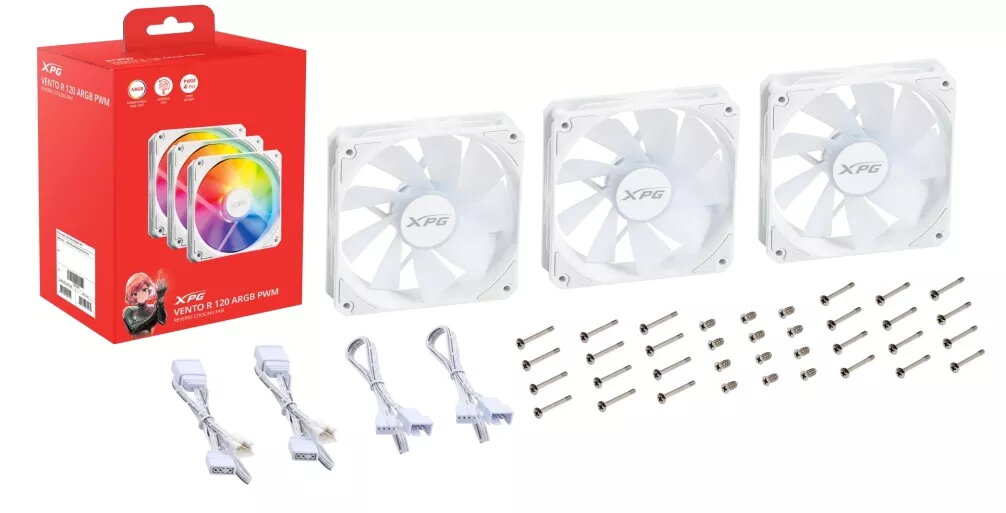
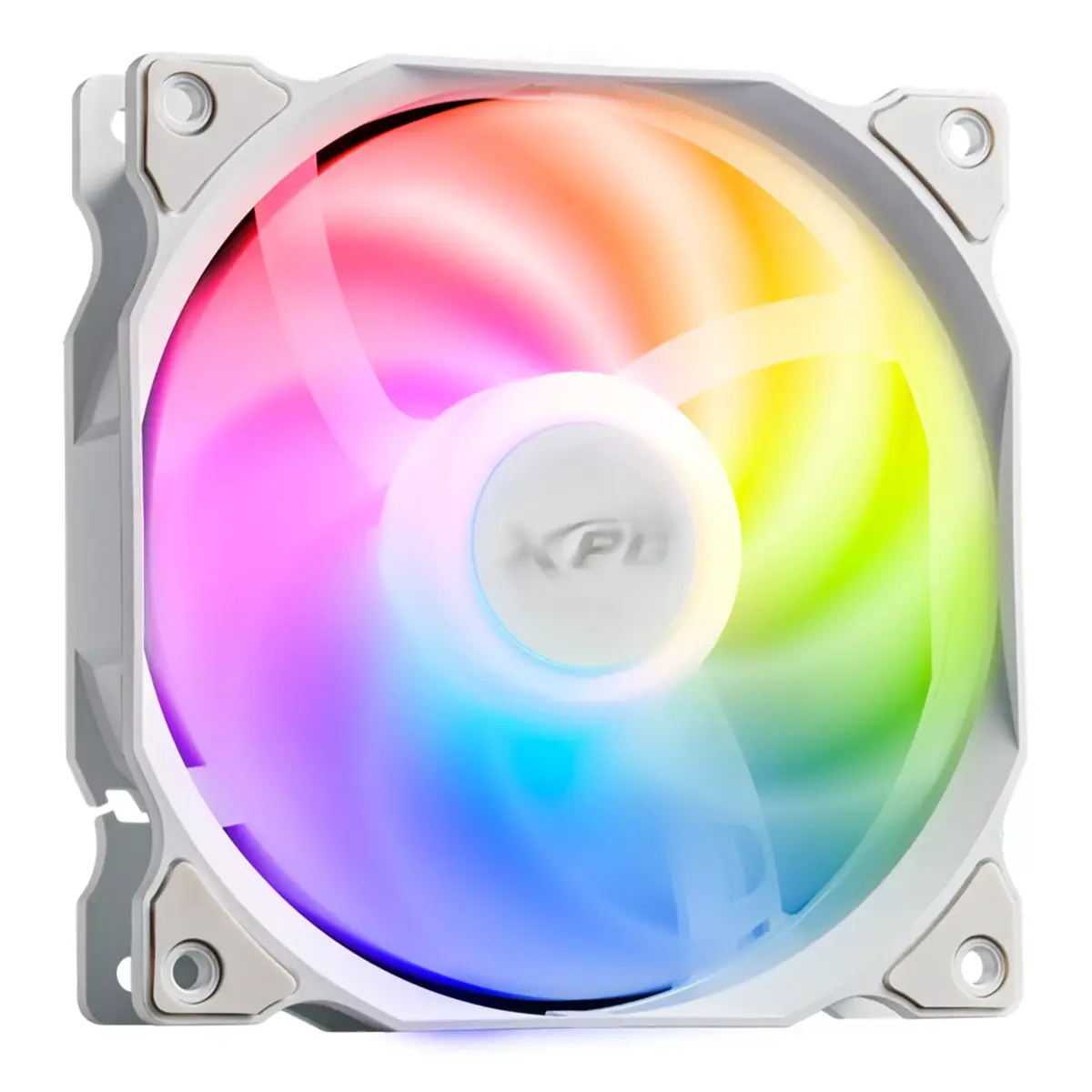
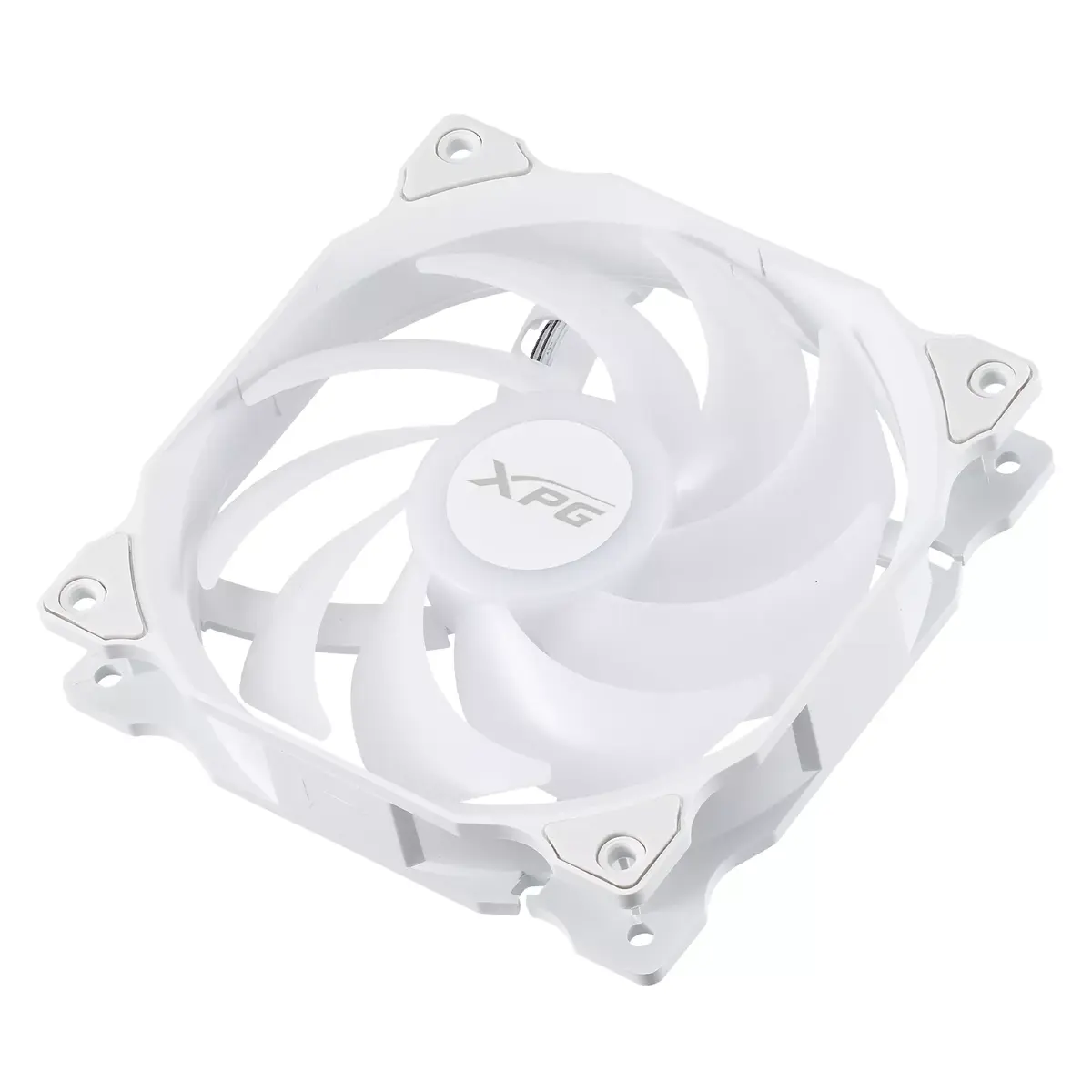
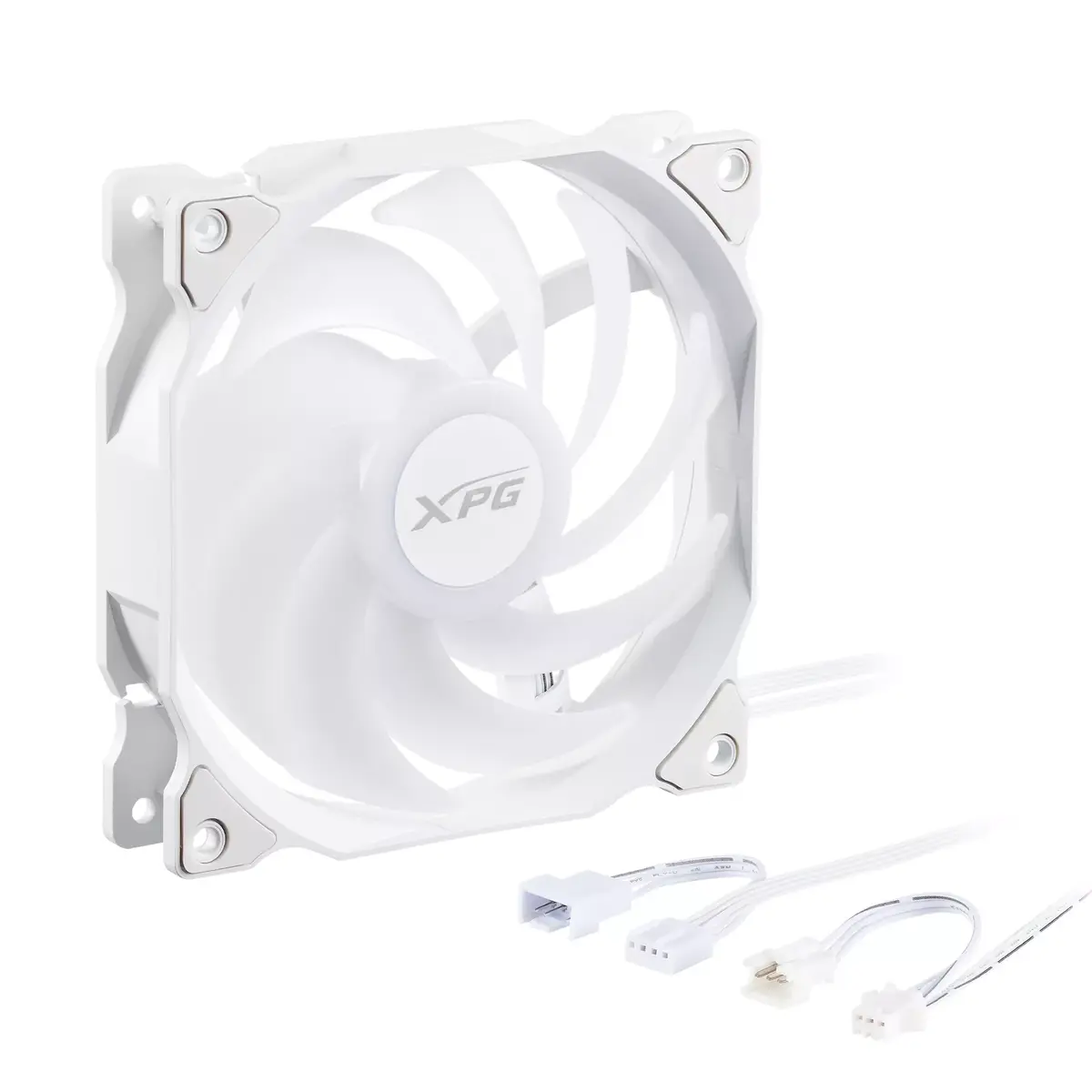
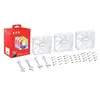
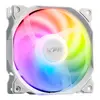
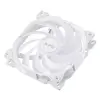
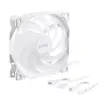
Fan XPG VENTO 120 ARGB PWM (pack of 3) White
38.49 €
{{selectedOffer && selectedOffer.price | formatAmount}}
Short description
The XPG VENTO 120 ARGB PWM fan pack includes three 120mm fans with a rotational speed range of 300 to 1650 RPM. Featuring rifle bearings for durability, these fans provide a maximum air pressure of 1.65 mmH2O. The elegant white design and ARGB lighting enhance your PC aesthetics while ensuring efficient cooling performance.
Available for order:
33 pcs.
Warranty:
2 Years
SKU:
11152970


Cheapest delivery:
Unisend LV
Pick-up points
Unisend LV
Cost
1.79 €
Deliver
{{selectedOffer.parcelStationDeliveryString}}
Customer service center
2b. Kengaraga str., Riga, Latvia, LV-1063
06.08.2026
{{selectedOffer.officeDeliveryString}}
free
Courier Delivery
Please note that in case of a large parcel additional delivery costs may apply!
From 4.99 € (Weight: 0.30 kg)
Parcel couriers
Unisend LV / Venipak Pickup LV / Venipak Locker LV / Latvijas Pasts pakomāts / DPD Paku skapis / Omniva LV / Latvijas Pasts nodaļa
11.08.2026
{{selectedOffer.parcelStationDeliveryString}}
From 1.79 €

Payment Methods:
Bank transfer, Bank cards on-line, Apple Pay, Google Pay


