Dreame vacuums for fast and efficient cleaning!
In cart {{totalProductsCount}} item(s)
Your cart is empty
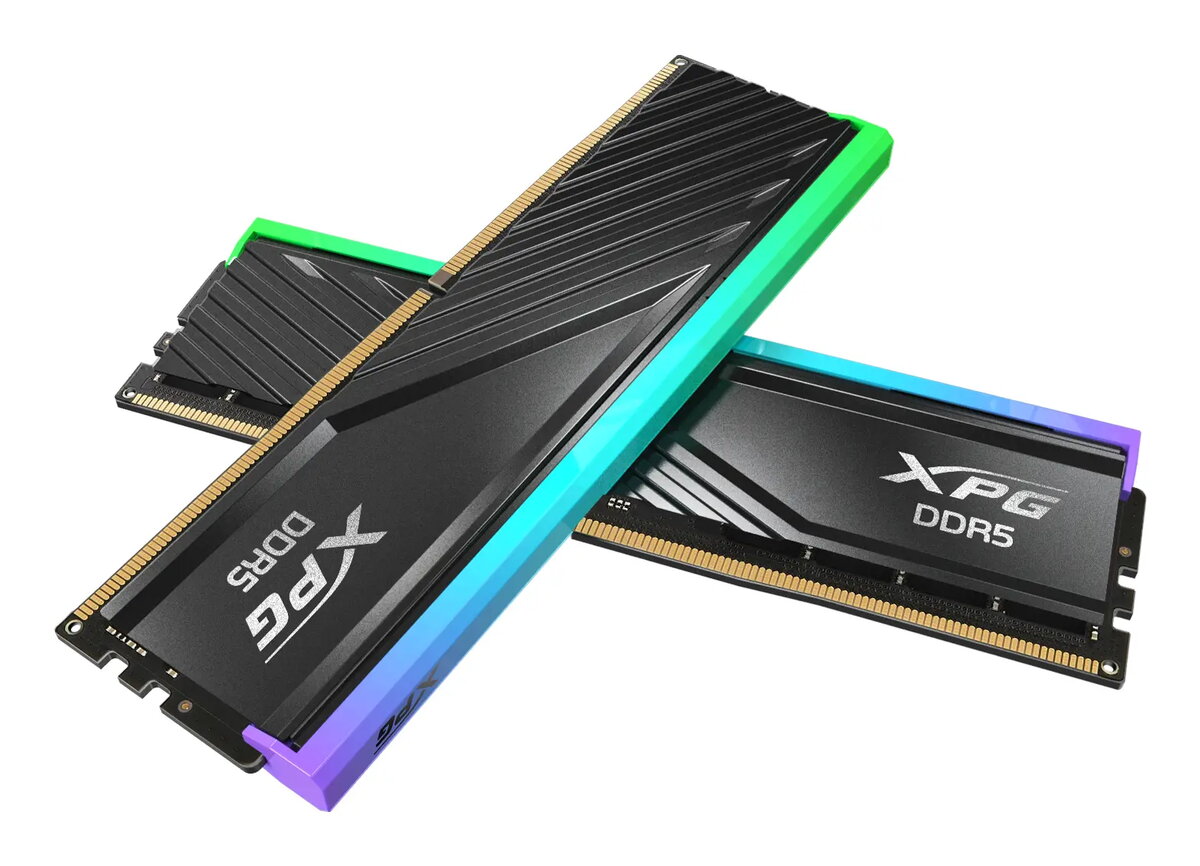
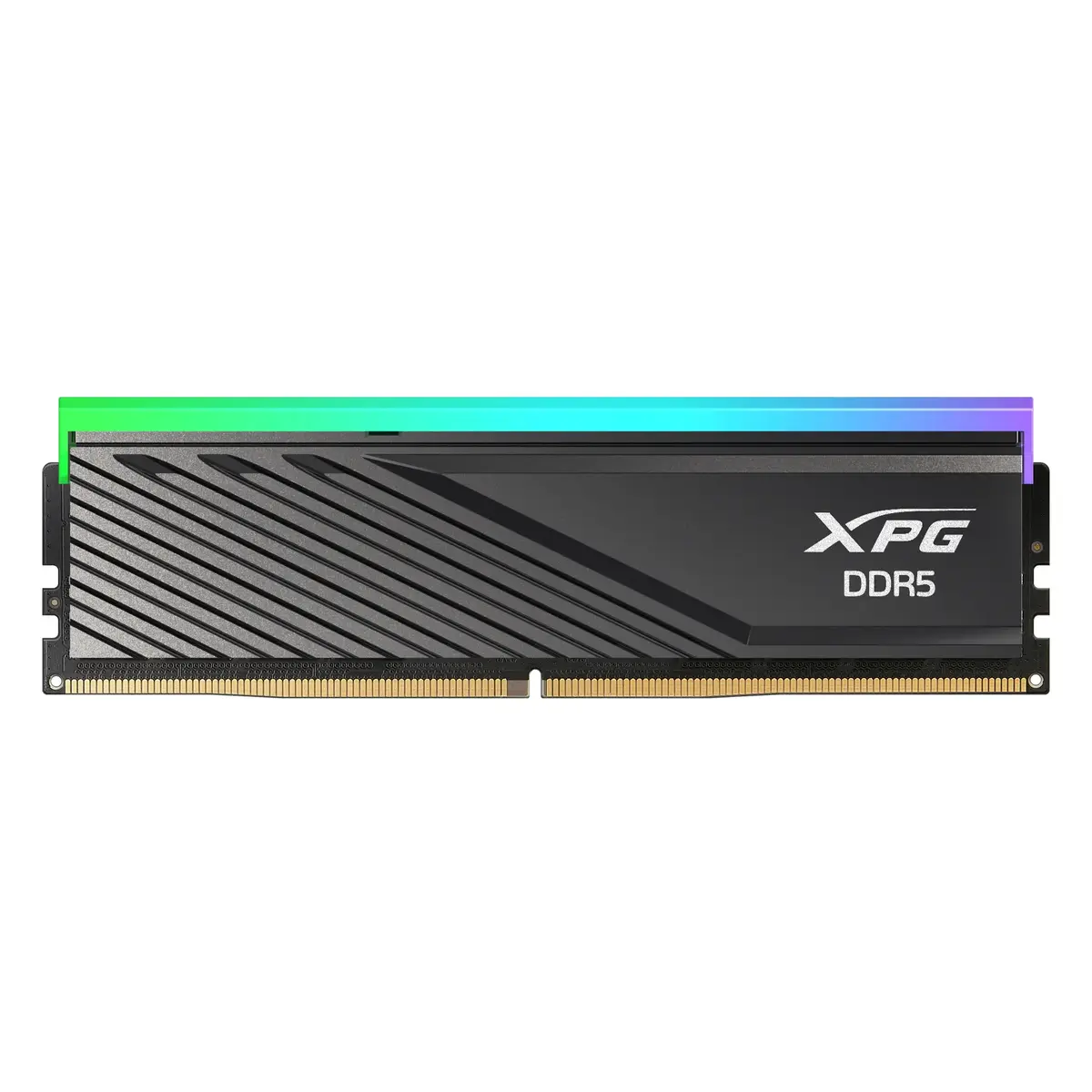
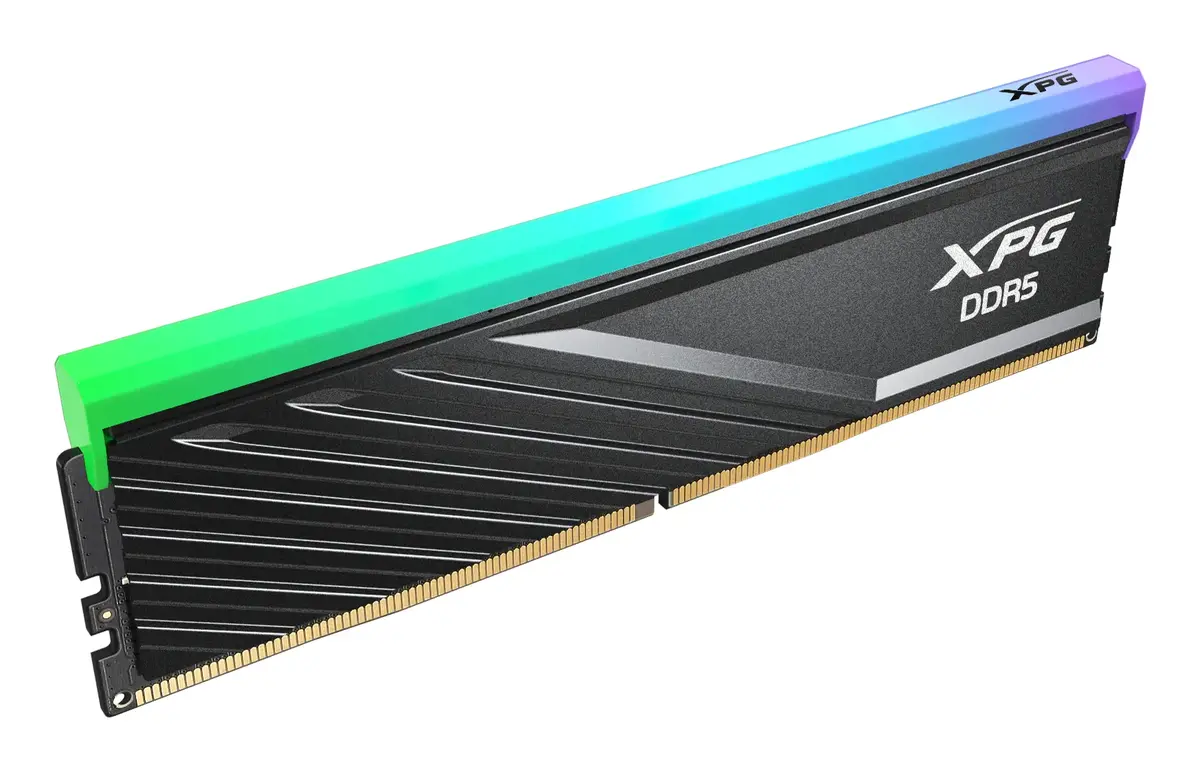
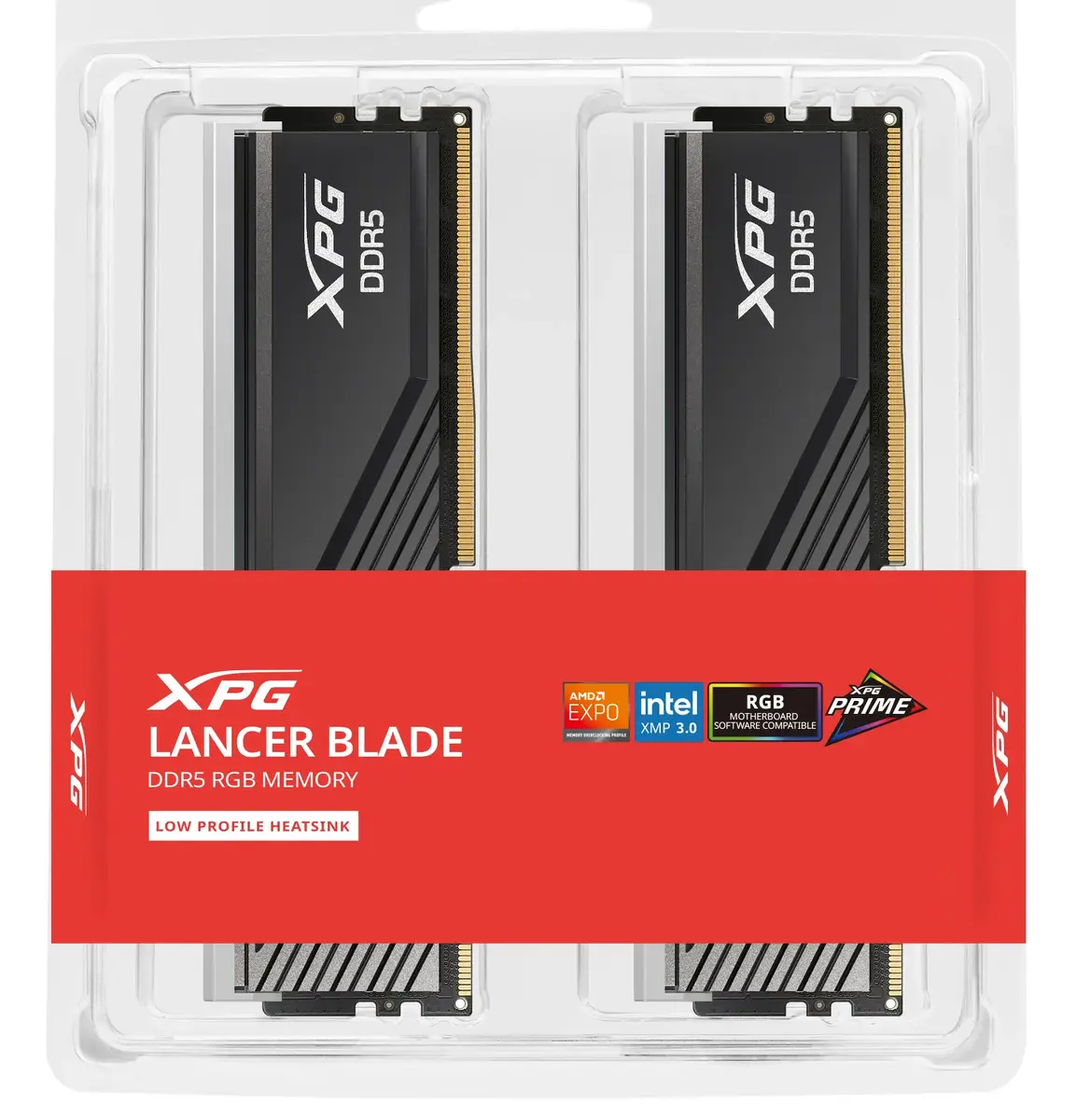
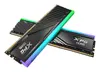
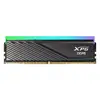
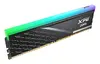
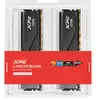
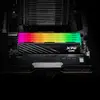
Memory module XPG LANCER BLADE RGB v 32 GB (2×16 GB) DDR5 6000 MHz 288-pin DIMM
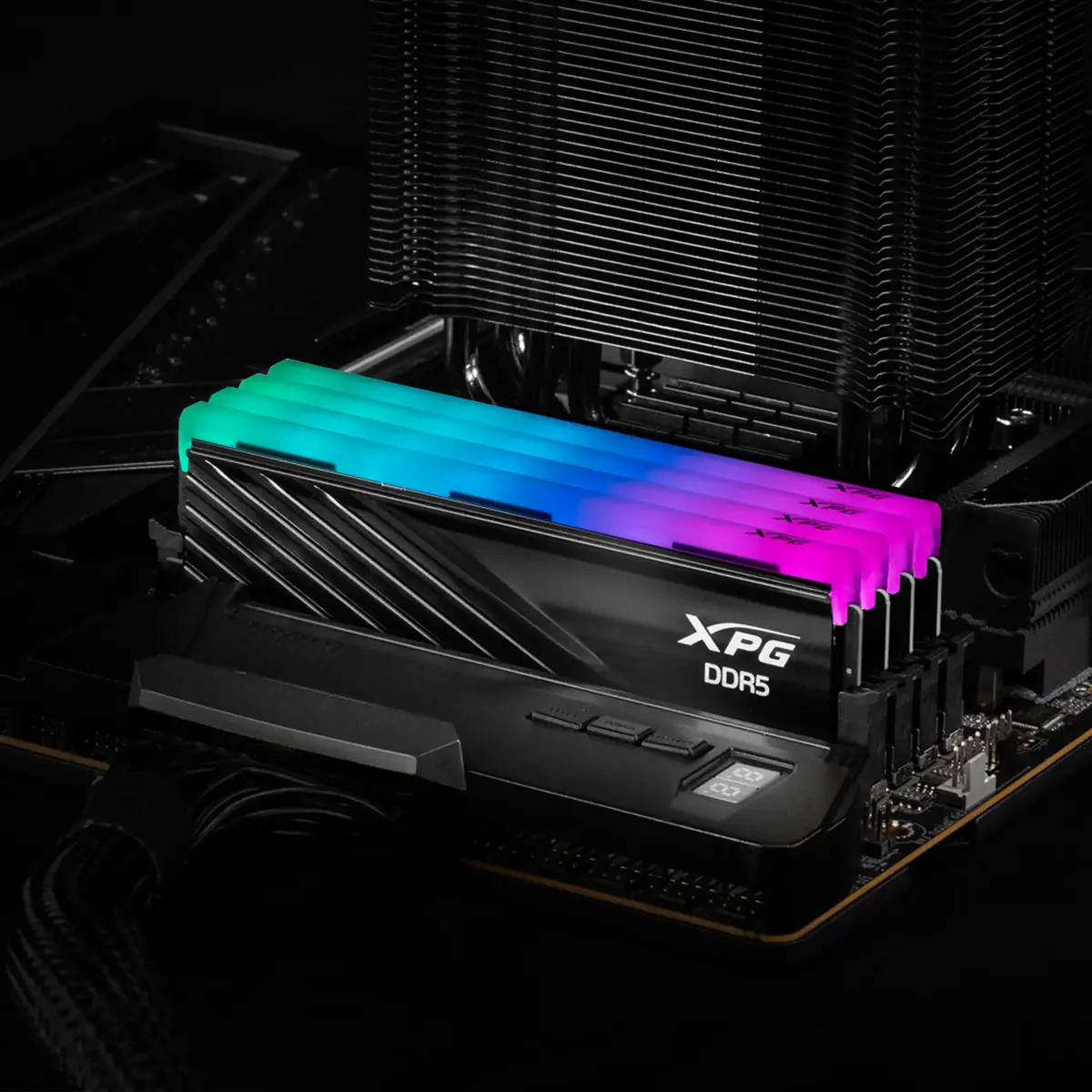
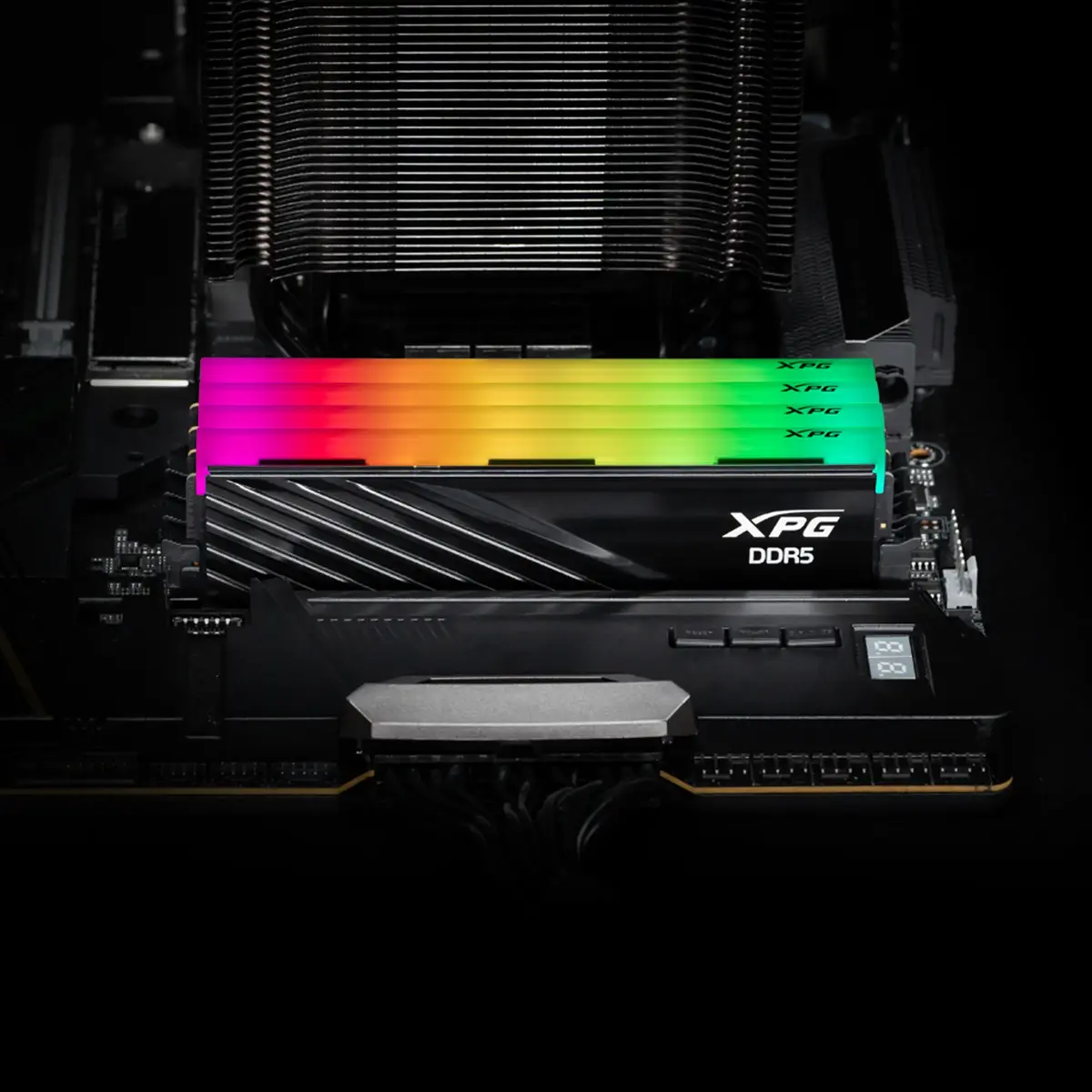
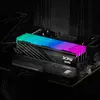
The XPG LANCER BLADE RGB v 32 GB (2×16 GB) DDR5 6000 MHz 288-pin DIMM is a dual-module desktop memory kit designed for modern DDR5-compatible motherboards. With a total capacity of 32 GB delivered as two 16 GB modules and an operating frequency of 6000 MHz with CL30, this memory kit targets gaming, content creation and multitasking systems that require high bandwidth and responsive performance. The modules include addressable RGB lighting and a compact low-profile heatsink that fits in a wide range of chassis without conflicting with large CPU coolers.
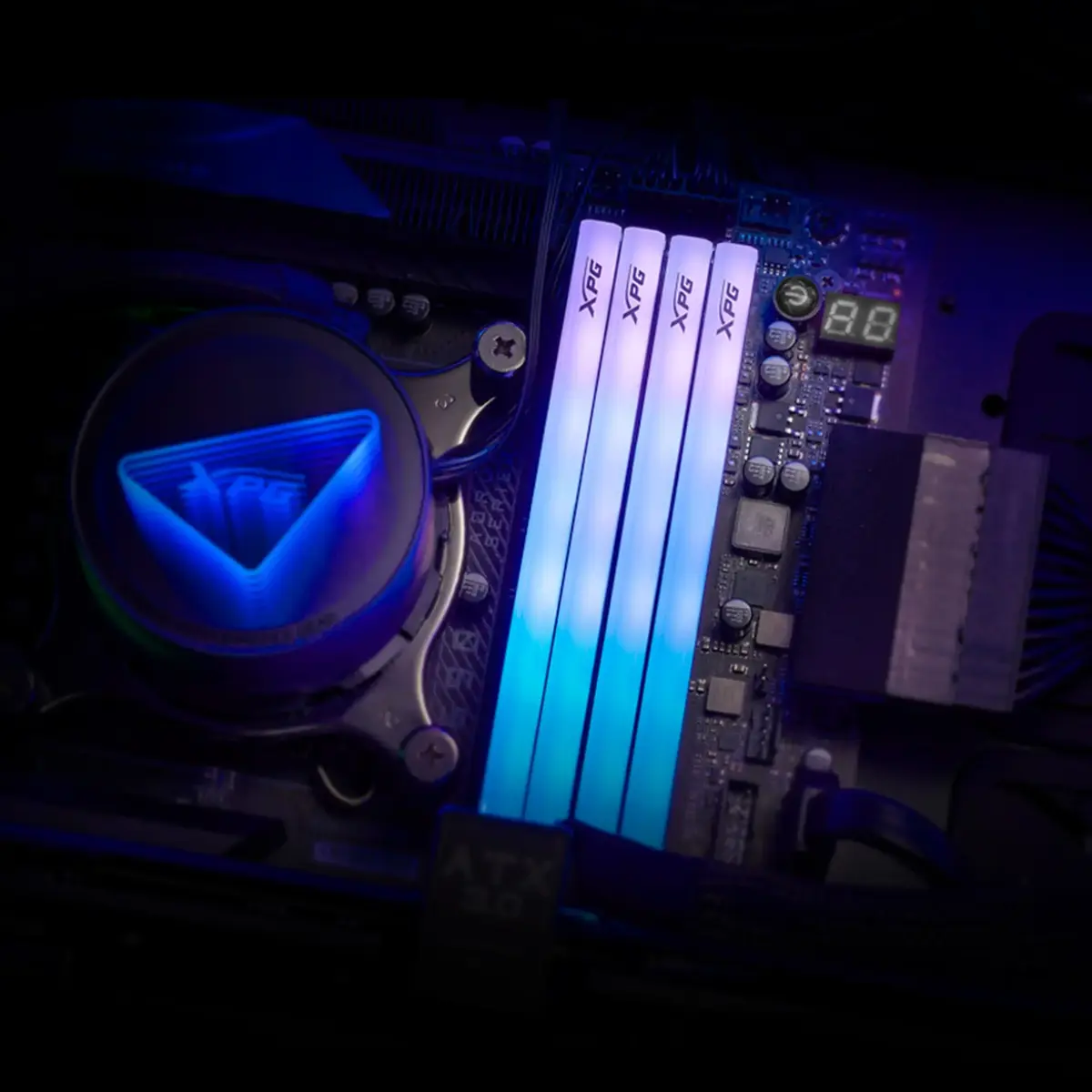
The LANCER BLADE RGB v offers high-clock DDR5 performance with improved power efficiency thanks to lower operating voltage and a built-in Power Management IC (PMIC) that stabilizes power delivery. On-die ECC provides real-time error correction for increased stability and reliability under load. The modules are built on high-quality ICs and PCBs to support stable operation and overclocking, and they support both Intel XMP 3.0 and AMD EXPO for simplified profile-based tuning. Addressable RGB lighting is controllable via major motherboard software and XPG Prime for synchronized effects.
Install the two 16 GB modules into matched DDR5 DIMM slots on a compatible motherboard following the motherboard manual for recommended slot population and orientation. Ensure the system is powered off and the PSU is disconnected before installation. After physical installation, enable the desired performance profile in the BIOS/UEFI by selecting an XMP or EXPO profile to apply the rated 6000 MHz settings and timings, or configure manual settings if required. Use motherboard RGB control software or XPG Prime to configure lighting effects and synchronization.
For optimal stability, update your motherboard BIOS to the latest version that adds DDR5 compatibility and profile support, populate DIMM slots as recommended by the motherboard vendor, and enable XMP/EXPO profiles for rated performance. In compact systems, confirm clearances with large CPU coolers and route cables to maximize airflow over the modules. When overclocking, monitor system temperatures and voltages and adjust incremental settings rather than applying large changes at once.
{{highlightedFeature.featureTitle}}:
{{getProductFeatureValueById(product, highlightedFeature.featureId)}}
{{ productComparisonGenerationError }}