
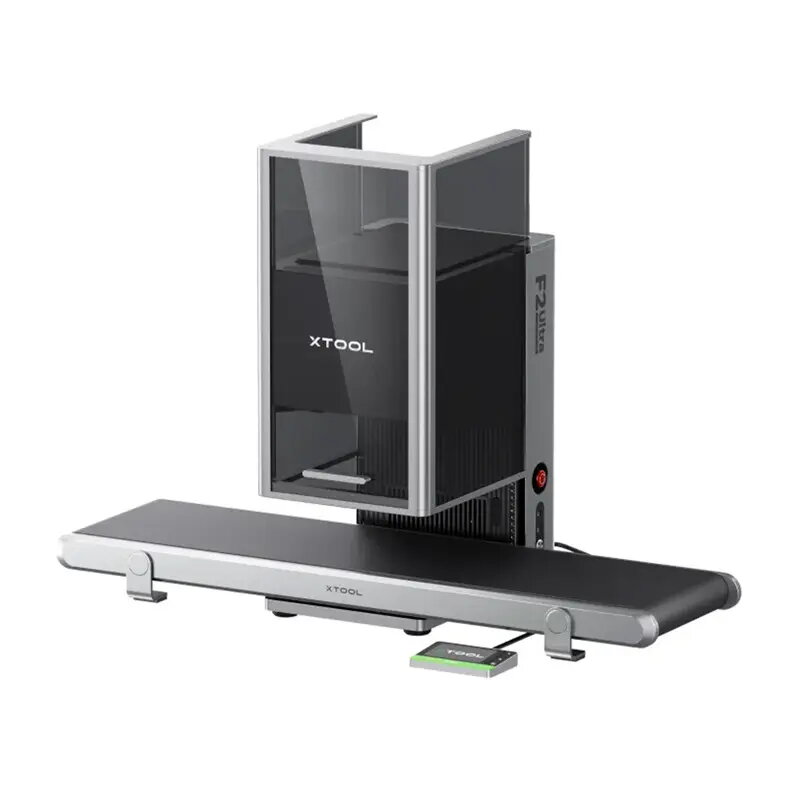
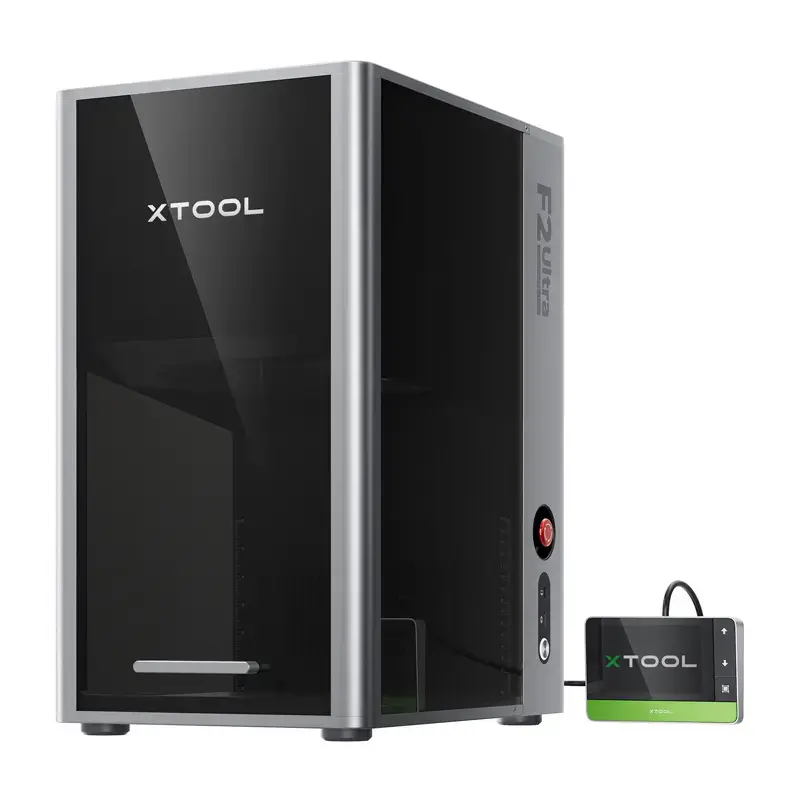
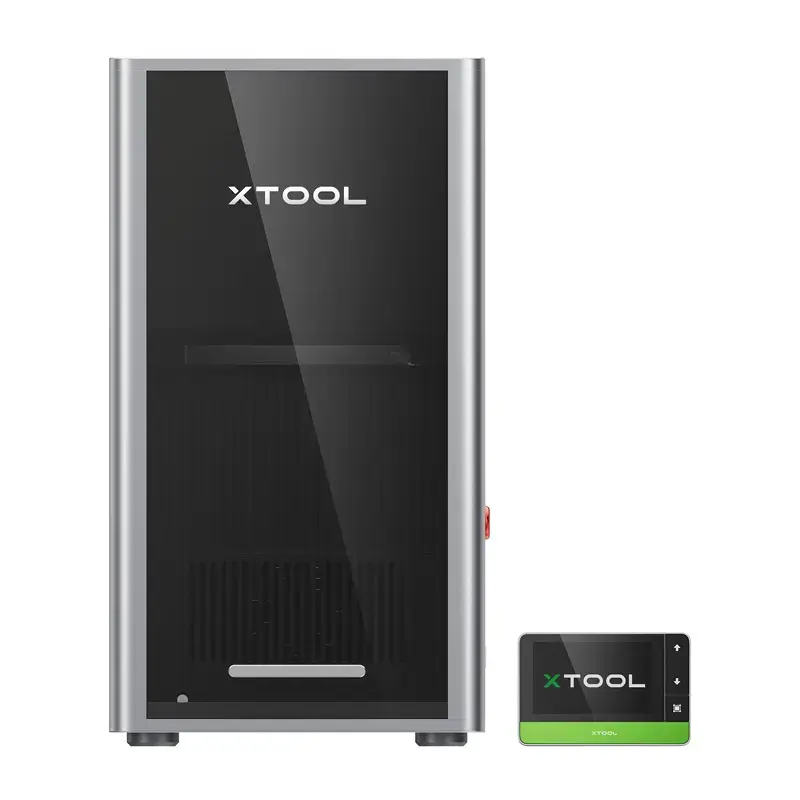
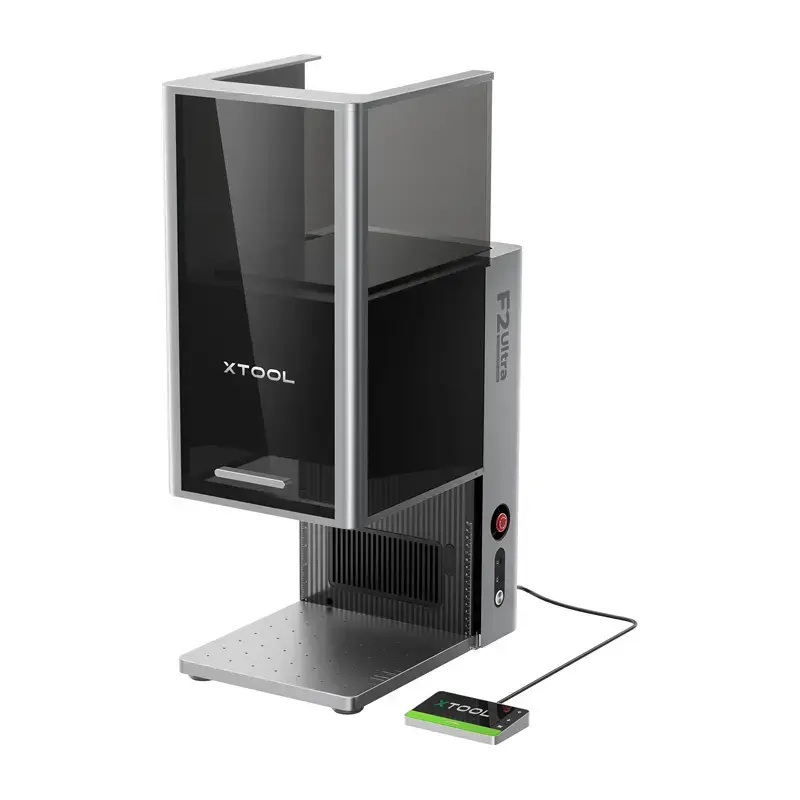
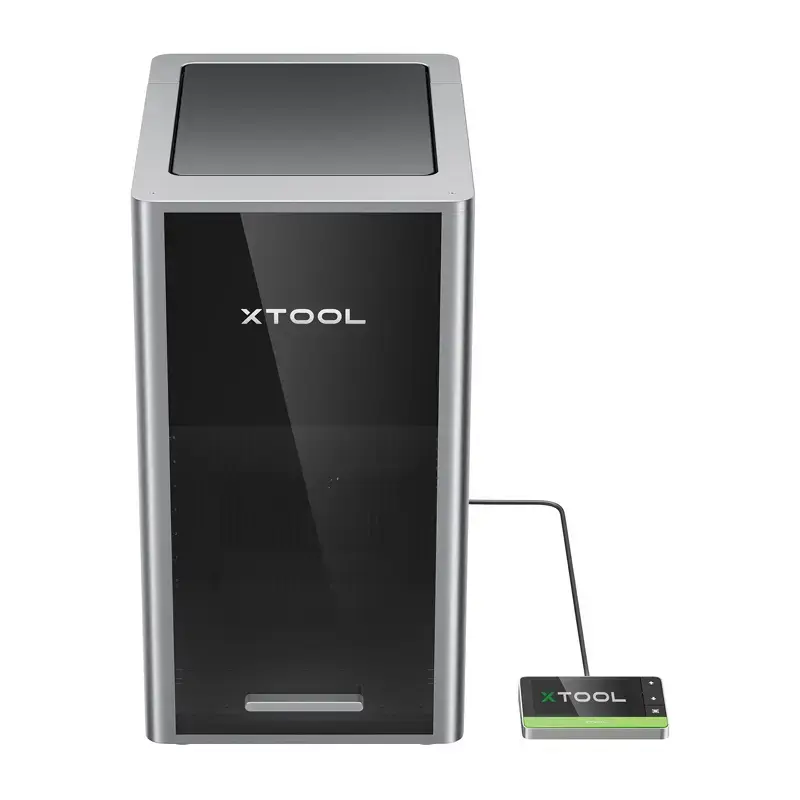
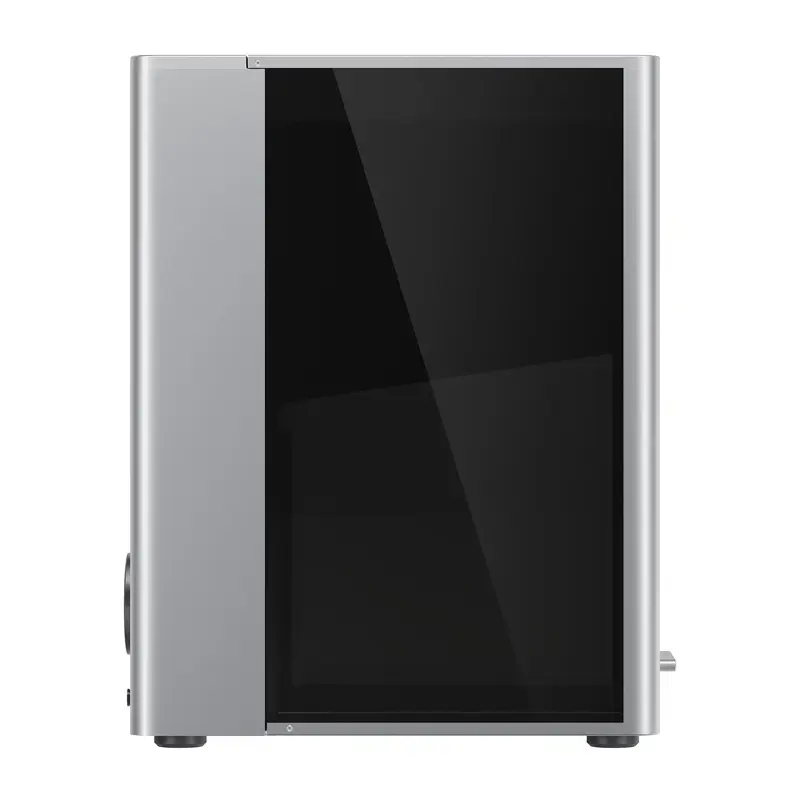
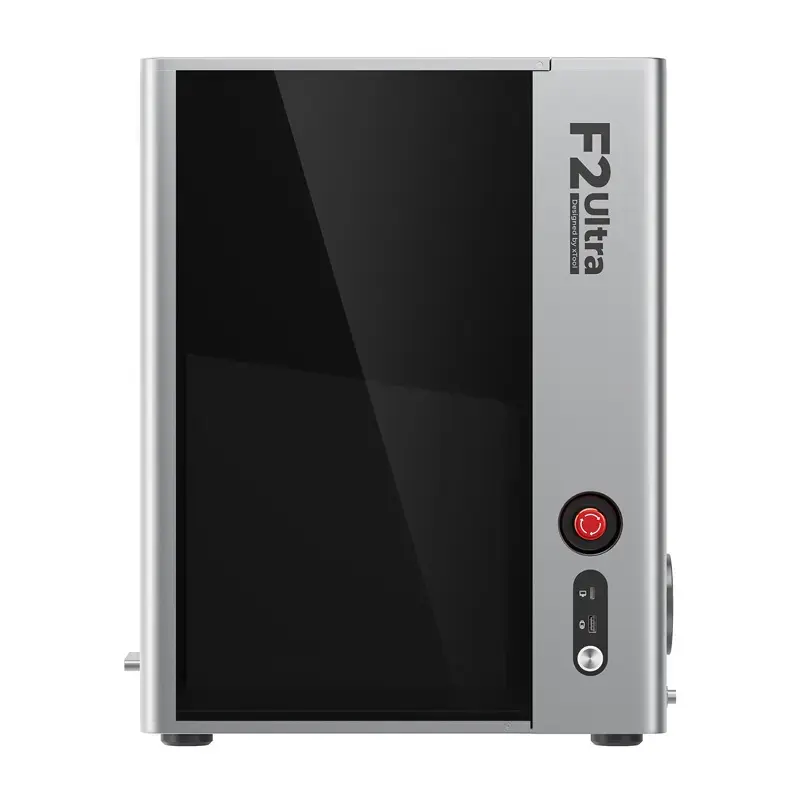
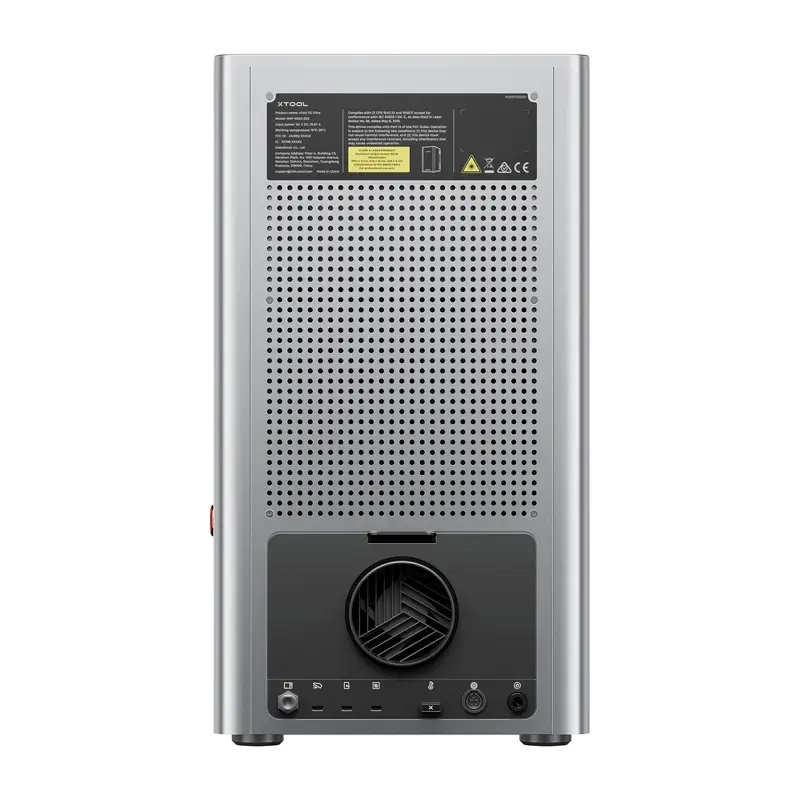
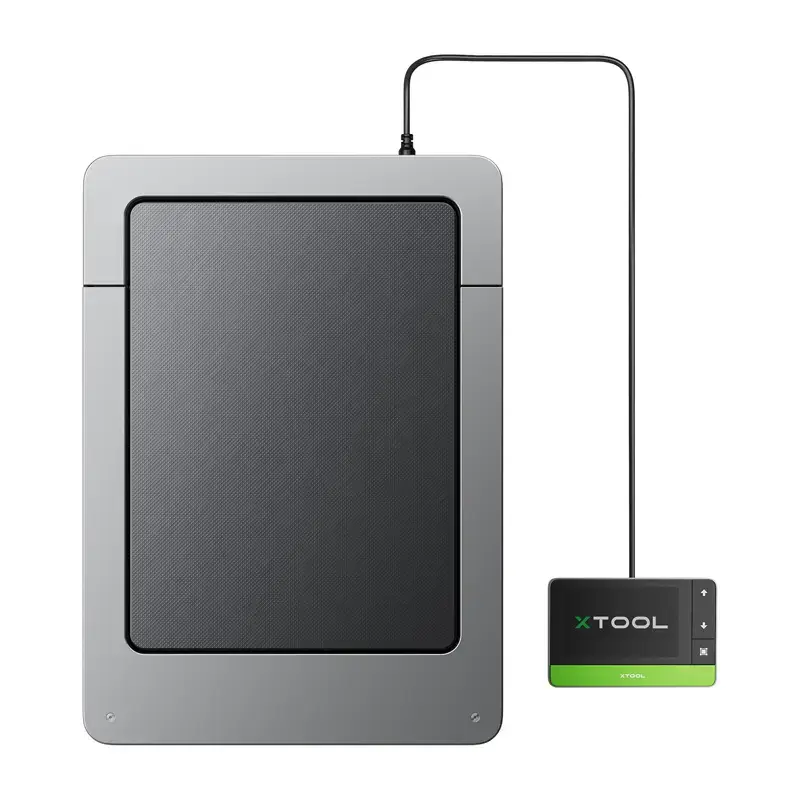
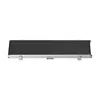
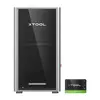
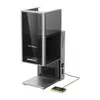
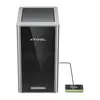
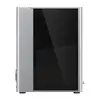
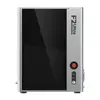
Laser engraving machine xTool F2 Ultra with Auto Streamline feeder
{{selectedOffer && selectedOffer.price | formatAmount}}
Keep track of price changes
You keep track of price changes
Watch the price drop
Leave your address - as soon as the price of the product goes down, you'll know about it right away
You keep track of price changes
Laser engraving machine xTool F2 Ultra with Auto Streamline feeder
{{email}}
You keep track of price changes
Laser engraving machine xTool F2 Ultra with Auto Streamline feeder
{{email}}
{{selectedOffer && selectedOffer.price | formatAmount}}
Short description
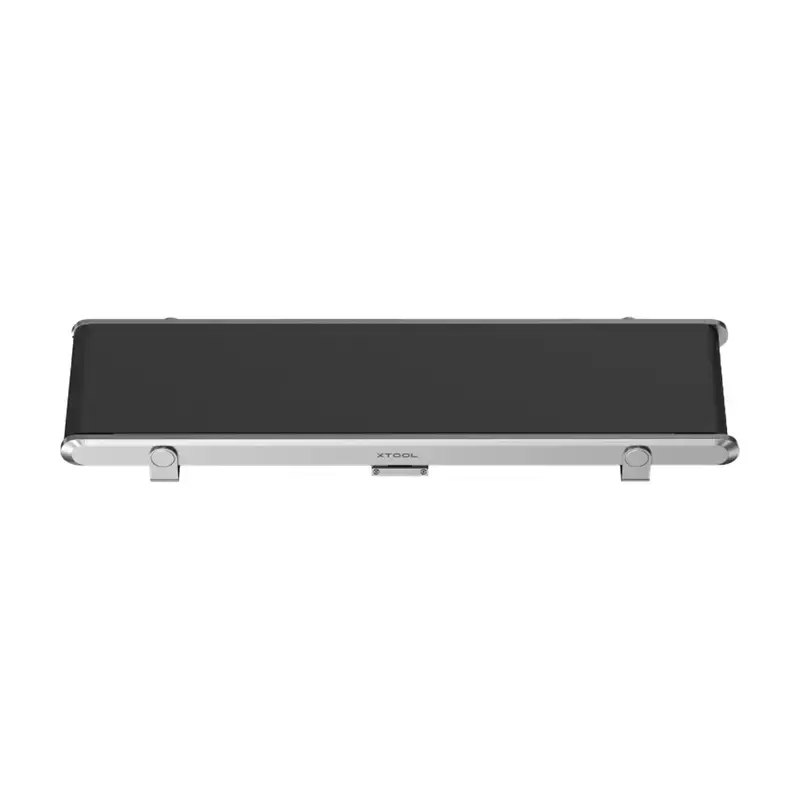
xTool F2 Ultra is a laser engraving machine equipped with an Auto Streamline feeder. Designed for automated feeding and continuous engraving, it supports production workflows requiring repeated processing of multiple items. Suitable for wood, leather, acrylic and similar materials, it helps increase throughput, reduce manual handling and streamline small-batch manufacturing and personalization tasks.
to the Customer Service Center at Kengaraga 2b, Riga
02.11.2026
{{selectedOffer.officeDeliveryString}}
free
- Delivery country: {{ userCountryName }}
Customer service center
2b. Kengaraga str., Riga, Latvia, LV-1063
02.11.2026
{{selectedOffer.officeDeliveryString}}
free
Courier Delivery
Please note that in case of a large parcel additional delivery costs may apply!
From 53.99 € (Weight: 42.36 kg)

pay in 3 equal parts
All payment Methods:
Bank transfer, Bank cards on-line, Apple Pay, Google Pay, Installment, Leasing for legal entities
36 months installment:
from 168.49 euros per month
Leasing for legal entities:
from 211.08 euros per month


