Hurry and order now – up to 50% off!
In cart {{totalProductsCount}} item(s)
Your cart is empty
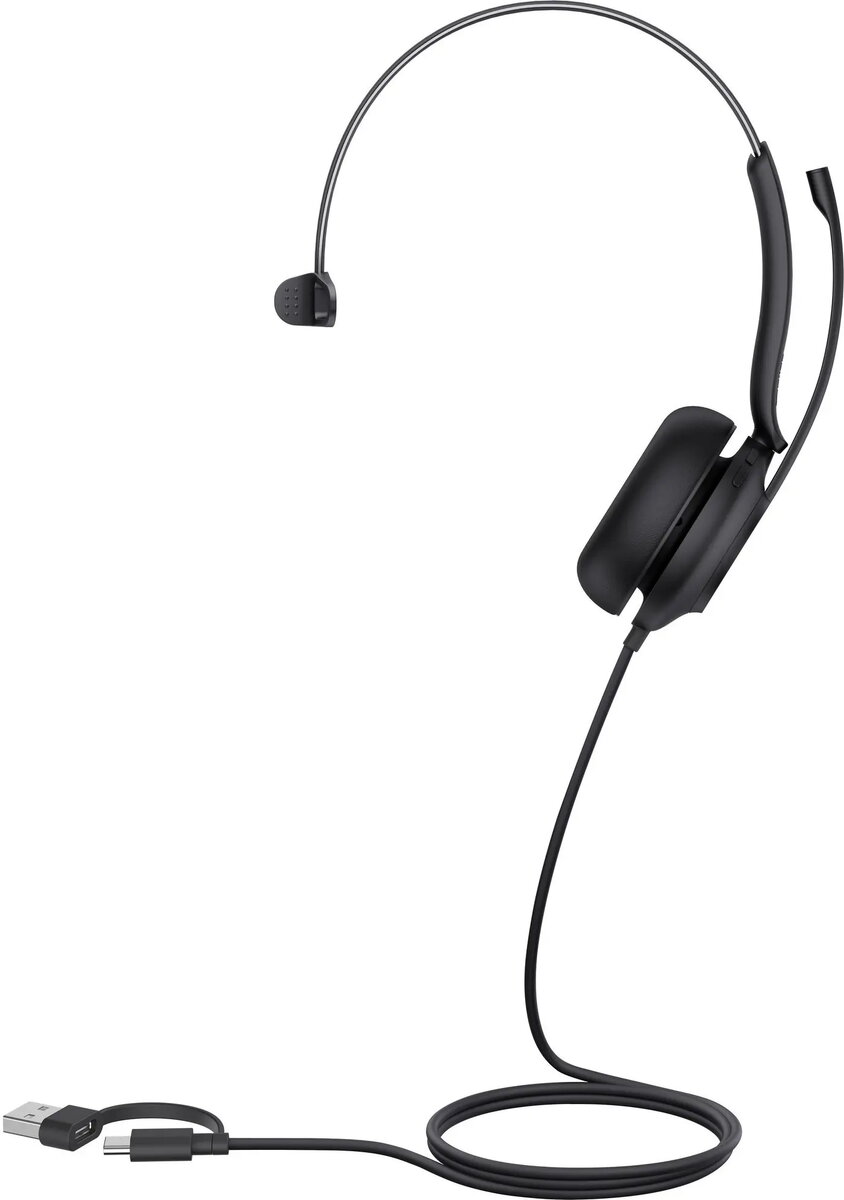
Headset Yealink UH35 Mono Teams USB-C/A
The Yealink UH35 Mono Teams USB-C/A is a professional single-ear headset designed for clear voice communication and comfortable all-day wear. It connects via USB-C and includes a USB-A adapter for versatile compatibility with laptops, desktops and compatible mobile devices. The headset integrates a noise-canceling microphone and an ergonomic headband with a lightweight construction to support prolonged use during calls, online meetings and unified communications platforms such as Microsoft Teams.
The noise-canceling microphone reduces background distractions and delivers intelligible speech for the person on the other end of the call. The mono earpiece preserves awareness of the surrounding environment while providing focused audio to the user. Physical in-line controls allow quick access to call answer/end, mute and volume adjustments without navigating software menus. The USB-C connection with included USB-A adapter ensures plug-and-play setup across a wide range of devices. The headset’s adjustable headband and soft ear cushion provide a secure, comfortable fit for extended periods.
Connect the headset to a compatible device using the USB-C connector or the supplied USB-A adapter. Position the microphone boom close to the mouth, approximately 1–2 cm away, and adjust the headband and ear cushion for a comfortable fit. Use the inline controls to answer or end calls, mute the microphone and adjust volume levels. For Microsoft Teams, confirm the UH35 Mono headset is selected as the audio device in the application settings before joining calls. Regularly check cable connections and device settings if audio or microphone performance changes.
To maintain microphone performance and listening comfort, store the headset in a dry place when not in use, clean the ear cushion with a soft damp cloth as needed, and avoid exposing the headset to extreme temperatures. For optimal voice pickup, keep the microphone boom directed toward your mouth but slightly off-center to reduce breath noise.
{{highlightedFeature.featureTitle}}:
{{getProductFeatureValueById(product, highlightedFeature.featureId)}}
{{ productComparisonGenerationError }}