Powerful EcoFlow stations for energy anywhere!
In cart {{totalProductsCount}} item(s)
Your cart is empty
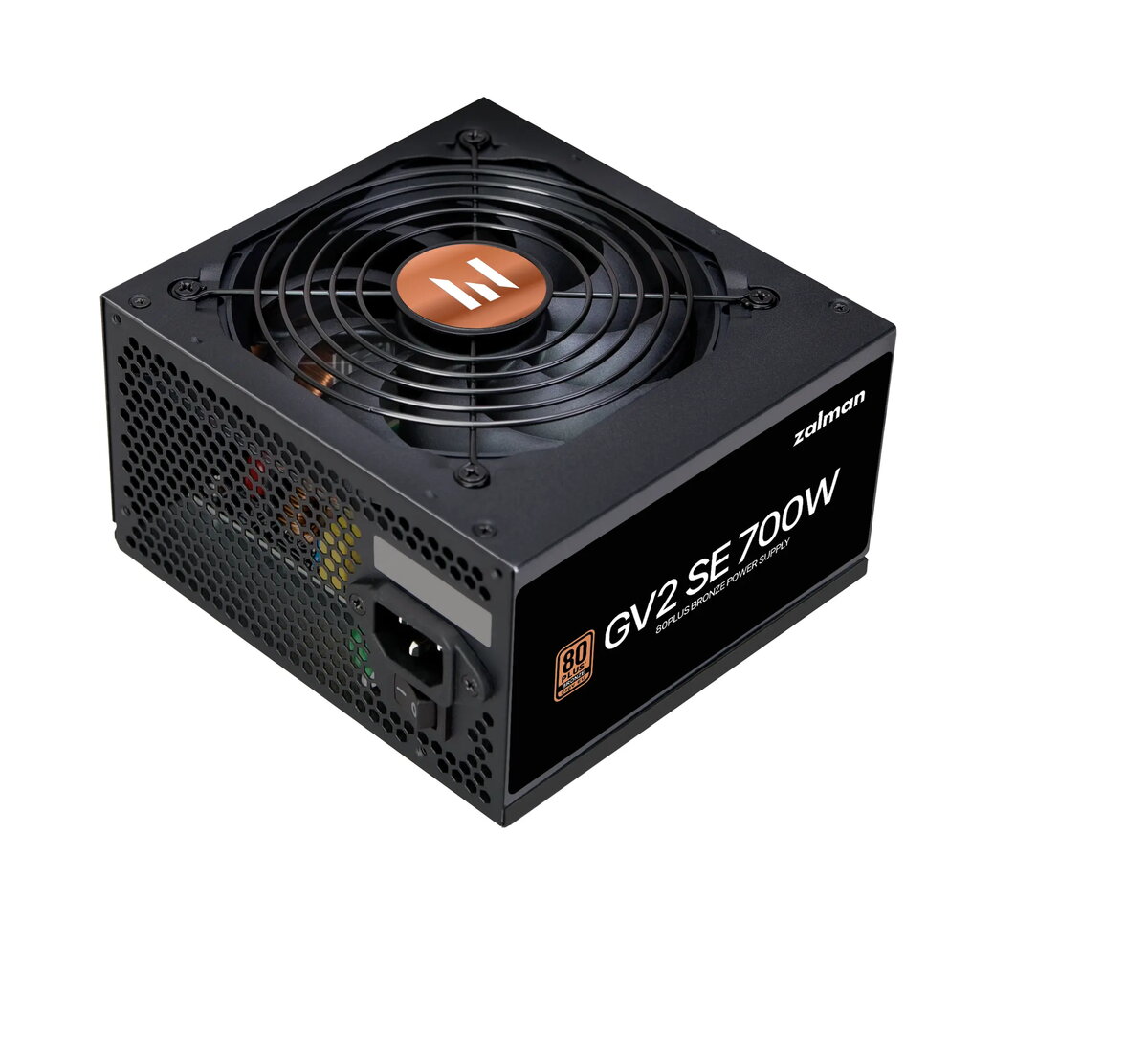
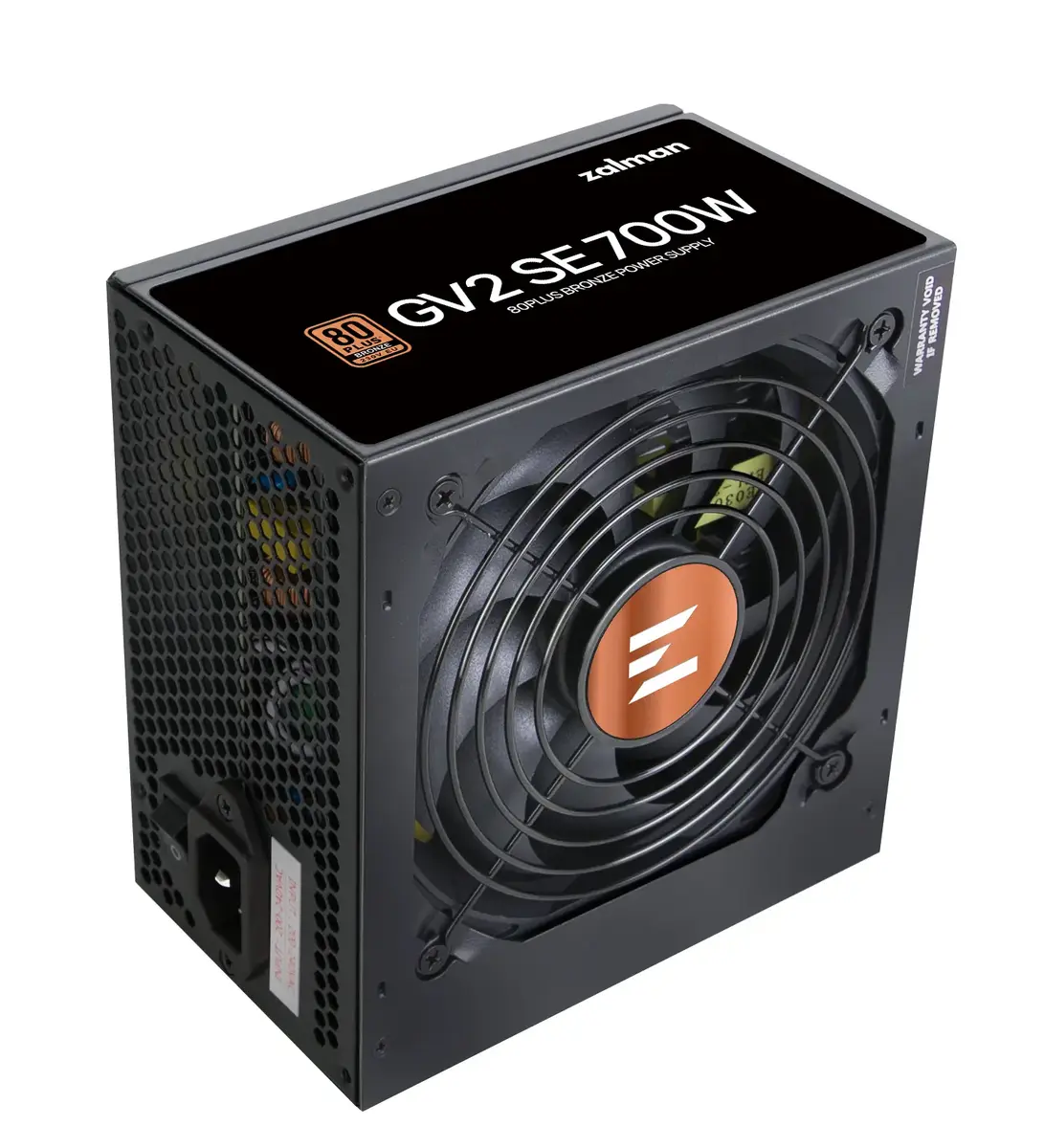
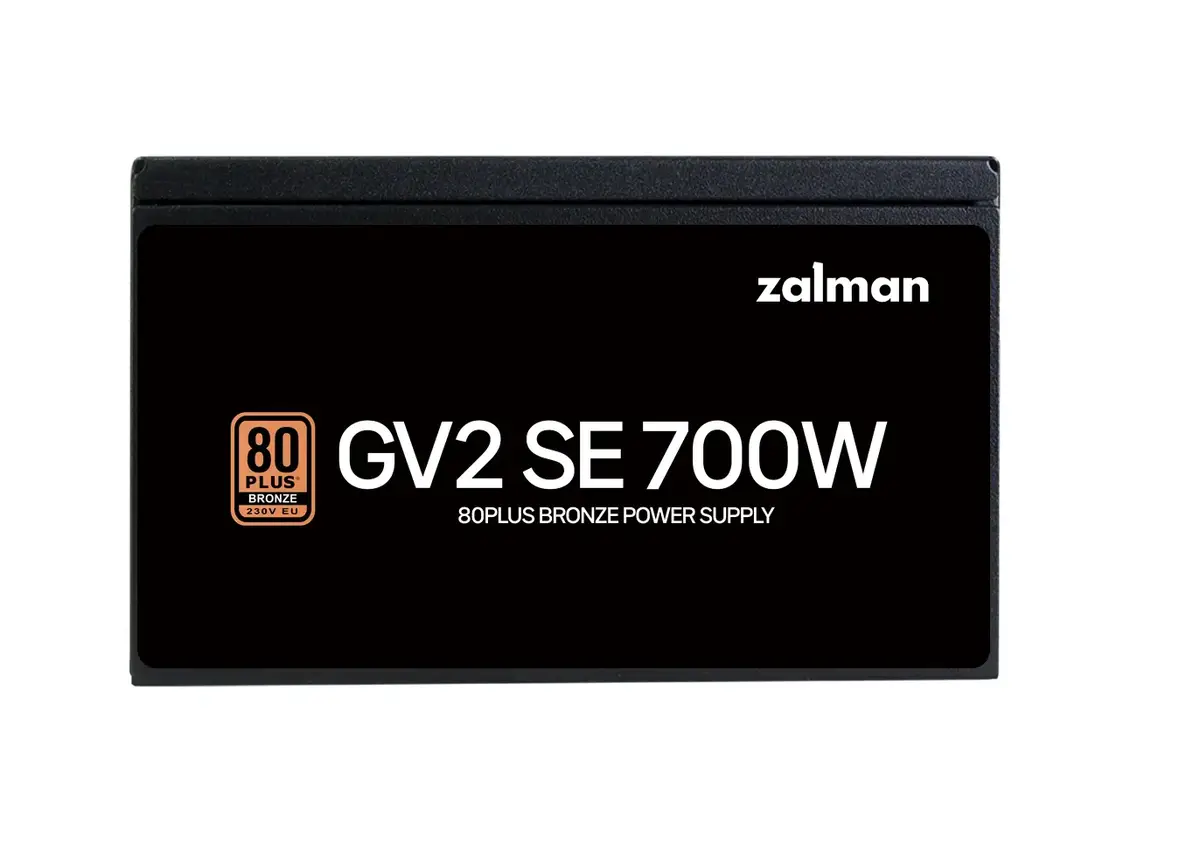
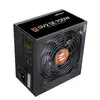
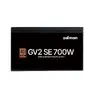
Power supply unit Zalman ZM700-GV2SE 700 W ATX 20+4 pin 80 PLUS Bronze, 120 mm fan, black
Zalman ZM700-GV2SE is a 700 W ATX power supply designed for desktop PCs and mid-range gaming or workstation builds. It delivers up to 700 W total power with an 80 PLUS Bronze / Cybenetics ETA Silver typical efficiency of about 88% at 230 V, and is compatible with 200–240 V AC input at 50/60 Hz. The unit uses a 20+4 pin ATX motherboard connector and comes with a 55 cm motherboard cable and an all-black flat cable set for easier cable management. Cooling is provided by a 120 mm HDB (Hydro-Dynamic Bearing) fan intended to provide quiet operation and extended lifespan. The PSU integrates active PFC, DC-to-DC conversion on the 12 V rail, aluminum solid capacitors rated for high temperature, an EMI filter and multiple protection circuits for stable and safe operation.
The Zalman ZM700-GV2SE combines energy efficiency and reliable thermal management: ETA Silver and 80 PLUS Bronze certification help reduce wasted energy and heat, while a 120 mm HDB fan provides low-noise cooling. Active PFC with up to 99% power factor and a 12 V DC-to-DC converter contribute to steady voltage delivery under varying loads. High-quality aluminum solid capacitors rated for elevated temperatures plus an EMI filter improve durability and stable output. Built-in multi-level protections guard against common electrical faults, and the compact standard ATX form factor with black flat cables simplifies installation and internal cable routing.
Install the Zalman ZM700-GV2SE into a compatible ATX case using the supplied screws and connect the 20+4 pin ATX connector to the motherboard. Attach required peripheral and CPU power connectors from the PSU to your components, ensuring secure, correct orientation for each plug. Connect the power cord to a properly grounded AC outlet within the specified 200–240 V range. On first startup, monitor system voltages and fan operation and allow the PSU to run under typical load to verify stable operation. Use the included cable ties and flat cables to route wiring for improved airflow and tidy appearance.
For reliable long-term operation, place the PSU in a chassis with adequate airflow, avoid blocking the 120 mm intake area, and ensure case ventilation is sufficient for the intended workload. Use this unit with systems matching its power capabilities—typical mid-range gaming or workstation configurations—and consider headroom for peak loads. If you plan heavy overclocking or multi-GPU setups, choose a higher wattage model. Periodically inspect cables and connectors and keep the fan inlet free of dust to maintain efficiency and low noise.
{{highlightedFeature.featureTitle}}:
{{getProductFeatureValueById(product, highlightedFeature.featureId)}}
{{ productComparisonGenerationError }}