JBL speakers and headphones for pure and deep sound!
In cart {{totalProductsCount}} item(s)
Your cart is empty
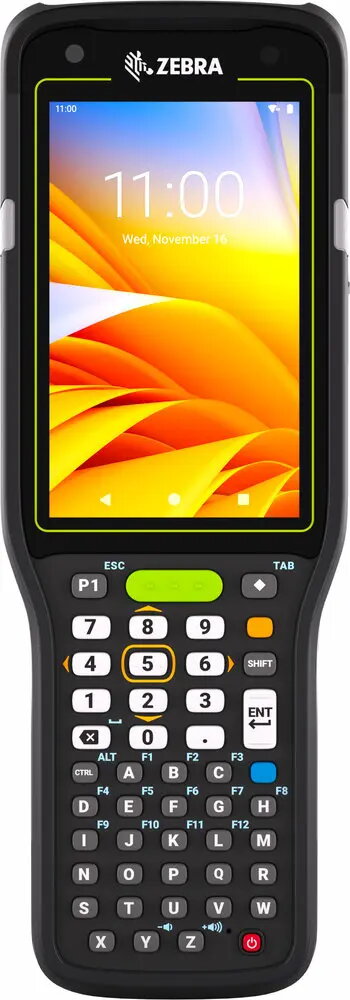
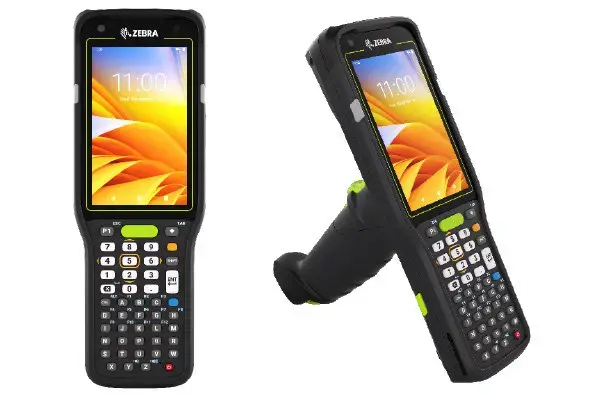
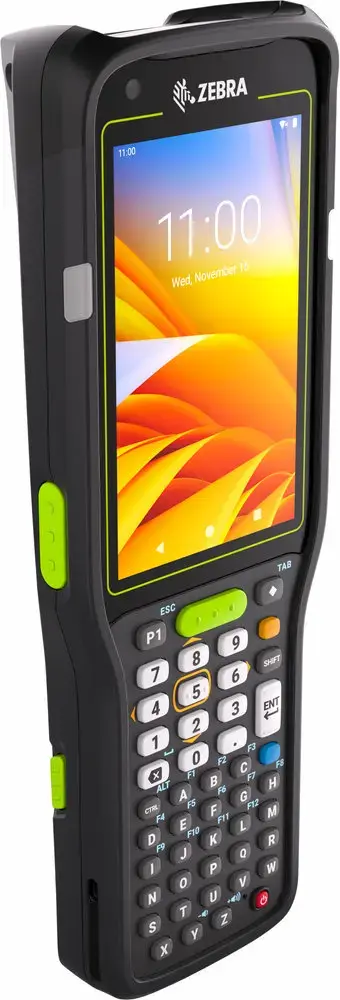
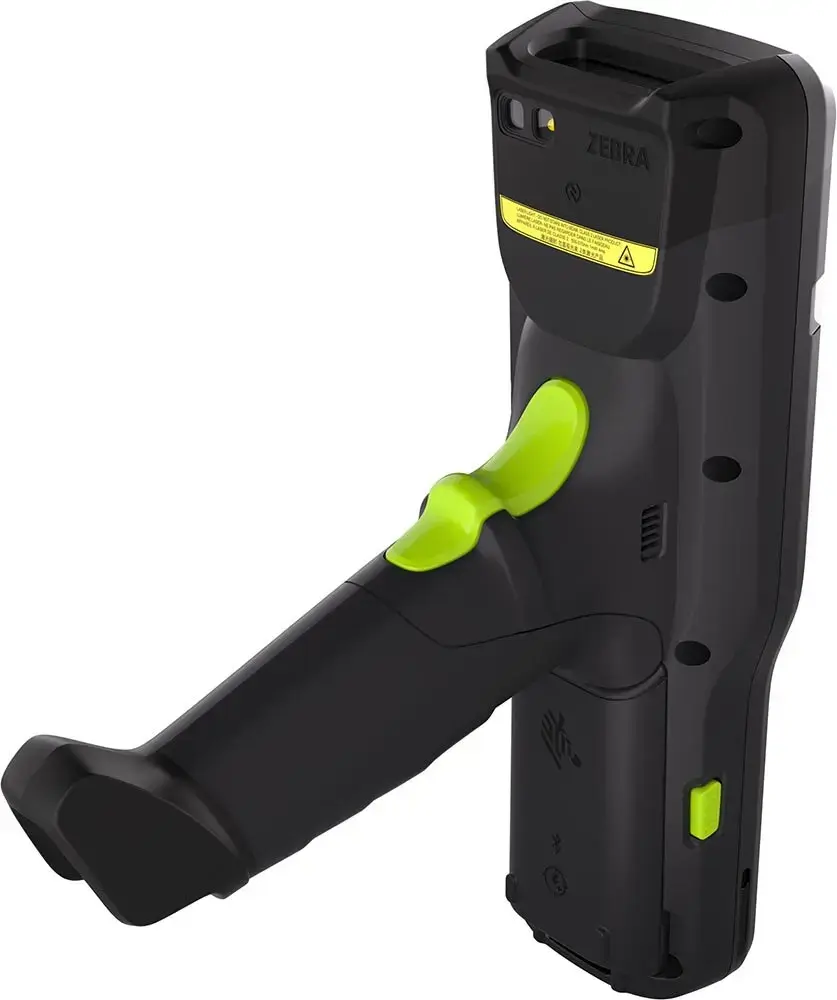
Zebra MC3450 Handheld Mobile Computer, 4-inch Touchscreen, Qualcomm 2.4GHz, 6GB RAM, 128GB Flash, Android, Wi-Fi 6
The Zebra MC3450 is a high-performance handheld mobile computer engineered for demanding professional environments. Featuring a responsive 4-inch dual-touch display with a resolution of 800 x 480 pixels, this device provides clear visibility and intuitive interaction. At its core, the unit is powered by a 2.4 GHz Qualcomm processor, supported by 6 GB of RAM and 128 GB of internal flash memory, which can be further expanded using a MicroSD card. Operating on the Android platform, it offers a familiar and flexible interface for enterprise applications.
This mobile computer excels in connectivity, offering advanced support for Wi-Fi 6, Bluetooth, and NFC, ensuring seamless integration into modern network infrastructures. Its robust construction is designed to withstand the rigors of daily professional use, providing reliability in warehouse, logistics, and retail settings. The inclusion of a high-capacity 7000 mAh battery ensures that the device can maintain productivity throughout a full work shift without frequent interruptions. Furthermore, the integration of 5G and LTE capabilities allows for consistent data access even in areas where traditional Wi-Fi coverage may be limited.
The Zebra MC3450 may not be the ideal choice for tasks requiring a large screen for complex graphical design or video editing, as its 4-inch display is optimized for data entry and scanning applications rather than multimedia consumption. Additionally, for environments that do not require ruggedized hardware or advanced barcode scanning, a standard consumer-grade smartphone or tablet might be a more cost-effective alternative.
To begin using the Zebra MC3450, ensure the battery is fully charged using the appropriate charging cradle. Power on the device by holding the power button until the screen illuminates. Follow the on-screen Android setup wizard to configure your language, network settings, and user accounts. Once configured, you can install your enterprise applications via the internal storage or managed deployment services. Use the physical keypad for data entry and the integrated scanner for barcode capture tasks. Regularly sync the device with your management software to ensure data integrity and firmware updates.
To maximize the lifespan of the device, ensure it is cleaned regularly with manufacturer-approved disinfectants and stored in a secure charging cradle when not in use. Always keep the operating system and security patches updated to maintain optimal performance and data protection.
{{highlightedFeature.featureTitle}}:
{{getProductFeatureValueById(product, highlightedFeature.featureId)}}
{{ productComparisonGenerationError }}