

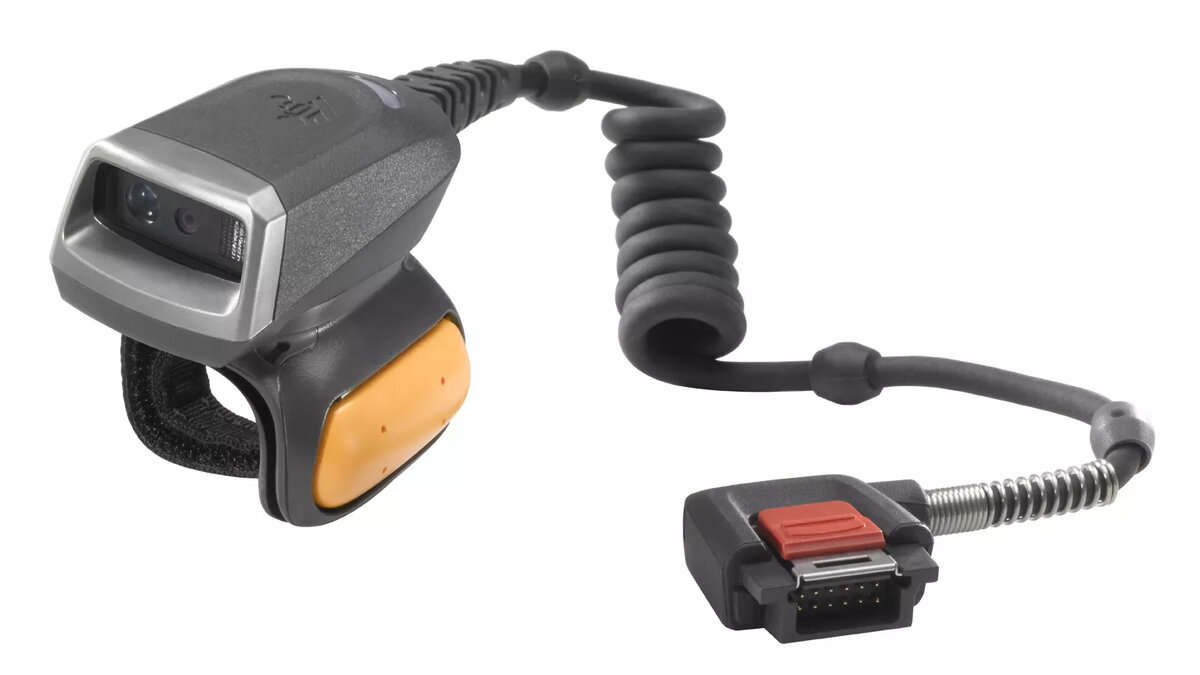
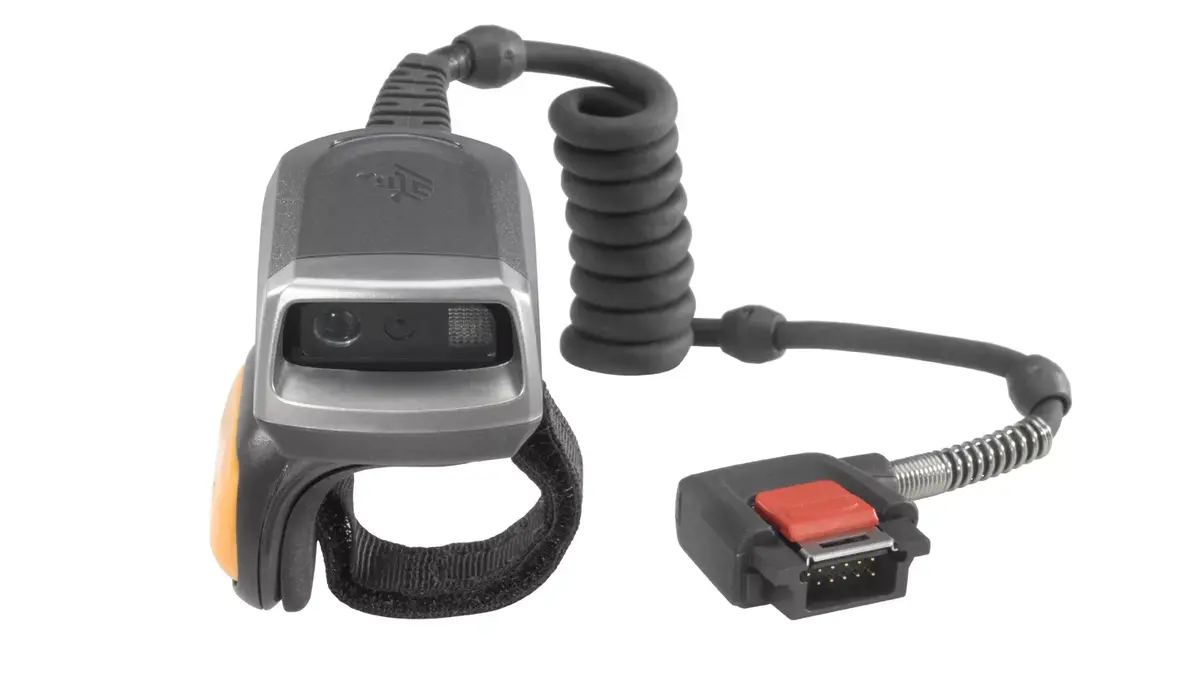
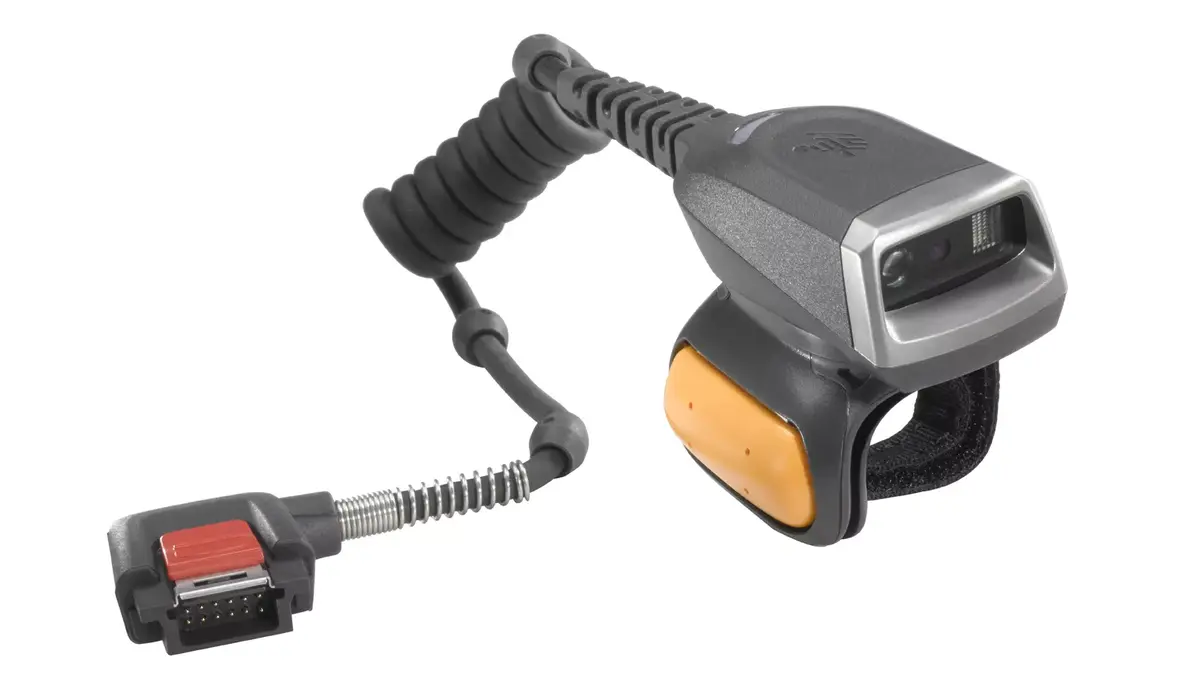
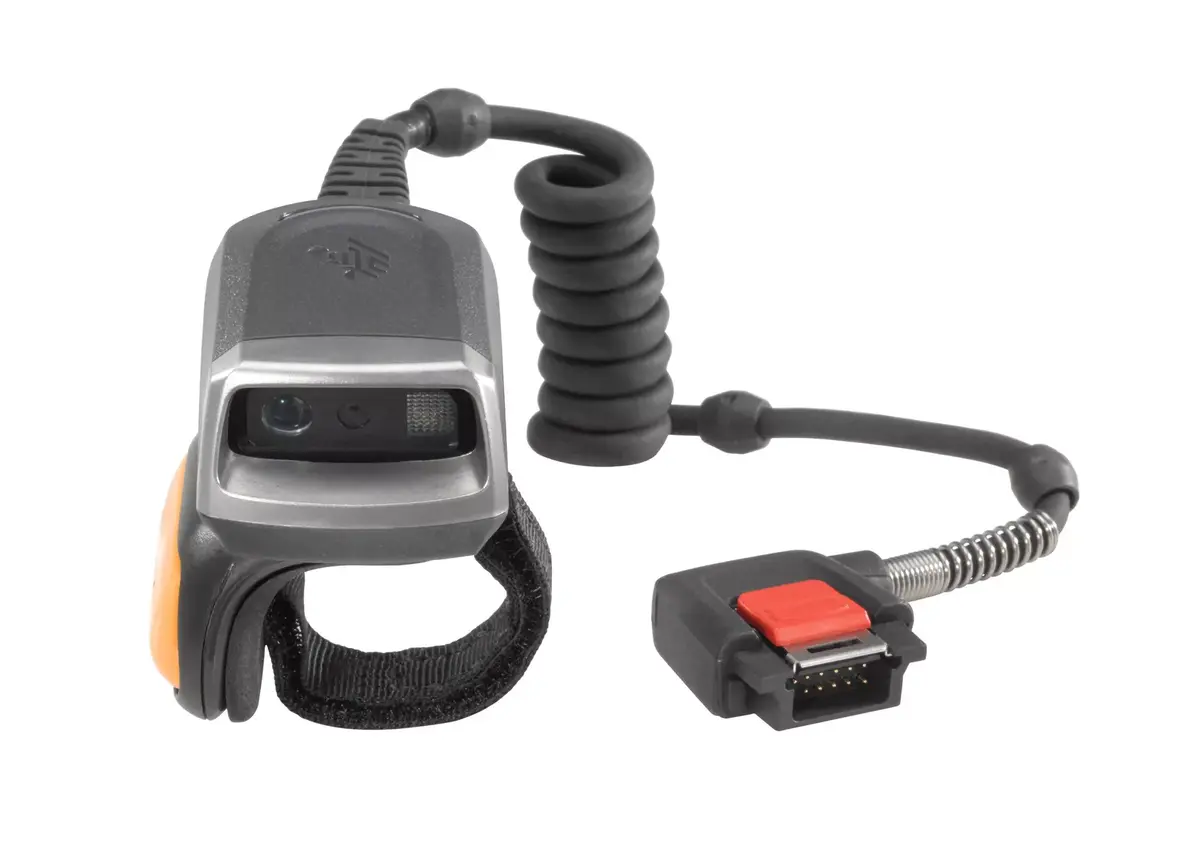
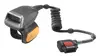
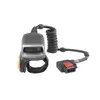
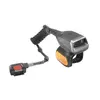
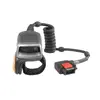
Handheld bar code reader Zebra RS5000
948.99 €
{{selectedOffer && selectedOffer.price | formatAmount}}
Offer for legal entity, cashless payment.
Why is an item available only for a legal entity?
This is due to long delivery times and limited product warranties.
This is due to long delivery times and limited product warranties.
Short description
The Zebra RS5000 is a lightweight handheld bar code reader designed for 1D and 2D scanning. It supports various linear barcodes including Code 11, Code 128, and U.P.C. With a compact design (32 mm width, 51.5 mm depth) and an IP65 rating, it is durable and suitable for various environments. Weighing only 76 g, it is easy to handle and features LED indicators for status monitoring. Connectivity is wired, ensuring reliable performance.
Available for order:
160 pcs.
Warranty:
2 Years
SKU:
436760

Cheapest delivery:
Unisend LV
Pick-up points
Unisend LV
Cost
1.79 €
Deliver
{{selectedOffer.parcelStationDeliveryString}}
Customer service center
2b. Kengaraga str., Riga, Latvia, LV-1063
25.08.2026
{{selectedOffer.officeDeliveryString}}
free
Courier Delivery
Please note that in case of a large parcel additional delivery costs may apply!
From 4.99 € (Weight: 0.12 kg)
Parcel couriers
Unisend LV / Venipak Pickup LV / Venipak Locker LV / Latvijas Pasts pakomāts / DPD Paku skapis / Omniva LV / Latvijas Pasts nodaļa
28.08.2026
{{selectedOffer.parcelStationDeliveryString}}
From 1.79 €

Leasing for legal entities:
from 33.02 euros per month


