Save time and money with our discounts!
In cart {{totalProductsCount}} item(s)
Your cart is empty
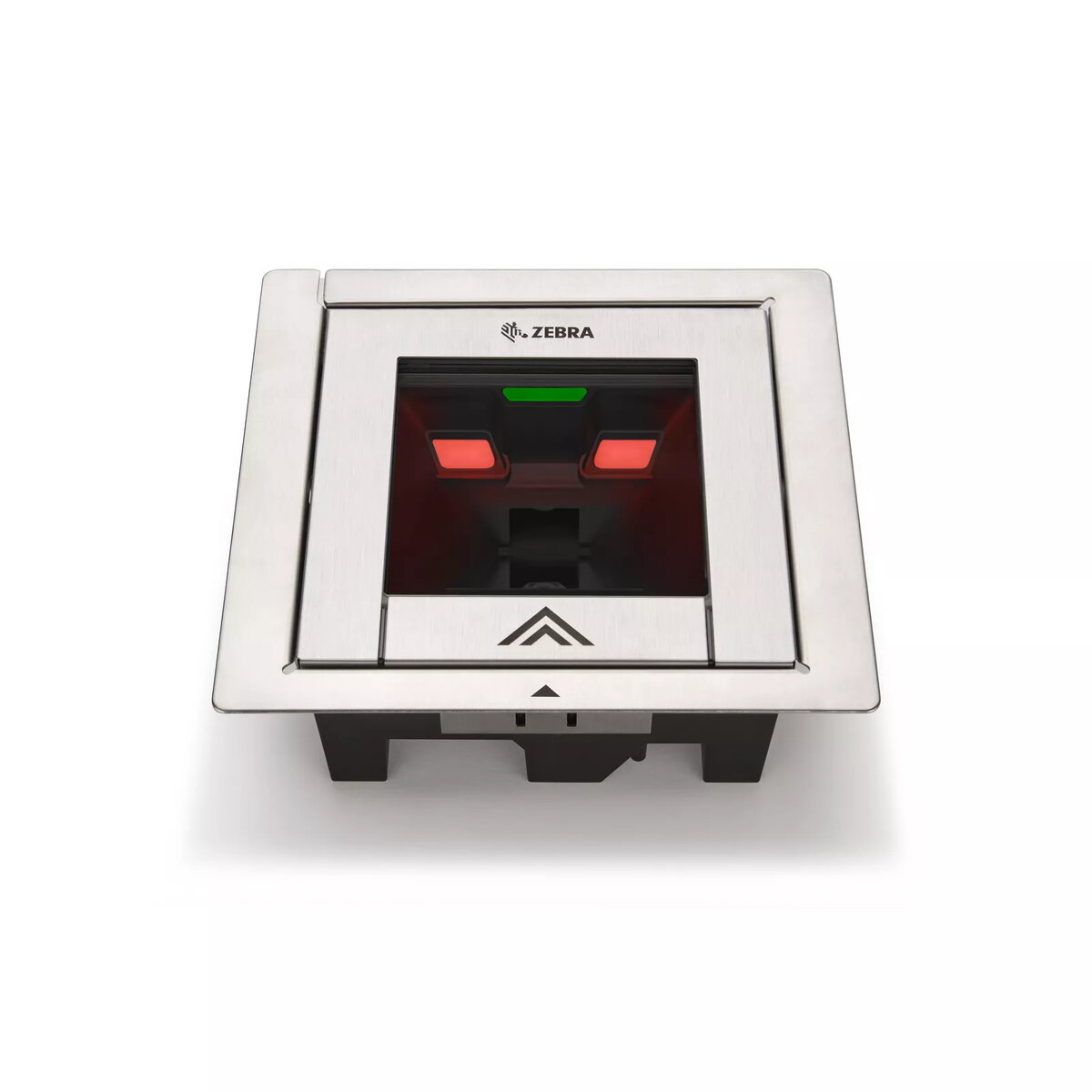
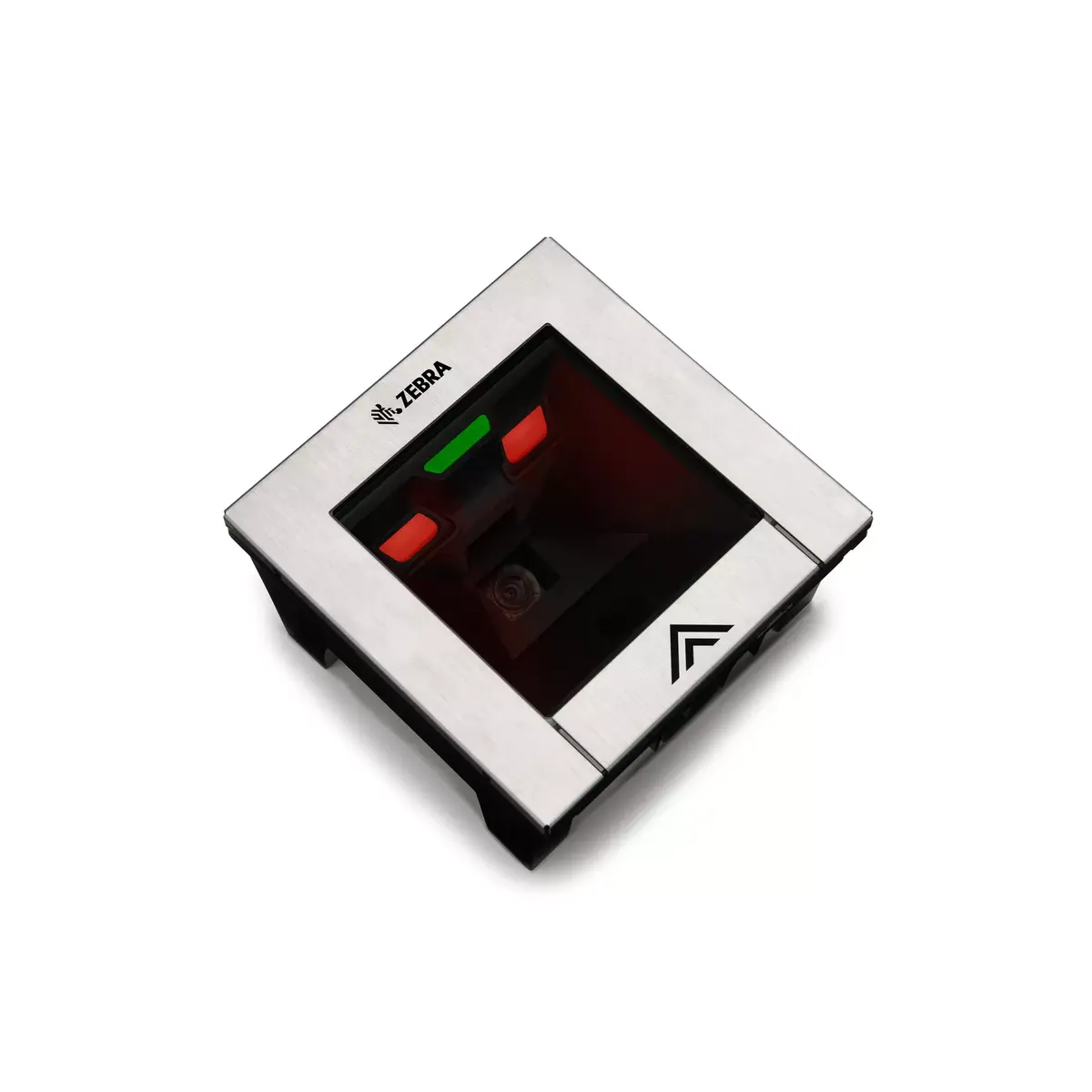
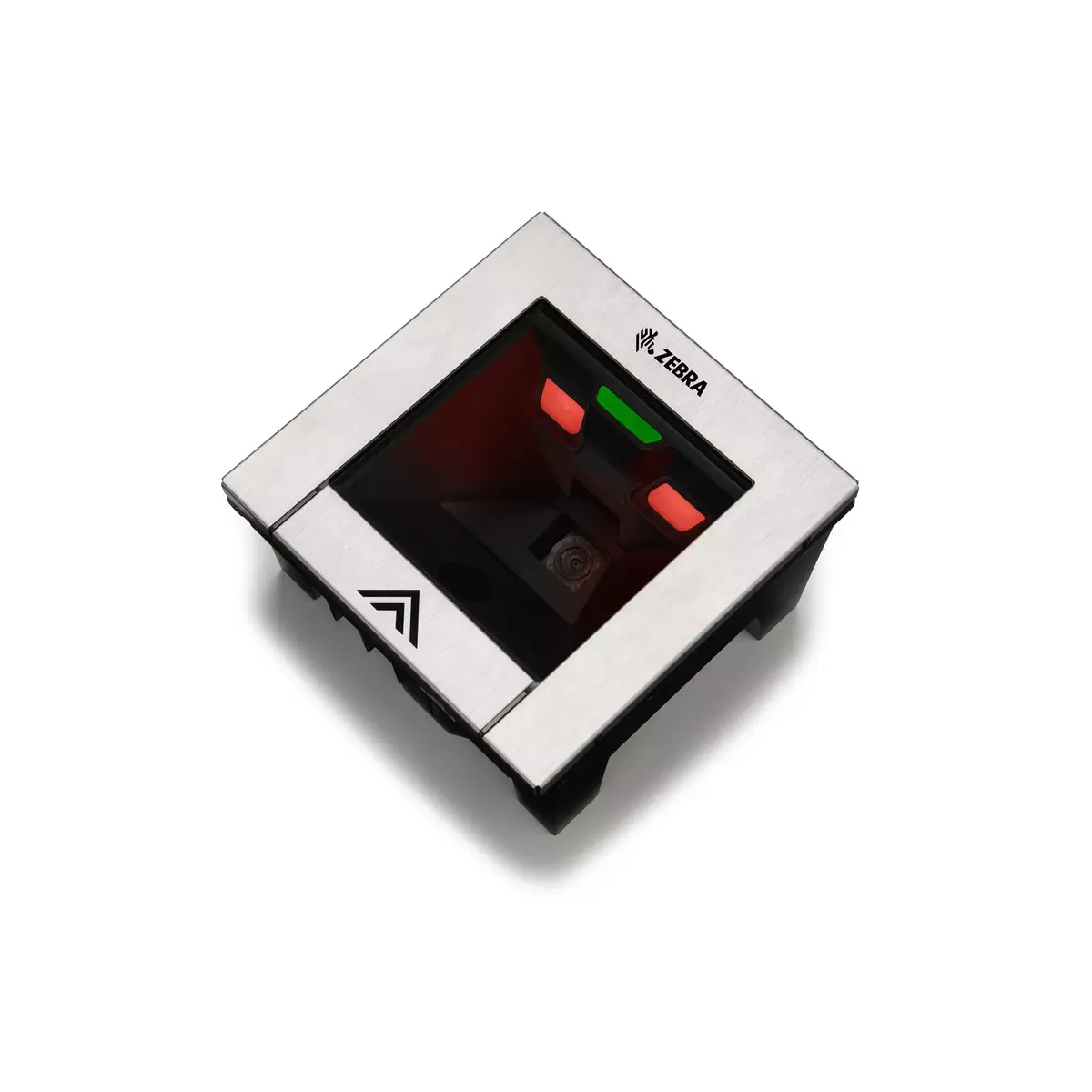
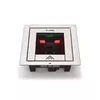
Built-in barcode reader Zebra SP7208-H — 1D/2D scanner, RJ-45 & USB, IP52, 5 V DC, 152×86 mm, 864 g
Zebra SP7208-H is a built-in 1D/2D barcode reader designed for integration into kiosks, self-checkout terminals and POS devices. The unit reads common linear 1D barcodes and a wide range of 2D symbologies, offers wired connectivity via RJ-45 and USB, and operates from a 5 V DC input. With compact dimensions (152×86 mm) and a weight of 864 g, the reader fits flush into counters and terminals and is rated IP52 for protection against limited dust ingress and dripping water.
The SP7208-H delivers high-performance single-plane scanning in horizontal or vertical installations, enabling rapid "swipe-and-go" scanning for both cashier-assisted and self-checkout lanes. Its dual wired interfaces simplify integration with existing POS systems and kiosks. The device’s compact form factor and robust IP52 rating make it suitable for protected in-counter or on-counter mounting while maintaining reliable read performance for linear and matrix barcodes.
Install the SP7208-H into the counter or kiosk cutout that matches the device’s dimensions and secure it according to the integration instructions supplied by the manufacturer. Connect the reader to the host system using the RJ-45 or USB interface and provide 5 V DC power. Configure the host software to accept input from the scanner and verify barcode symbology settings if specific code types require enabling. For horizontal installations, position the scanning window flush with the countertop surface to enable natural swipe motions; for vertical installations, align the window with the expected barcode presentation area.
For reliable long-term operation, mount the reader where it is protected from heavy splashes and excessive dust, consistent with its IP52 rating. Regularly clean the scanning window with a soft, lint-free cloth and a mild non-abrasive cleaner. When deploying self-checkout solutions, consider pairing the scanner with vision-based camera options or software checks to help reduce shrink and verify scanned items.
{{highlightedFeature.featureTitle}}:
{{getProductFeatureValueById(product, highlightedFeature.featureId)}}
{{ productComparisonGenerationError }}