Hurry and order now – up to 50% off!
In cart {{totalProductsCount}} item(s)
Your cart is empty
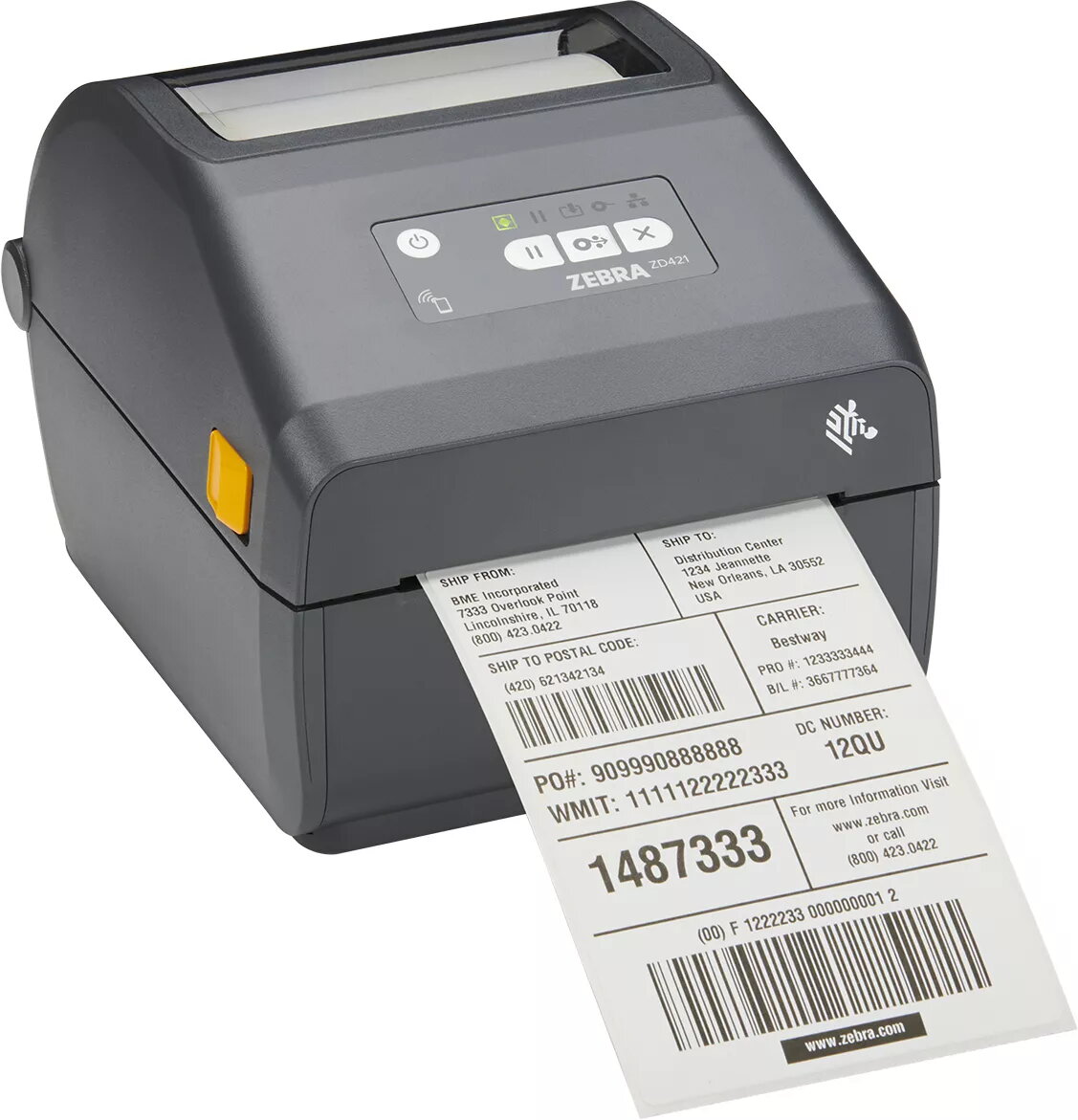
Label printer Zebra ZD421 Thermal transfer 300 x 300 DPI 305 mm/sec
The Zebra ZD421 is a high-performance thermal transfer label printer engineered to deliver professional-grade results with a resolution of 300 x 300 DPI. Designed for speed and reliability, this device achieves print speeds of up to 305 mm/sec, ensuring that high-volume labeling tasks are completed efficiently. With its integrated LCD display and versatile connectivity options, including Wi-Fi and Bluetooth, the printer provides a seamless user experience for various business environments.
This printer stands out due to its robust thermal transfer technology, which produces durable and long-lasting labels suitable for diverse industrial and commercial applications. The inclusion of wireless connectivity allows for flexible placement within a workspace, reducing cable clutter and enabling mobile printing workflows. Its high-speed output significantly reduces downtime, while the intuitive LCD interface simplifies configuration and status monitoring, making it accessible for users of all skill levels.
This printer may not be the optimal choice for environments requiring extremely wide-format printing beyond its specified capacity or for users who exclusively require direct thermal printing without the need for ribbon-based thermal transfer durability. Additionally, it is not designed for heavy-duty industrial manufacturing lines that require continuous 24/7 operation under extreme environmental conditions.
To use the Zebra ZD421, connect the device to your power source and link it to your computer or network via the preferred interface, such as Wi-Fi or Bluetooth. Install the appropriate label media and thermal transfer ribbon according to the internal loading diagrams. Use the LCD display to navigate the menu, configure your print settings, and perform calibration to ensure optimal print quality. Once configured, send your print jobs directly from your label design software.
For best results, ensure the print head is cleaned regularly to maintain high resolution and prevent residue buildup. Always use genuine Zebra media and ribbons to ensure consistent print quality and extend the lifespan of the print head.
{{highlightedFeature.featureTitle}}:
{{getProductFeatureValueById(product, highlightedFeature.featureId)}}
{{ productComparisonGenerationError }}