Filters you can trust. Pure water every day.
In cart {{totalProductsCount}} item(s)
Your cart is empty
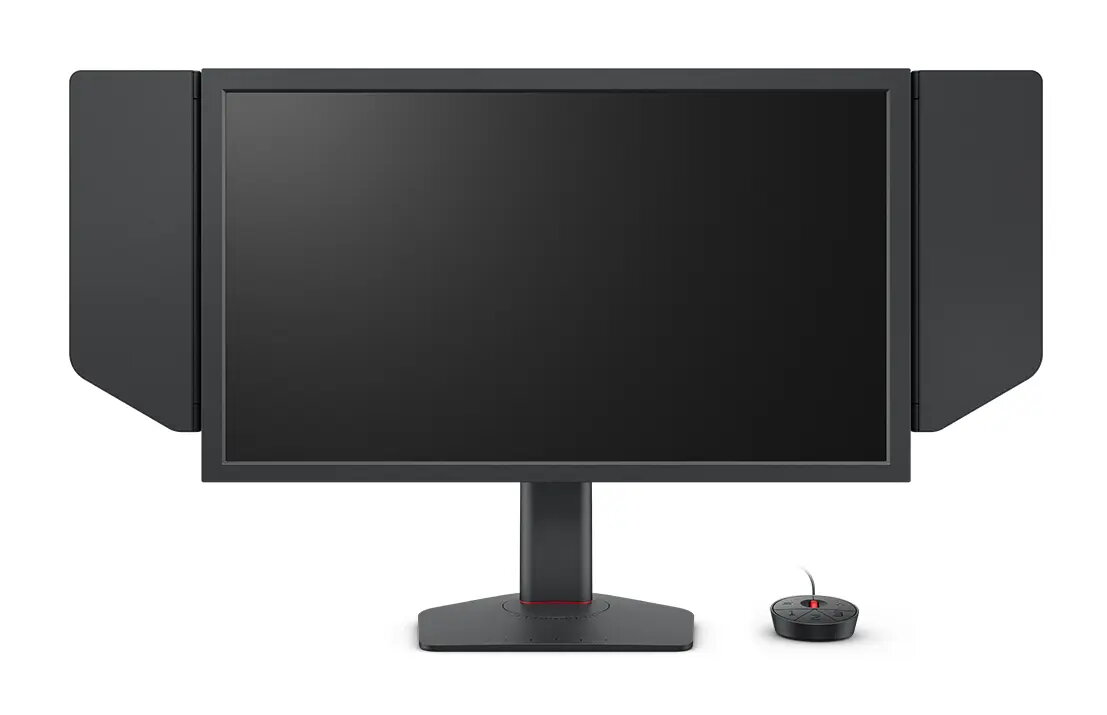
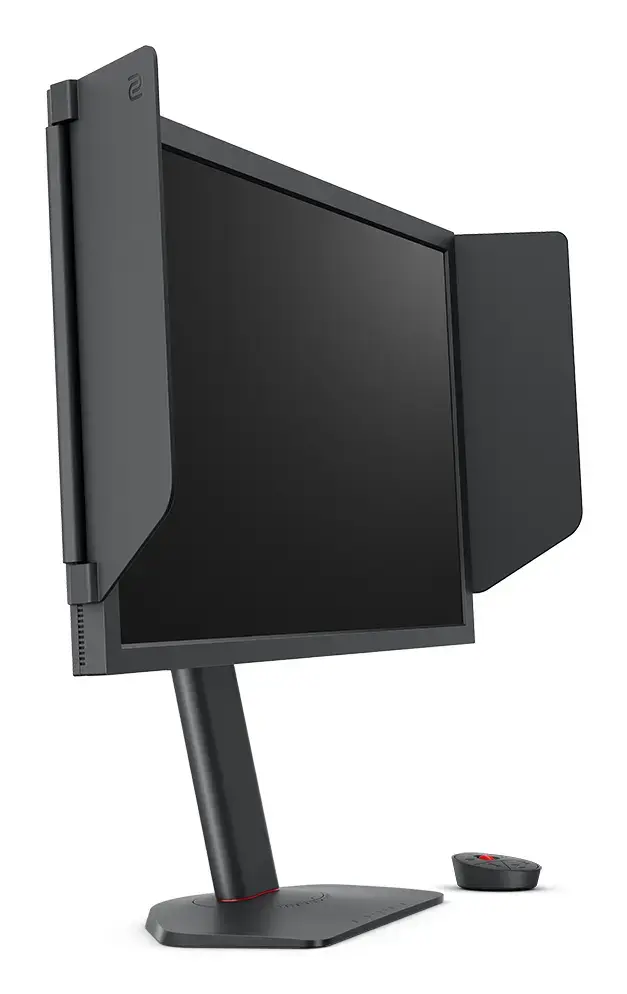
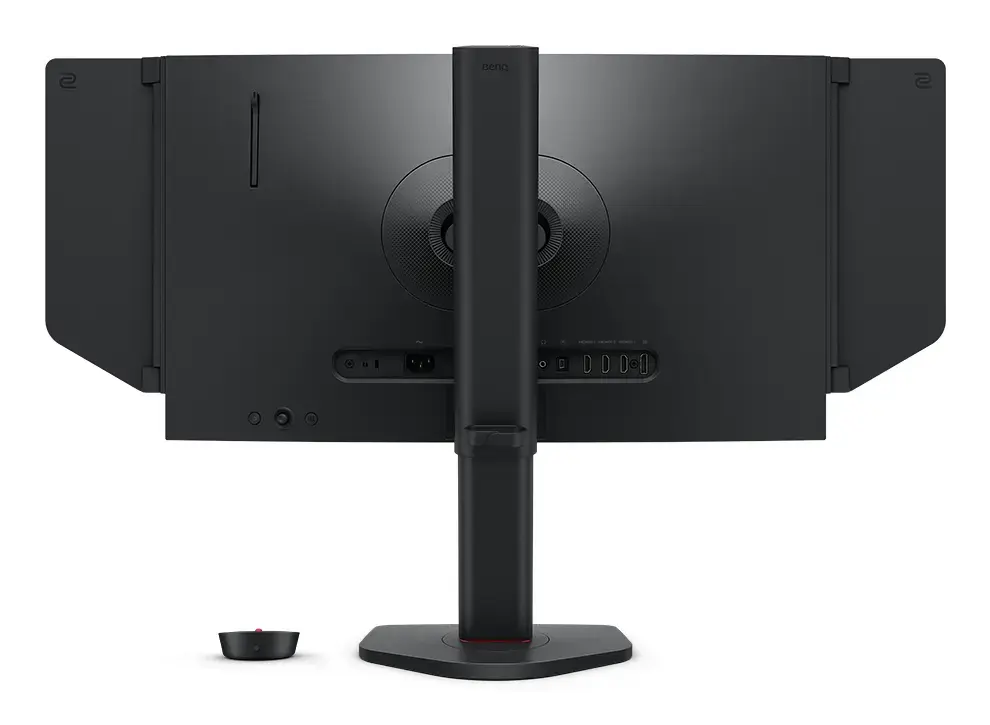
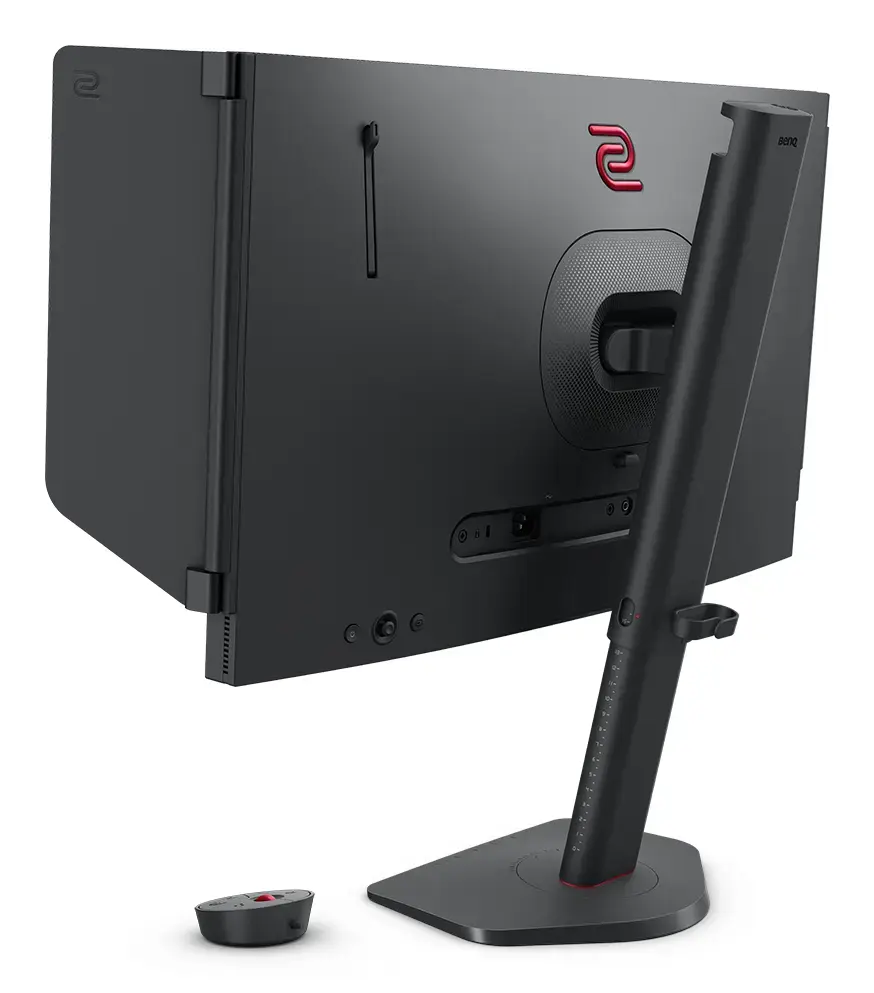
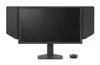
Zowie XL2586X+ gaming monitor 24.1" Full HD 1920x1080 TN panel VESA, height adjustable, Black
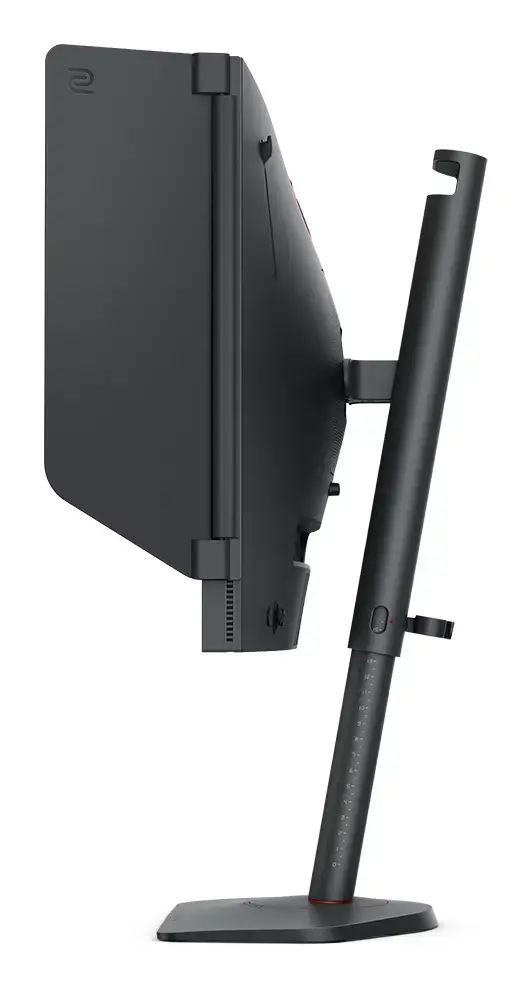
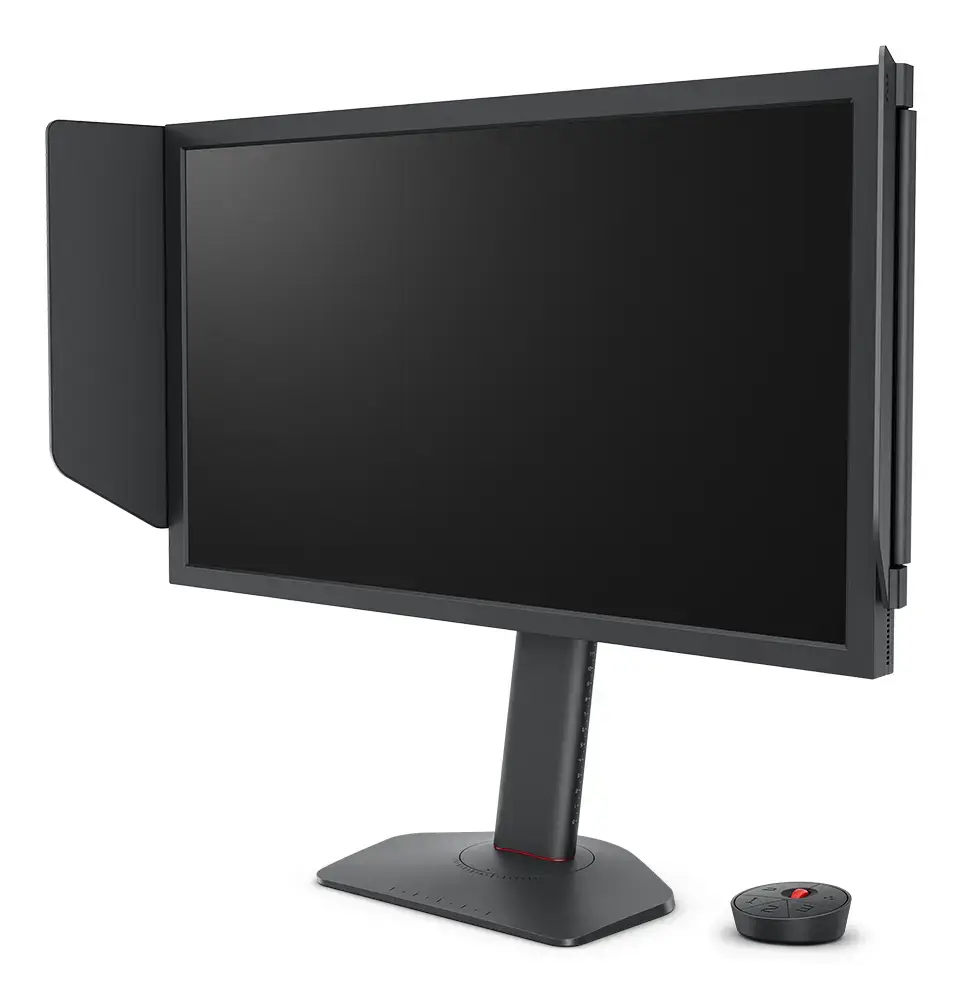
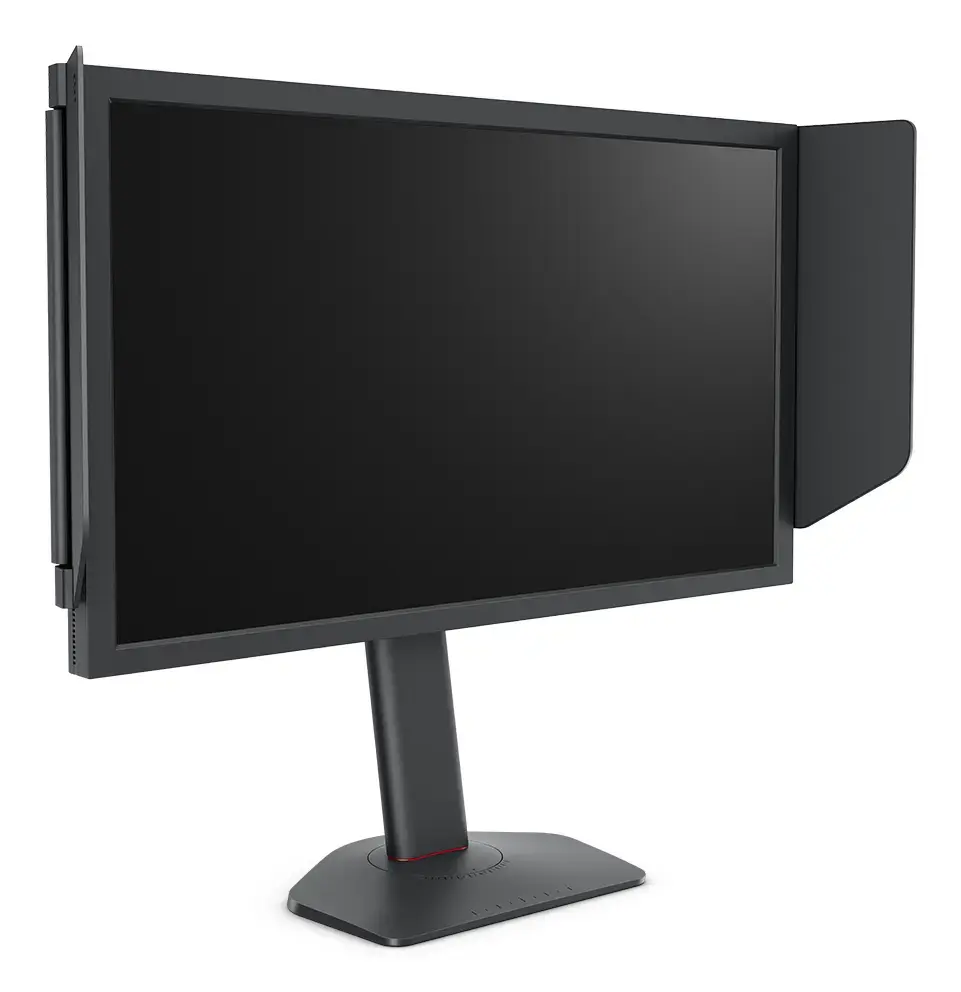
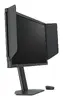
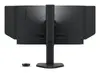
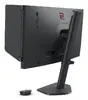
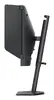
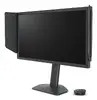
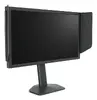
Zowie XL2586X+ is a 24.1" Full HD (1920×1080) gaming monitor with a Fast TN panel optimized for competitive FPS play. It offers a native 16:9 aspect ratio, 600 Hz refresh rate, DyAc™2 motion clarity technology and VESA mounting support. The design focuses on low input lag, fast pixel response and clear moving images to help identify targets in fast-paced games. The monitor includes height adjustment with industrial-grade bearings and a shielding hood for focused viewing.
The XL2586X+ delivers best-in-class motion clarity thanks to DyAc™2 and a newly developed Fast TN panel that reduces overshoot and improves liquid crystal responsiveness. A vivid color film increases color performance by about 35% compared with a typical TN panel, improving target visibility. Additional features such as a 600 Hz refresh rate, flicker-free backlight and tailored Auto Game Mode make it practical for high-frame-rate competitive play while retaining comfortable brightness and contrast.
This monitor uses a TN panel with native Full HD resolution, which prioritizes response time over wide viewing angles and the deepest color accuracy. If you need wide off-axis viewing, the richest color reproduction for photo/video editing, or a higher native resolution for detailed single-player or creative work, a different IPS or VA panel may be more appropriate.
Connect the monitor to a PC or console supporting high refresh rates and set the output to 1920×1080 at the highest available refresh rate (up to 600 Hz) in the graphics driver or game settings. Use the XL Setting to Share™ utility to enable Auto Game Mode and save/load tailored profiles. Adjust the height using the stand’s industrial-grade bearing mechanism for smooth positioning and attach the shielding hood if needed to reduce peripheral distractions.
For competitive FPS play, set in-game resolution to 1920×1080, enable the highest refresh rate in both OS and game settings, turn on DyAc™2 for improved motion clarity, and use the Auto Game Mode profiles to match color settings to specific titles. Position the screen at eye level using the height-adjustable stand and use the hood in brightly lit environments to minimise reflections.
{{highlightedFeature.featureTitle}}:
{{getProductFeatureValueById(product, highlightedFeature.featureId)}}
{{ productComparisonGenerationError }}
Device manufacturer code
Device manufacturer
iagonal of the visible part of the screen expressed in centimeters and inches.
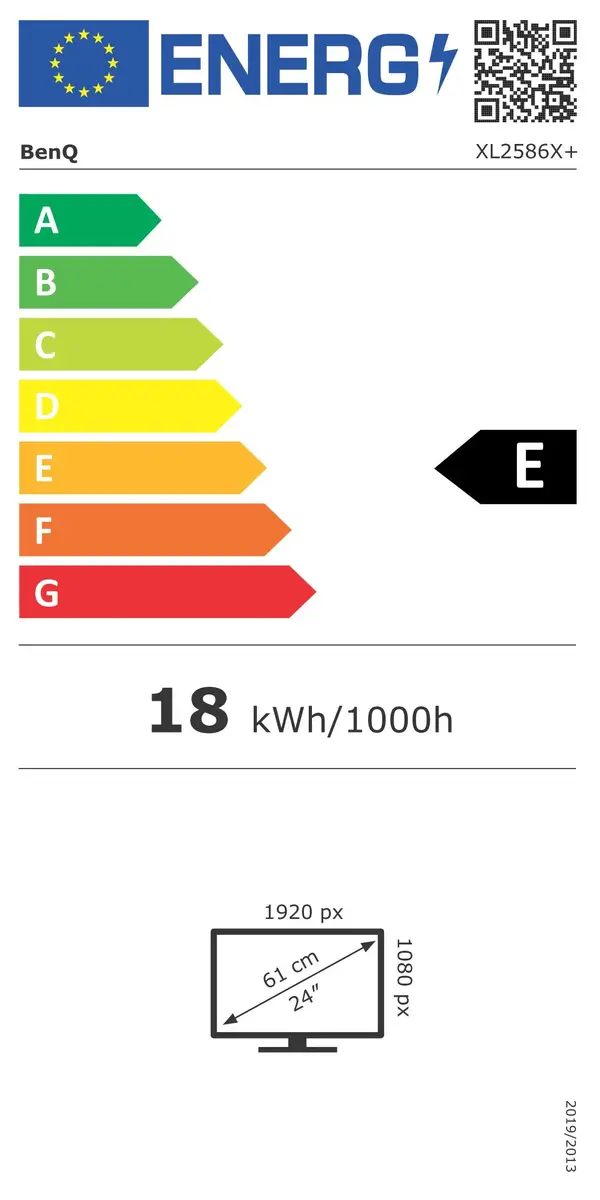
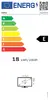
Energy efficiency class is a standard classification that is used all over Europe and which is understandable at first sight. Products can be efficiently compared according to classes, starting from A (the most energy efficient class), and ending with G (the most energy-intensive class). The classification of energy efficiency is based on annual energy consumption which is being calculated on the basis of several different parameters.
Power consumption in switched-on state expressed in W.