A curated selection of maximum value offers!

{{ totalProductsCount }}
In cart {{totalProductsCount}} item(s)
In cart {{totalProductsCount}} item(s)
Total:
{{sum | formatAmount}}
Your cart is empty
Software
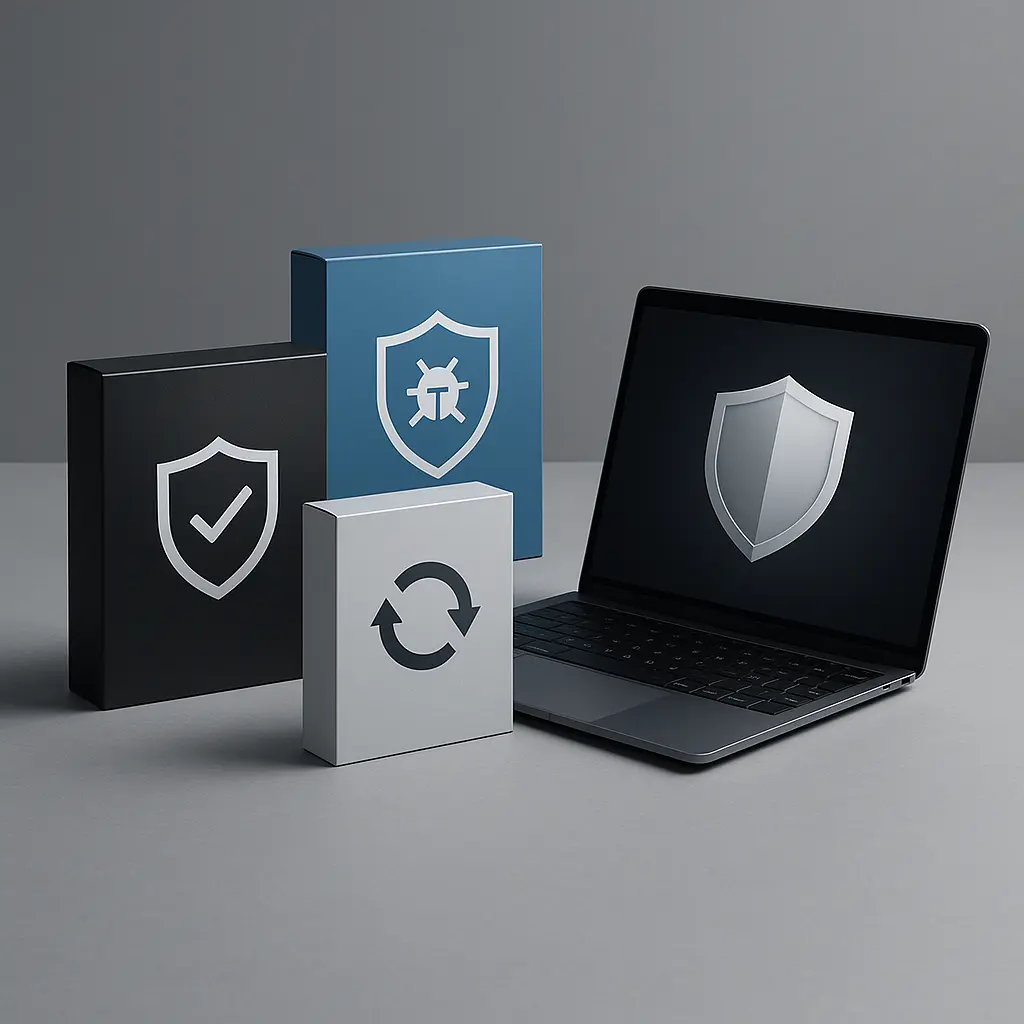







Software is a collection of programs, instructions and data used to operate computers and digital devices. It includes applications that perform specific tasks, system components that manage hardware resources, and tools that support development, security and integration. Buyers select software for personal productivity, business operations, education, creative work, device management and automation of repetitive tasks. Software is distributed in forms such as downloadable installers, license keys, cloud subscriptions, and portable executables, and is chosen according to compatibility with operating systems and hardware. Typical considerations when acquiring software include functionality, licensing model, performance requirements and support options.
Types of Software
The software category covers several main types commonly used across devices and industries.
- System software: operating systems, device drivers and utilities that manage hardware and basic services.
- Application software: productivity suites, office applications, media editors, accounting and industry-specific apps.
- Security software: antivirus, anti-malware, firewalls and encryption tools designed to protect data and systems.
- Development software: integrated development environments (IDEs), compilers, libraries and version control tools for creating software.
- Cloud and SaaS: web-based applications and services delivered via subscription and accessed through browsers or dedicated clients.
- Middleware and integration tools: software that connects applications, databases and services for data exchange and orchestration.
What are Software used for?
Software enables a wide range of digital activities and operational functions across personal and business contexts.
- Productivity: word processing, spreadsheets, presentations and collaboration tools for everyday tasks.
- Business operations: enterprise resource planning (ERP), customer relationship management (CRM) and industry-specific systems.
- Creative work: photo, video and audio editing, graphic design and publishing tools.
- Development and testing: building, debugging and deploying applications and services.
- Security and compliance: protecting data integrity, privacy and meeting regulatory requirements.
- Automation and integration: scripting, batch processing and workflow automation to reduce manual tasks.
Key Differences between Software
Software products differ by purpose, architecture and delivery method, which affects selection and use.
- Functionality: the set of features and capabilities provided for specific tasks or industries.
- Licensing model: perpetual licenses, subscriptions, freemium, open source and trial versions with varying terms.
- Deployment: local installation, cloud-hosted, hybrid configurations and portable solutions.
- Compatibility and requirements: supported operating systems, hardware needs and integration capabilities.
- Support and updates: frequency of updates, vendor support options and community-driven maintenance.
- Security posture: built-in security features, update policies and third-party certifications where applicable.
How to Choose Software?
Selecting software requires matching technical needs, budget and long-term maintenance considerations.
- Define objectives: list required functions, performance expectations and user roles that will use the software.
- Check compatibility: verify operating system support, hardware requirements and integration with existing systems.
- Compare licensing and costs: evaluate upfront fees, subscription terms, renewal costs and any per-user or per-device charges.
- Evaluate security and compliance: assess encryption, access controls, update cadence and compliance with relevant standards.
- Review support and updates: confirm vendor or community support options, SLA terms and frequency of maintenance releases.
- Test before committing: use trials, demos or pilot deployments to validate performance, usability and interoperability.


