
Save time and money with our discounts!

{{ totalProductsCount }}
In cart {{totalProductsCount}} item(s)
In cart {{totalProductsCount}} item(s)
Total:
{{sum | formatAmount}}
Your cart is empty
Photo & Video Equipment
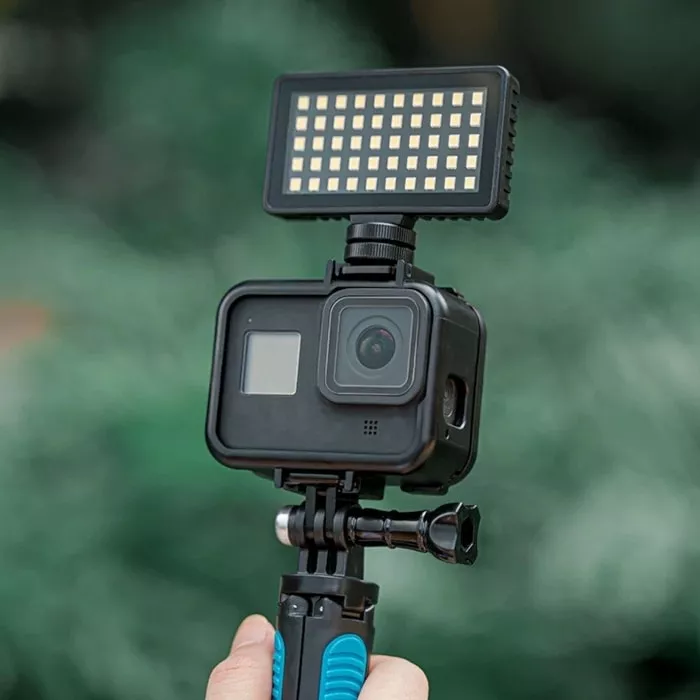
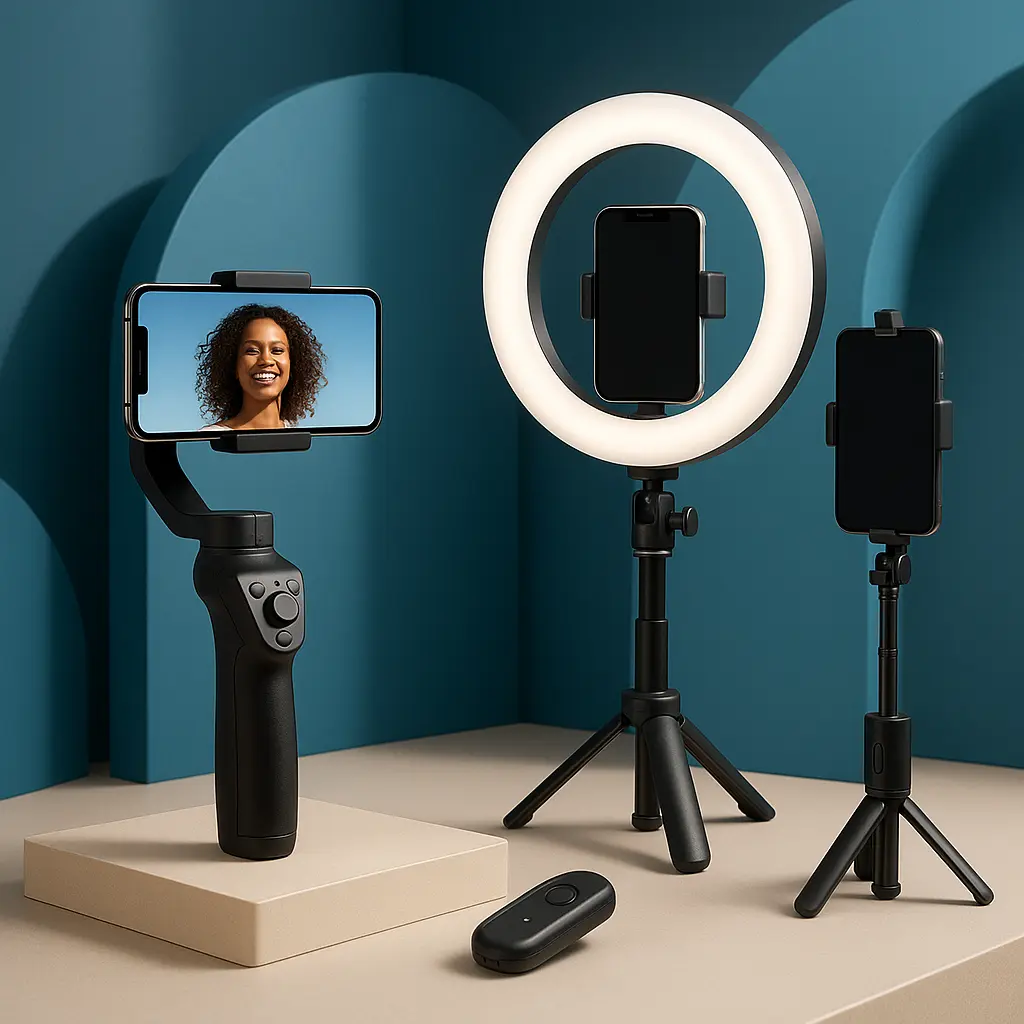
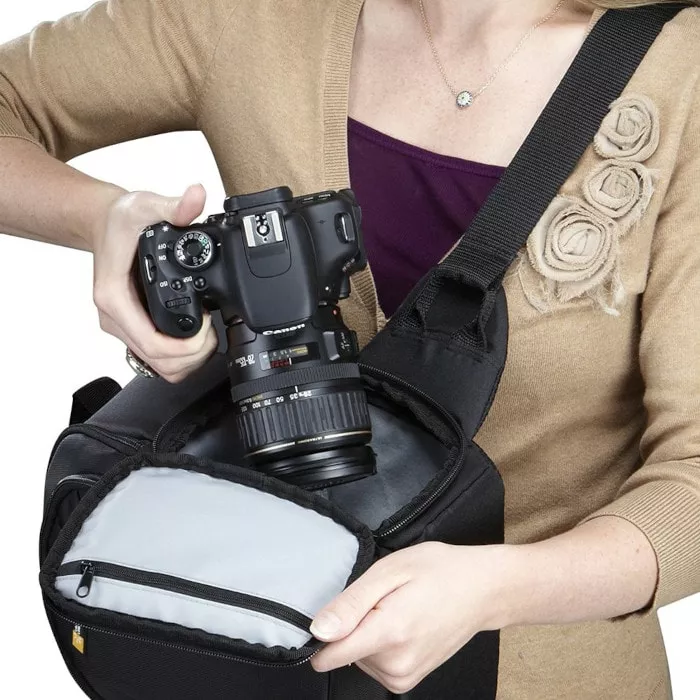
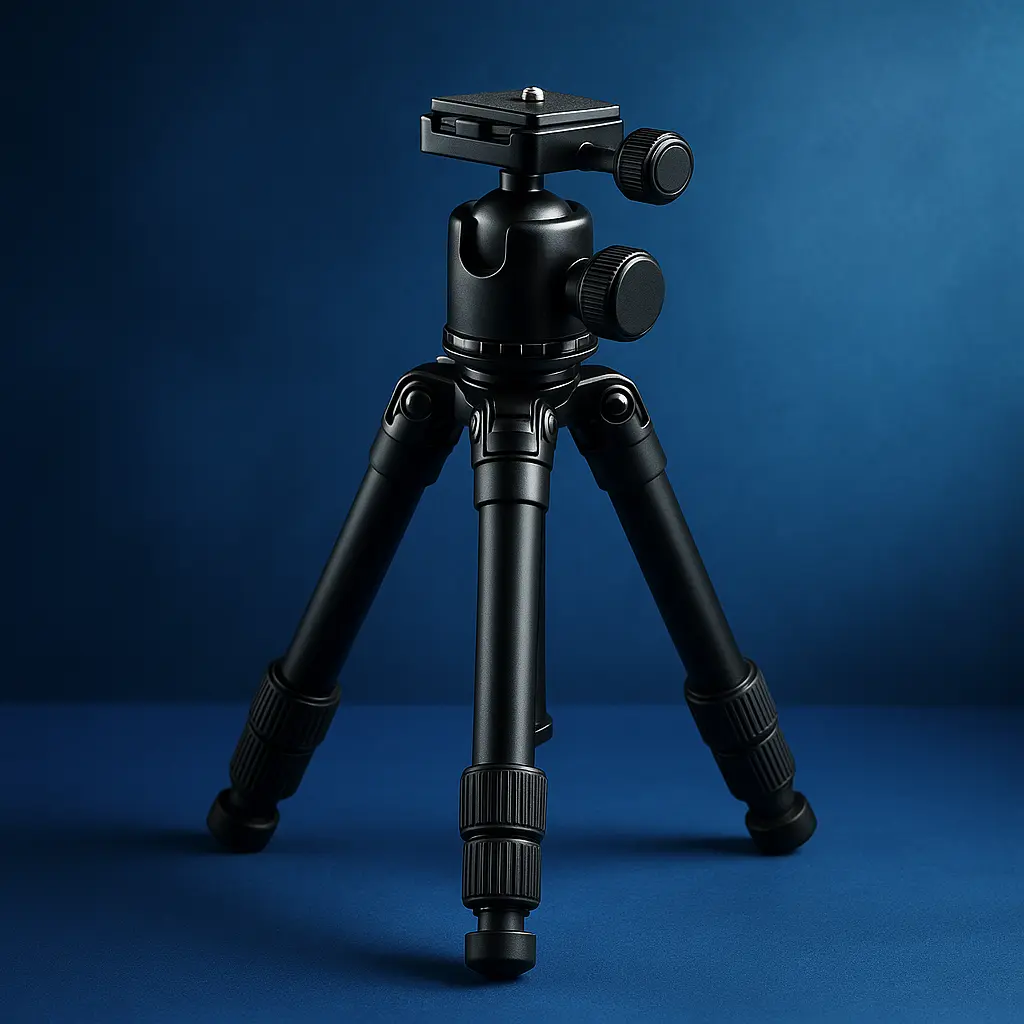

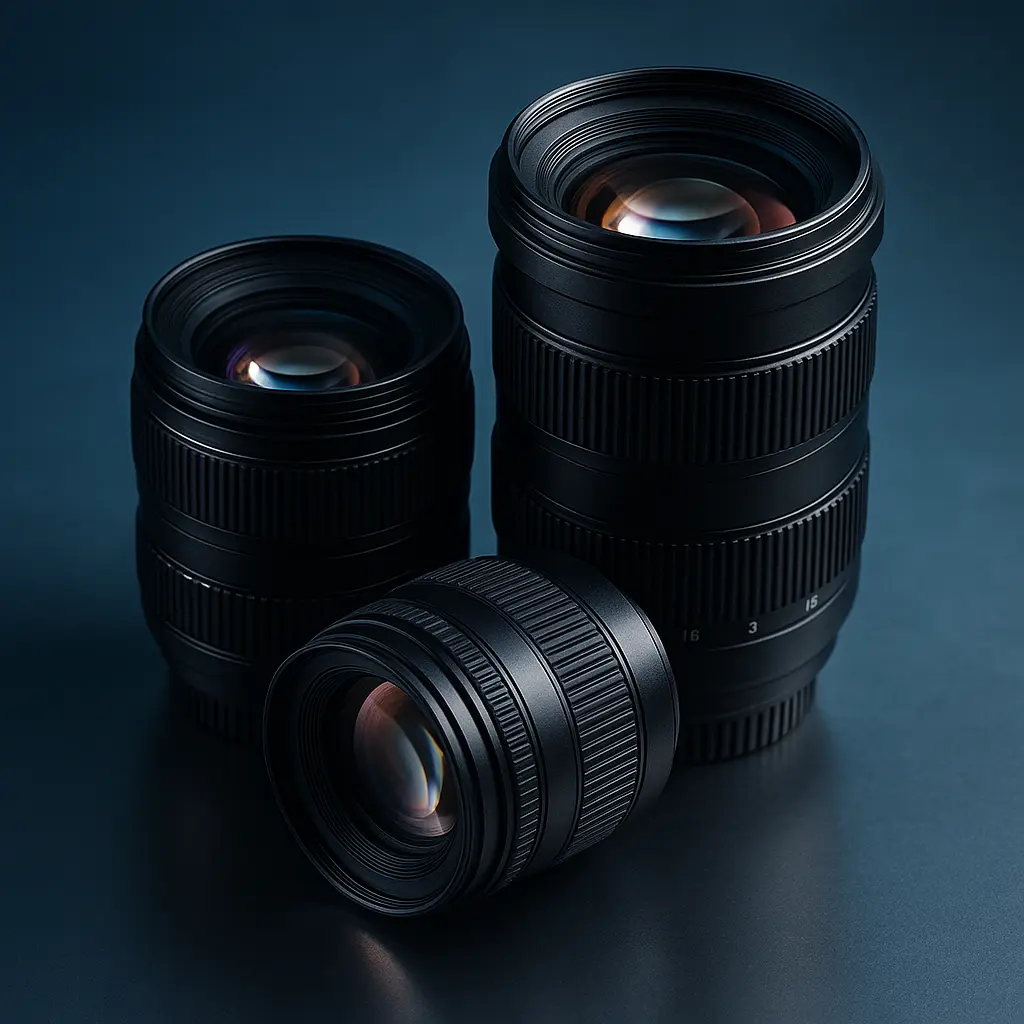
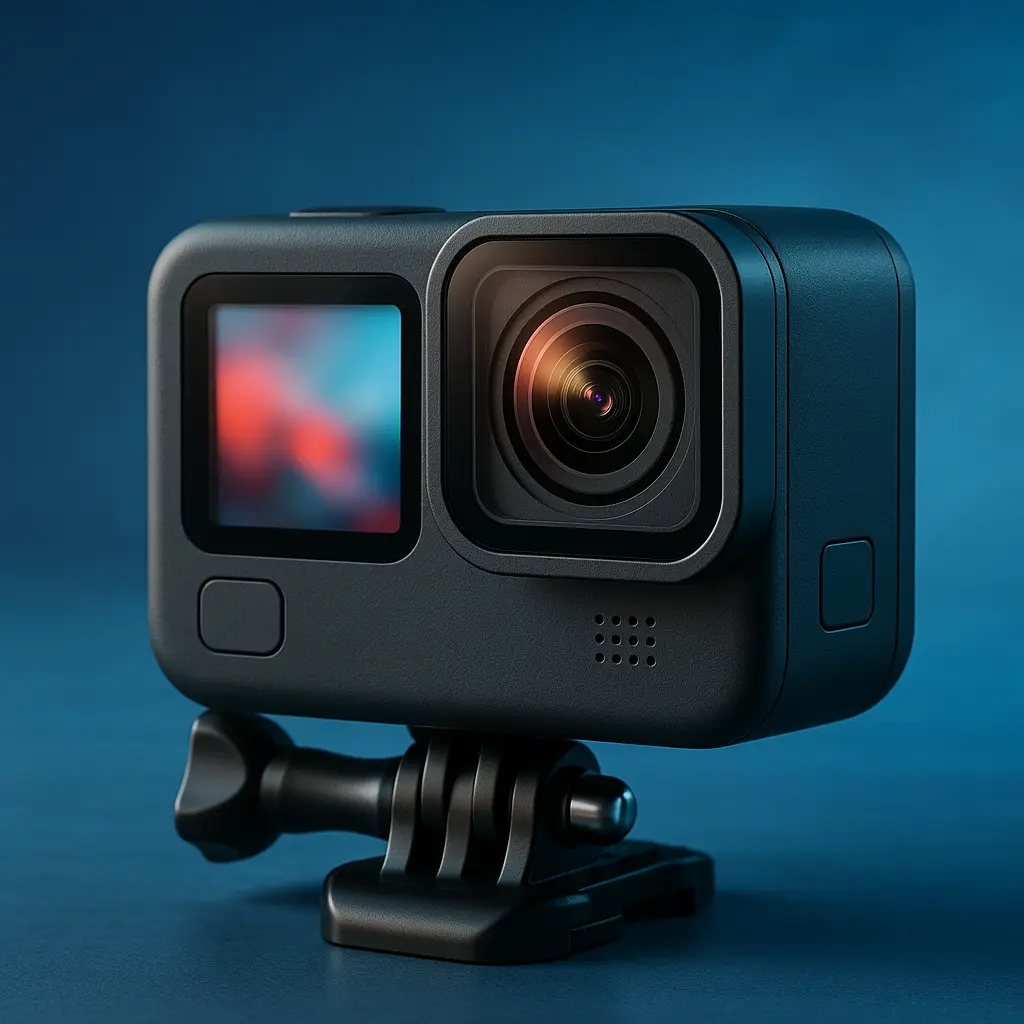
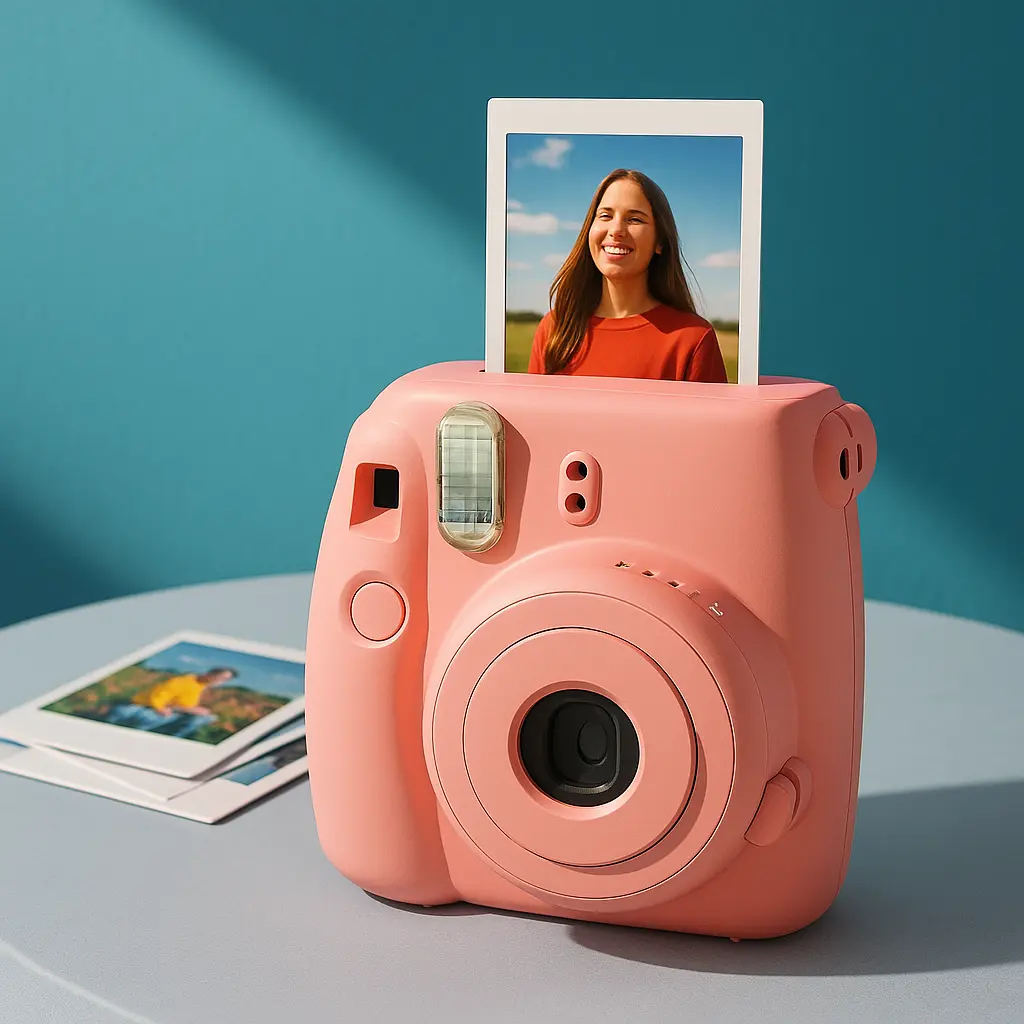
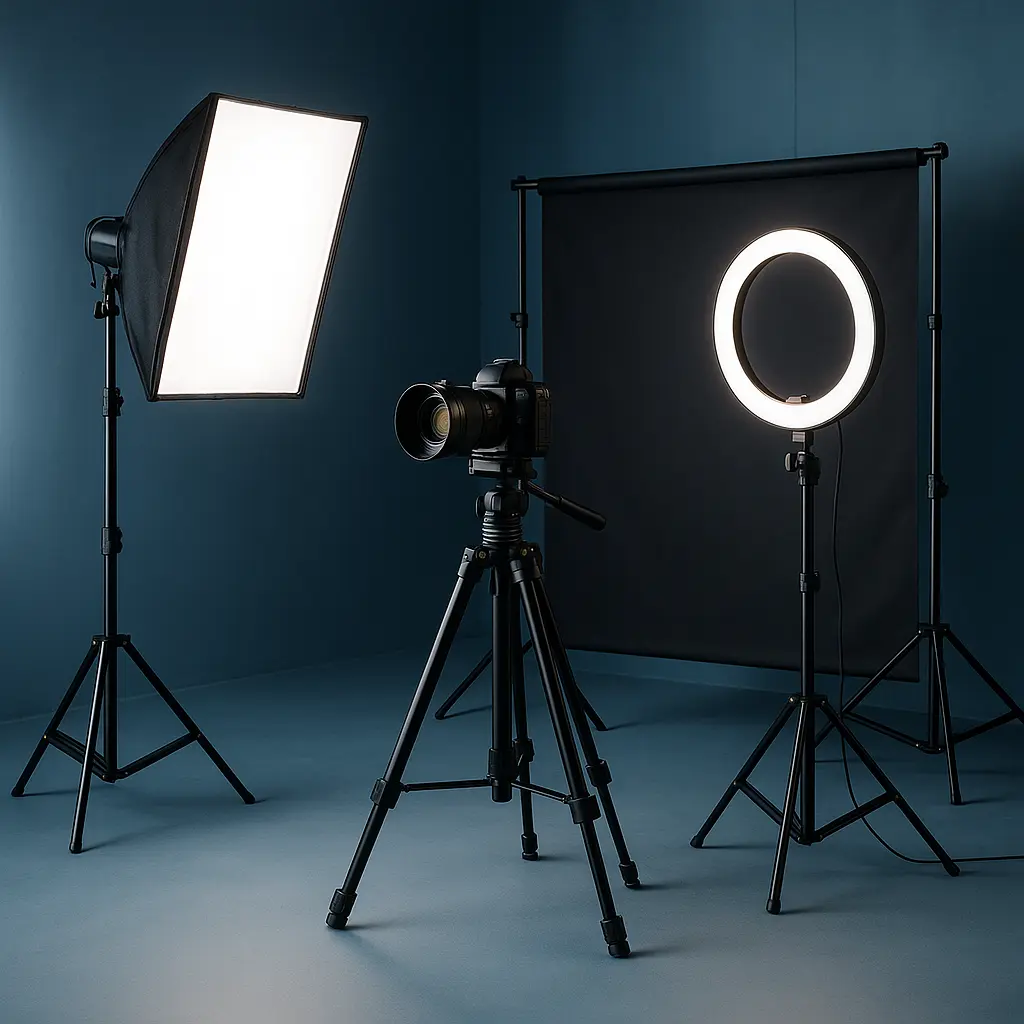
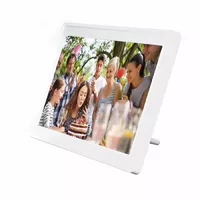
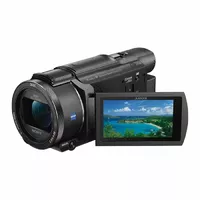
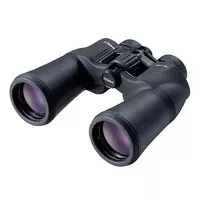

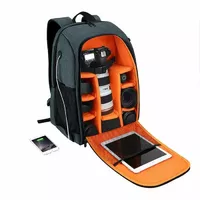
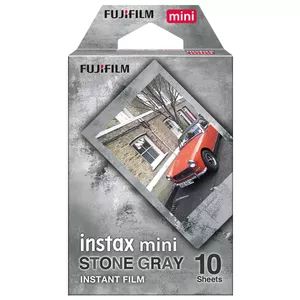
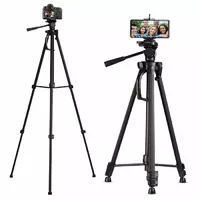
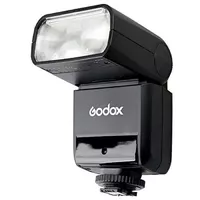
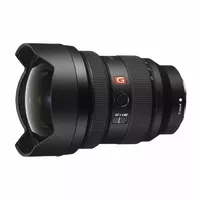
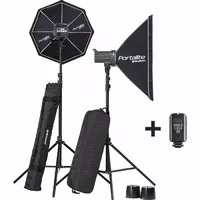
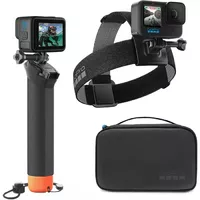
Photo and video equipment includes cameras, lenses, lighting, stabilisation tools and accessories used to capture still images and moving pictures. These products serve a range of users from hobbyists to professional photographers and videographers, and are chosen based on image quality, portability, functionality and budget. Typical items in this category support various formats and workflows, including mirrorless and DSLR systems, cinema cameras, action cameras and mobile video rigs. Buyers select equipment for tasks such as event coverage, content creation, commercial production, documentary work and personal projects, where specific technical features and ergonomics matter. Compatibility with mounts, sensors, file formats and editing workflows is an important consideration when assembling a kit.
Types of photo and video equipment
The category contains several distinct product groups that work together to capture and produce images and footage.
- Cameras: mirrorless, DSLR, cinema cameras, compact point-and-shoot and action cameras.
- Lenses: prime, zoom, macro, wide-angle, telephoto and specialty cinema lenses.
- Lighting: continuous lights, strobes, LED panels, light modifiers and flash triggers.
- Stabilisation and support: tripods, monopods, gimbals, sliders and camera cages.
- Audio equipment: microphones, recorders, booms and audio interfaces for synchronized sound.
- Accessories: memory cards, batteries, chargers, filters, housings, mounts and carrying solutions.
- Monitoring and control: external monitors, viewfinders, wireless controllers and remote triggers.
What are photo and video equipment used for?
Photo and video equipment is used to record, control and reproduce visual and audio content across many contexts.
- Photography: portrait, landscape, product, macro, sports and wildlife photography.
- Videography: interviews, documentaries, narrative films, corporate videos and online content.
- Live production and streaming: multi-camera setups, live switching and broadcast-compatible gear.
- Studio and location work: controlled lighting, background setups and on-site recording.
- Specialised applications: underwater imaging, aerial photography with drones and time-lapse capture.
Key Differences between photo and video equipment
Photo and video equipment differ in design priorities, feature sets and how they handle image capture and workflow requirements.
- Capture mode: still photography emphasises single high-resolution frames, while video requires continuous frame rates and codecs for motion recording.
- Autofocus and stabilization: video often needs continuous autofocus and smoother stabilization, while photography may prioritise faster single-shot autofocus and burst performance.
- Audio integration: video cameras and rigs typically include inputs for microphones and audio monitoring; still cameras may lack advanced audio features.
- Ergonomics and controls: cinema cameras and video rigs provide manual controls, external recorders and monitoring; photo cameras focus on viewfinder and shutter ergonomics.
- File formats and workflows: video workflows emphasise codecs, color profiles and timelines, whereas photo workflows focus on RAW processing and high-resolution output.
How to Choose photo and video equipment?
Selecting equipment requires assessing intended use, technical requirements and budget, then matching products to those needs.
- Define purpose: determine primary applications (still, video, hybrid) and typical shooting environments.
- Check sensor, resolution and frame rates: choose sensor size and resolution that suit depth of field, low-light performance and desired output.
- Evaluate lenses and mounts: prioritize lens selection and mount compatibility for the focal lengths and optical quality you need.
- Assess audio and lighting needs: for video, include microphones, recorders and appropriate lighting solutions in the budget.
- Consider portability and power: factor weight, battery life and available power solutions for location work.
- Plan for workflow: ensure file formats, card speeds, storage and editing compatibility match your post-production process.
- Balance cost and expandability: choose systems that allow future upgrades and accessory additions without replacing the core investment.


