


Add to wish listAdd to AI comparison
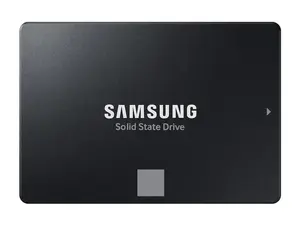
SamsungFast delivery available
Samsung 870 EVO 500 GB 2.5" Serial ATA III V-NAND MLC Solid State DriveFast delivery available
191.99 €
0% for 6 mon.
Add to cart

Necessary cookies enable the site’s essential functions, including authentication and security, saving the shopping cart, placing orders, selecting a language, and retaining other user settings. They are always active because the site cannot work correctly without them. These cookies are not used for analytics or advertising.
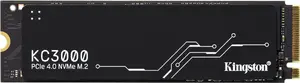
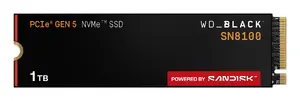
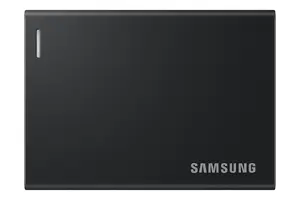
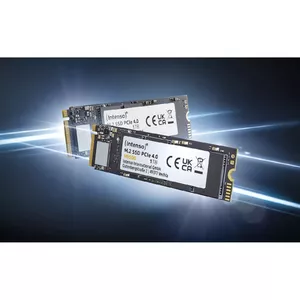
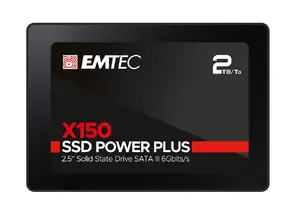
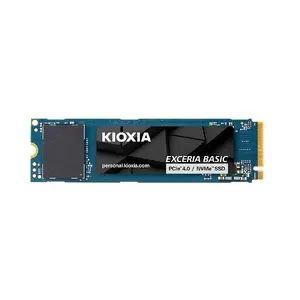
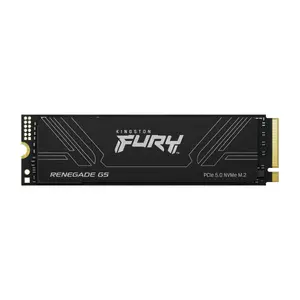
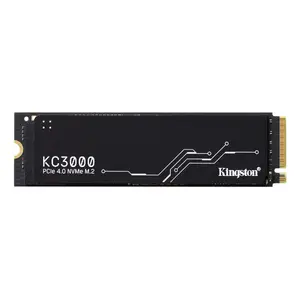
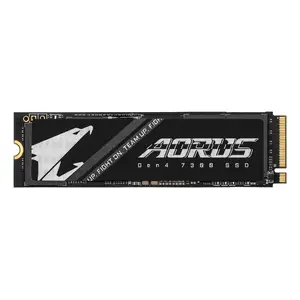
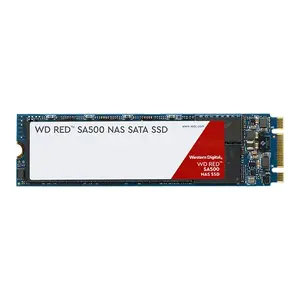
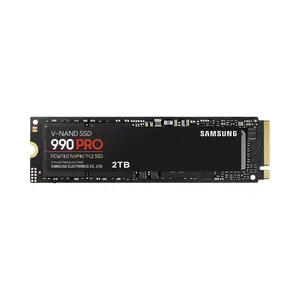
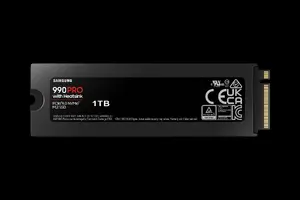
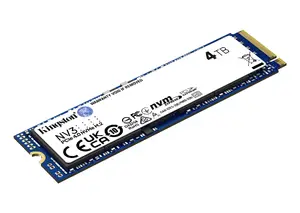
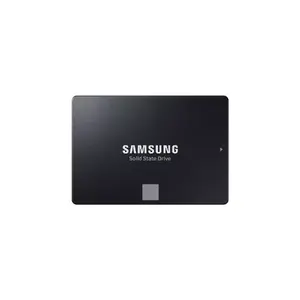
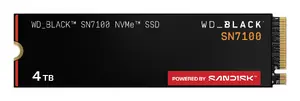
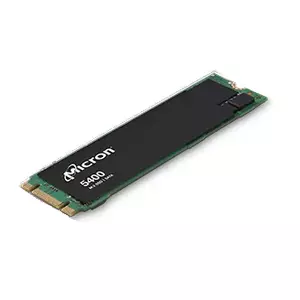
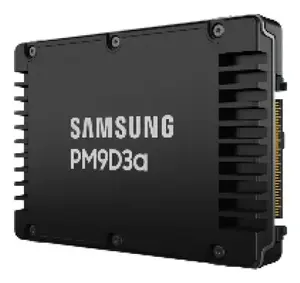
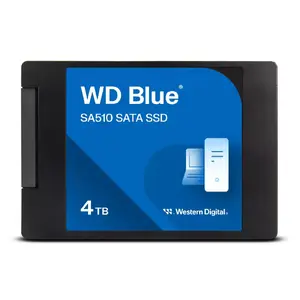
Solid State Drives (SSD) are data storage devices that use flash memory to store information without moving parts. They serve as primary or secondary storage in computers, laptops, servers, and some embedded systems, offering faster access times and lower latency compared with mechanical hard drives. SSDs are chosen for tasks requiring quick boot times, fast application loading, and improved system responsiveness, as well as for use in environments that demand greater shock resistance and lower power consumption. They come in a range of physical formats, interface standards, and memory types, which affect compatibility, performance, endurance, and cost. When selecting an SSD, users consider capacity, speed, form factor, interface, and write endurance to match device requirements and workload patterns.
Common SSD types differ by form factor, interface, and NAND technology. Typical form factors include 2.5-inch SATA drives, M.2 modules, and PCIe add-in cards. Interfaces include SATA, PCIe with NVMe protocol, and older mSATA variants. NAND flash types often used are SLC, MLC, TLC, and QLC, with variations in performance and endurance. There are also enterprise-focused SSDs with advanced controllers and power-loss protection, and external SSDs with USB or Thunderbolt interfaces for portable storage.
SSDs are used wherever faster data access and lower latency improve overall system performance. Common uses include acting as the system drive for operating systems, hosting frequently used applications and games, and storing working datasets for content creation, video editing, and software development. In servers and data centers, SSDs are used for databases, virtual machines, caching layers, and I/O-intensive workloads. Portable SSDs serve for fast file transfer and on‑the‑go access to large media files. They are also used in embedded systems and industrial equipment where durability and low power draw are important.
Key differences among SSDs include interface and protocol, form factor, NAND type, controller quality, capacity, performance metrics, and endurance ratings. Interface and protocol (SATA vs PCIe/NVMe) largely determine maximum throughput and latency. NAND flash type (SLC/MLC/TLC/QLC) affects performance, write endurance, and cost per gigabyte. Controllers and firmware influence sustained performance, error correction, and features such as encryption or power-loss protection. Endurance is often expressed as TBW (terabytes written) or drive writes per day (DWPD), which indicates suitability for different workloads. Warranty length and manufacturer support also vary between consumer and enterprise models.
Choosing an SSD requires matching device compatibility, intended use, and budget. First, verify the physical form factor and interface supported by the device or motherboard (SATA, M.2 with SATA or NVMe, or PCIe slot). Determine required capacity based on operating system, applications, and data needs. Consider performance needs: NVMe PCIe drives provide higher read/write speeds for demanding tasks, while SATA SSDs are sufficient for general productivity and older systems. Check endurance ratings (TBW or DWPD) for write-heavy workloads, and review features such as hardware encryption, power-loss protection, and thermal management. Finally, compare warranty terms and reputable manufacturer specifications to balance cost, performance, and reliability for your use case.
Order online at AiO.lv at a good price, with delivery across Latvia and to other EU countries. We deliver to Riga, Daugavpils, Liepāja, Jūrmala, Ventspils and other cities. We offer products from leading manufacturers.

We are confident in our quality, but if the purchase doesn’t fit — you have 14 days to return the product with peace of mind.

Get your orders as quickly as possible — right to your door, parcel lockers, or pickup points across Latvia and the EU.

Pay the way you prefer: cash, VISA, MasterCard, Apple Pay, Google Pay, bank transfer, or 0% installment plan.

AiO.lv has been on the market for over 18 years and has earned trust — with more than 6000 genuine positive reviews on Google.