Powerful EcoFlow stations for energy anywhere!

{{ totalProductsCount }}
In cart {{totalProductsCount}} item(s)
In cart {{totalProductsCount}} item(s)
Total:
{{sum | formatAmount}}
Your cart is empty
Data storage devices


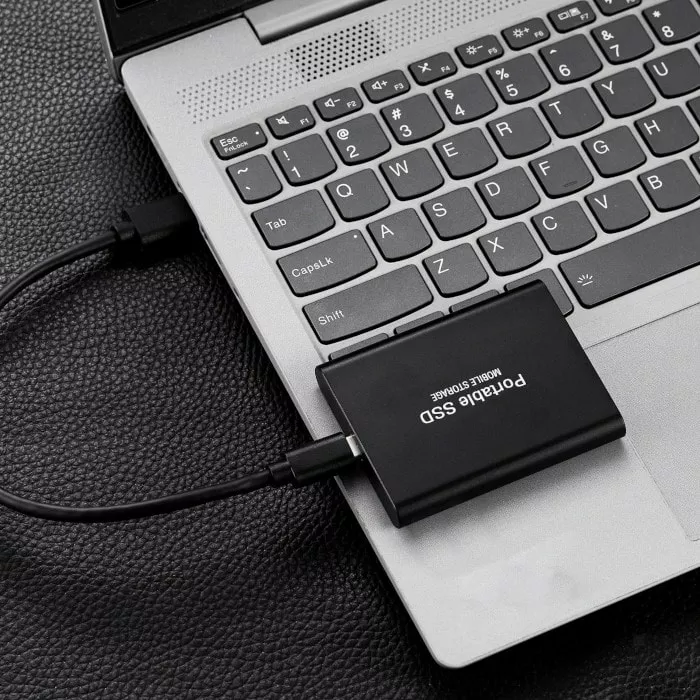

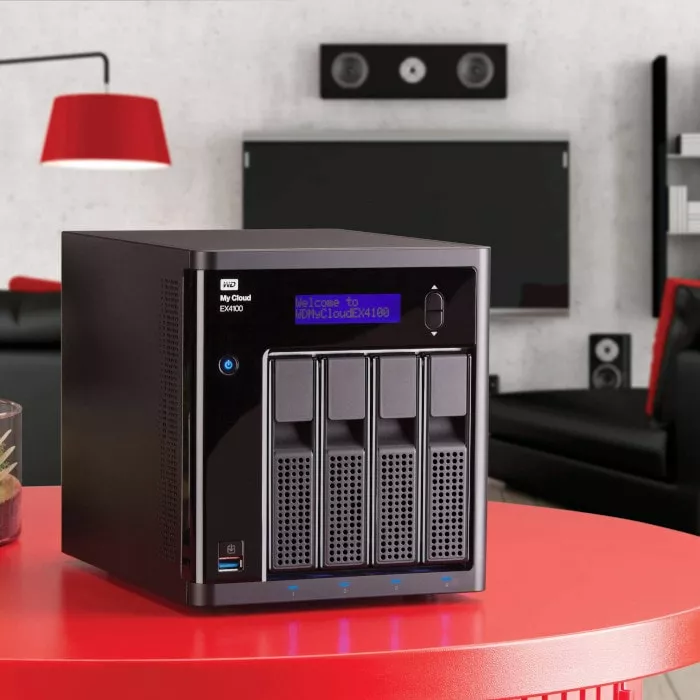

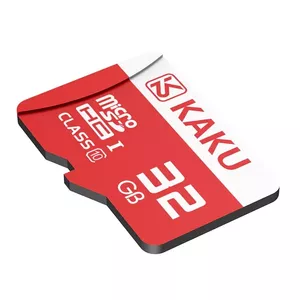
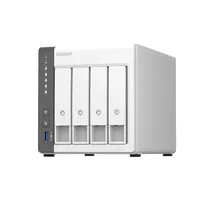
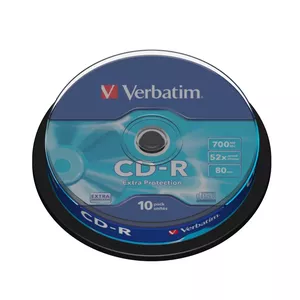
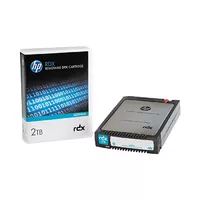

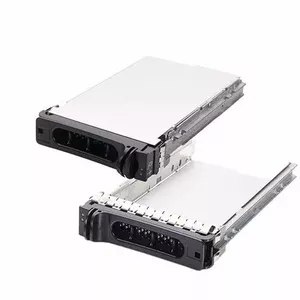


Data storage devices are hardware components designed to record, retain, and retrieve digital information in persistent or removable form. They include a range of media and mechanisms such as magnetic, solid-state, optical, and cloud-interfaced devices that serve different capacity, speed, durability, and portability needs. These products are used by individuals, businesses, and technical systems to store operating systems, applications, user files, backups, and archival data. Selection of a storage device depends on requirements for capacity, read/write performance, data durability, physical size, power consumption, and compatibility with existing hardware and software. Typical scenarios for choosing a specific device include expanding local storage on a computer, creating portable file transfers, implementing scheduled backups, or setting up redundant arrays for higher reliability and throughput. Proper understanding of device interfaces, form factors, and performance metrics helps match the right storage solution to a given use case.
Types of Data storage devices
The main categories of data storage devices cover several physical and logical types commonly used today.
- Hard Disk Drives (HDD) — magnetic rotating platters that offer high capacity and cost-effective per‑gigabyte storage for desktops, servers, and external drives.
- Solid State Drives (SSD) — flash-based storage with no moving parts, providing faster access times, lower latency, and improved shock resistance compared with HDDs.
- External/Portable Drives — enclosure-mounted HDDs or SSDs and USB flash drives designed for transportable file transfer and off‑line storage.
- USB Flash Drives and Memory Cards — compact removable flash media commonly used in cameras, mobile devices, and quick file sharing.
- Network Attached Storage (NAS) — dedicated storage appliances or servers accessible over a local network, often used for centralized file sharing, media streaming, and on-site backups.
- Optical Drives and Media — CDs, DVDs, and Blu‑ray discs used for archival, distribution, or read‑only storage where applicable.
- Tape Storage — magnetic tape cartridges typically used for long-term archival and large-scale backup in enterprise and archival environments.
- Hybrid and Cache‑Enhanced Drives — HDDs with integrated flash cache or multi‑tier systems that combine SSD and HDD technologies for cost/performance balance.
What are Data storage devices used for?
Data storage devices serve multiple practical purposes across consumer, professional, and enterprise contexts.
- Operating System and Application Storage — hosting system files and installed software for computers and servers.
- User Files and Multimedia — saving documents, photos, videos, and other personal or business data.
- Backup and Recovery — creating copies of important data to prevent loss from hardware failure, accidental deletion, or malware.
- Data Archiving — long-term retention of records and datasets for compliance, auditing, or historical reference.
- File Sharing and Collaboration — enabling multiple users to access and work with shared files via networked storage or removable media.
- Media Streaming and Content Delivery — storing large media libraries for playback on local networks or devices.
- High‑Performance Workloads — hosting databases, virtual machines, and applications that require low latency and high throughput.
Key Differences between Data storage devices
Devices differ by physical technology, performance characteristics, and suitability for specific tasks.
- Performance — SSDs typically provide faster sequential and random read/write speeds and lower latency than HDDs; performance is also affected by interface (SATA, NVMe, USB, Ethernet).
- Capacity and Cost — HDDs usually offer larger capacities at lower cost per gigabyte; SSDs are more expensive per gigabyte but are decreasing in price over time.
- Durability and Lifespan — SSDs are more resistant to physical shock and have no mechanical wear, while HDDs are susceptible to mechanical failure; flash memory has finite write cycles that influence endurance ratings.
- Portability — USB flash drives and external SSDs provide compact, battery‑free portability; NAS and tape systems are less portable but support larger centralized storage.
- Power and Heat — SSDs generally consume less power and produce less heat than spinning drives, which matters for laptops and densely packed servers.
- Interface and Compatibility — connection types (SATA, NVMe/PCIe, USB, Thunderbolt, Ethernet) determine transfer speeds and compatibility with host devices.
- Use Case Fit — some devices target archival reliability (tape, optical), others target speed (NVMe SSD), and others prioritize capacity and cost (HDD, NAS arrays).
How to Choose Data storage devices?
Selecting an appropriate storage device requires evaluating technical requirements and practical constraints.
- Assess capacity needs — estimate current data volumes and future growth to choose appropriate storage size and scalability options.
- Consider performance requirements — identify whether workloads need high sequential throughput, low random latency, or sustained write endurance.
- Check compatibility — confirm that the device interface and form factor match the target system (desktop, laptop, server, camera, mobile device).
- Evaluate reliability and redundancy — for critical data, plan for backups, RAID/NAS configurations, or archival media with proven longevity.
- Balance cost vs value — compare cost per gigabyte against performance, endurance, and features such as encryption or hardware acceleration.
- Look at endurance and warranty — review manufacturer endurance ratings (TBW/MTBF) and warranty terms to understand expected lifespan and support.
- Plan for physical and environmental factors — consider shock resistance, operating temperature range, and power consumption where relevant.


