Save time and money with our discounts!

{{ totalProductsCount }}
In cart {{totalProductsCount}} item(s)
In cart {{totalProductsCount}} item(s)
Total:
{{sum | formatAmount}}
Your cart is empty
Desktops accessories

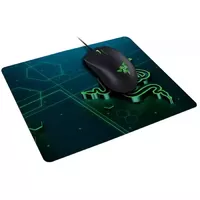

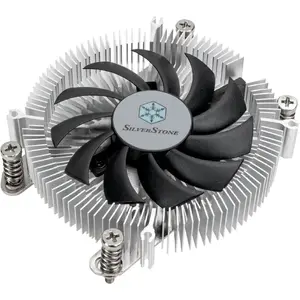
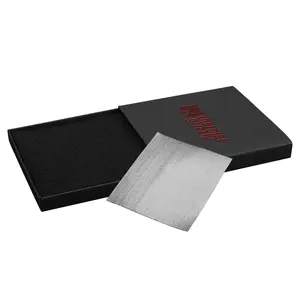
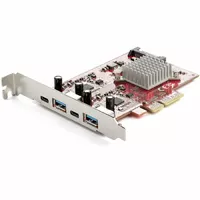
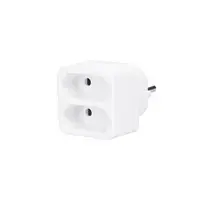
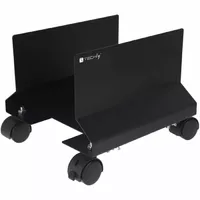

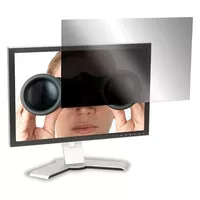
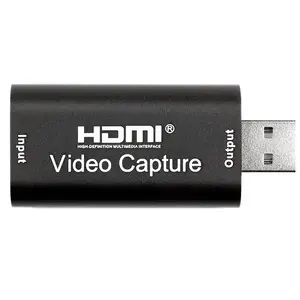
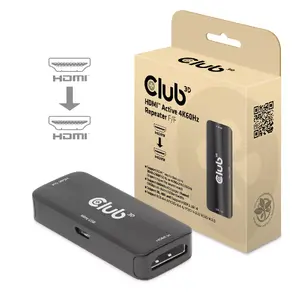
Desktops accessories are peripheral items and add-ons designed to enhance the functionality, ergonomics, and organization of desktop computers and workstations. These products include input devices, mounts, stands, display supports, cable management solutions, storage expansions, and small peripherals that connect to or sit alongside a desktop system. They are used in office, home, education, and creative environments where a desktop PC is the primary computing device and additional equipment is required for comfort, productivity, or connectivity. Customers typically choose desktop accessories to tailor their workspace layout, improve typing and viewing posture, expand I/O options, or keep cables and small devices organized. Selection is often based on compatibility with existing hardware, available desk space, and specific user needs such as ergonomic support, additional ports, or improved peripheral placement.
Types of Desktops accessories
Common categories of desktop accessories cover a range of form factors and functions. This section lists widely used types to help identify needed items.
- Input devices: keyboards, mice, trackballs, and numeric keypads.
- Display supports: monitor stands, arms, risers, and laptop stands.
- Ergonomic aids: wrist rests, monitor risers, footrests, and adjustable keyboard trays.
- Cable management: clips, sleeves, trays, and cable organizers.
- Hubs and docks: USB hubs, docking stations, and port expanders for additional connectivity.
- Storage and organization: desk drawers, small shelves, drive enclosures, and NAS accessories.
- Peripheral mounts and holders: phone stands, headset hooks, and document holders.
- Cooling and power accessories: cooling pads, power strips, surge protectors, and UPS devices for desktops.
What are Desktops accessories used for?
Desktop accessories serve practical purposes that support everyday computer use. They improve ergonomics, extend functionality, and maintain order in a workspace. Specific uses include enhancing input accuracy and comfort, positioning screens for optimal viewing angles, increasing available ports and connectivity for peripherals, and protecting equipment from power issues. Accessories also help manage cables and small devices to reduce clutter and make the workspace easier to clean and maintain.
Key Differences between Desktops accessories
Differences among desktop accessories arise from design, compatibility, and intended use. Materials and build quality affect durability and appearance; for example, metal monitor arms differ from plastic risers in load capacity. Connectivity options distinguish hubs and docks by supported ports and data transfer speeds. Ergonomic accessories vary by adjustability, range of motion, and size to fit different users and desks. Cooling and power products differ by capacity and protection features. Compatibility with specific devices, weight limits, and desk mounting methods are critical differentiators when selecting an accessory.
How to Choose Desktops accessories?
Choosing the right desktop accessories involves matching product features to needs and workspace constraints. Start by assessing the devices you use and the problems you want to solve—better posture, more ports, reduced clutter, or improved cooling. Verify compatibility: check monitor VESA patterns, laptop dimensions, and port standards (USB-A, USB-C, Thunderbolt). Consider adjustability and ergonomics for items that affect posture. Evaluate build quality and load ratings for stands and mounts. For hubs, compare port types and data/power delivery specifications. Finally, measure available desk space and plan cable routing to ensure the chosen accessories fit and function as intended.


