
Hurry and order now – up to 50% off!

{{ totalProductsCount }}
In cart {{totalProductsCount}} item(s)
In cart {{totalProductsCount}} item(s)
Total:
{{sum | formatAmount}}
Your cart is empty
Office Equipment
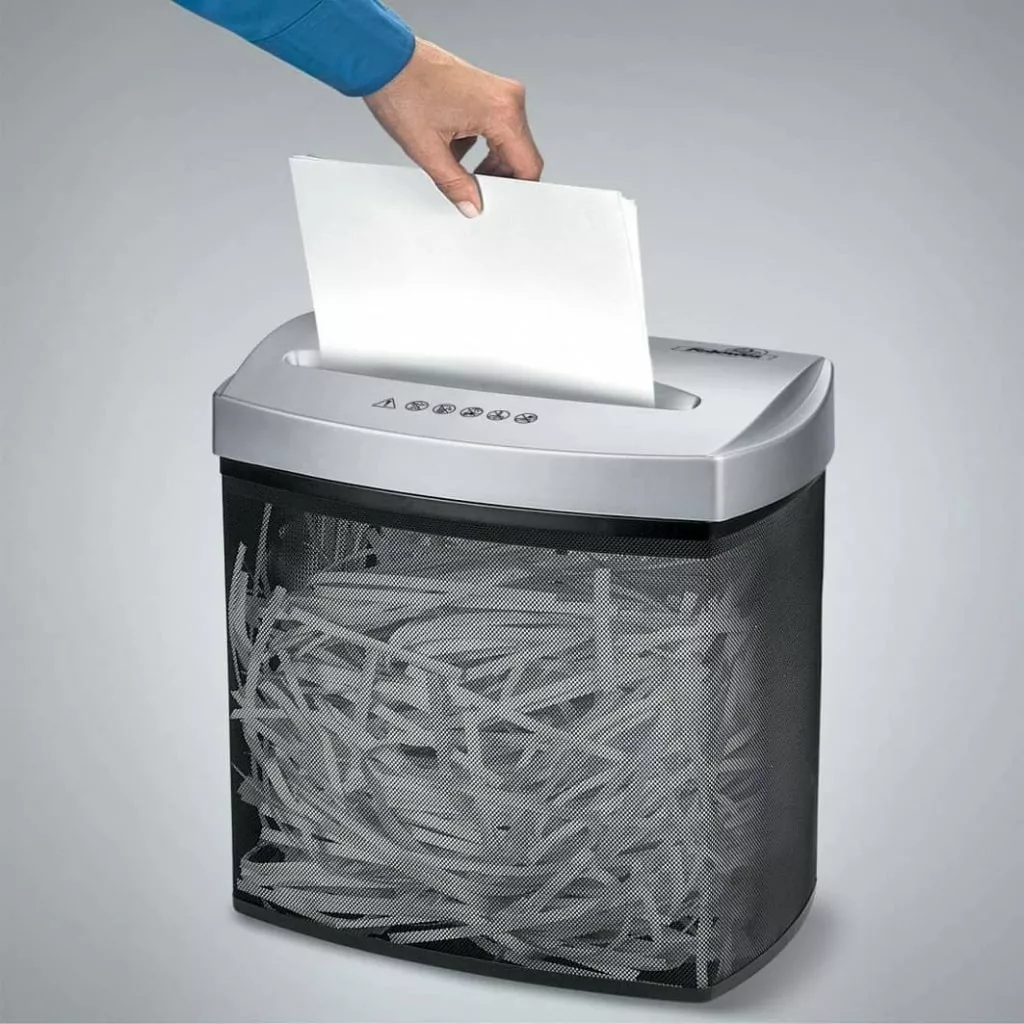
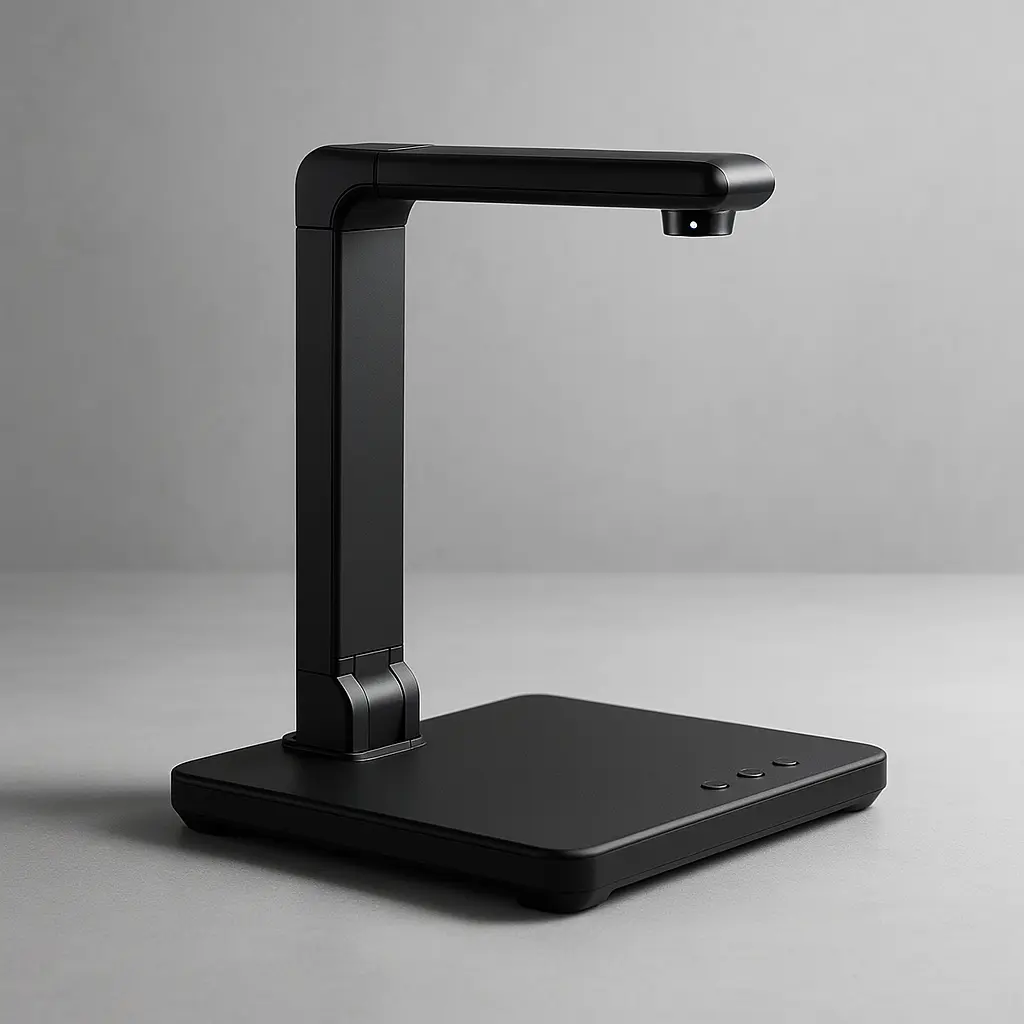
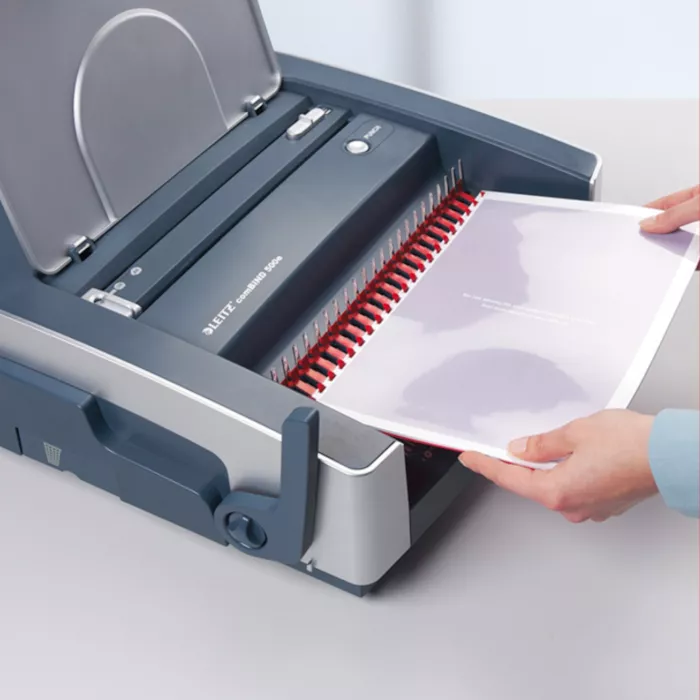
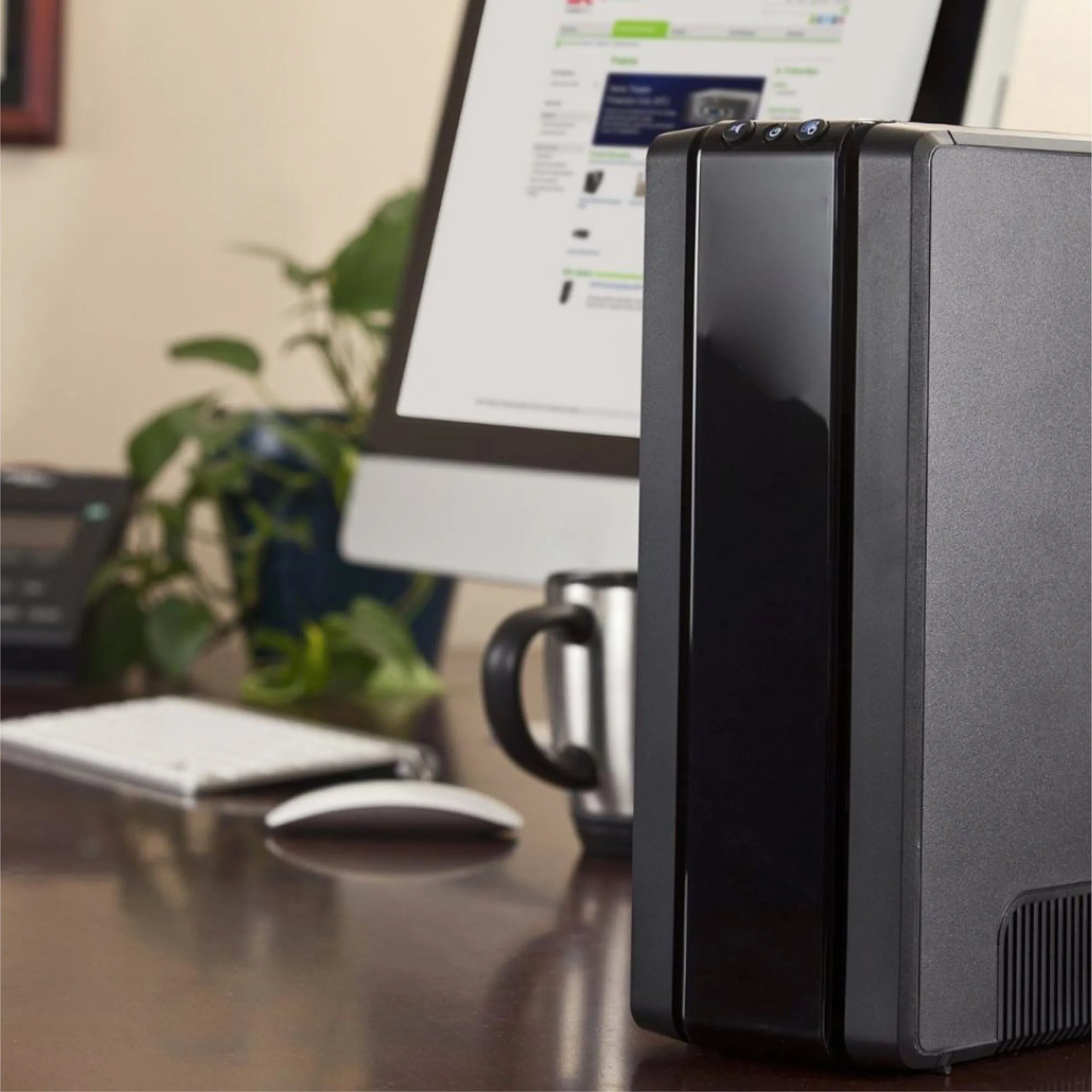
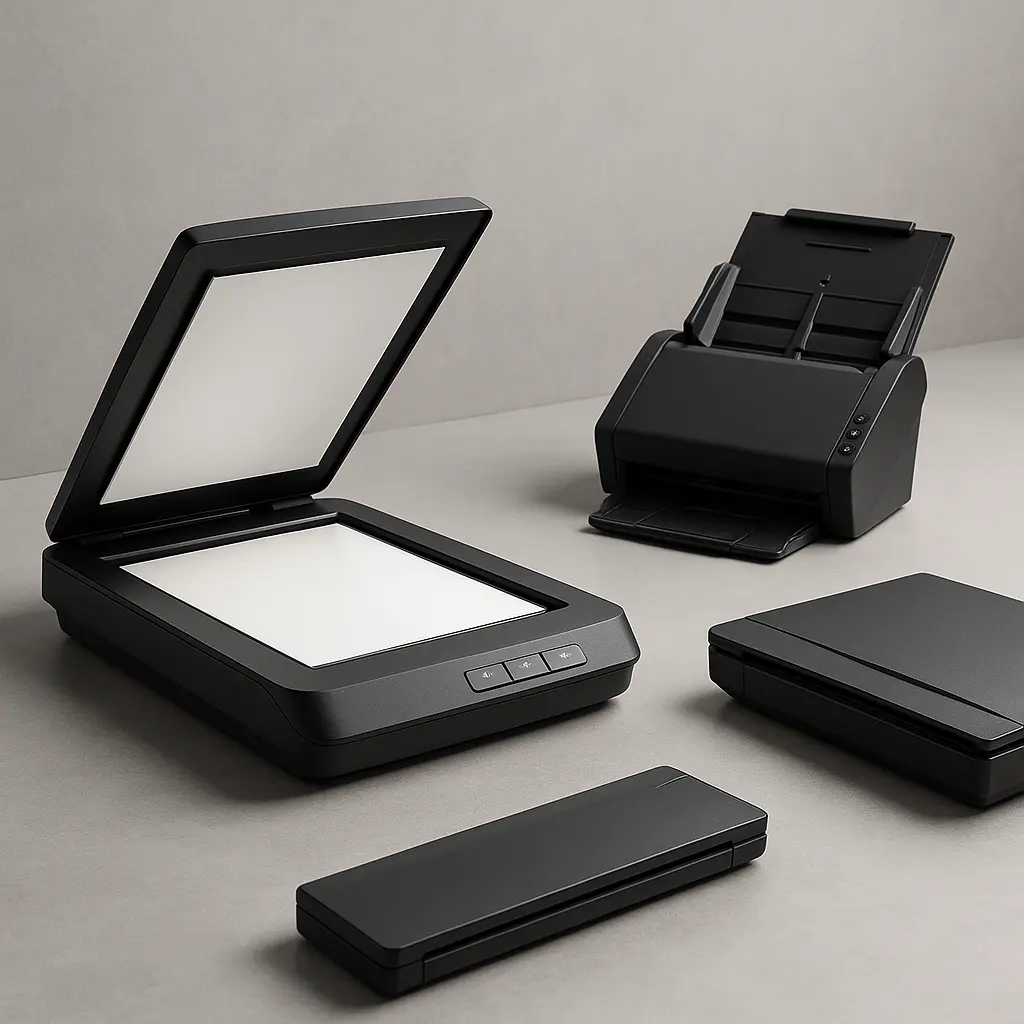

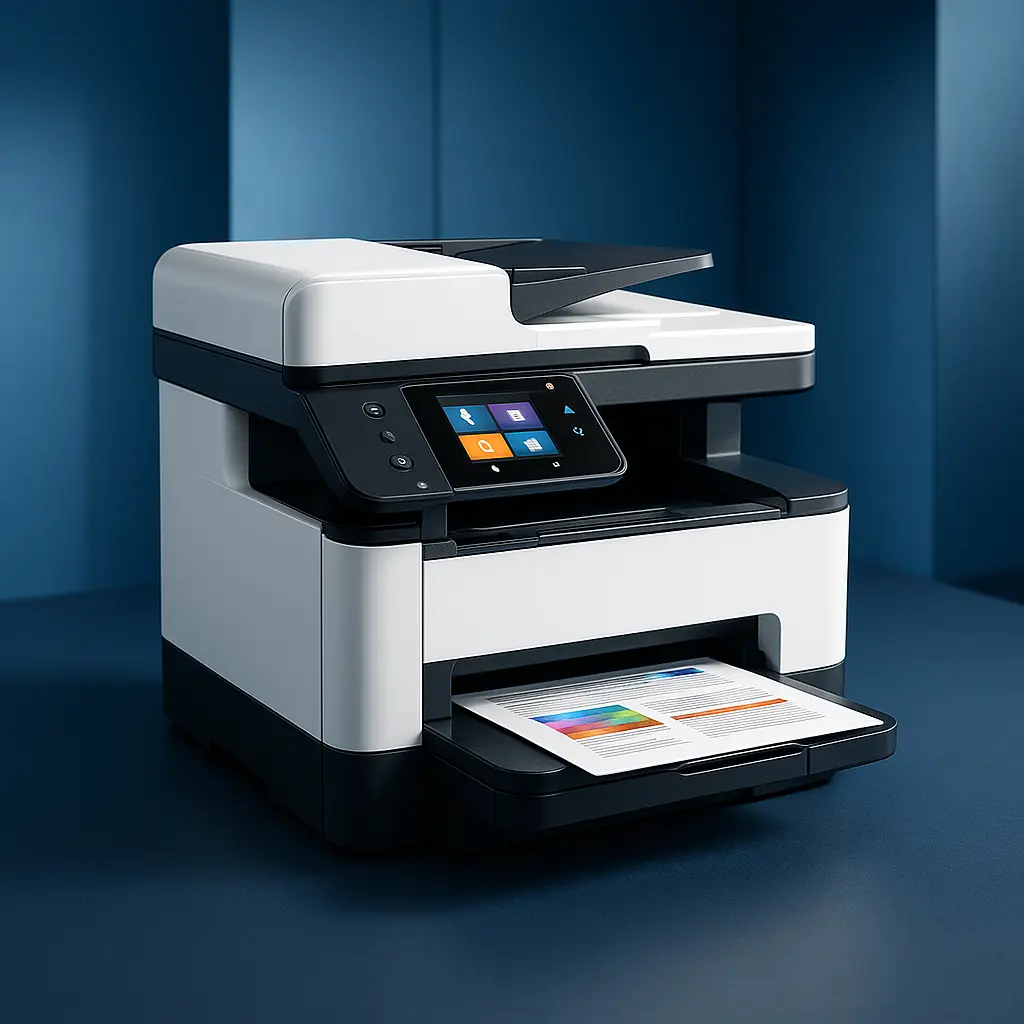
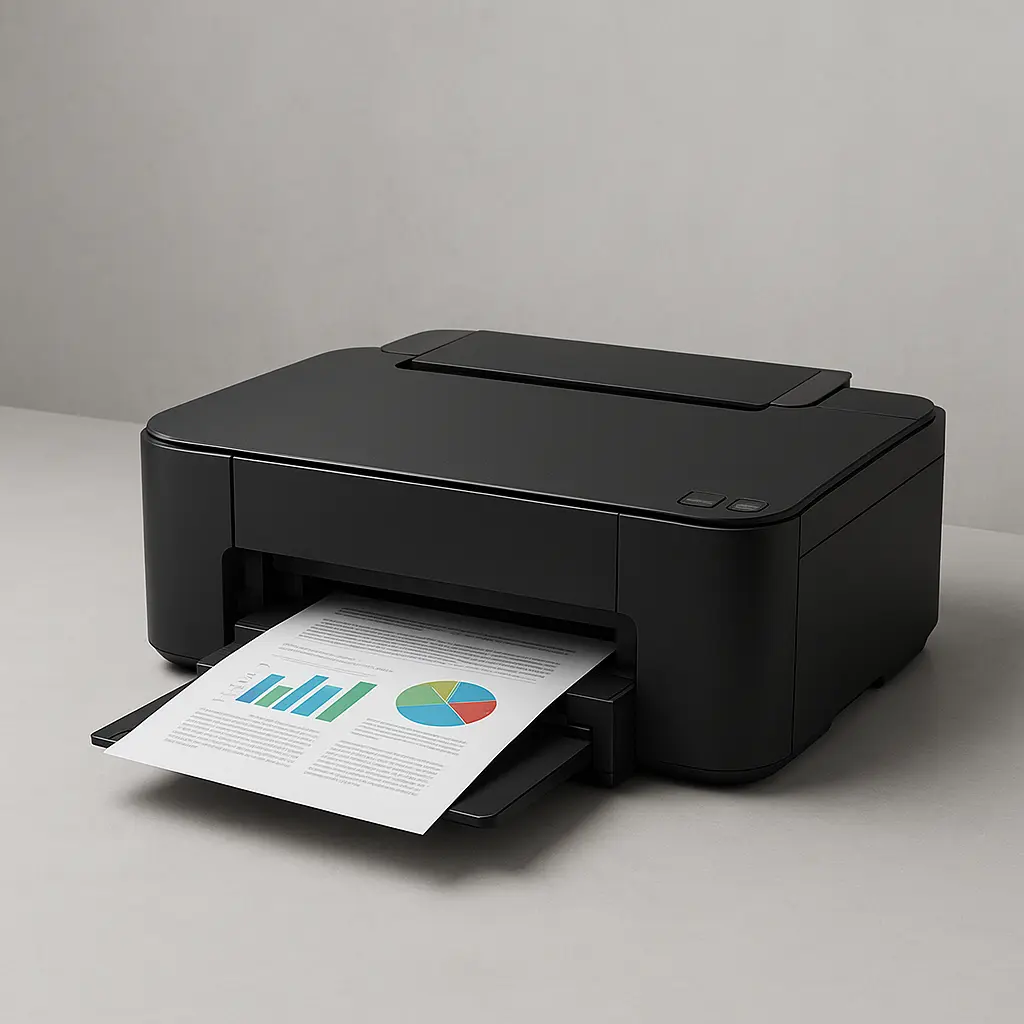

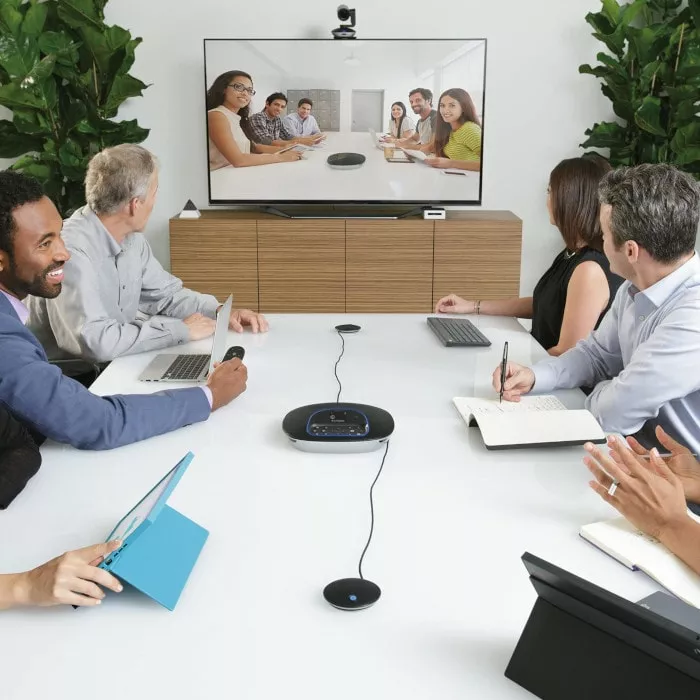
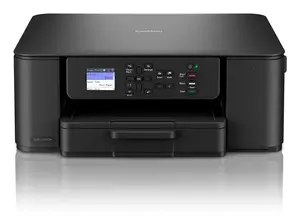
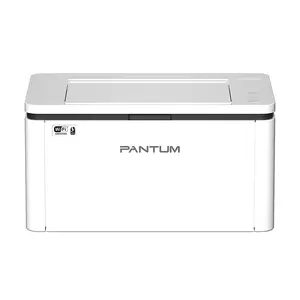

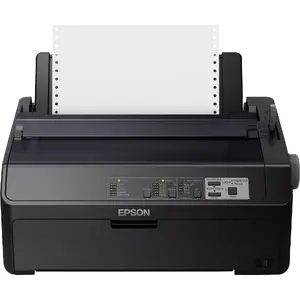
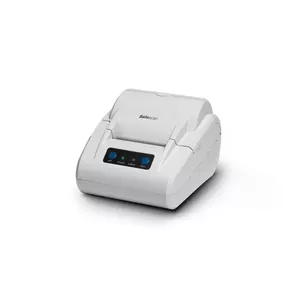
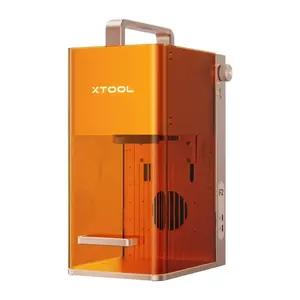
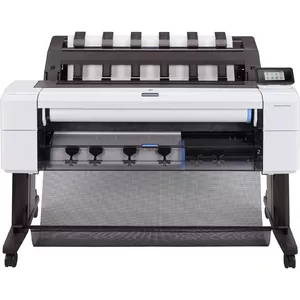
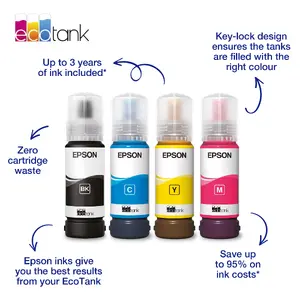
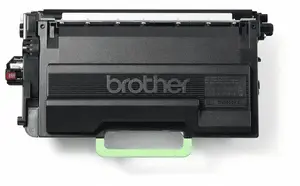
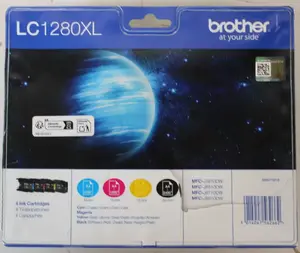

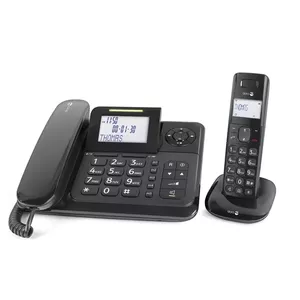
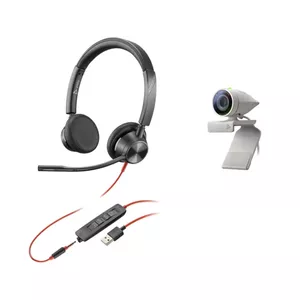
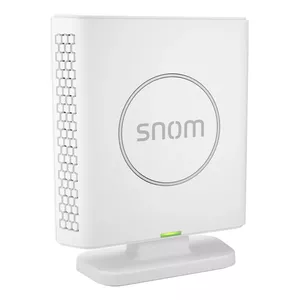
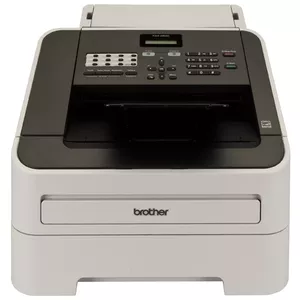
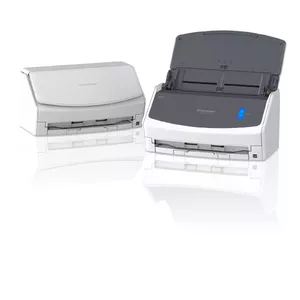
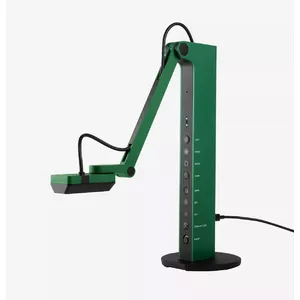
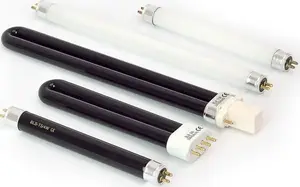
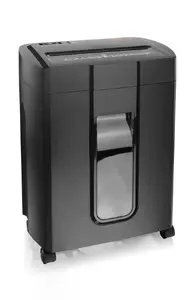
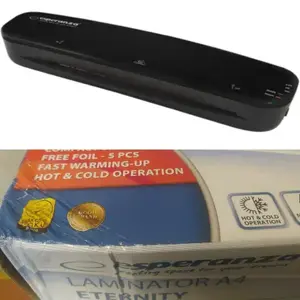


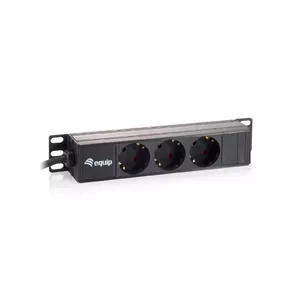
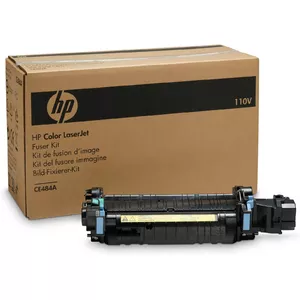
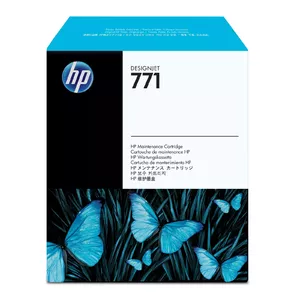
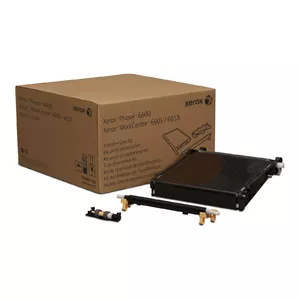

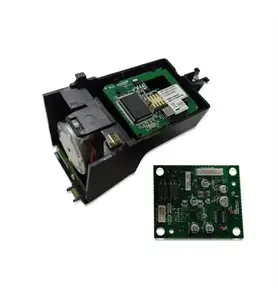
Office equipment refers to a range of mechanical and electronic devices used to support administrative, clerical, and communication tasks in workplaces. These products include machines for document creation, reproduction, finishing, communication, and workspace organisation, and they are selected to increase efficiency, standardise workflows, and handle routine office operations. Typical scenarios for choosing office equipment include setting up a new office, upgrading outdated devices, scaling capacity for higher document volumes, or implementing specific functions such as secure printing or digital archiving. Buyers evaluate compatibility with existing systems, ongoing operating costs, user requirements, and space constraints when selecting equipment. Proper maintenance and appropriate consumables contribute to reliable performance and predictable lifecycle costs.
Types of Office equipment
Common categories of office equipment cover a range of machines and accessories designed for distinct tasks.
- Printers and multifunction printers (MFPs) for printing, scanning, copying and sometimes faxing documents.
- Scanners and document feeders for converting paper documents to digital files and supporting OCR workflows.
- Copiers and production print systems for higher-volume document reproduction and finishing options.
- Fax machines and telecommunication devices where line-based transmission remains necessary.
- Shredders and destruction equipment for secure disposal of sensitive documents.
- Binding, laminating, and finishing equipment for preparing professional documents and reports.
- Projectors and presentation hardware used in meetings and training sessions.
- Label printers, postage meters, and mailing equipment for logistics and correspondence processing.
- Office supplies and consumables such as toner, ink, paper, and maintenance kits that support device operation.
What are Office equipment used for?
Office equipment is used to perform routine administrative and document-related tasks that support business processes. These devices enable the creation, duplication, distribution, and preservation of information in both physical and digital formats. They are used for producing reports and correspondence, scanning documents into document management systems, protecting confidential data through secure print and shredding, preparing customer-facing materials, and conducting presentations. In addition, equipment like labelers and mailing systems streamline logistics and internal organisation.
Key Differences between Office equipment
Differences between office equipment arise from capacity, functionality, connectivity, and cost structure.
- Functionality: single-function devices focus on one task (print or scan); multifunction units combine several capabilities in one machine.
- Capacity and speed: models vary by daily duty cycle, pages per minute, and paper handling that suit small offices versus large workgroups.
- Print technology: laser, inkjet, and LED technologies differ in print quality, cost per page, and suitable use cases.
- Connectivity and integration: devices offer USB, network, wireless, cloud services, and compatibility with document management software.
- Security features: options include user authentication, encrypted storage, and secure erase to meet data protection requirements.
- Operating costs: consider consumable consumption, energy efficiency, and maintenance requirements for total cost of ownership.
How to Choose Office equipment?
Choosing office equipment requires matching device capabilities to operational needs and budget constraints.
- Assess workload: estimate daily print and scan volumes, peak usage and required output quality to determine appropriate capacity and speed.
- Define required functions: decide whether single-function units suffice or if multifunction devices reduce space and management overhead.
- Check compatibility: ensure drivers, network protocols, and software integrations work with existing IT infrastructure and operating systems.
- Evaluate total cost: include purchase price, consumables, maintenance plans, and energy consumption when comparing options.
- Review security and compliance: select devices with necessary data protection, access control, and audit capabilities for your industry.
- Consider service and support: availability of technical support, warranty terms, and ease of servicing affect uptime and lifecycle costs.
- Plan for future needs: choose scalable solutions that accommodate growing volumes, additional users, or changing workflows.


