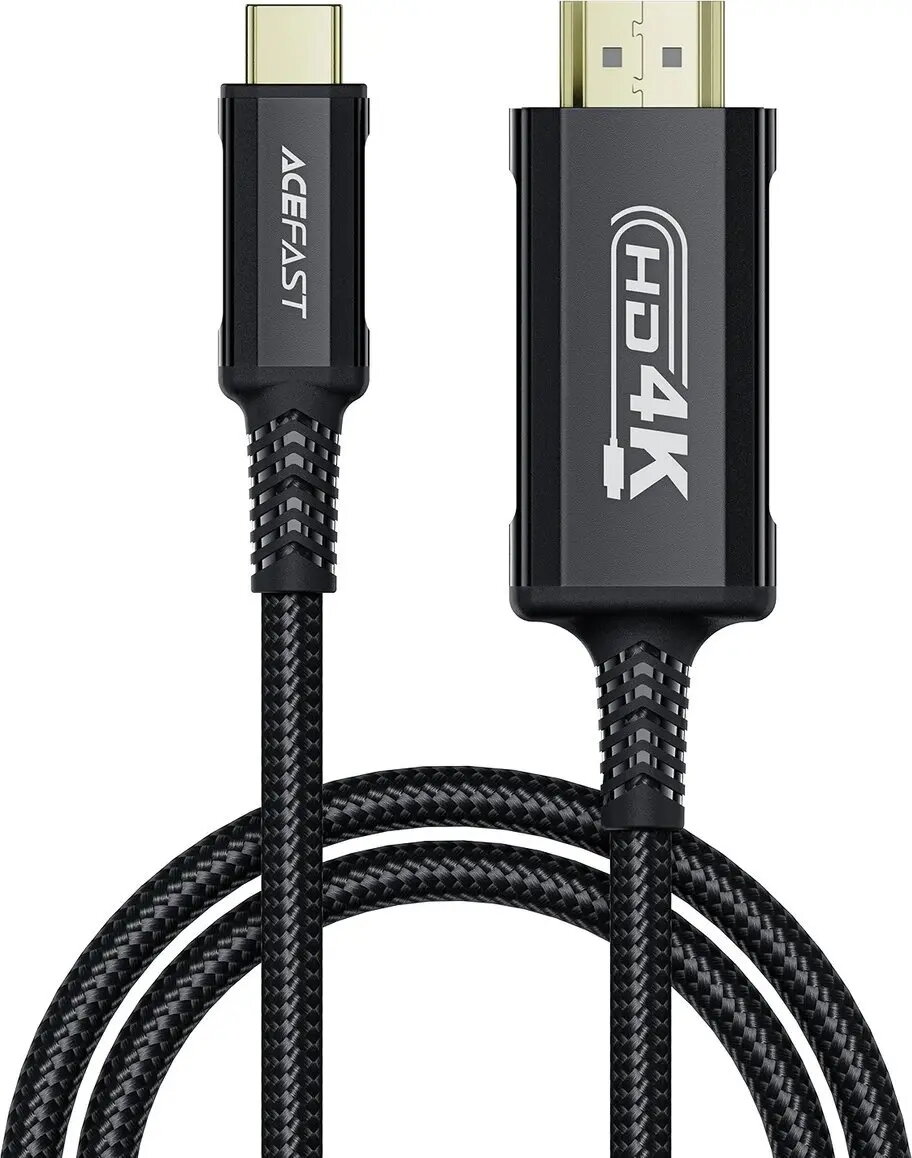
The Acefast USB-C to HDMI cable is a high-quality connection solution designed to bridge the gap between modern USB-C devices and HDMI-enabled displays. Measuring 1.8 meters in length, this cable facilitates reliable video and audio transmission, ensuring that your content is displayed clearly on monitors, televisions, and projectors. Its robust construction provides consistent signal integrity, making it a dependable accessory for both professional and personal use.
Advantages
This cable offers a seamless plug-and-play experience, eliminating the need for complex software installations or additional drivers. The 1.8-meter length provides sufficient reach for most desktop and home entertainment setups, allowing for flexible device placement. By supporting high-resolution output, the cable ensures that visual content remains sharp and detailed, which is essential for maintaining productivity or enjoying high-definition media. Its durable design is built to withstand daily wear, providing a stable connection that minimizes signal loss or interference.
Suitable for
- Connecting laptops to external monitors for extended workspace
- Streaming media from smartphones or tablets to large-screen TVs
- Delivering professional presentations from USB-C devices to projectors
- Home office setups requiring reliable video output
When it may not be suitable
This cable is intended for devices that support DisplayPort Alt Mode over USB-C. If your specific device does not support video output through its USB-C port, this cable will not function for video transmission. It is also not suitable for devices that exclusively use older connection standards without an adapter.
Key specifications
- Connector type: USB-C to HDMI
- Cable length: 1.8 meters
- Color: Blue
- Signal type: Digital audio and video
How to use
To use the cable, simply insert the USB-C connector into the port of your source device, such as a laptop, tablet, or smartphone. Connect the HDMI end of the cable into the corresponding input port on your display device, such as a monitor, TV, or projector. Once connected, select the appropriate HDMI input source on your display. Your device should automatically detect the external screen, allowing you to mirror or extend your display as needed.
What to consider before purchase
- Verify that your source device supports video output via the USB-C port
- Ensure your display device has an available HDMI input port
- Check if your setup requires a longer or shorter cable length
Usage recommendations
For the best performance, ensure that both connectors are fully inserted into their respective ports. Avoid bending the cable at sharp angles or placing heavy objects on it to maintain the integrity of the internal wiring over time.