


Wireless Charger Acefast E9 15W Qi for iPhone MagSafe, Apple Watch and AirPods, Black
Short description

Cheapest delivery:
Unisend LV

Esto — pay in 6 equal parts
Product information
Description
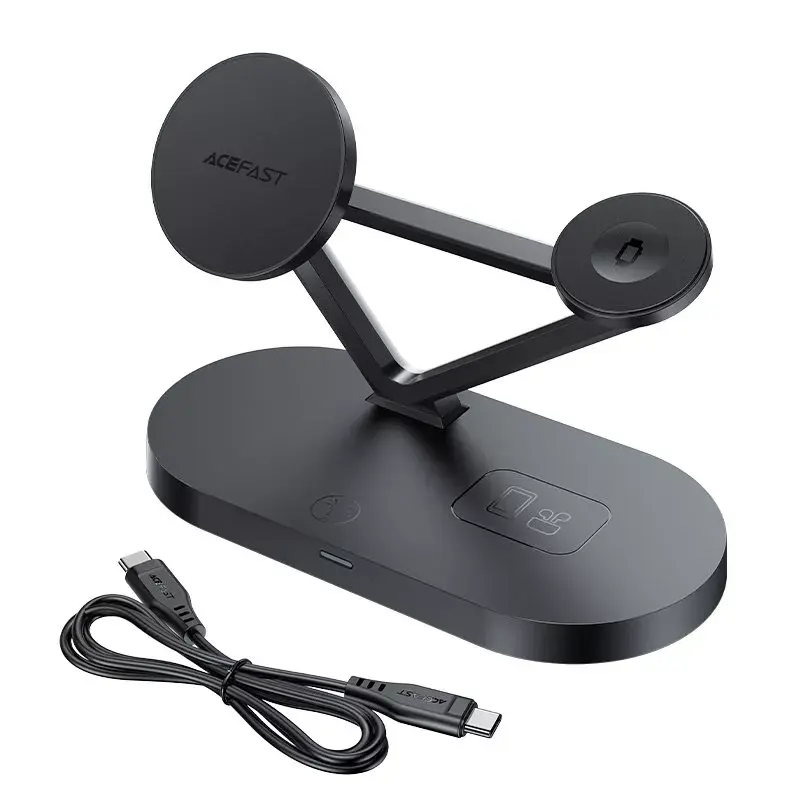
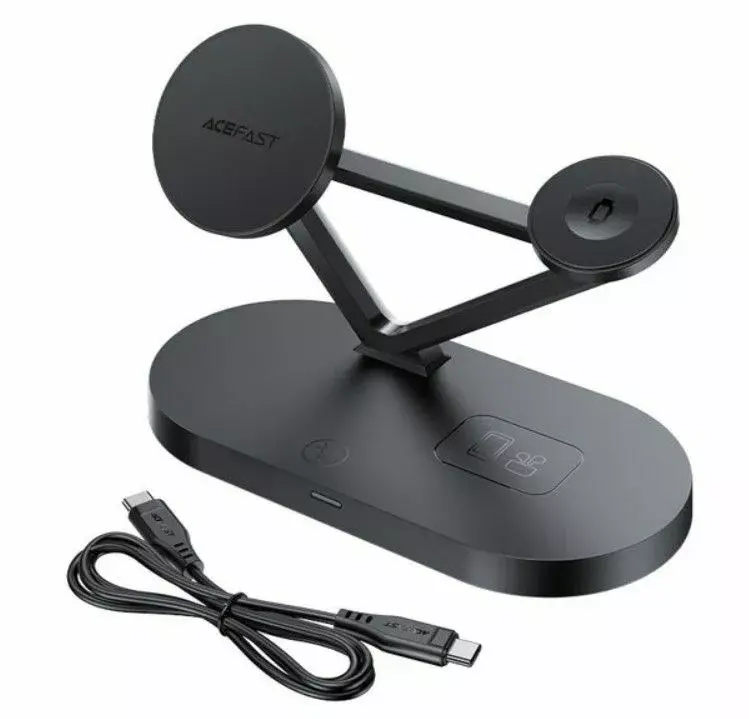
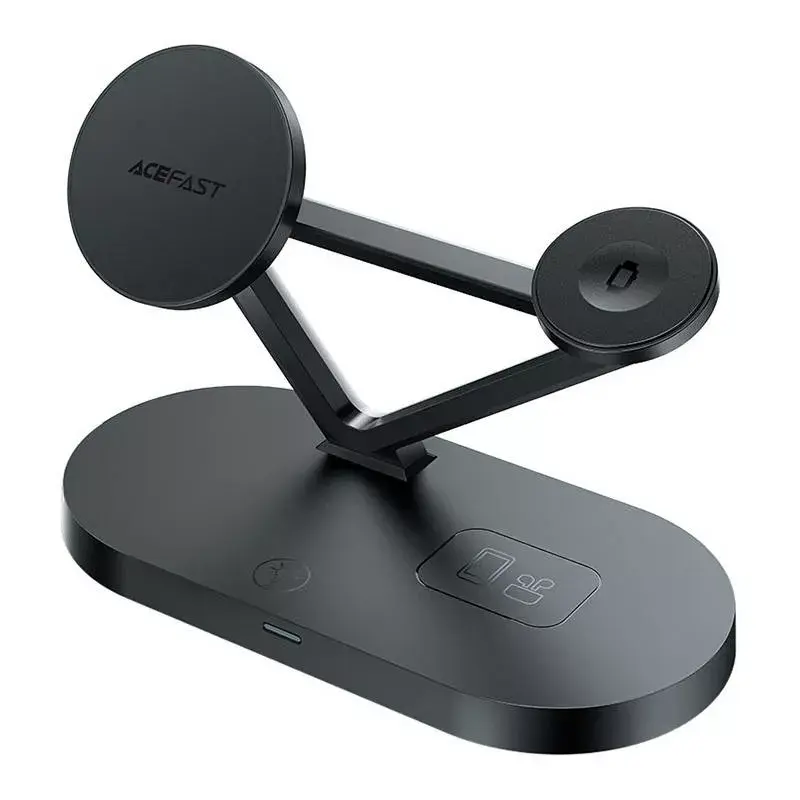
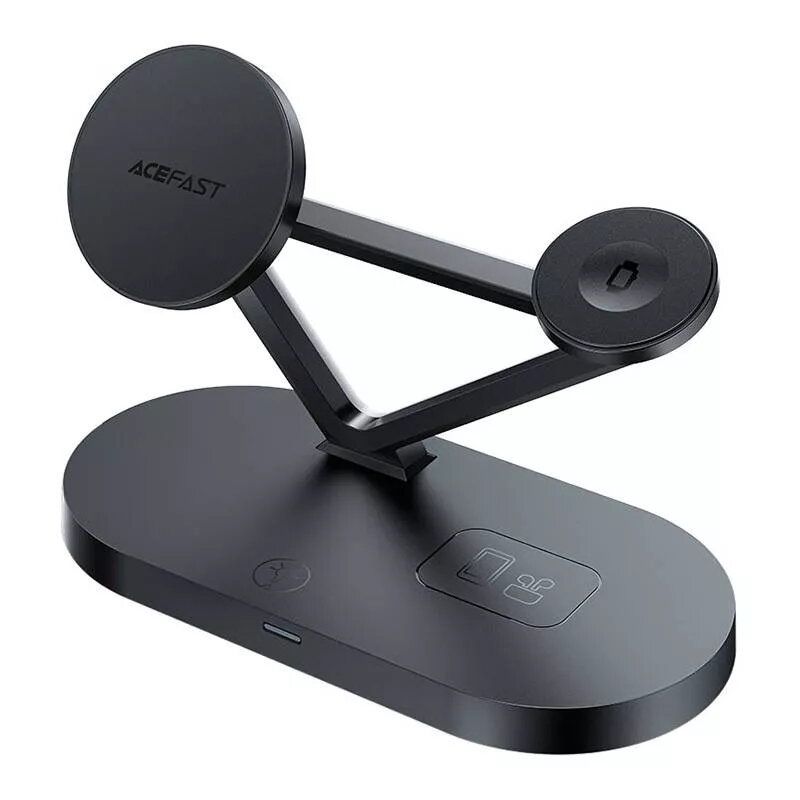
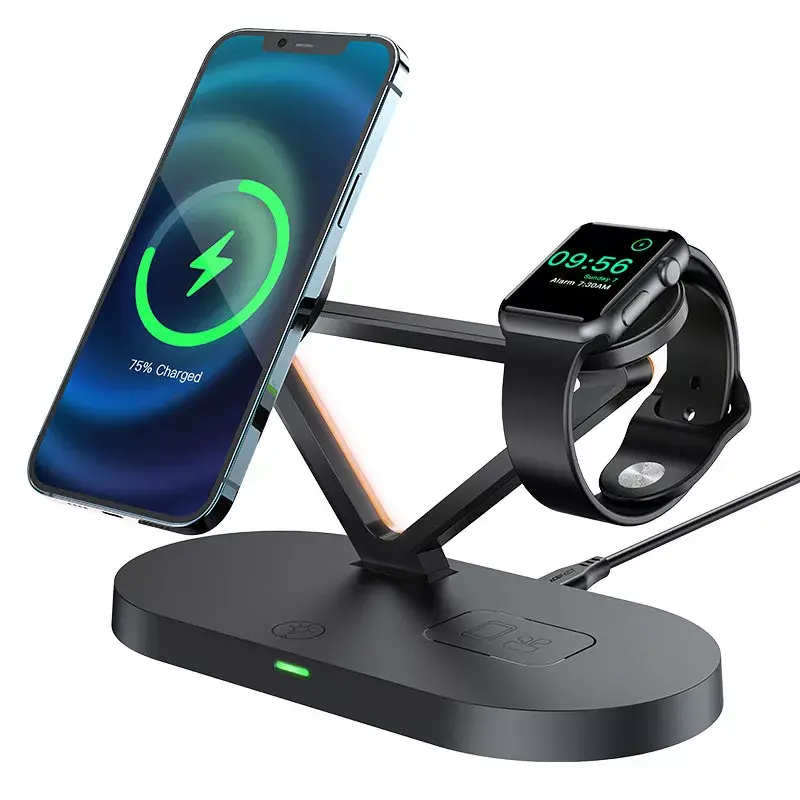
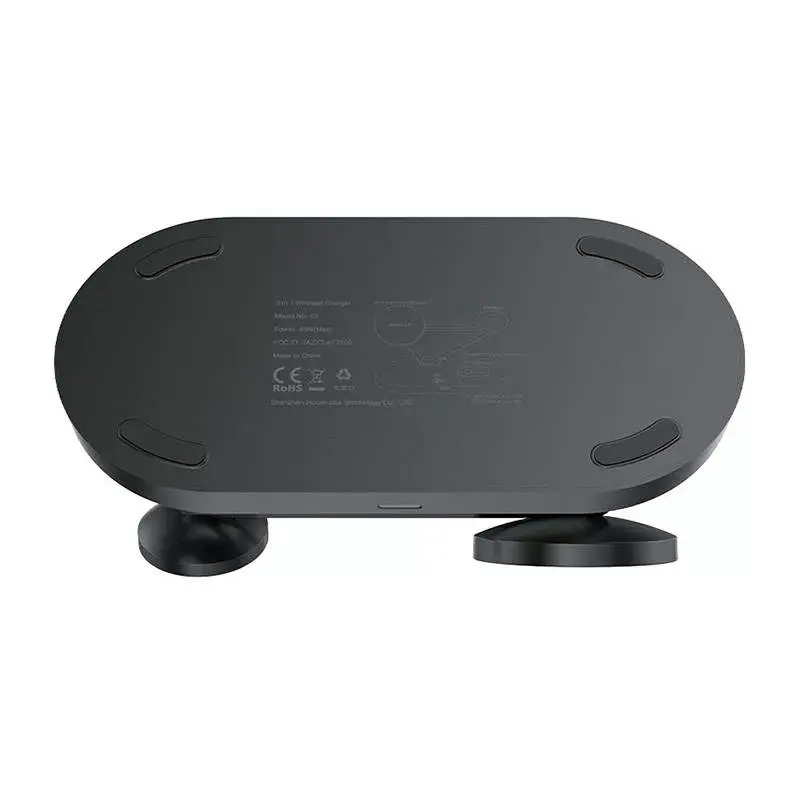
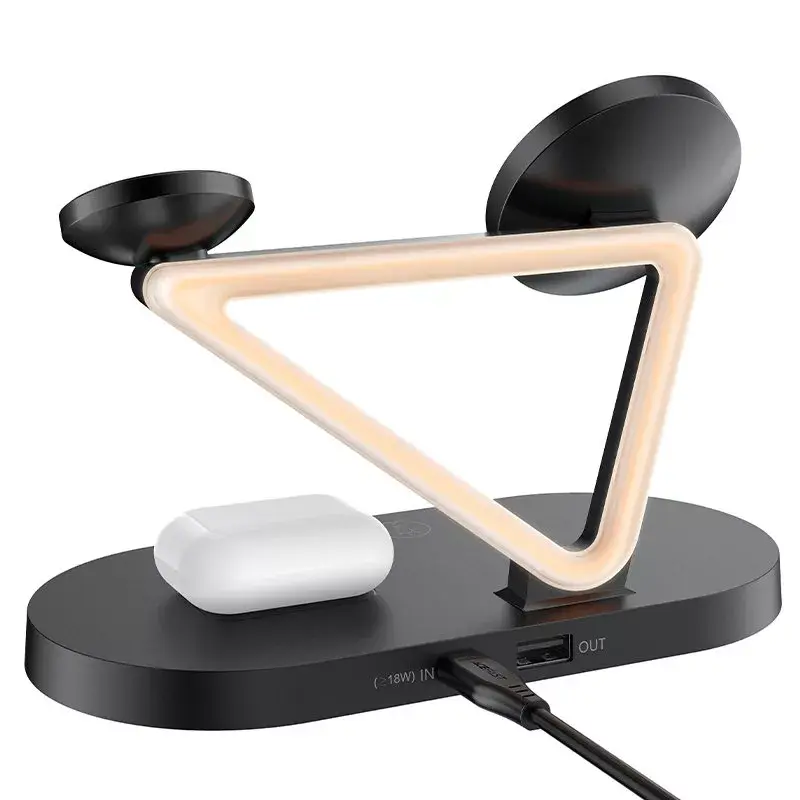
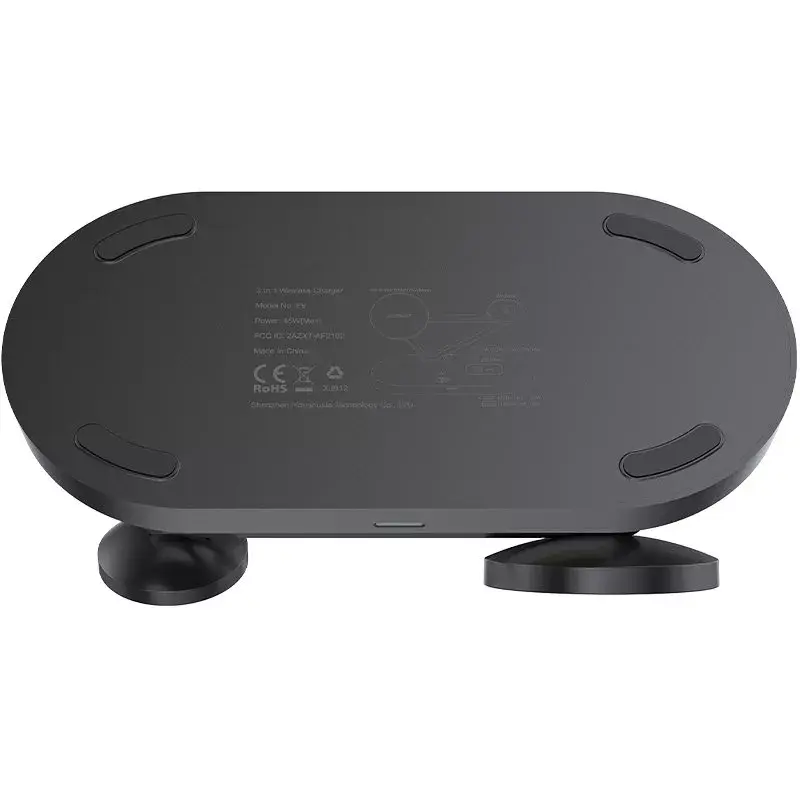
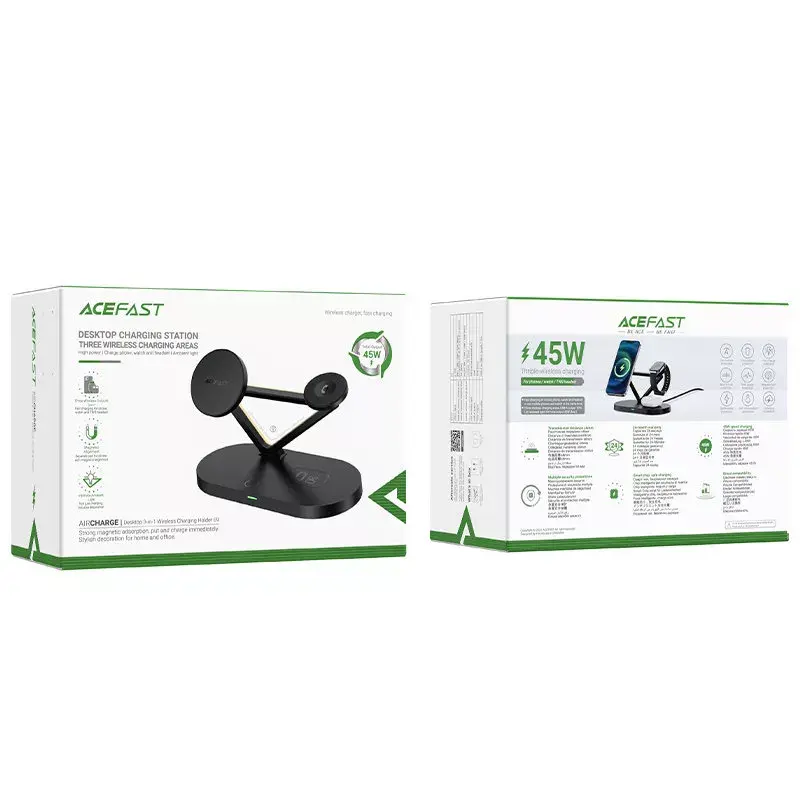
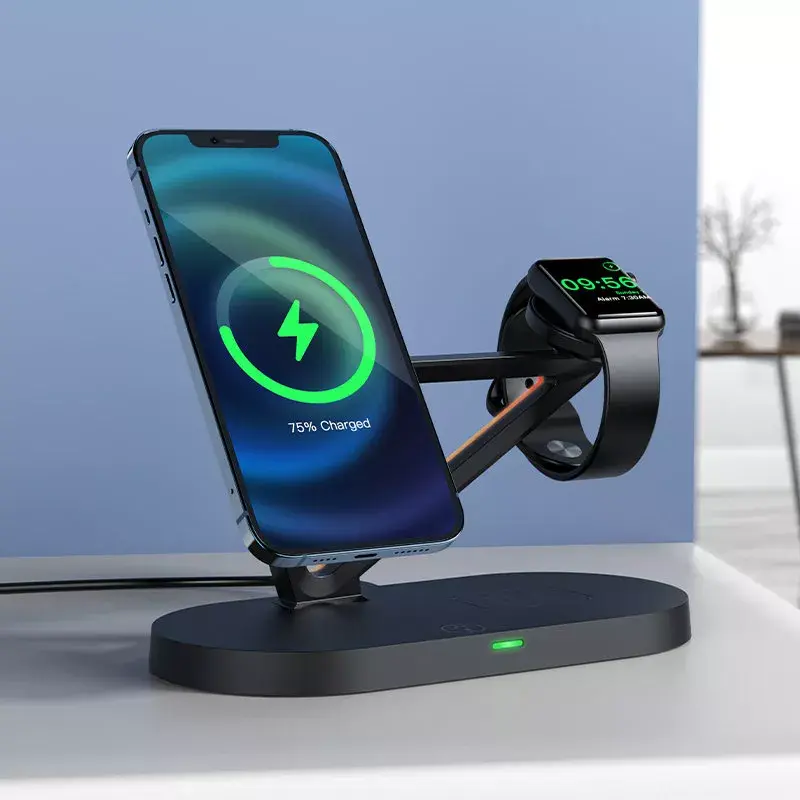
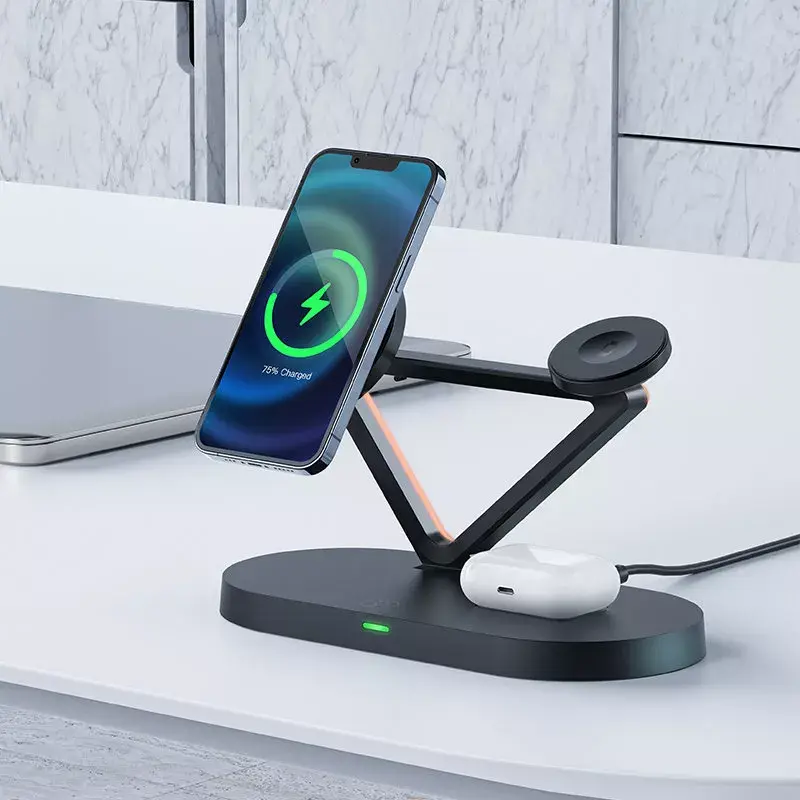
Acefast E9 is a compact three-in-one wireless charging stand designed to charge an iPhone with MagSafe compatibility, Apple Watch and AirPods simultaneously. The black ABS/PC unit supports up to 15W wireless output for compatible smartphones, plus dedicated charging positions for a watch (3W) and headphones (up to 3W). The stand includes a USB-C input and a USB-A 10W output, non-slip pads, and ventilation holes. Built-in mood lighting provides subtle illumination while charging.
Advantages
The Acefast E9 can charge three devices at once, reducing cable clutter and saving space on a desk or bedside table. It supports both vertical and horizontal smartphone orientation so you can view media while charging. A multi-level protection system guards against overvoltage, short circuit, overload and overcharge. The charger works with phones in most cases and is optimized for MagSafe-compatible iPhones; cases with metal or magnetic elements may interfere with charging. The design includes heat dissipation and anti-slip features for stable, safe operation, plus integrated ambient lighting.
Suitable for
- Charging MagSafe-compatible iPhone models (iPhone 12 and later)
- Charging Apple Watch
- Charging TWS or AirPods-style wireless earphones
- Use on bedside tables, desks or office workspaces
Key specifications
- Brand: Acefast
- Model: E9 desktop three-in-one wireless charging stand
- Wireless charging output (smartphone): up to 15W
- Watch charging output: 3W
- Headphones charging output: up to 3W
- Connectors: 1 × USB-C (input), 1 × USB-A (output, 10W)
- Material: ABS, PC
- Dimensions: 176 × 120 × 86 mm
- Weight: 297 g
- EAN: 6974316281603
How to use
Connect the Acefast E9 to a suitable power source using the USB-C input and a compatible power adapter. Place a MagSafe-compatible iPhone on the magnetic smartphone pad in either vertical or horizontal orientation. Position the Apple Watch on its dedicated watch coil and place the wireless earphones on the headphones pad. Ensure cases do not contain metal or strong magnets that could block wireless charging. The USB-A output can be used to charge an additional device with a cable if needed.
Usage recommendations
Use a power adapter that provides sufficient wattage for multi-device charging. Place the charger on a flat, stable surface with adequate ventilation and avoid covering the unit during charging. Remove phone cases with metal or magnetic components to ensure reliable wireless connection.


