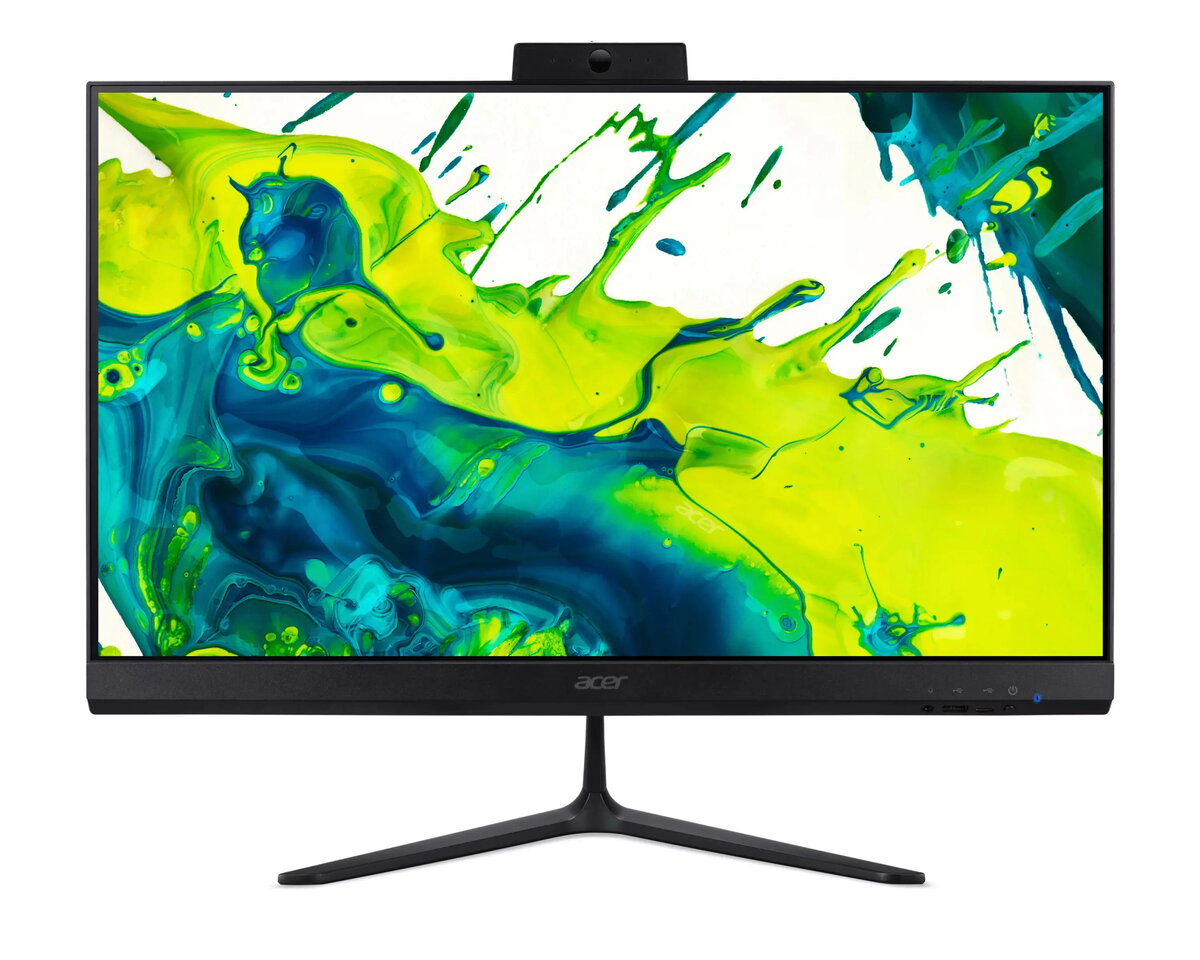
The Acer Aspire C24-2G is a sleek and efficient all-in-one desktop computer designed to provide a clutter-free workspace. Featuring a 23.8-inch Full HD display, this system combines a monitor and a powerful computer into a single, compact unit. Equipped with an AMD Ryzen 5 7430U processor and integrated AMD graphics, it delivers reliable performance for daily computing tasks, office applications, and media consumption. The inclusion of 8GB of RAM and a 512GB SSD ensures quick system responsiveness and ample storage for your essential files and software, all running on the professional-grade Windows 11 Pro operating system.
Advantages
This all-in-one desktop offers a significant space-saving advantage by integrating all necessary hardware components directly into the display housing, eliminating the need for a bulky tower. The high-definition screen provides clear and sharp visuals, making it ideal for extended periods of work or content viewing. With the AMD Ryzen 5 processor, the system handles multitasking with ease, while the fast SSD storage significantly reduces boot times and improves file access speeds. The black finish provides a professional aesthetic that fits seamlessly into any office or home environment, and the pre-installed Windows 11 Pro offers advanced security and management features suitable for business use.
Suitable for
- General office productivity and administrative tasks
- Remote work and home office setups
- Educational purposes and student research
- Web browsing and media streaming
- Light content creation and document management
When it may not be suitable
This device is not intended for high-end gaming or intensive professional video editing that requires a dedicated graphics card. Users looking for a system that allows for significant internal hardware upgrades, such as adding a secondary graphics card or multiple internal storage drives, may find the compact all-in-one design restrictive.
Key specifications
- Display: 23.8-inch Full HD
- Processor: AMD Ryzen 5 7430U
- Memory: 8GB RAM
- Storage: 512GB SSD
- Graphics: Integrated AMD Graphics
- Operating System: Windows 11 Pro
- Color: Black
How to use
Setting up the Acer Aspire C24-2G is straightforward. Simply connect the provided power adapter to the device and a wall outlet. Once connected, attach your preferred keyboard and mouse to the available USB ports. Press the power button to initiate the initial Windows 11 Pro setup process, where you will follow the on-screen instructions to configure your language, network connection, and user account settings. Once the desktop environment loads, you can begin installing your necessary applications and transferring your files.
What to consider before purchase
- Verify that the 8GB of RAM meets the requirements of your specific software applications.
- Ensure your workspace has adequate desk space for a 23.8-inch display.
- Check if your peripherals, such as printers or external drives, are compatible with the available ports.
- Consider if you require additional cloud storage or external backup solutions for your data.
Usage recommendations: To maintain optimal performance, keep the system updated via Windows Update and ensure the air vents on the back of the unit remain unobstructed to allow for proper cooling during operation.