
Save time and money with our discounts!
In cart {{totalProductsCount}} item(s)
Your cart is empty
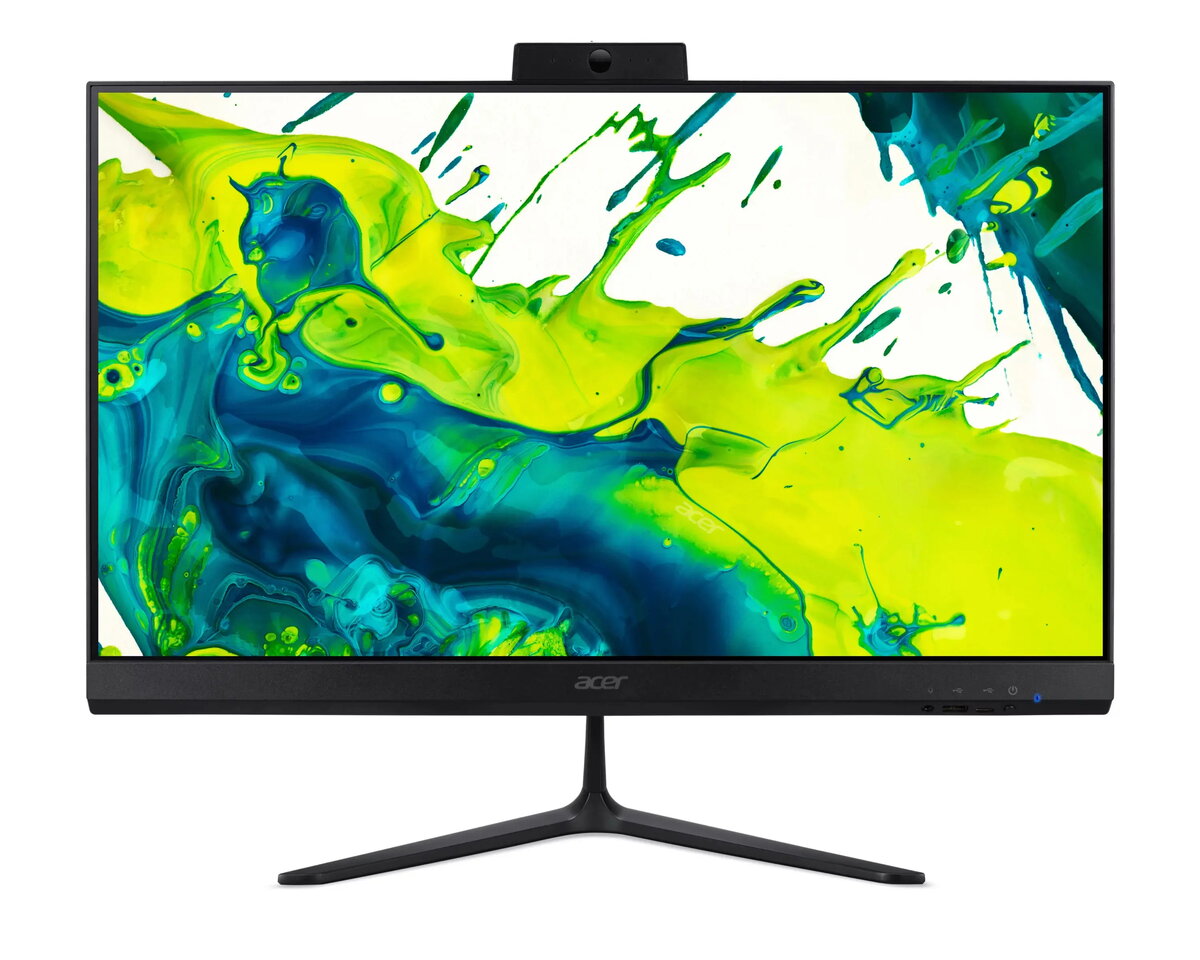
Acer Aspire C24 All-in-One Desktop PC, 23.8-inch FHD, AMD Ryzen 7 5825U, 16GB RAM, 512GB SSD, Windows 11 Pro
The Acer Aspire C24 is a sleek and efficient all-in-one desktop computer designed to streamline your workspace. Featuring a vibrant 23.8-inch Full HD display, this system integrates the monitor and computer components into a single, compact unit, reducing cable clutter and saving valuable desk space. Equipped with an AMD Ryzen 7 5825U processor, 16GB of RAM, and a fast 512GB SSD, it provides the necessary power for demanding office applications, web browsing, and media consumption. The pre-installed Windows 11 Pro operating system ensures a secure and professional environment for business and personal use.
The primary benefit of the Acer Aspire C24 is its space-saving all-in-one design, which eliminates the need for a separate tower and minimizes cable management issues. The inclusion of a high-performance AMD Ryzen 7 processor combined with 16GB of RAM allows for smooth multitasking across multiple applications without significant lag. The Full HD display offers crisp visuals suitable for detailed document work and high-definition video playback. Furthermore, the 512GB SSD ensures rapid boot times and quick access to files, significantly improving overall system responsiveness compared to traditional hard drives.
This desktop is not designed for high-end gaming or professional-grade video editing that requires a dedicated graphics card. Users who prioritize future hardware upgrades, such as replacing the processor or graphics unit, may find the all-in-one form factor restrictive as these components are typically integrated and not user-replaceable.
To set up the Acer Aspire C24, place the unit on a stable, flat surface and connect the provided power adapter to a wall outlet. Connect your keyboard and mouse to the available USB ports. Press the power button to initiate the Windows 11 Pro setup process, following the on-screen instructions to configure your language, network settings, and user account. Once the desktop environment loads, you can begin installing your preferred software and transferring files to the internal SSD.
Usage recommendations: To maintain optimal performance, keep the ventilation areas clear of obstructions and regularly update the Windows operating system and drivers through the official support channels.
{{highlightedFeature.featureTitle}}:
{{getProductFeatureValueById(product, highlightedFeature.featureId)}}
{{ productComparisonGenerationError }}
