Filters you can trust. Pure water every day.
In cart {{totalProductsCount}} item(s)
Your cart is empty
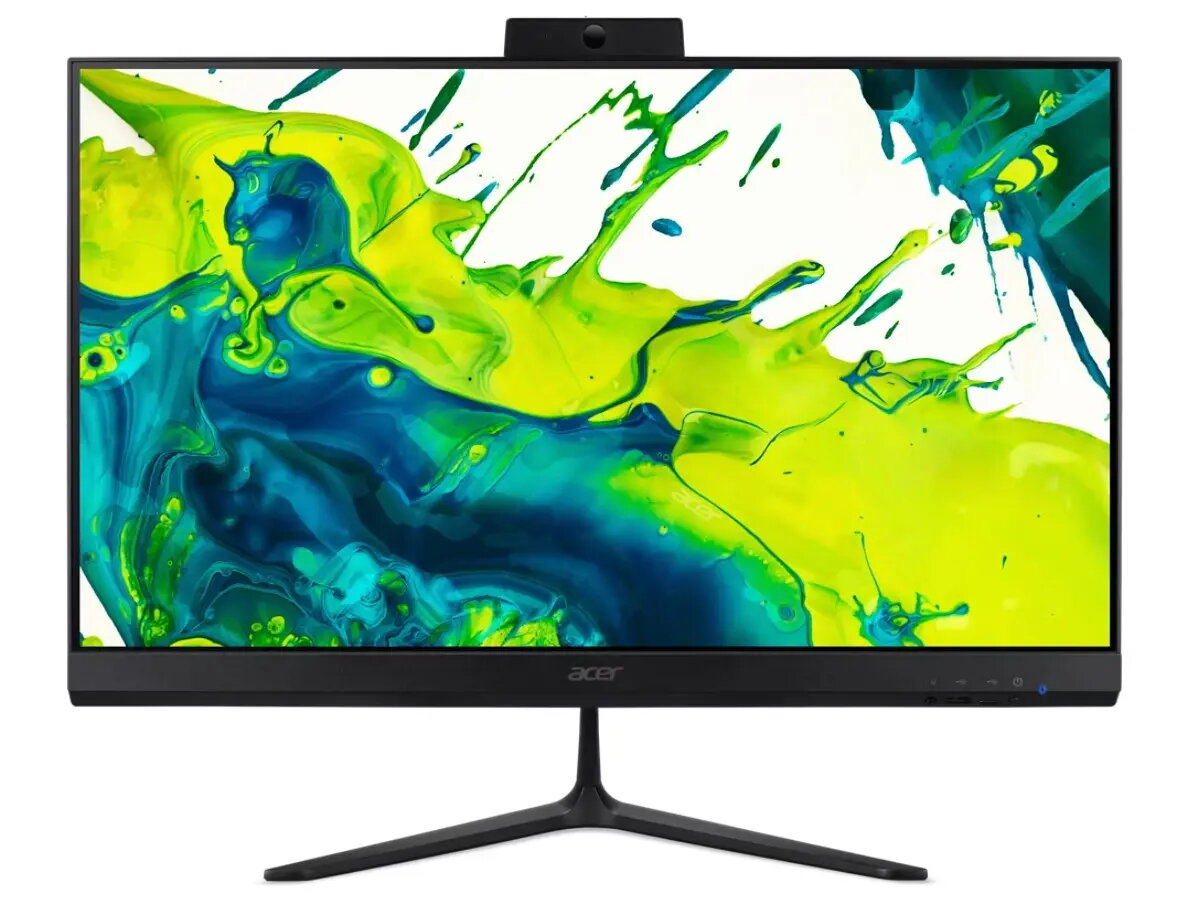
Acer C24B-GCZN All-in-One PC, 23.8-inch Display, AMD Ryzen 3 5400U, 8GB RAM, 512GB SSD, eShell
The Acer C24B-GCZN is a compact all-in-one desktop computer designed to streamline your workspace while providing reliable performance for daily computing tasks. Featuring a 23.8-inch Full HD IPS display, this system integrates the computer components directly into the monitor housing, significantly reducing cable clutter and saving valuable desk space. It is powered by an AMD Ryzen 3 5400U processor, paired with 8GB of RAM and a 512GB SSD, ensuring responsive operation for office applications, web browsing, and media playback.
The primary benefit of this all-in-one system is its space-saving design, which combines a high-quality display and a capable computer into a single, sleek unit. The 23.8-inch IPS panel offers wide viewing angles and clear visuals, while the anti-glare coating helps reduce reflections in bright environments. With the inclusion of Wi-Fi 6E and Bluetooth 5.2, the device provides modern, high-speed wireless connectivity. The system also includes a comprehensive set of ports, including USB-C and multiple USB ports, along with HDMI and DisplayPort outputs, allowing for easy connection of peripherals and external displays.
This computer is not designed for demanding professional tasks such as high-end video editing, 3D rendering, or playing modern, graphics-intensive video games, as it relies on integrated graphics. Additionally, since it comes with eShell, users who require a specific pre-installed operating system will need to perform their own software installation.
To set up the Acer C24B-GCZN, place the unit on a stable, flat surface and connect the provided power adapter to the device and a wall outlet. Connect the included wired keyboard and mouse to the available USB ports. Once powered on, you may need to install your preferred operating system, as the device comes with eShell. Use the integrated webcam for video calls and utilize the various USB and video output ports to connect external accessories or additional monitors as needed.
For optimal performance, ensure the device is placed in a well-ventilated area to allow for proper heat dissipation. Keep the software and drivers updated to maintain system stability and security.
{{highlightedFeature.featureTitle}}:
{{getProductFeatureValueById(product, highlightedFeature.featureId)}}
{{ productComparisonGenerationError }}