Dreame vacuums for fast and efficient cleaning!
In cart {{totalProductsCount}} item(s)
Your cart is empty
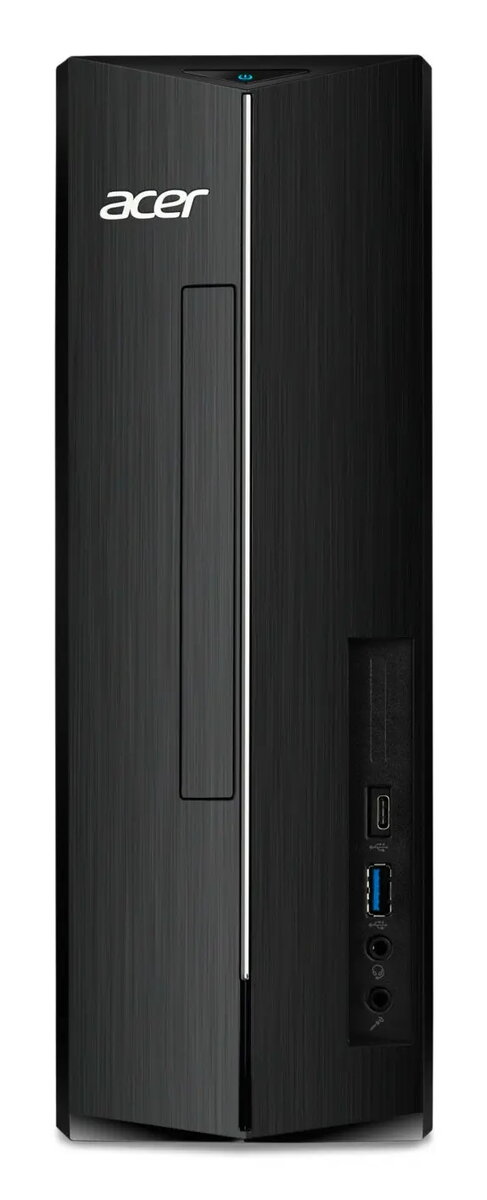
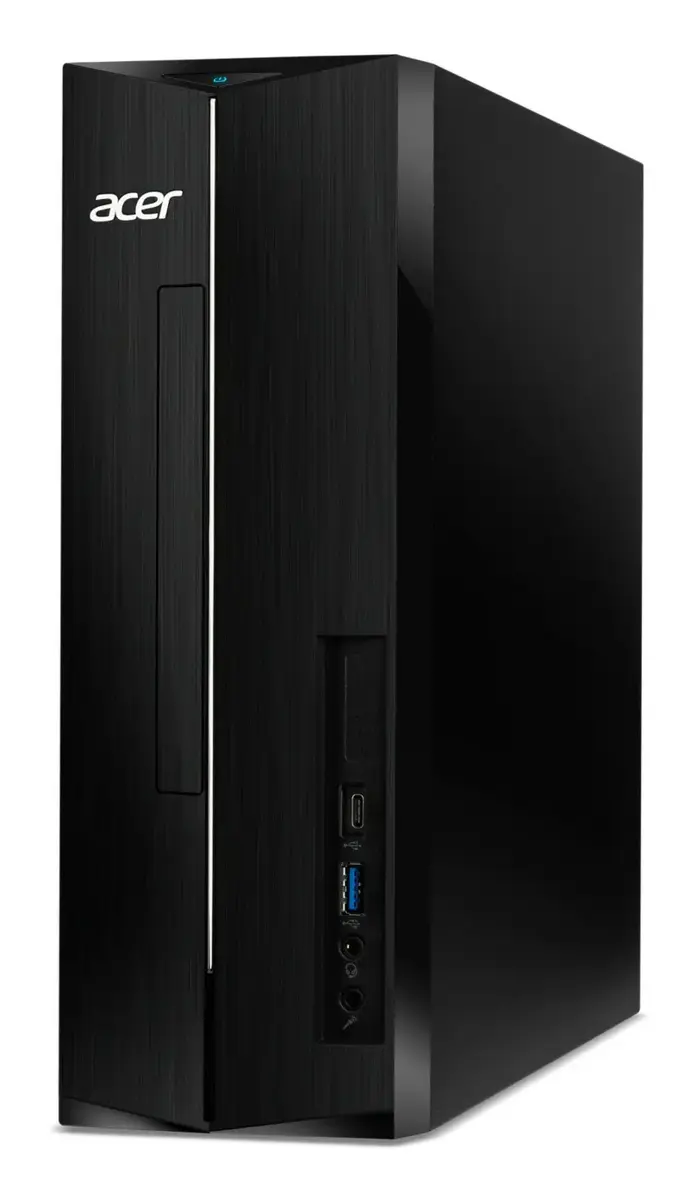
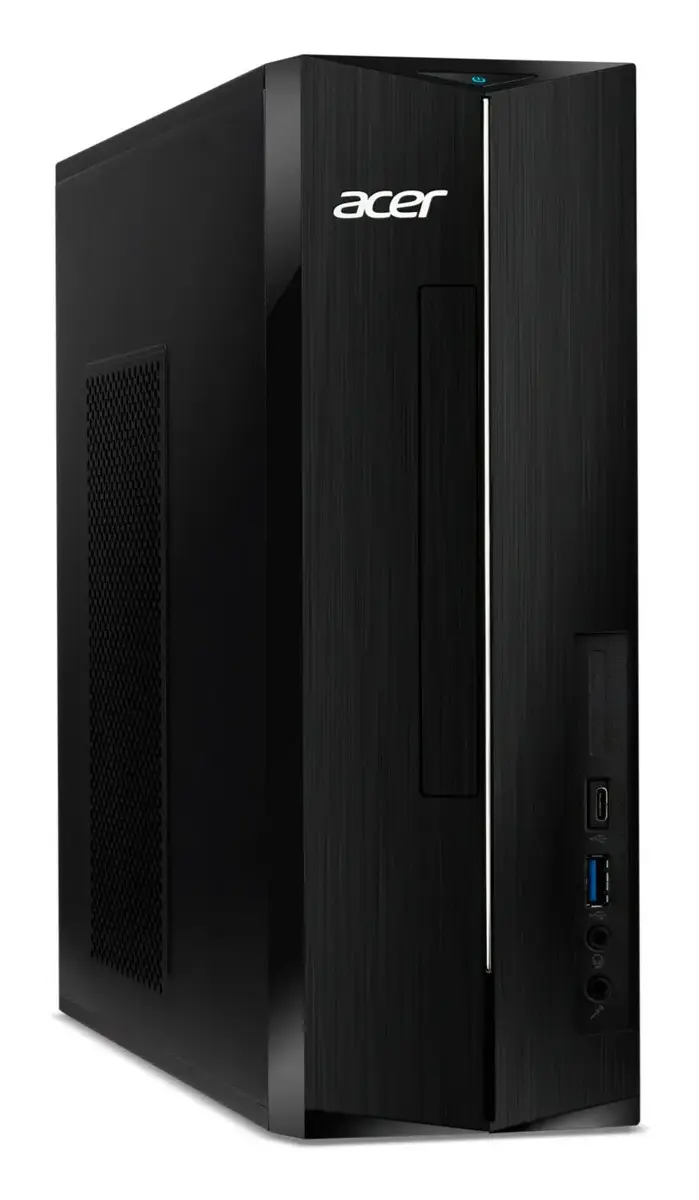
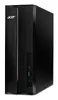
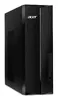
Acer Aspire XC-1785 Desktop PC, Intel Core i7-14700, 32GB DDR5 RAM, 512GB SSD, Intel UHD Graphics 770
The Acer Aspire XC-1785 is a compact desktop PC designed to streamline your daily computing tasks. Powered by the Intel Core i7-14700 processor and equipped with 32 GB of high-speed DDR5 RAM, this system ensures efficient multitasking and responsive performance for both office work and home entertainment. Its space-saving black chassis fits neatly into any workspace, while the 512 GB SSD provides fast access to your files and applications.
This desktop computer offers a significant performance boost thanks to its modern processor architecture and high-capacity memory, allowing you to handle demanding applications with ease. The inclusion of DDR5 memory technology ensures faster data transfer rates compared to older standards, contributing to a smoother overall user experience. Its compact design is ideal for users who need a powerful machine without sacrificing desk space, and the integrated graphics solution provides reliable visual performance for everyday media consumption and productivity tasks.
This system is not designed for high-end professional gaming or intensive 3D rendering, as it lacks a dedicated high-performance graphics card. Additionally, since it is delivered without an operating system, it may not be suitable for users who prefer a pre-configured, ready-to-use software environment without the need for manual installation.
To begin using the Acer Aspire XC-1785, place the unit on a stable surface with adequate ventilation. Connect your monitor, keyboard, and mouse to the available ports. Since the device is supplied without an operating system, you will need to install your preferred OS via a bootable USB drive. Once the installation is complete, connect to your network using the integrated Wi-Fi or Ethernet port to download the necessary drivers and updates for optimal performance.
Usage recommendations: To maintain peak performance, keep the ventilation areas clear of dust and obstructions. Regularly update your system drivers and operating system to ensure security and compatibility with the latest software.
{{highlightedFeature.featureTitle}}:
{{getProductFeatureValueById(product, highlightedFeature.featureId)}}
{{ productComparisonGenerationError }}