



Filters you can trust. Pure water every day.
In cart {{totalProductsCount}} item(s)
Your cart is empty
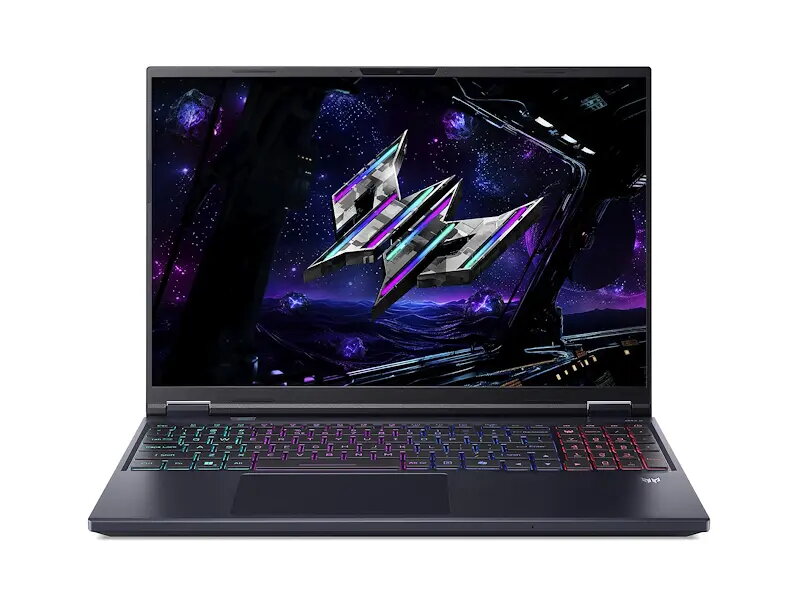
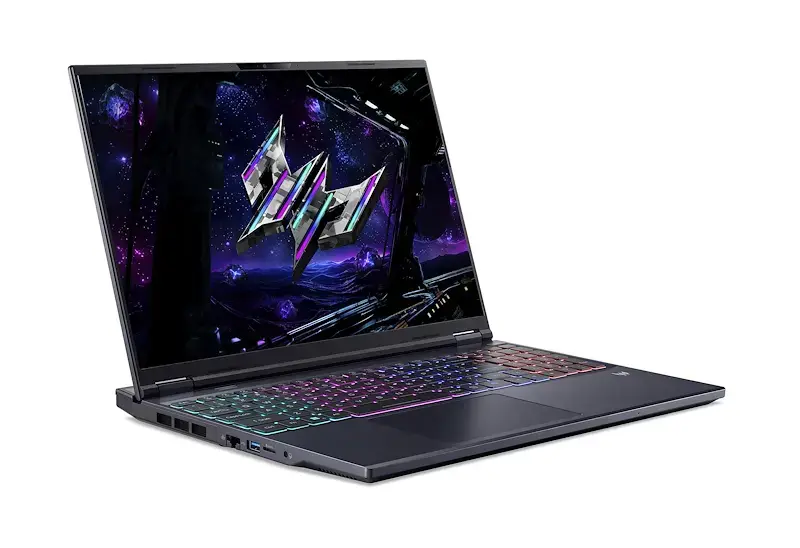
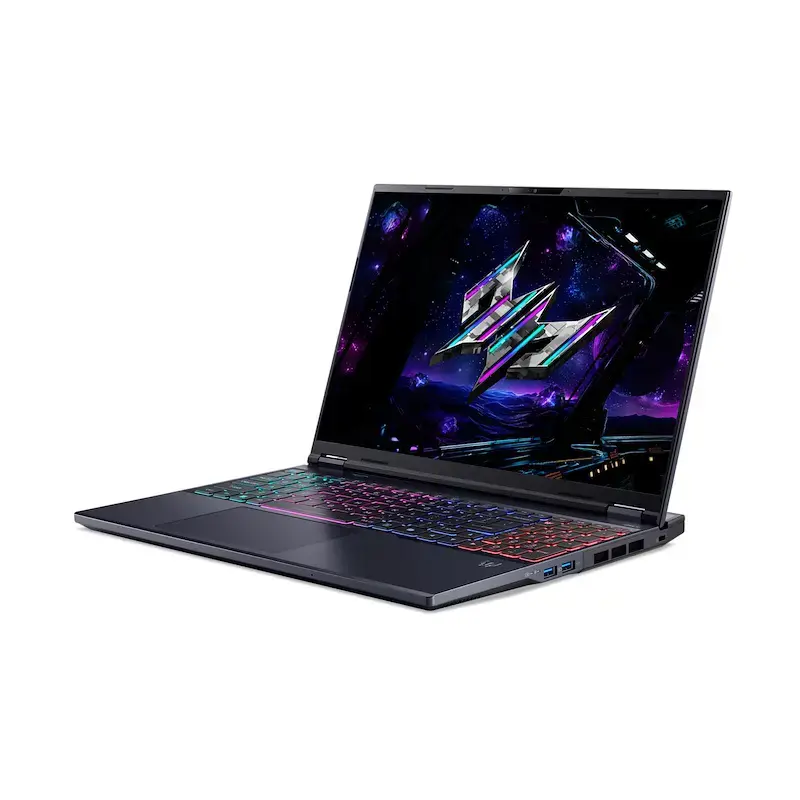
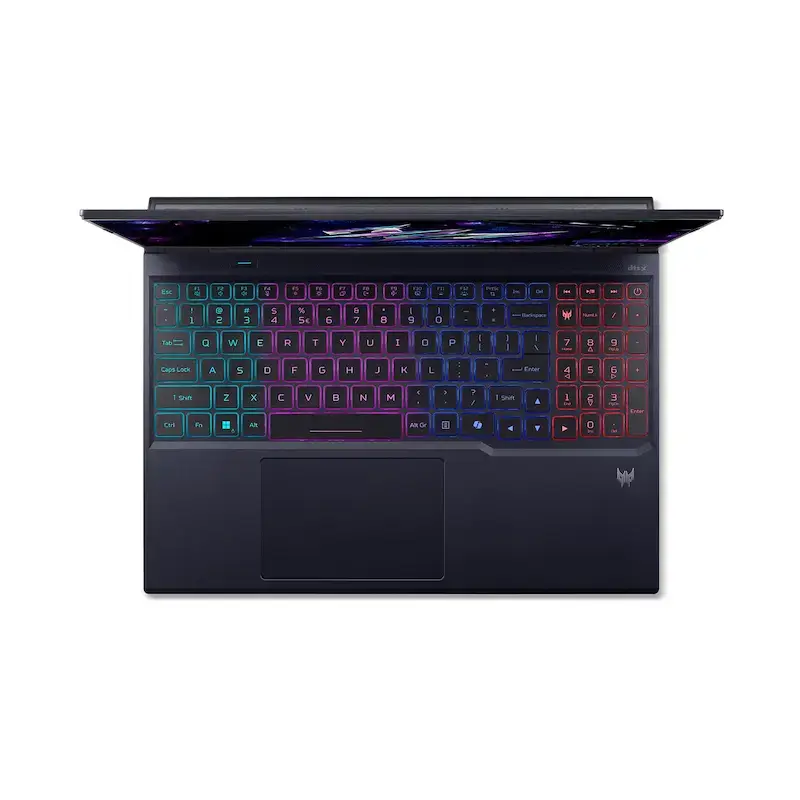
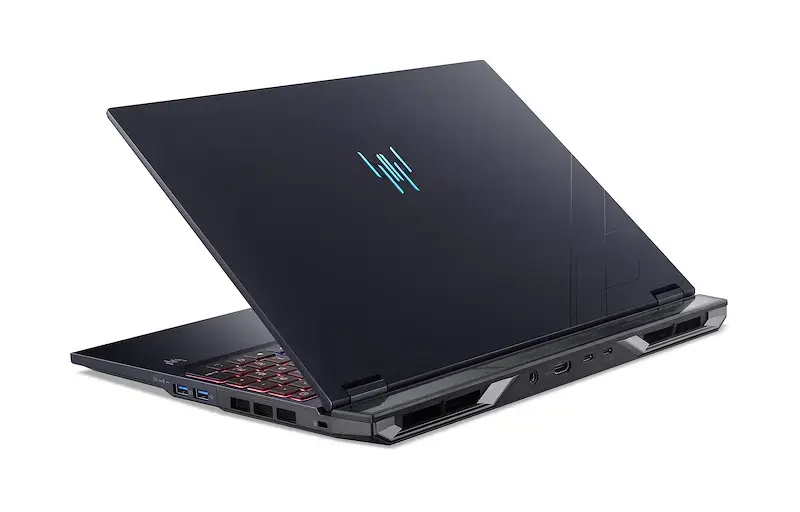
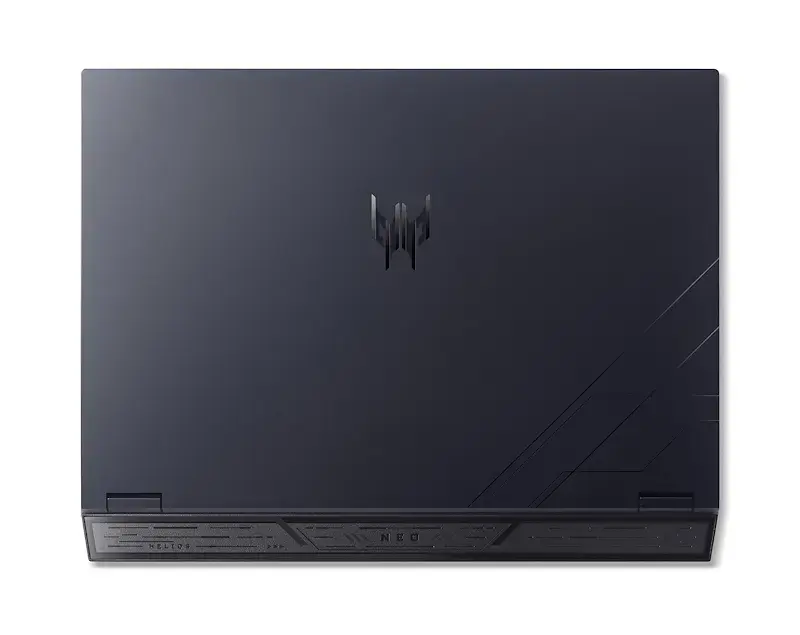
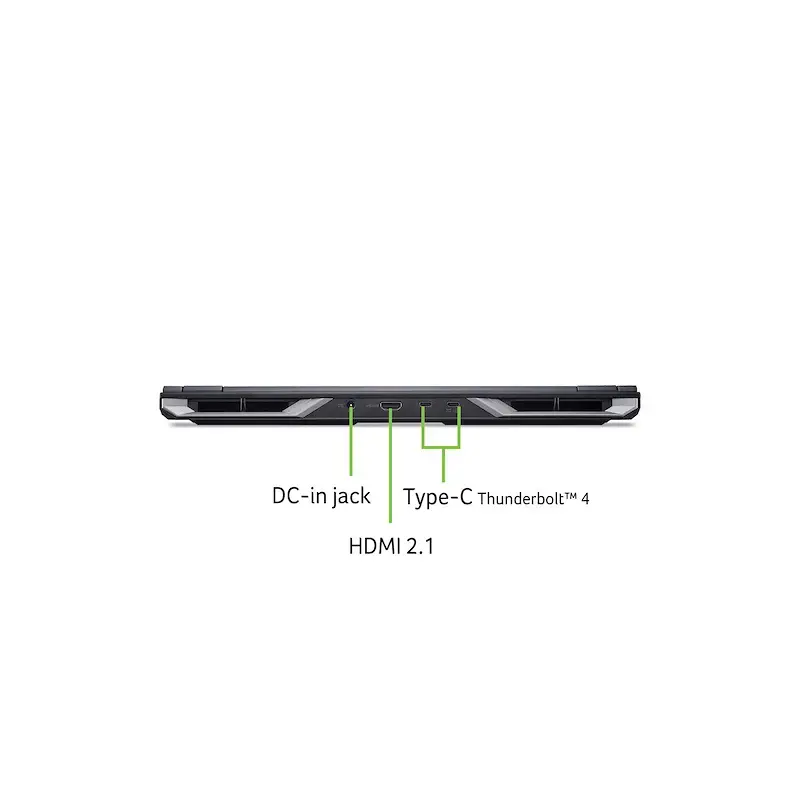
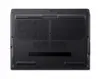
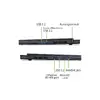
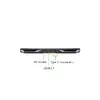
Acer Predator Helios Neo 16 PHN16-73-98Y6 Laptop, Intel Core Ultra 9 275HX, 16" WQXGA, 16GB DDR5, 1TB SSD, NVIDIA GeForce RTX 5060, Windows 11 Home
The Acer Predator Helios Neo 16 PHN16-73-98Y6 is a high-performance gaming laptop engineered to deliver desktop-level power in a portable 16-inch form factor. Equipped with the advanced Intel Core Ultra 9 275HX processor and the NVIDIA GeForce RTX 5060 graphics card, this machine is built to handle demanding gaming sessions, creative workflows, and intensive multitasking with ease. The sleek black chassis houses a vibrant WQXGA display, ensuring sharp visuals and fluid motion for an immersive experience.
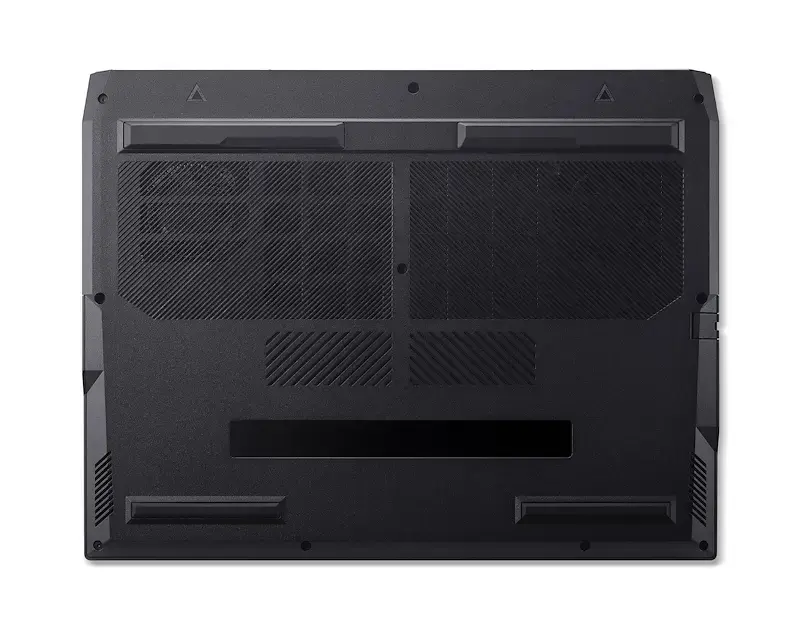
This laptop stands out due to its powerful combination of next-generation processing and graphics capabilities, which are optimized for both gaming and AI-driven tasks. The inclusion of high-speed DDR5 memory and a spacious 1TB SSD ensures rapid load times and efficient data handling. Furthermore, the advanced cooling system maintains optimal thermal performance during heavy workloads, while the high-resolution display provides exceptional clarity and color accuracy. With Windows 11 Home pre-installed, users benefit from a modern, secure, and user-friendly interface designed to maximize productivity and entertainment.
This device may not be the ideal choice for users who prioritize extreme portability and lightweight design, as its robust cooling and high-performance components result in a heavier chassis. Additionally, those seeking a budget-friendly machine for basic office tasks or web browsing may find the advanced specifications of this gaming-focused laptop to be more than what is required for their daily needs.
To begin using your Acer Predator Helios Neo 16, connect the provided power adapter to ensure the system has sufficient energy for initial setup. Follow the on-screen instructions provided by Windows 11 to configure your user account, network settings, and security preferences. Once the setup is complete, it is recommended to run the pre-installed software to check for any driver or firmware updates to ensure the hardware operates at peak efficiency. You can customize your gaming experience and system performance settings through the dedicated control software included with the device.
For the best performance, keep the laptop on a flat, hard surface during use to allow the cooling fans to intake air effectively. Regularly update your graphics drivers through the NVIDIA interface to maintain compatibility with the latest games and applications.
{{highlightedFeature.featureTitle}}:
{{getProductFeatureValueById(product, highlightedFeature.featureId)}}
{{ productComparisonGenerationError }}
