

JBL speakers and headphones for pure and deep sound!
In cart {{totalProductsCount}} item(s)
Your cart is empty
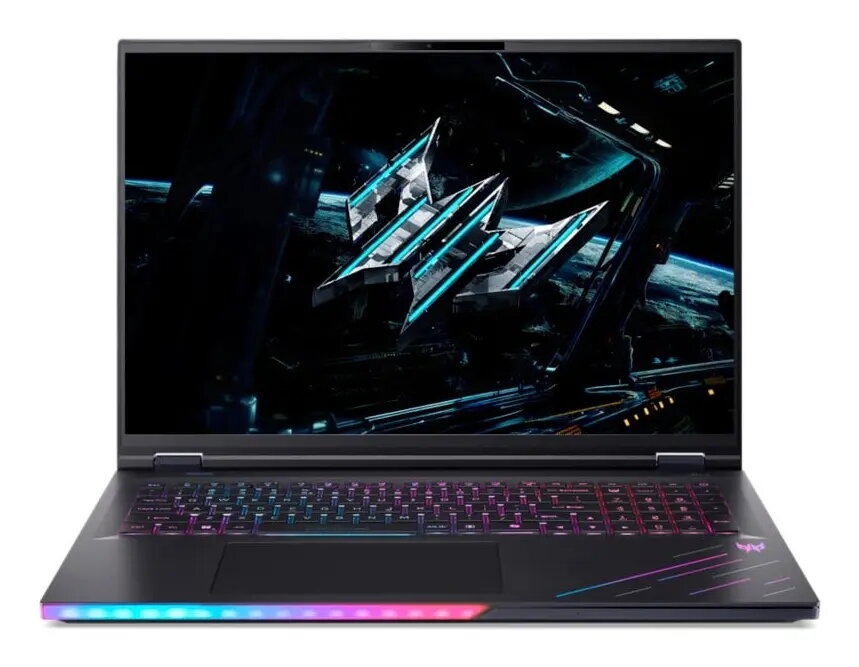
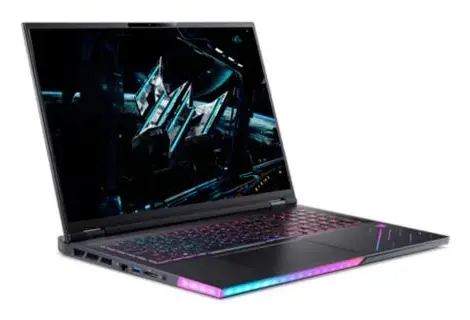
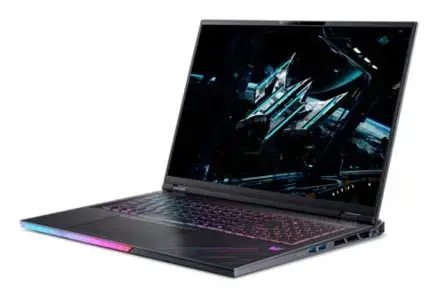
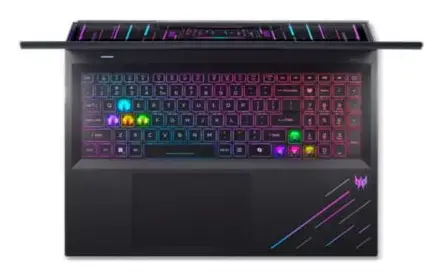
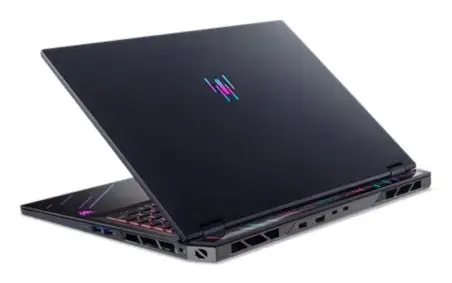
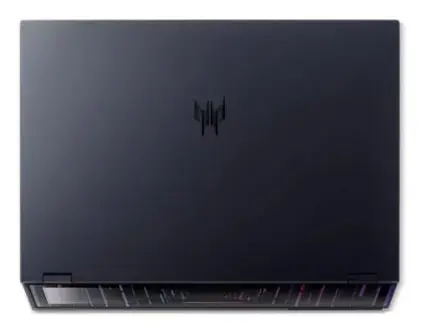
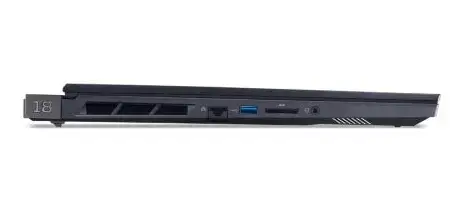
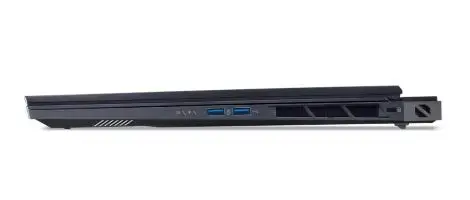
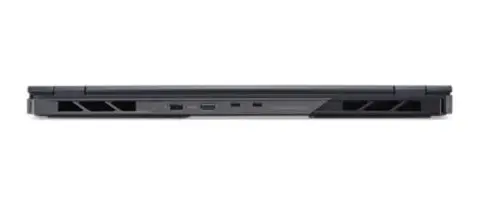
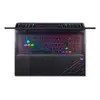
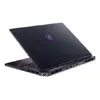
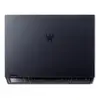
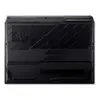
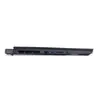
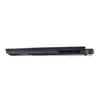
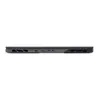
Laptop Acer Predator PH18-73 18" Intel Core Ultra 9 275HX 64GB 4TB NVIDIA RTX 5080 Windows 11 Pro
The Acer Predator PH18-73 18" Intel Core Ultra 9 275HX is a high-performance laptop with an 18-inch WQXGA display (2560 x 1600). It is equipped with an Intel Core Ultra 9 275HX processor running at 2.7 GHz, 64 GB of DDR5 RAM and a 4 TB SSD for storage. Graphics are handled by an NVIDIA GeForce RTX 5080 discrete GPU. The system ships with Windows 11 Pro and comes in a black chassis weighing approximately 3.5 kg. The combination of a large, high-resolution display, a high-core-count processor, abundant memory and a high-capacity NVMe drive makes this model suitable for demanding gaming and professional workloads.
The laptop pairs a large 18" WQXGA panel with a powerful NVIDIA GeForce RTX 5080 for detailed visuals and high frame rates in supported applications. The Intel Core Ultra 9 275HX and 64 GB DDR5 memory support multitasking and complex workloads, while the 4 TB SSD provides extensive fast local storage for games, projects and large datasets. Windows 11 Pro adds business-grade features for security and device management. The black chassis and robust hardware design prioritize performance and durability without unnecessary decorative elements.
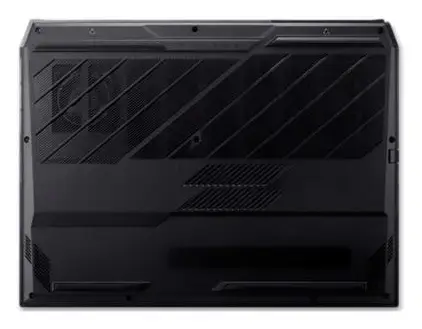
Set up the Acer Predator PH18-73 on a stable surface with adequate ventilation around the chassis to ensure proper cooling during intensive tasks. Connect the laptop to mains power for full performance, as some power profiles may reduce CPU and GPU output on battery. Use the Windows 11 Pro initial setup to configure user accounts, security settings and any required professional tools. Install or update GPU drivers from the NVIDIA website to ensure optimal graphics performance for games and GPU-accelerated applications. Regularly back up important data from the internal 4 TB SSD to external or cloud storage according to your workflow needs.
For sustained heavy workloads such as long rendering sessions or extended gaming, keep the laptop on AC power, ensure air vents are unobstructed and consider using a cooling pad or external stand to maintain thermal performance and comfort during extended use.
{{highlightedFeature.featureTitle}}:
{{getProductFeatureValueById(product, highlightedFeature.featureId)}}
{{ productComparisonGenerationError }}
