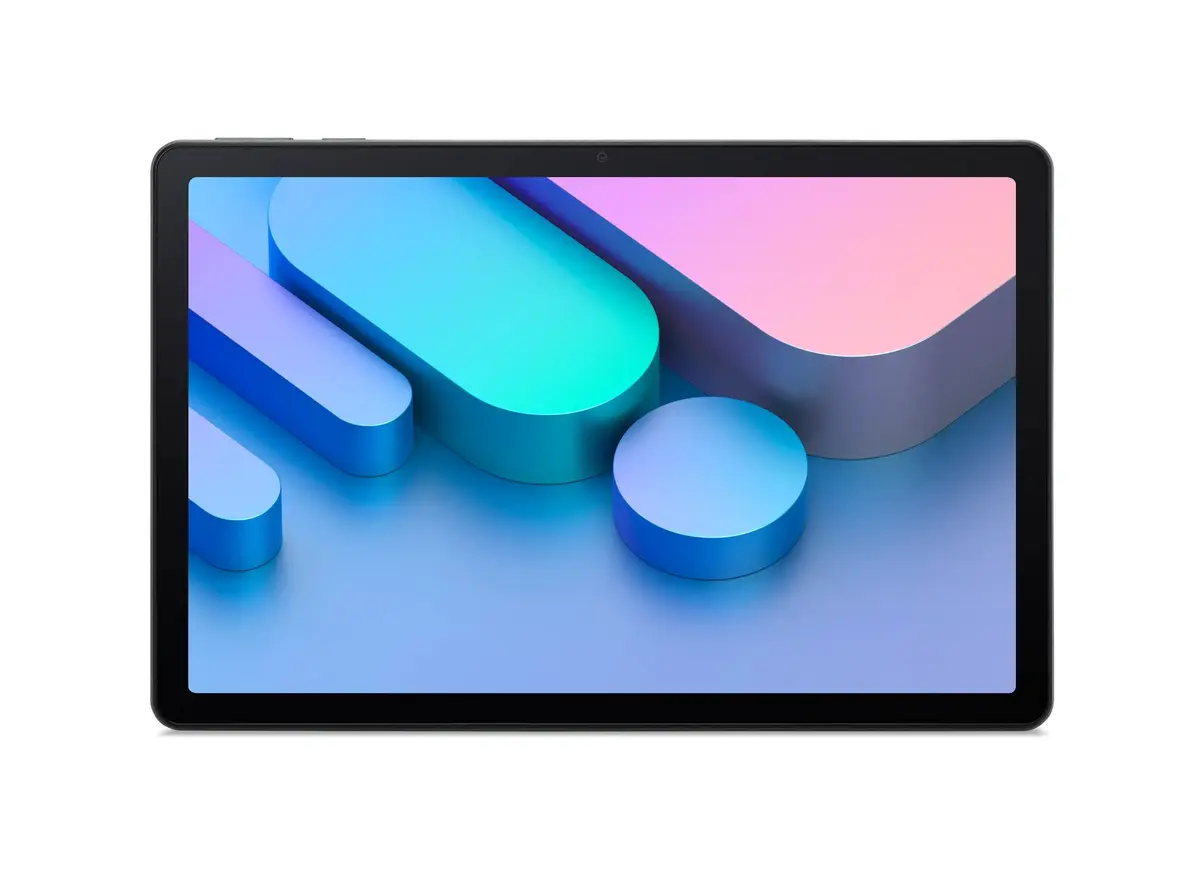
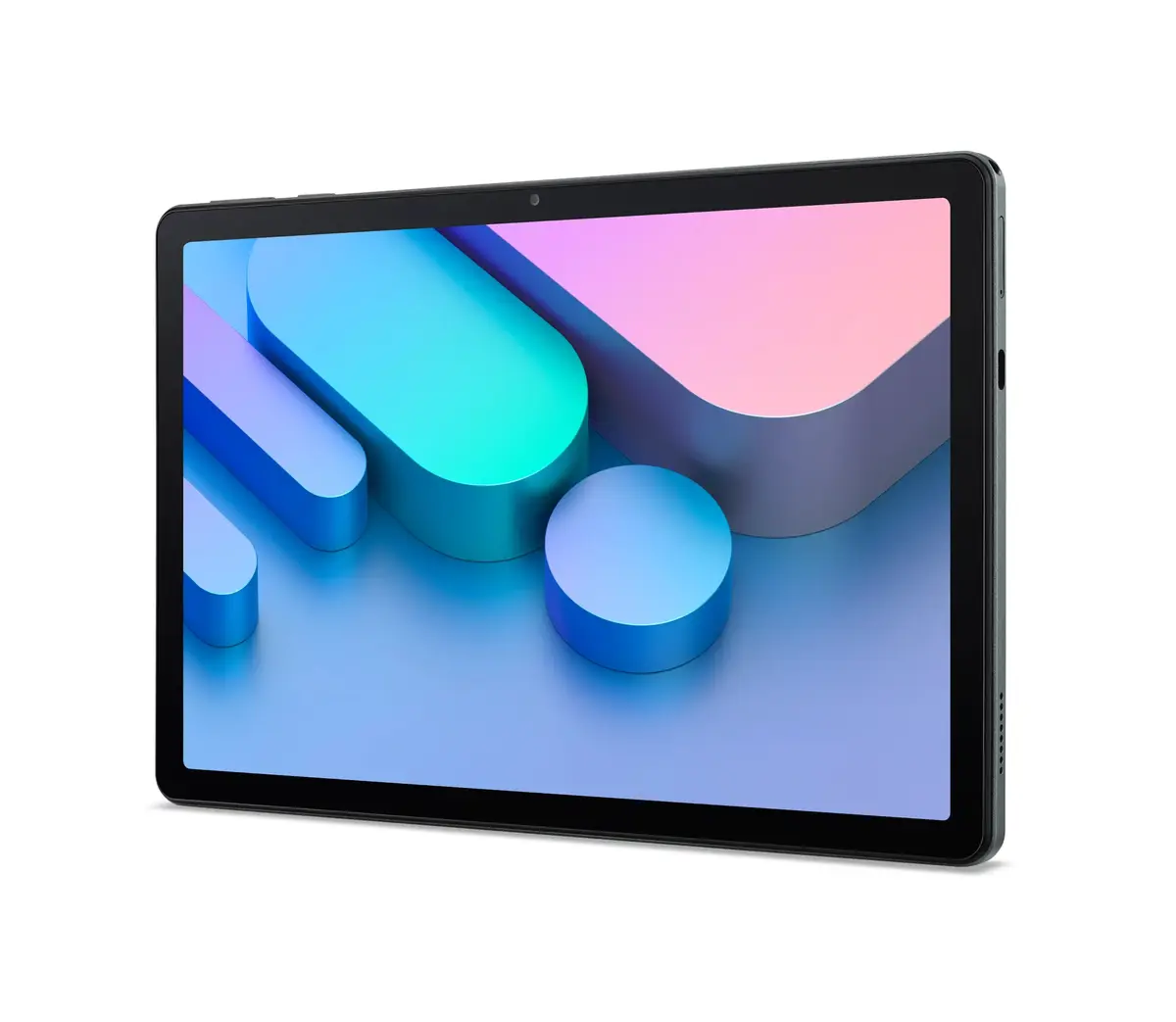
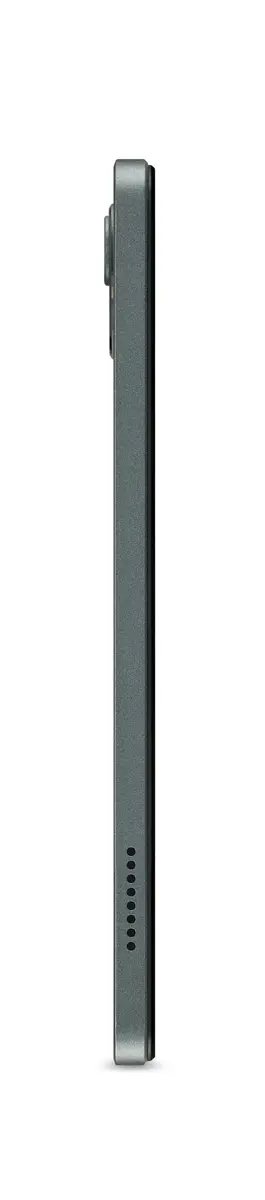
The Acer Iconia V11 V11-21M-8420 Tablet is a modern and versatile portable computing solution designed to meet your everyday digital needs. Featuring an 11-inch WUXGA display, this device offers clear visuals for media consumption, web browsing, and document review. Powered by an efficient setup with 8GB of RAM and 256GB of internal storage, it ensures smooth multitasking and ample space for your apps and files. Running on the user-friendly Android 15 operating system, the tablet provides access to a vast ecosystem of applications and security features. Finished in an elegant Mist Green color, the Acer Iconia V11 combines aesthetic appeal with practical functionality for daily use.
Advantages
The Acer Iconia V11 delivers a balanced combination of performance and portability. With 8GB of RAM, users can switch between applications seamlessly without experiencing noticeable lag. The 256GB of internal storage provides generous capacity for storing documents, photos, videos, and various applications directly on the device. The 11-inch WUXGA display strikes a practical balance between screen workspace and physical size, making it comfortable to hold and easy to pack into a bag. Operating on Android 15, the tablet benefits from up-to-date system features and enhanced usability, while the distinct Mist Green finish adds a refined touch to its overall appearance.
Suitable for
- Daily web browsing and checking emails
- Streaming videos and media consumption
- Reading e-books and digital documents
- Running everyday productivity and social media applications
- Light casual gaming and remote learning
When it may not be suitable
This tablet may not be the ideal choice for users requiring heavy-duty professional workloads such as advanced 3D modeling, intensive video editing, or running resource-heavy desktop software. Additionally, those who need a traditional laptop replacement with an integrated physical keyboard or specialized operating systems like Windows or macOS might find this Android-based device limiting for specific enterprise tasks.
Key specifications
- 11-inch WUXGA display
- 8GB RAM
- 256GB internal storage
- Android 15 operating system
- Mist Green color finish
How to use
To begin using the Acer Iconia V11 tablet, charge the battery using a compatible USB-C charger and press the power button to start the device. Follow the on-screen setup prompts to connect to a Wi-Fi network and sign in with your Google account. You can navigate the interface using touch gestures, download new applications from the Google Play Store, and adjust settings such as display brightness and volume according to your preferences. To maintain optimal performance, regularly update your applications and the system software when notifications appear.
What to consider before purchase
- Verify if the 256GB storage capacity meets your long-term media and file storage requirements
- Assess whether the Android 15 ecosystem supports all the specific applications you plan to use
- Consider purchasing additional accessories such as a protective case or a compatible screen protector
- Check whether you require cellular connectivity or if Wi-Fi-only access is sufficient for your usage habits
Usage recommendations: Charge the tablet fully before its first extended use and avoid exposing the device to extreme temperatures or moisture. Use a certified charger and cable to maintain battery health over time. Clean the screen gently with a soft, dry microfibre cloth to prevent scratches and smudges.