
Save time and money with our discounts!
In cart {{totalProductsCount}} item(s)
Your cart is empty
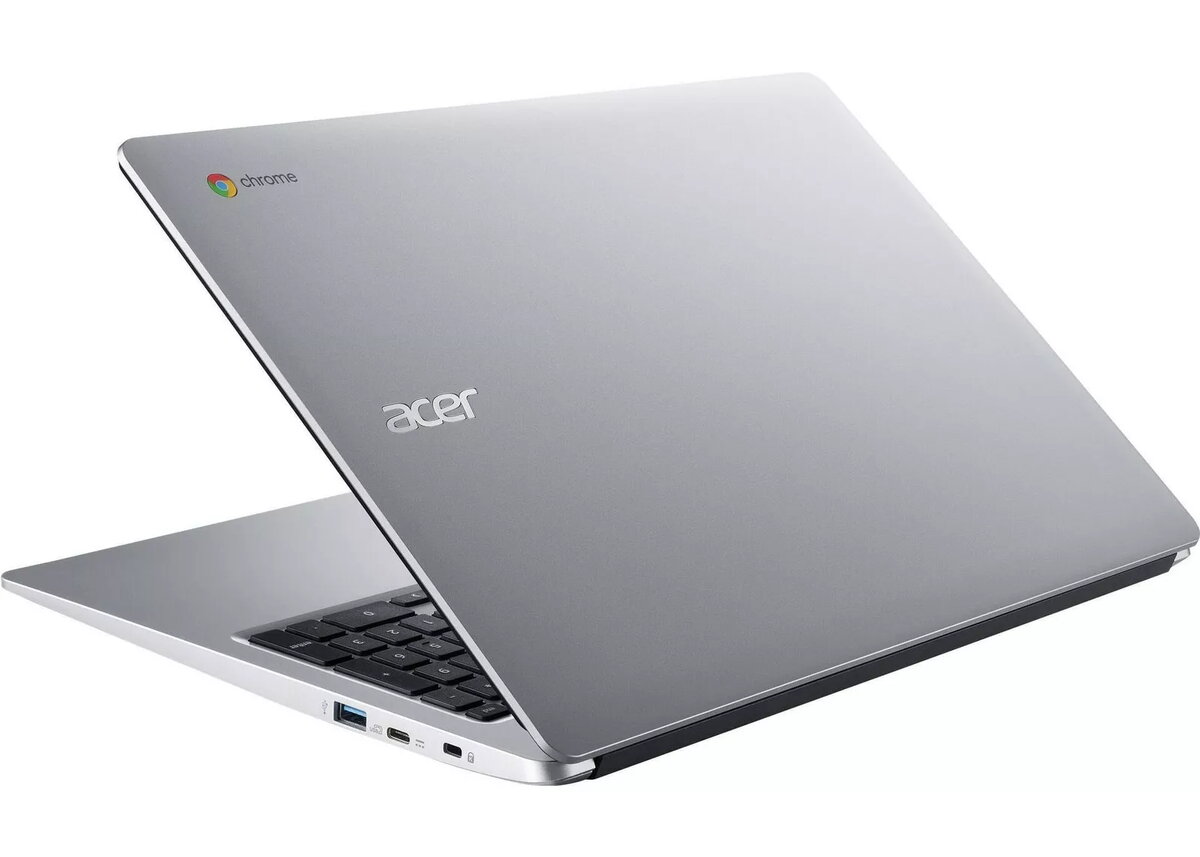
Laptop Acer Chromebook 315 CB315-3HT-P0BX 15.6" Pentium N5030 4GB RAM 128GB eMMC ChromeOS
The Acer Chromebook 315 CB315-3HT-P0BX is a 15.6" Chromebook with a Full HD touchscreen and ChromeOS designed for everyday computing. It is powered by an Intel Pentium N5030 processor, paired with 4GB of RAM and 128GB of eMMC storage, providing a balanced configuration for web browsing, streaming, document editing and cloud-based workflows. The laptop features a lightweight chassis and battery life intended to support mobile use throughout a typical work or study day.
The 15.6" Full HD touchscreen offers clear visuals and responsive touch input for navigation and media consumption. The Intel Pentium N5030 processor delivers sufficient multitasking capability for common productivity tasks while keeping power consumption low. With 4GB of RAM and 128GB of eMMC storage, the system boots quickly and maintains responsive performance for browser-based applications and Android apps supported by ChromeOS. ChromeOS provides automatic updates, built-in security features, and tight integration with cloud services to simplify device management and data access. The lightweight design and extended battery life make the device convenient for travel and working away from a power outlet.
Power on the Chromebook and sign in with a Google account to access ChromeOS, Google Drive and other cloud services. Use the touchscreen or touchpad to navigate the interface, open the Chrome browser for web-based work, and install compatible Android apps from the Play Store where needed. Manage files using the built-in Files app and organize documents in cloud storage to conserve local eMMC space. Keep the system updated via ChromeOS automatic updates and follow on-screen prompts for initial setup and user preferences.
For sustained performance, ensure no excessive number of heavy browser tabs or background Android apps run simultaneously. Use cloud storage for large files to maximize available local storage, and charge the device regularly to maintain battery health. For best touchscreen response, keep the screen clean and perform system updates when prompted to benefit from the latest security and performance improvements.
{{highlightedFeature.featureTitle}}:
{{getProductFeatureValueById(product, highlightedFeature.featureId)}}
{{ productComparisonGenerationError }}
