
Dreame vacuums for fast and efficient cleaning!
In cart {{totalProductsCount}} item(s)
Your cart is empty
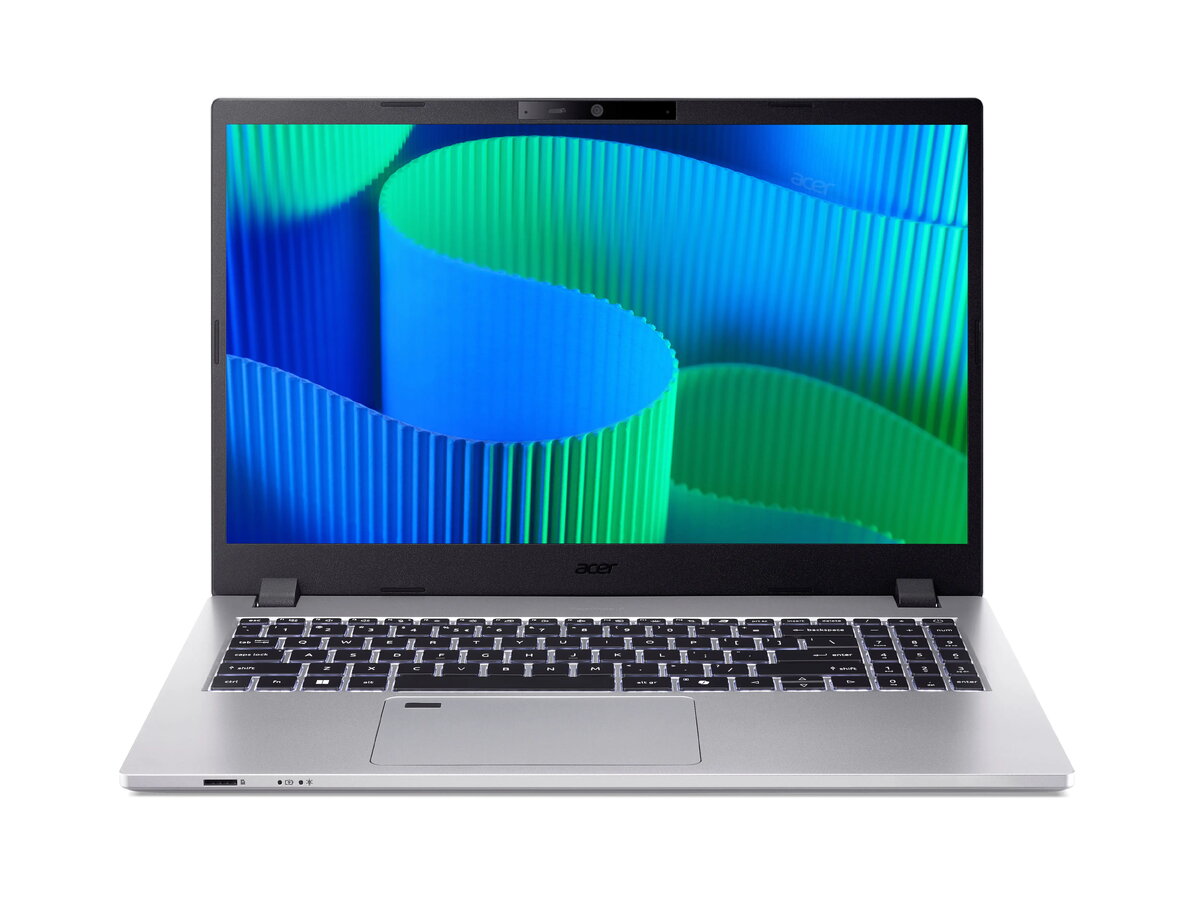
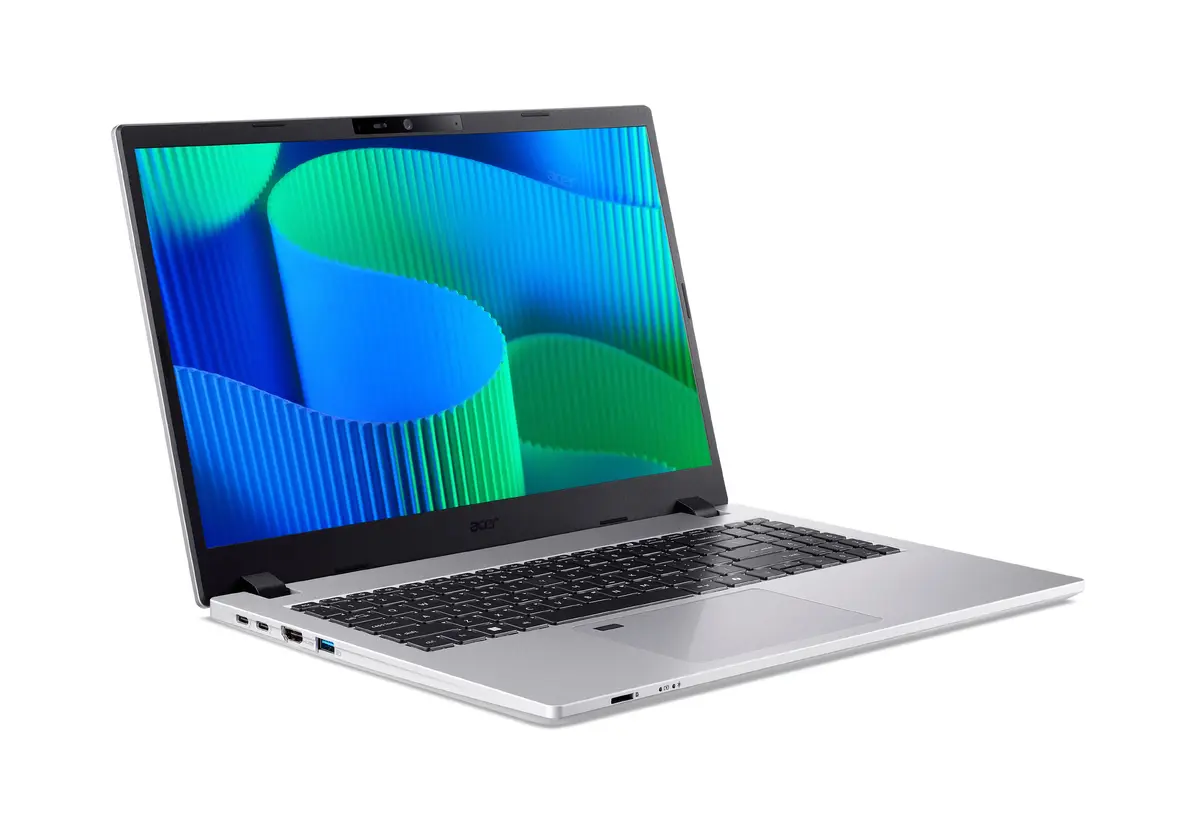
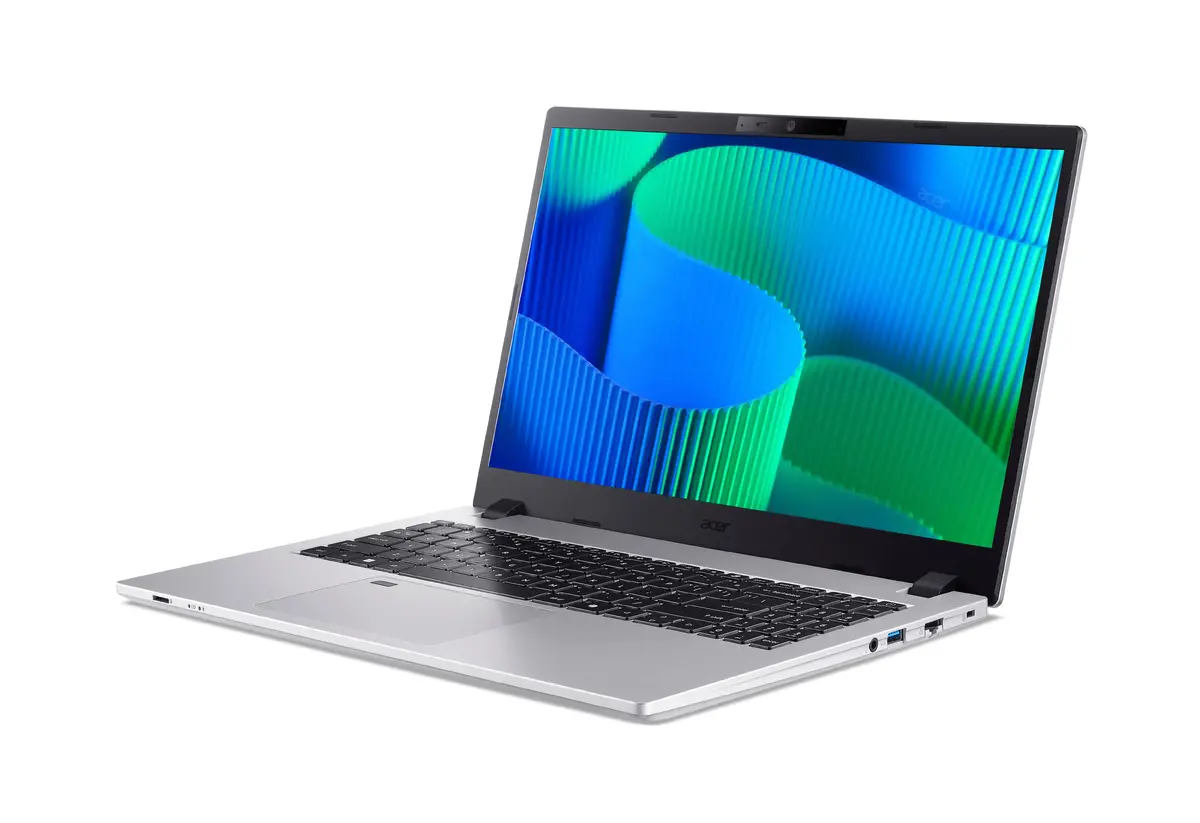
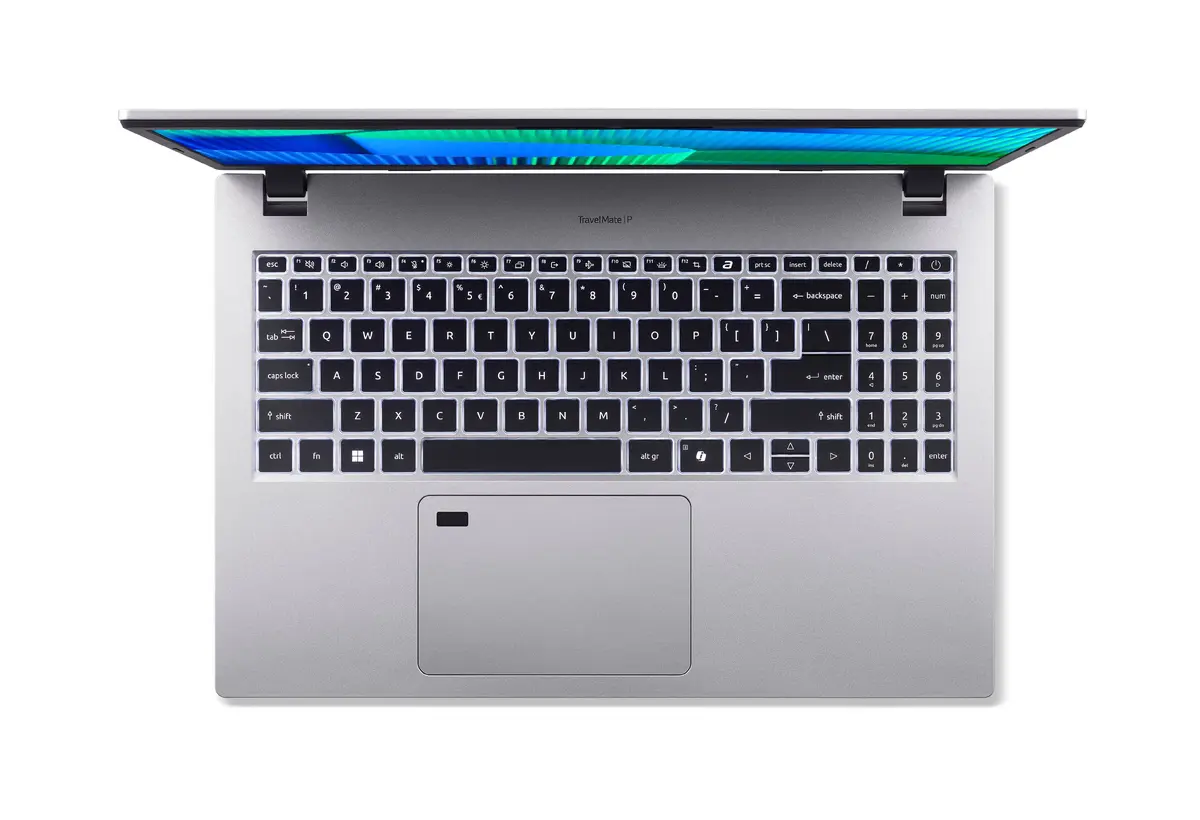
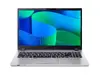
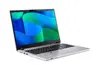
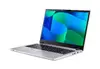
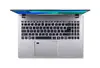
Acer TravelMate P2 TMP215-55-TCO-59KD Laptop, 15.6" Full HD, Intel Core 5 120U, 16GB DDR5 RAM, 512GB SSD, Windows 11 Pro, Silver
The Acer TravelMate P2 TMP215-55-TCO-59KD is a professional-grade laptop designed to meet the demands of modern business environments. Featuring a 15.6-inch Full HD display, this device combines a sleek silver design with reliable hardware, including an Intel Core 5 120U processor and 16GB of high-speed DDR5 RAM. With its pre-installed Windows 11 Pro operating system and a 512GB SSD, it provides a stable and efficient platform for multitasking, document management, and professional communication.
This laptop offers a significant performance boost for office tasks thanks to its modern processor and fast memory architecture. The inclusion of Windows 11 Pro ensures advanced security and management features suitable for corporate environments. Its lightweight construction makes it highly portable for professionals who frequently travel or work between different locations. Furthermore, the Full HD display provides clear visuals, while the robust build quality ensures longevity during daily use.
This laptop may not be suitable for high-end gaming, professional video editing, or 3D rendering tasks, as it relies on integrated graphics rather than a dedicated GPU. Users requiring massive local storage for large media libraries might also find the 512GB SSD capacity limiting without external storage solutions.
To begin using the Acer TravelMate P2, simply connect the power adapter to charge the battery fully before the first startup. Follow the on-screen Windows 11 Pro setup instructions to configure your user account, network settings, and security preferences. Once initialized, you can install your preferred productivity software and connect peripherals via the available ports to customize your workspace.
For optimal performance and longevity, it is recommended to keep the laptop software updated through Windows Update and to use the Acer TravelMateSense application to manage power settings and system health.
{{highlightedFeature.featureTitle}}:
{{getProductFeatureValueById(product, highlightedFeature.featureId)}}
{{ productComparisonGenerationError }}
