


Powerful EcoFlow stations for energy anywhere!
In cart {{totalProductsCount}} item(s)
Your cart is empty
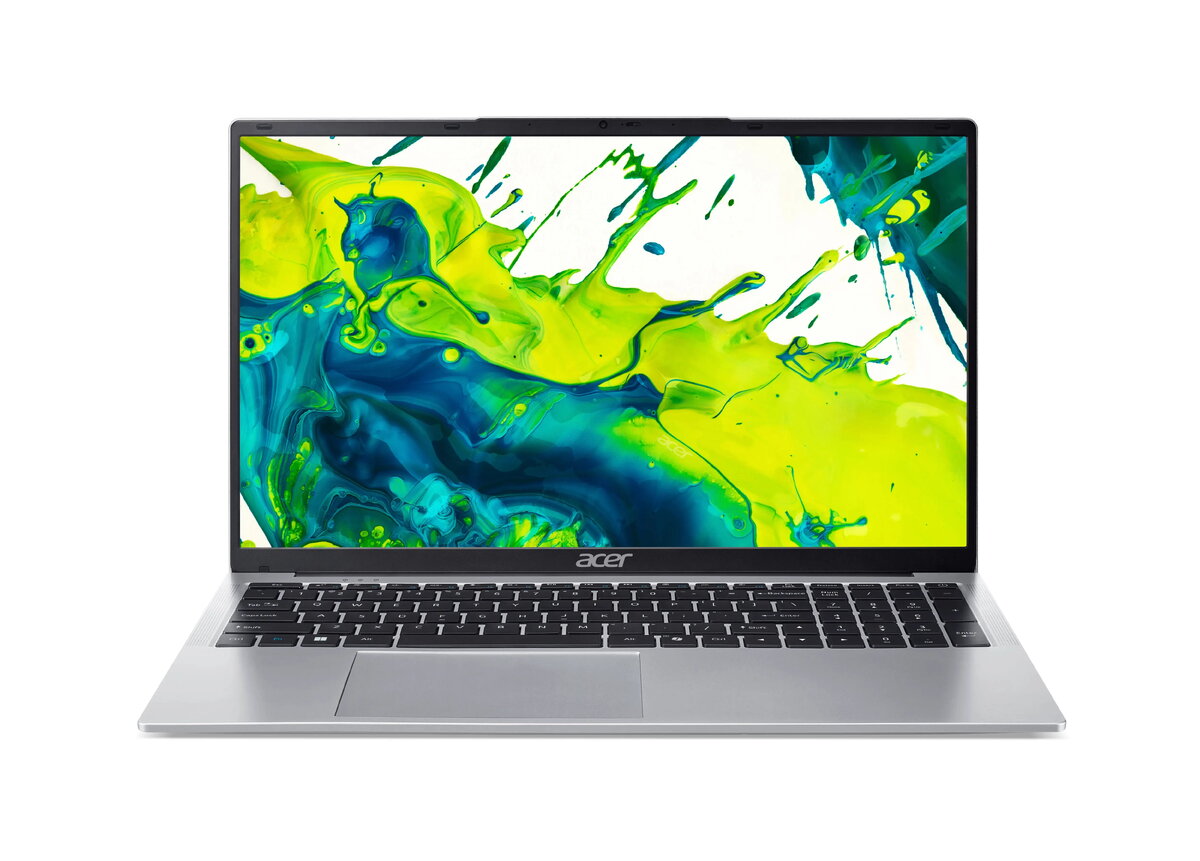
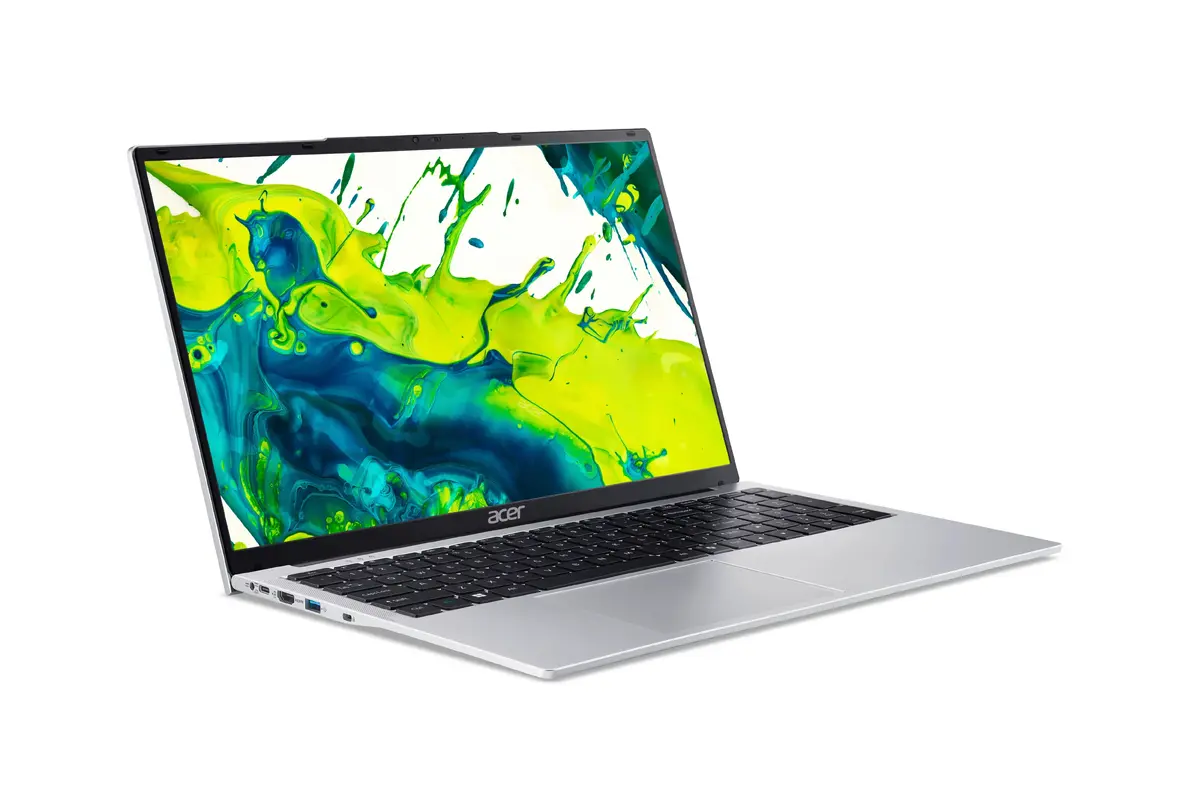
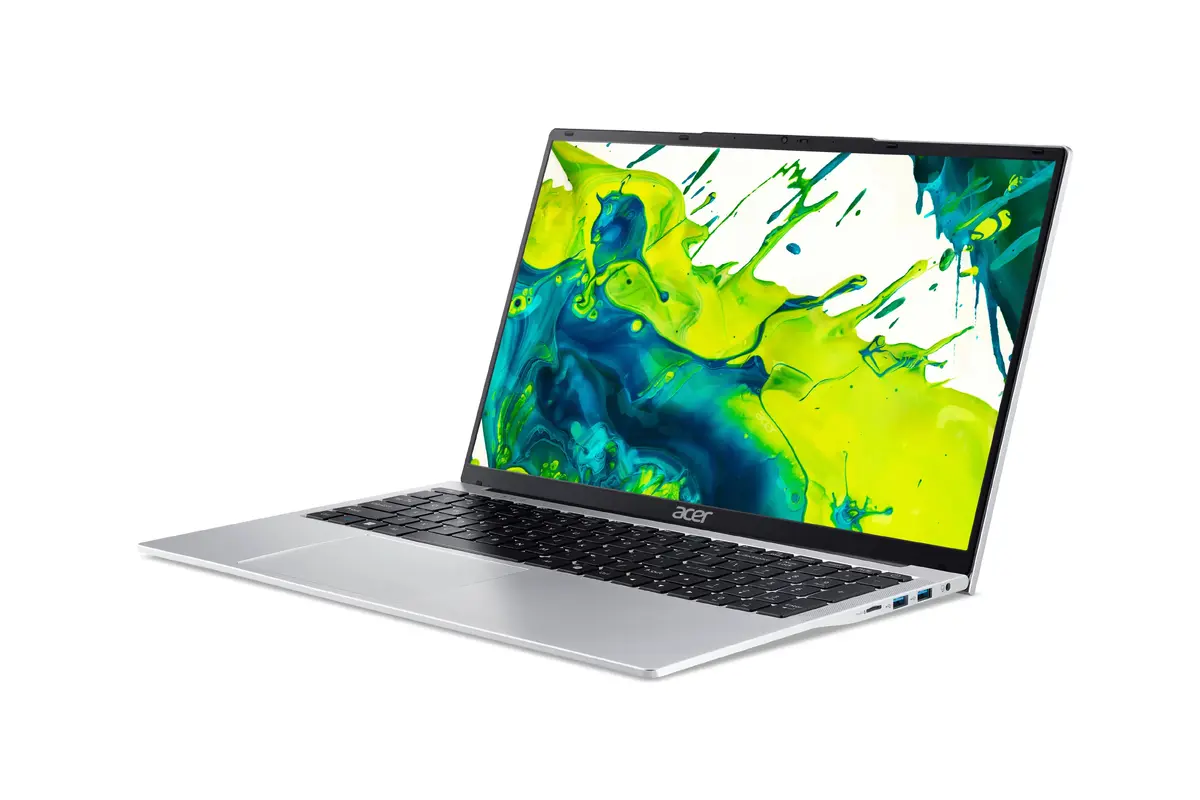
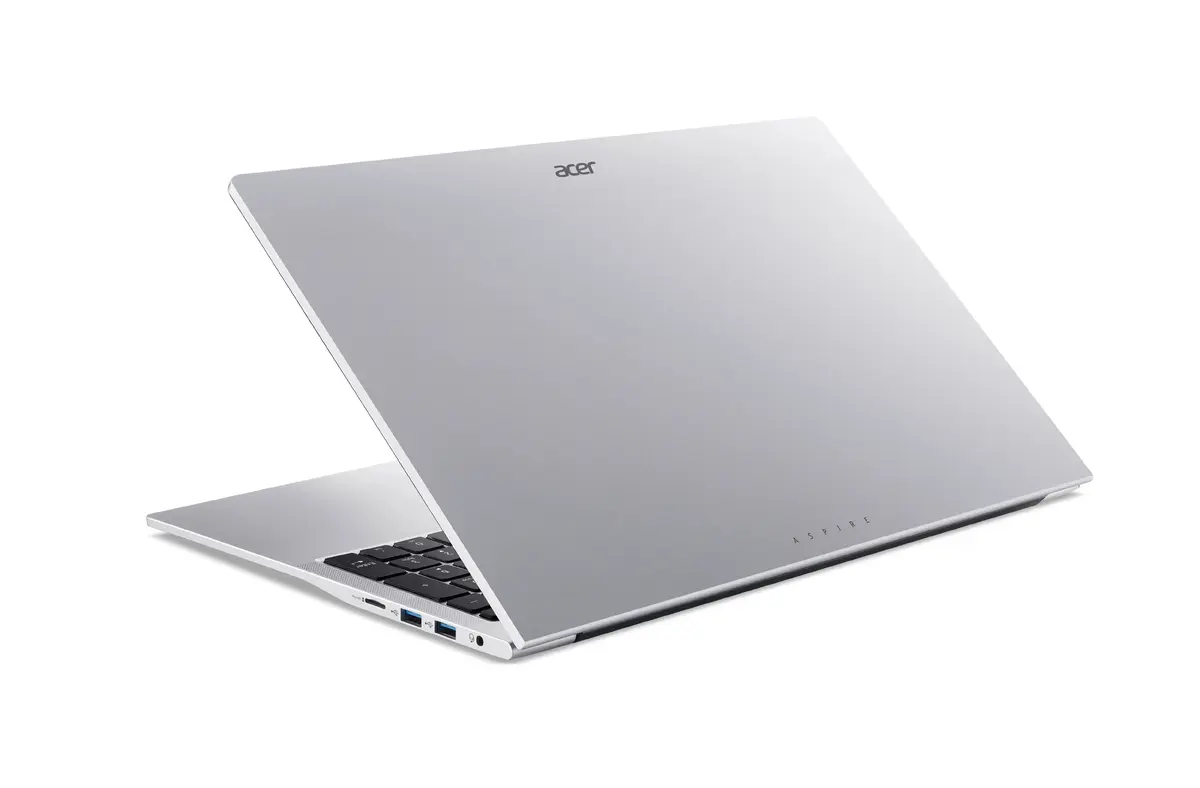
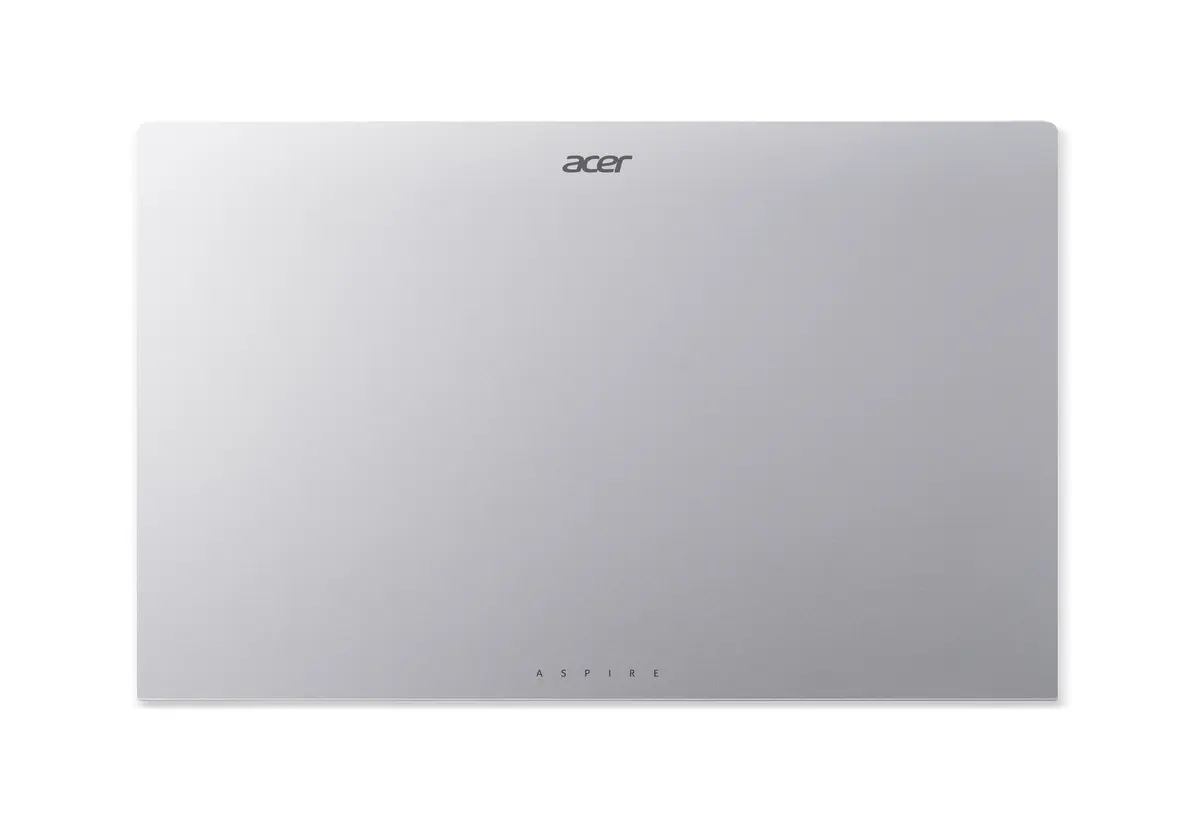
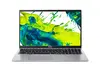
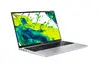
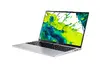
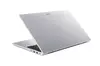
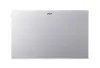
Laptop Acer Aspire Lite AL17-31P-33EP 17.3" French AZERTY layout
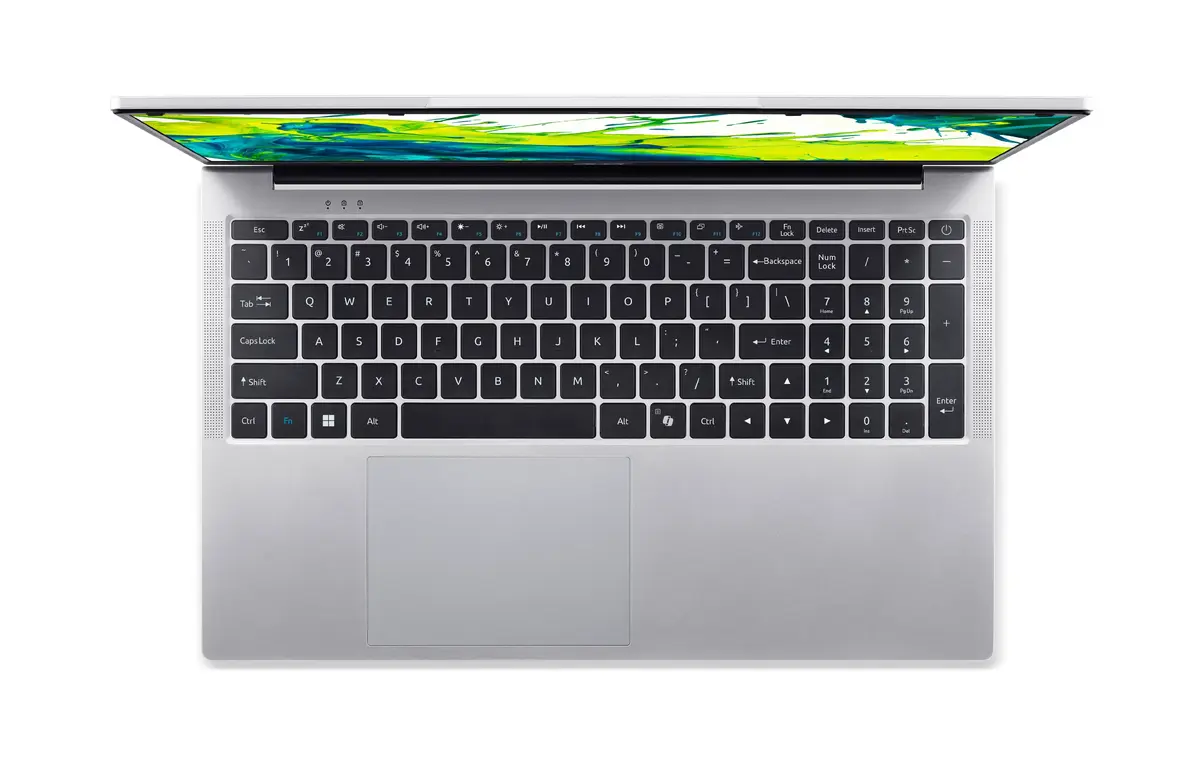
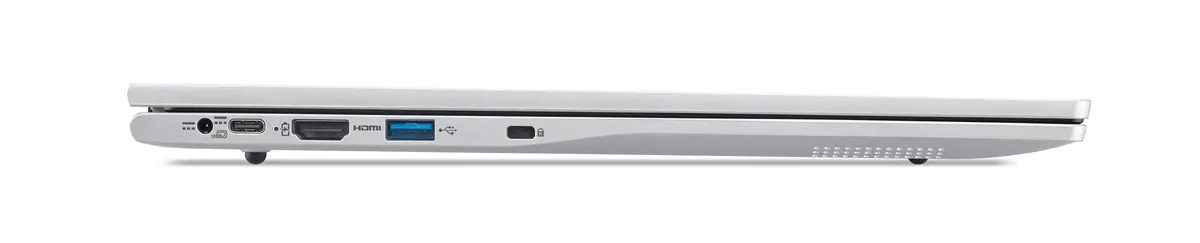
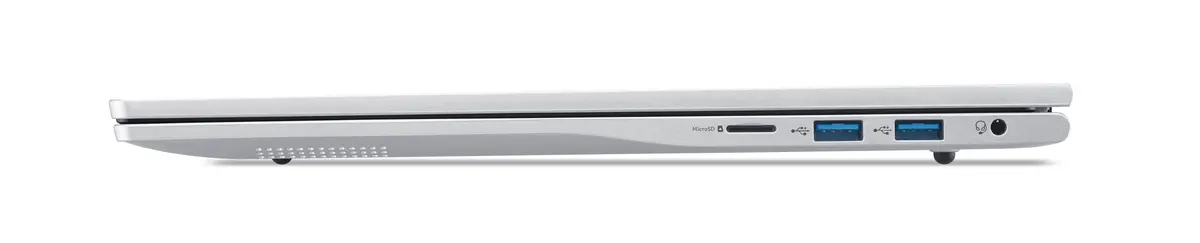
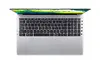
The Acer Aspire Lite AL17-31P-33EP 17.3" with French AZERTY layout is a clamshell laptop designed for everyday productivity and multimedia consumption. It features a 17.3-inch HD+ (1600 x 900) matt display with a 16:9 aspect ratio, an energy-efficient Intel Core 3 N355 processor with 8 cores, 8 GB of DDR5 memory and a 512 GB solid-state drive, delivering responsive performance for document editing, web browsing and media playback. Connectivity includes Intel integrated graphics, Wi‑Fi 6 (802.11ax) and Bluetooth 5.2, while Windows 11 Home 64-bit comes preinstalled for a familiar desktop environment. The device includes a 45 Wh battery and a full-size French AZERTY keyboard layout suitable for regional users.
The large 17.3" matt screen reduces reflections and provides an expanded workspace for multitasking, spreadsheets and video viewing. SSD storage and DDR5 memory improve responsiveness and reduce application load times compared with traditional hard drives. Modern wireless connectivity (Wi‑Fi 6 and Bluetooth 5.2) supports faster network access and reliable peripheral connections. The French AZERTY keyboard layout is integrated into a standard full-size chassis, enabling regional typing conventions without external keyboards.
Unpack the laptop and connect the included power adapter before first use to ensure the battery is charged. Complete Windows 11 initial setup following on-screen prompts, connect to a Wi‑Fi network and sign in with a Microsoft account if desired. Use the French AZERTY keyboard for regional typing; adjust keyboard settings in Windows language preferences if needed. Install required applications from the Microsoft Store or trusted sources, and keep the system updated through Windows Update for security and performance improvements.
For longer battery life, reduce screen brightness, disable unused wireless radios and use power-saving settings in Windows. For improved performance with multiple applications, consider using external storage or cloud services for large files and close unused background apps. Use a soft, lint-free cloth to clean the matt display and avoid liquids near the keyboard.
{{highlightedFeature.featureTitle}}:
{{getProductFeatureValueById(product, highlightedFeature.featureId)}}
{{ productComparisonGenerationError }}
