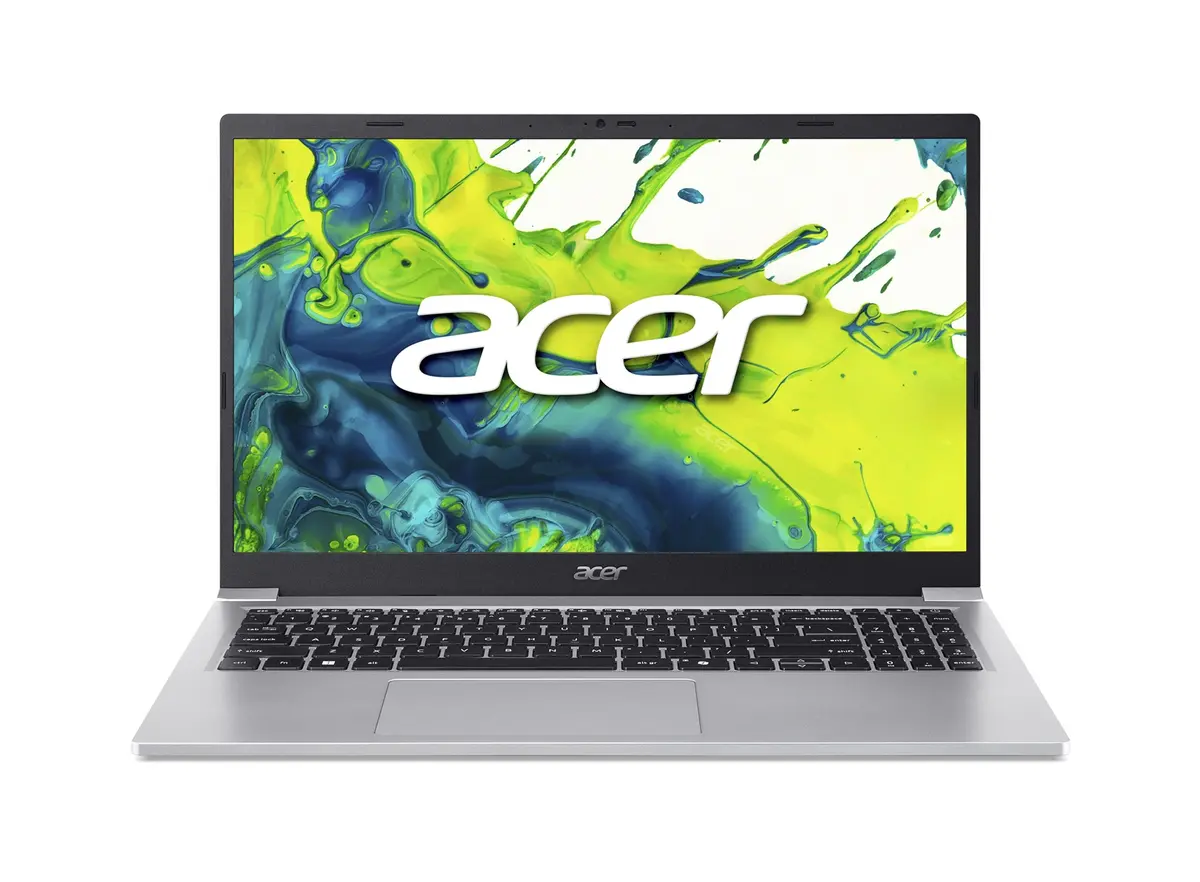
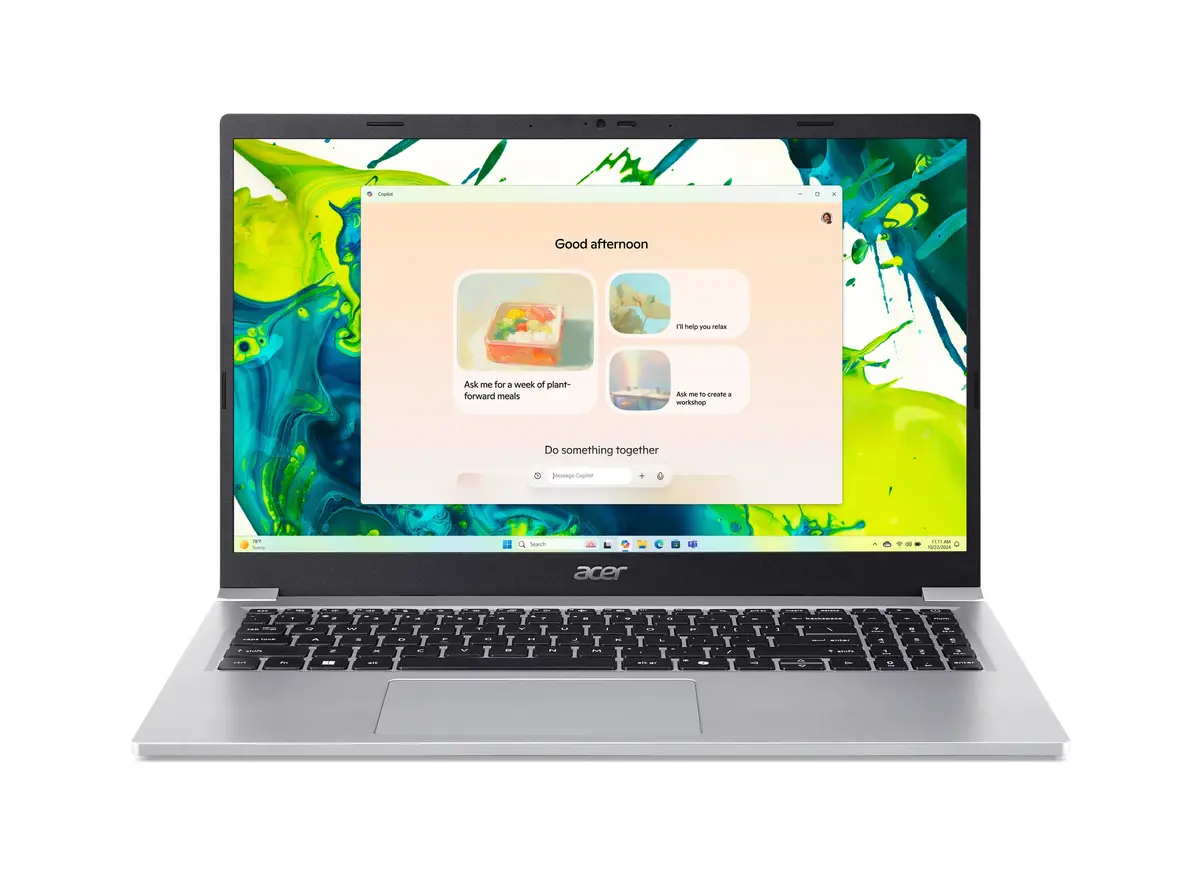
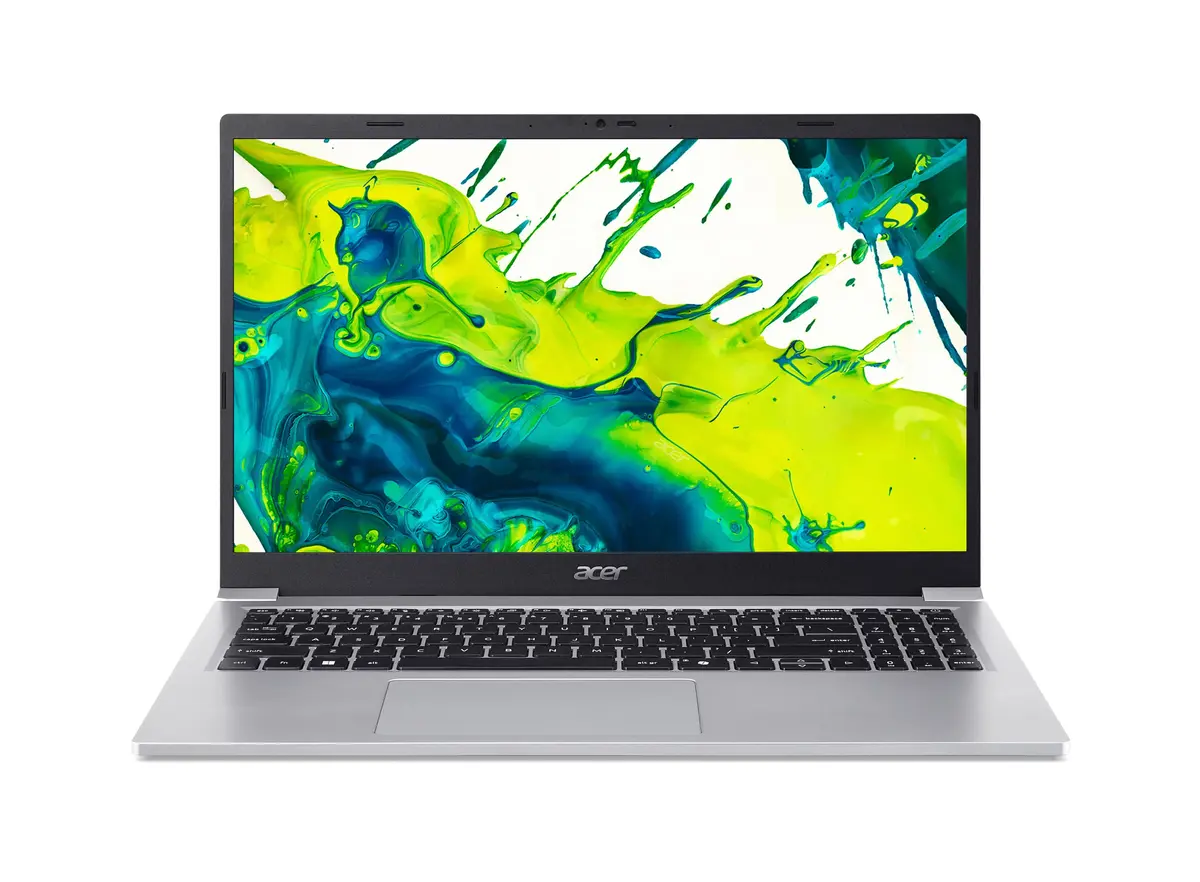
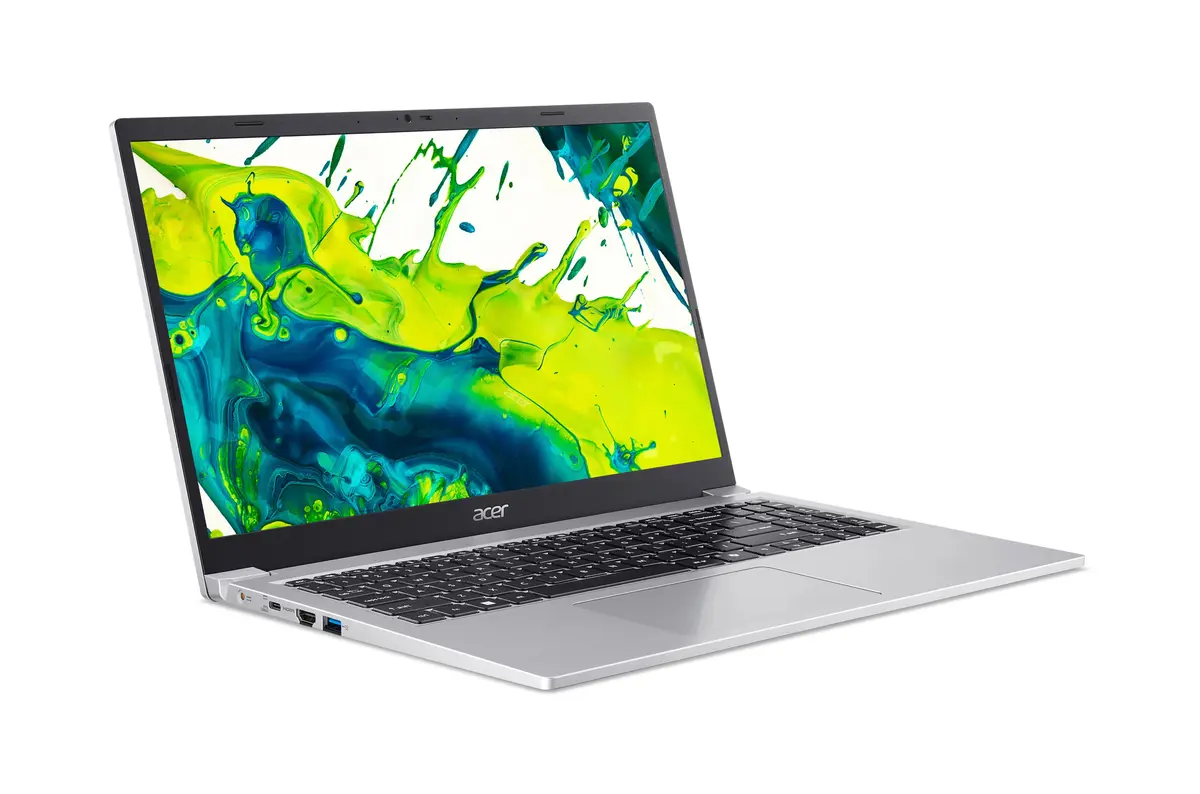
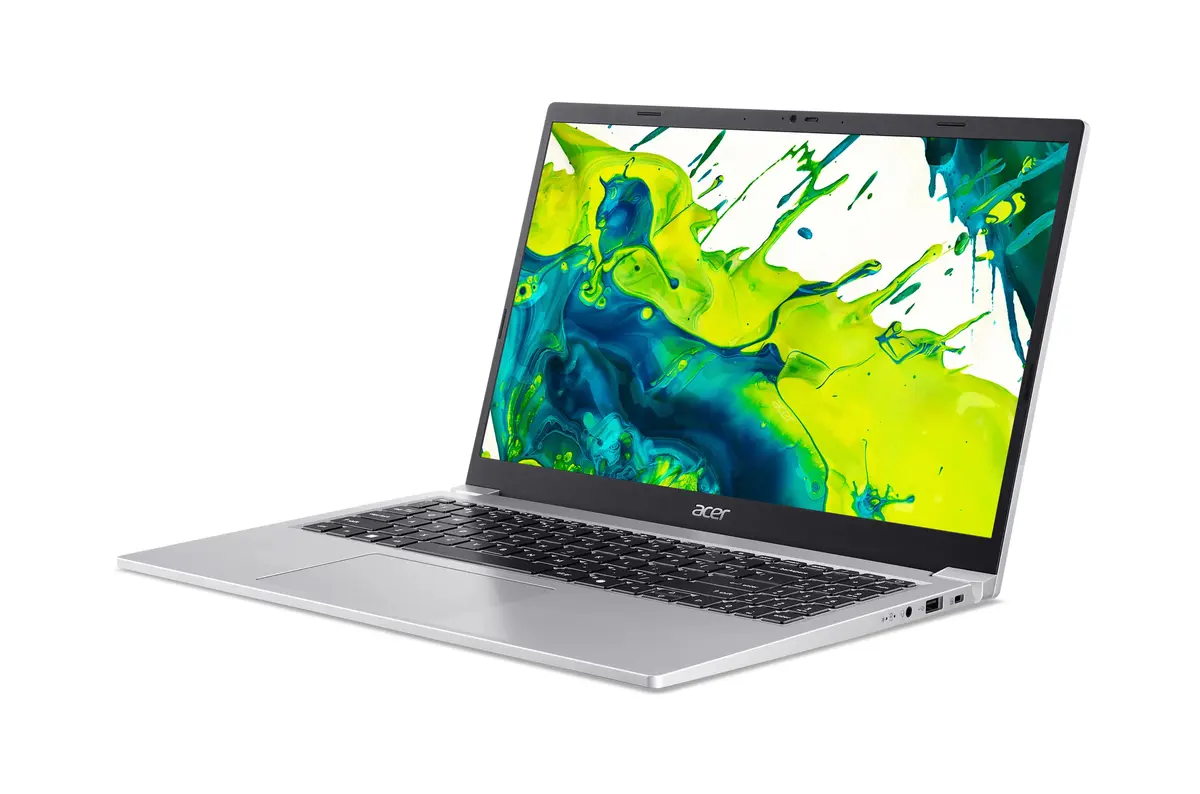
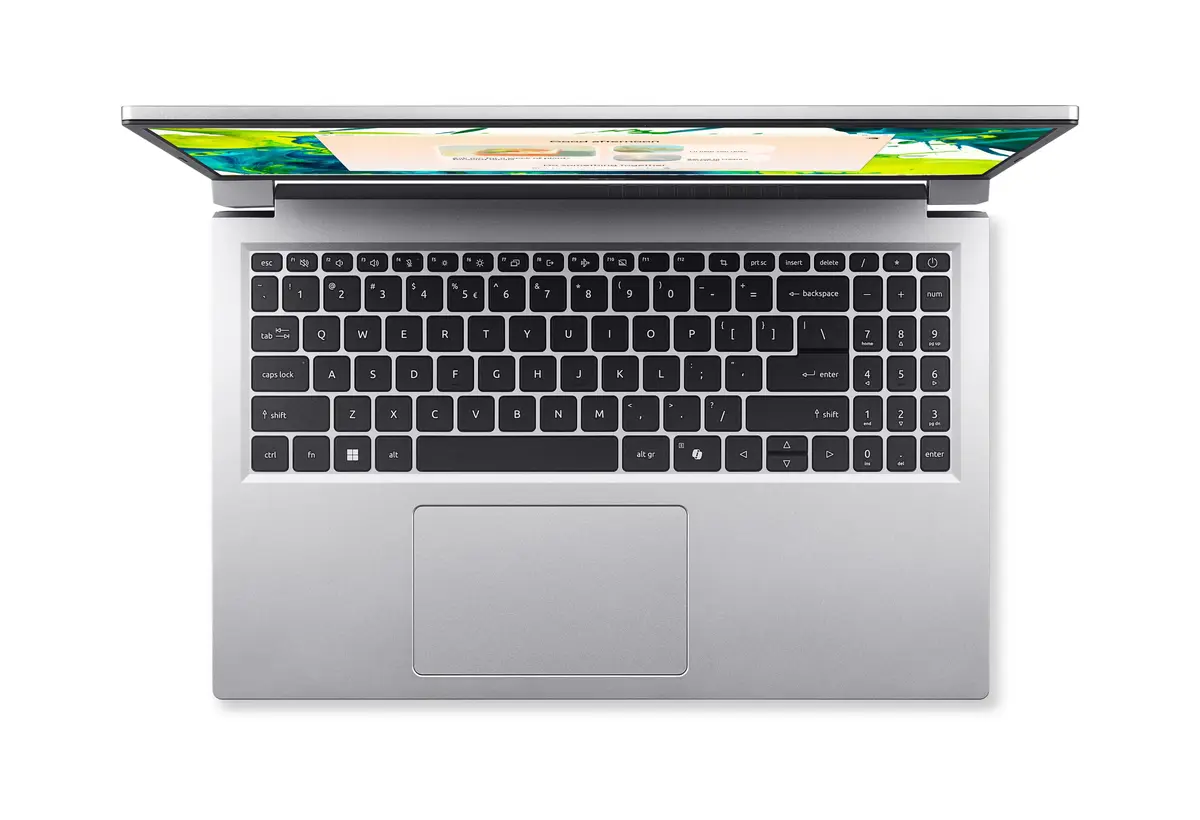
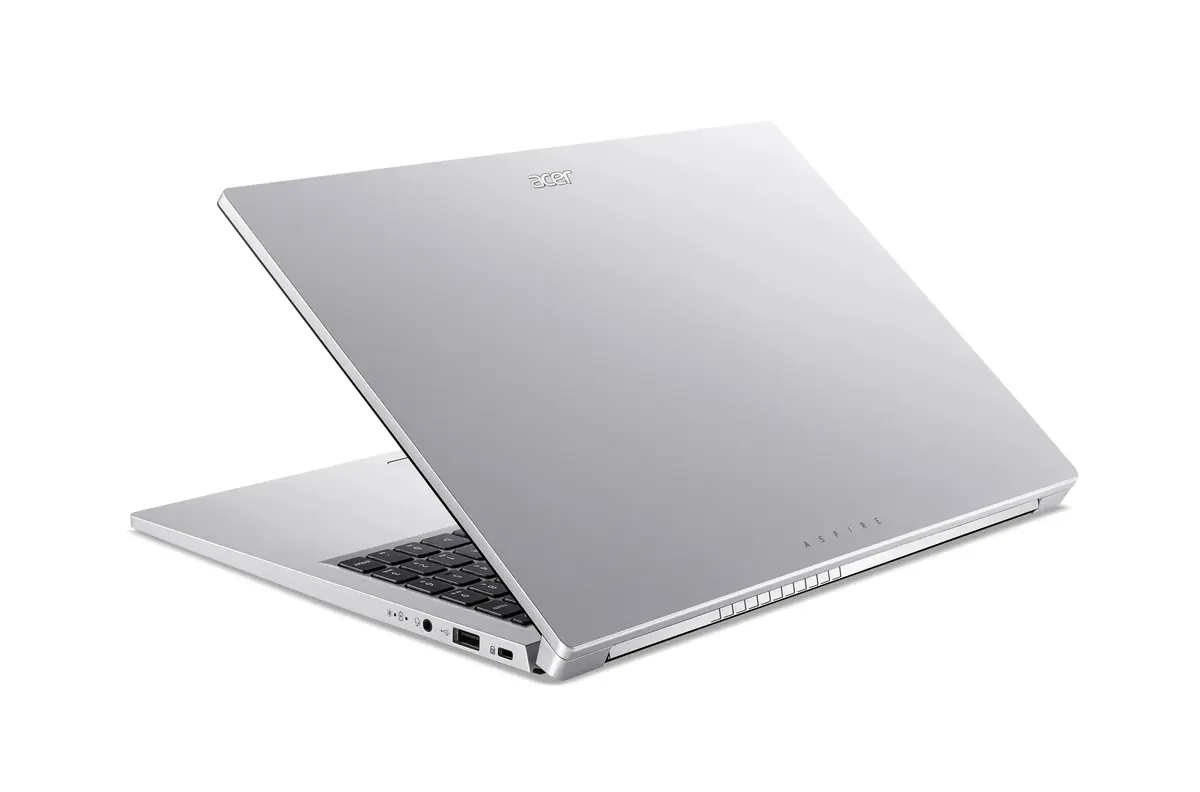
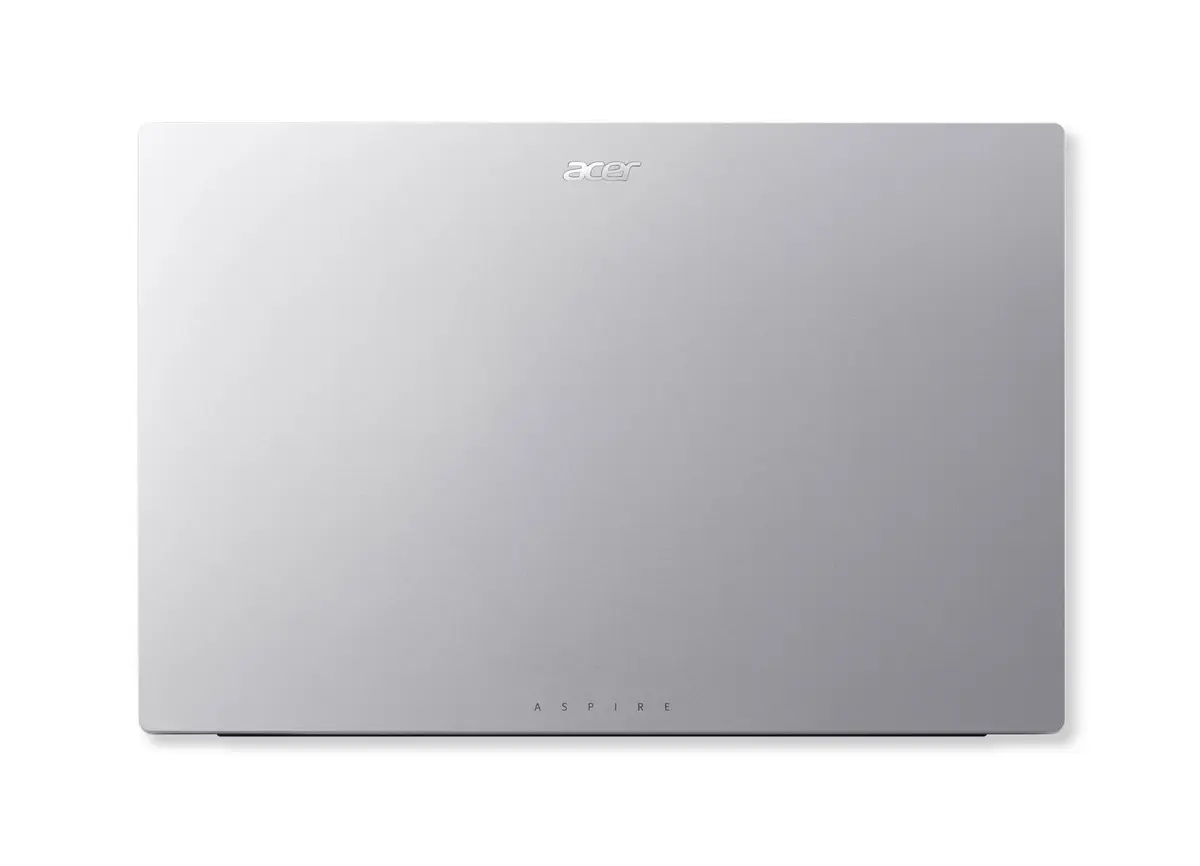
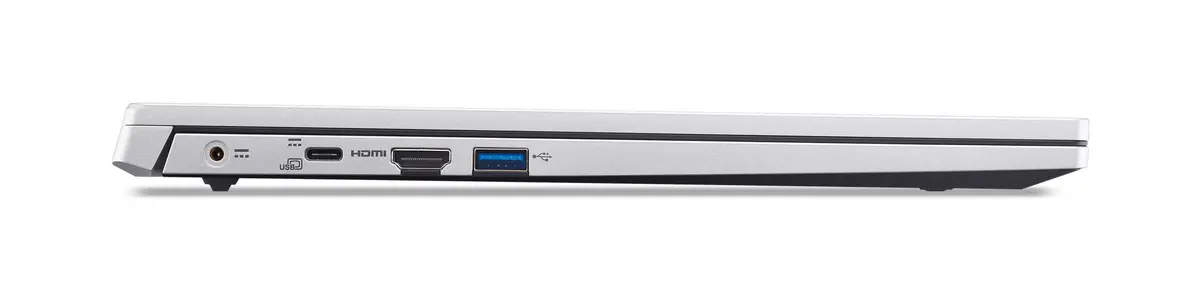
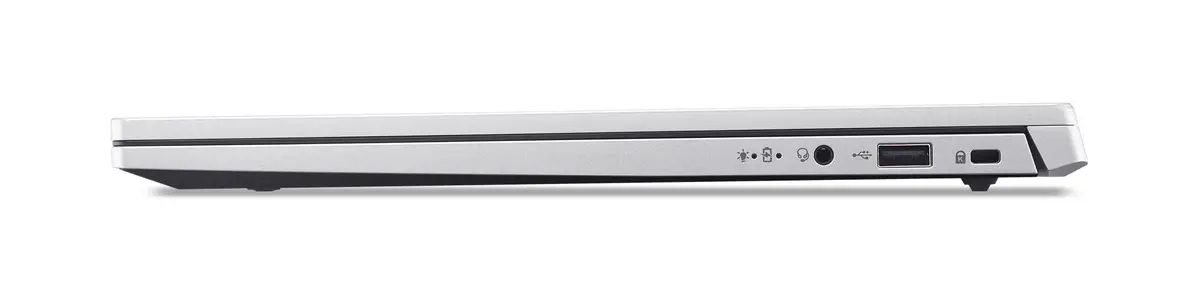
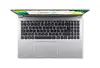
The Acer Aspire Lite 15 AL15-36P-C5E1 laptop is compared against several alternative models within the same product family. All of these devices share a core design featuring a 15.6-inch Full HD display and Windows 11 Home pre-installed (except for one operating-system-free option). The key practical differences lie in the internal processing power, storage capacity ranging from 128 GB to 512 GB, and port selections.
⚙️ The specification table below compares the product type, screen size and resolution, storage capacity, memory, processor, operating system, and practical purpose of each model.
| Parameter | Acer Aspire Lite 15 AL15-36P-C5E1 | Acer Aspire Lite 15 AL15-44P | Acer Aspire Lite AL15-47P-R2LK | Acer Aspire Lite AL15-46P-R4AQ | Acer Aspire Lite 15 (i5-120U) | Acer Aspire Lite 15 AL15-46P (No OS) | Practical conclusion |
|---|
| Product type | Laptop | Laptop | Laptop | Laptop | Laptop | Laptop | Every option is a standard 15.6-inch clamshell notebook built for productivity and daily computing. |
| Display | 15.6" Full HD | 15.6" Full HD | 15.6" Full HD | 15.6" Full HD | 15.6" Full HD IPS | 15.6" Full HD | Screen dimensions are identical, though the IPS panel variant provides enhanced visual clarity. |
| RAM | 8 GB | 8 GB | 8 GB | 8 GB | 8 GB | 8 GB | An equal amount of memory is provided across all models for routine multitasking. |
| Storage | 128 GB SSD | 512 GB SSD | 512 GB SSD | 512 GB SSD | 512 GB SSD | 512 GB SSD | The alternative models offer four times the storage space, allowing for significantly more local files and applications. |
| Processor | Intel N150 | AMD Ryzen 5 7430U | AMD Ryzen 3 5400U | AMD Ryzen 3 5400U | Intel Core i5-120U | AMD Ryzen 3 5400U | Higher-tier Ryzen 5 and Core i5 processors deliver noticeably better performance for demanding tasks compared to entry-level chips. |
| Operating system | Windows 11 Home | Windows 11 Home | Windows 11 Home | Windows 11 Home | Windows 11 Home | No OS | Most models are ready to use immediately out of the box, while the version without an operating system requires manual software setup. |
◎ The suitability table below evaluates different usage scenarios and buyer profiles to help determine the most appropriate model.
| Use case | Recommended product | Why |
|---|
| Basic web browsing, office tasks, and remote learning | Acer Aspire Lite 15 AL15-36P-C5E1 | Provides reliable everyday performance for documents and schooling without requiring heavy local storage. |
| Heavy file storage and extensive multimedia use | Acer Aspire Lite 15 AL15-44P or other 512 GB models | A larger solid-state drive accommodates expansive software libraries and media collections comfortably. |
| Higher processing demands for multitasking | Acer Aspire Lite 15 (i5-120U) | The Intel Core i5 processor handles intensive workloads and multitasking more efficiently. |
| Custom software deployment and operating system preference | Acer Aspire Lite 15 AL15-46P (No OS) | Leaves the choice and setup of the operating system entirely up to the user. |
The Acer Aspire Lite 15 AL15-36P-C5E1 differs from the alternatives primarily through its smaller 128 GB storage capacity and entry-level processor, making it best suited for light daily tasks, web browsing, and remote learning. If you require substantial storage space for local files or higher processing power for demanding applications, selecting one of the 512 GB models with a more powerful processor will be more appropriate.