



Dreame vacuums for fast and efficient cleaning!
In cart {{totalProductsCount}} item(s)
Your cart is empty
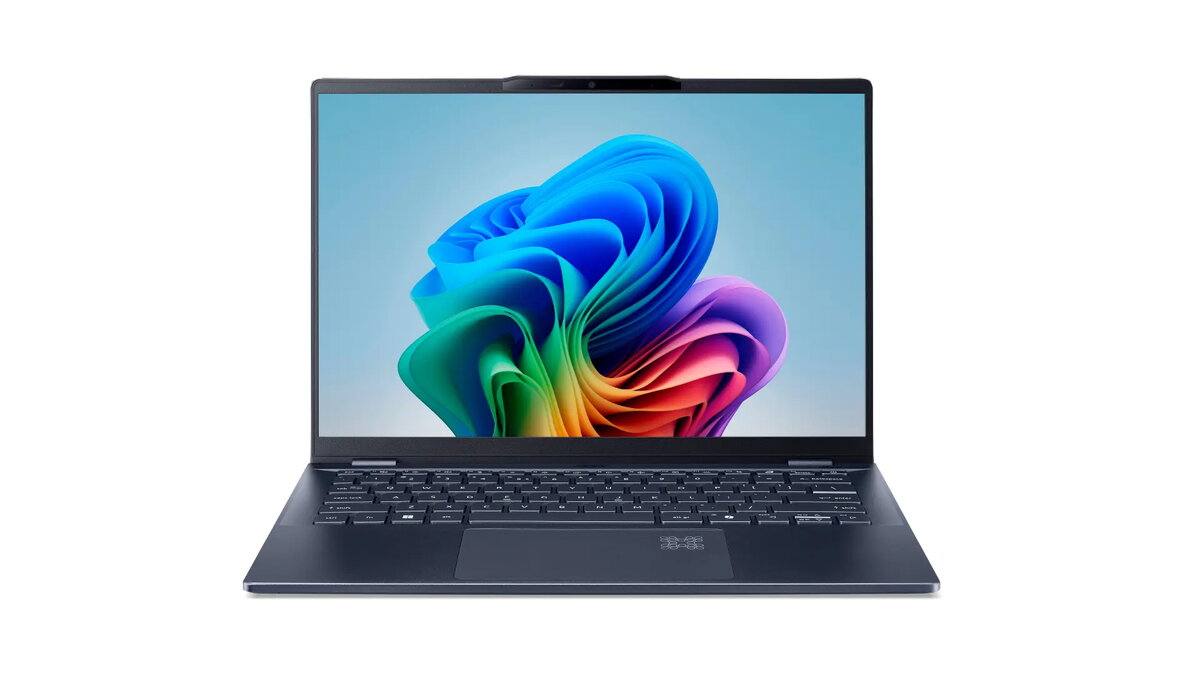
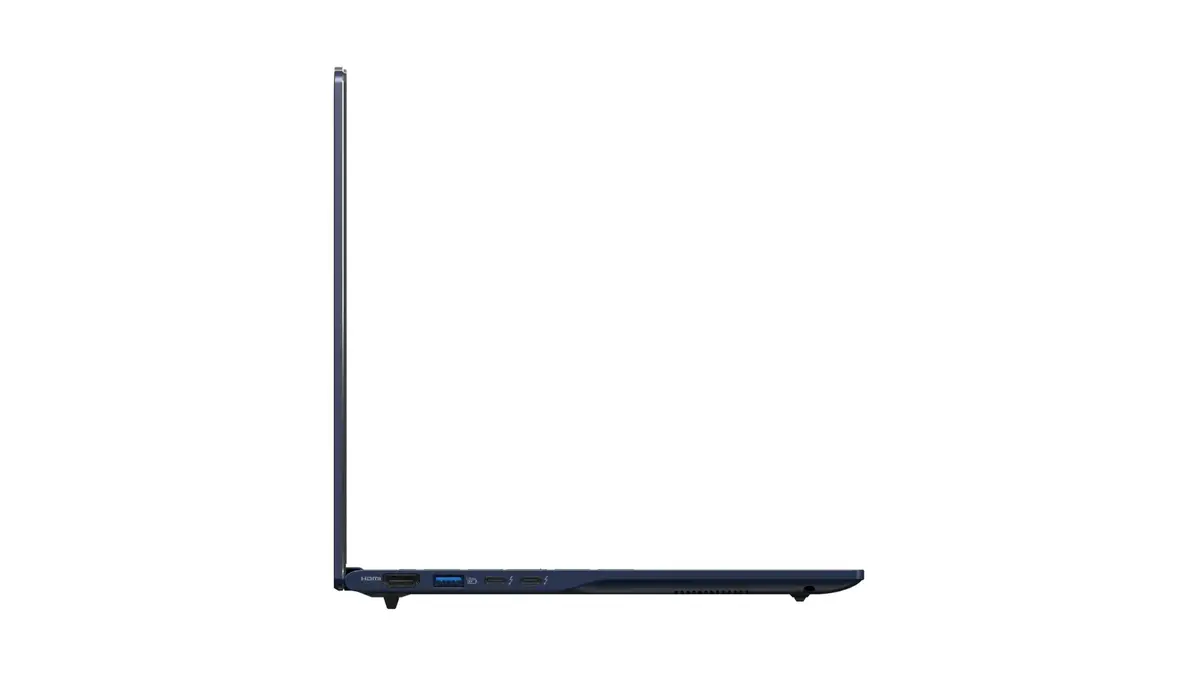
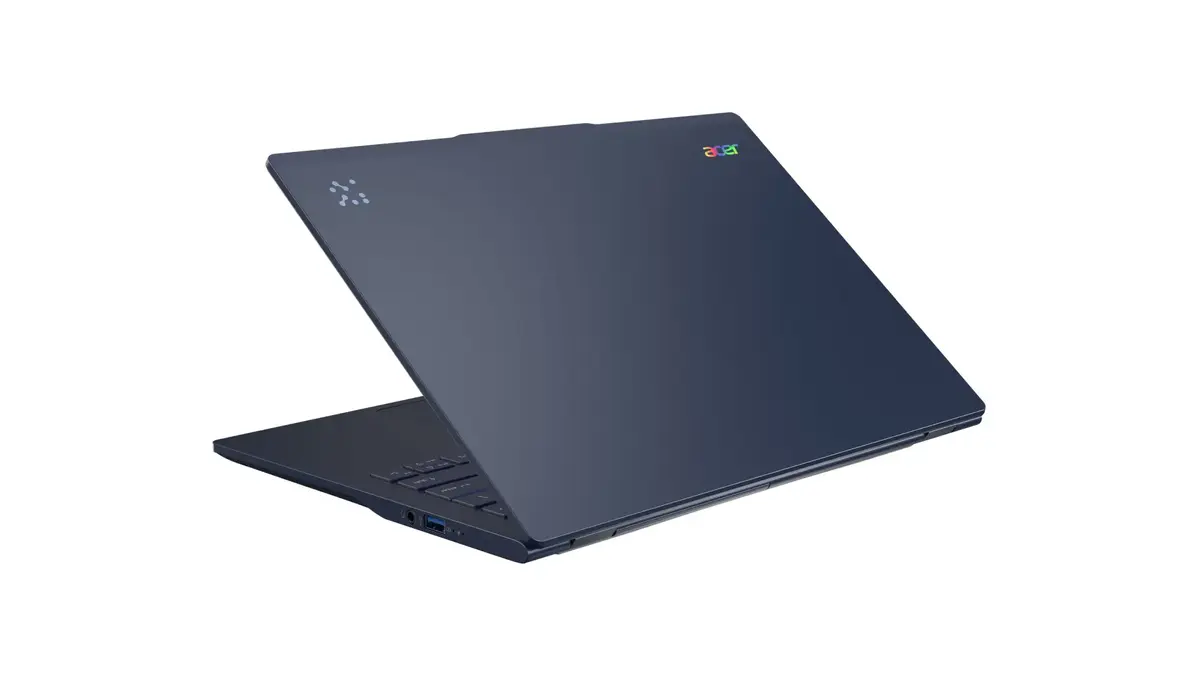
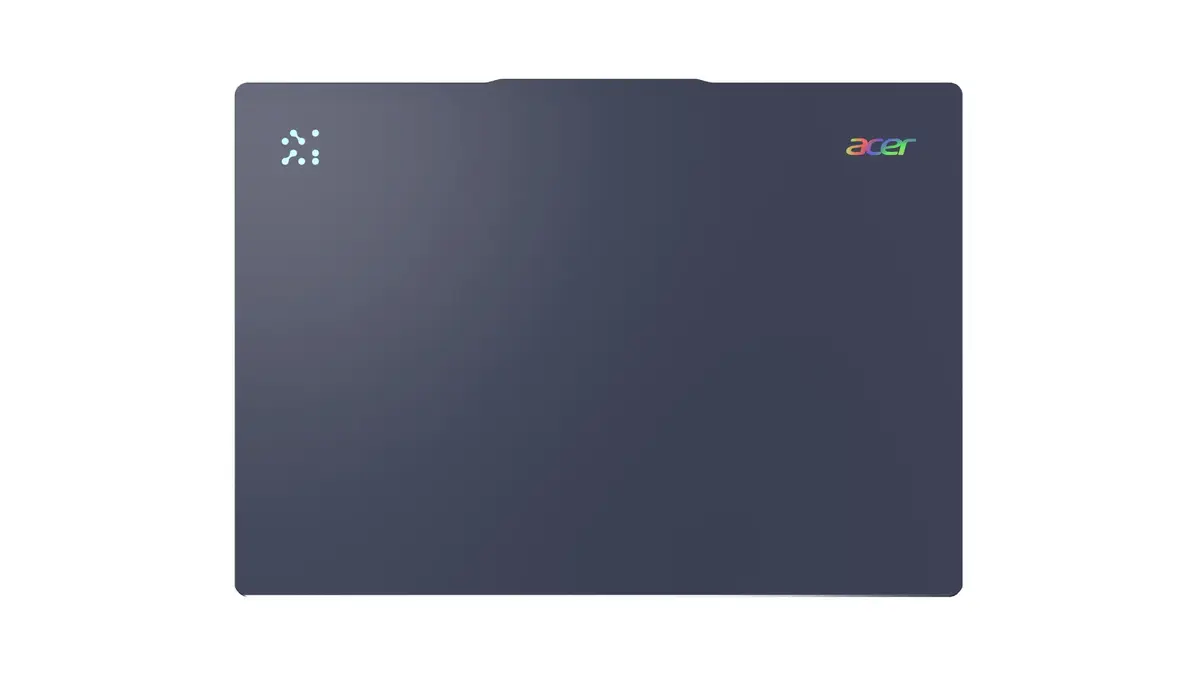
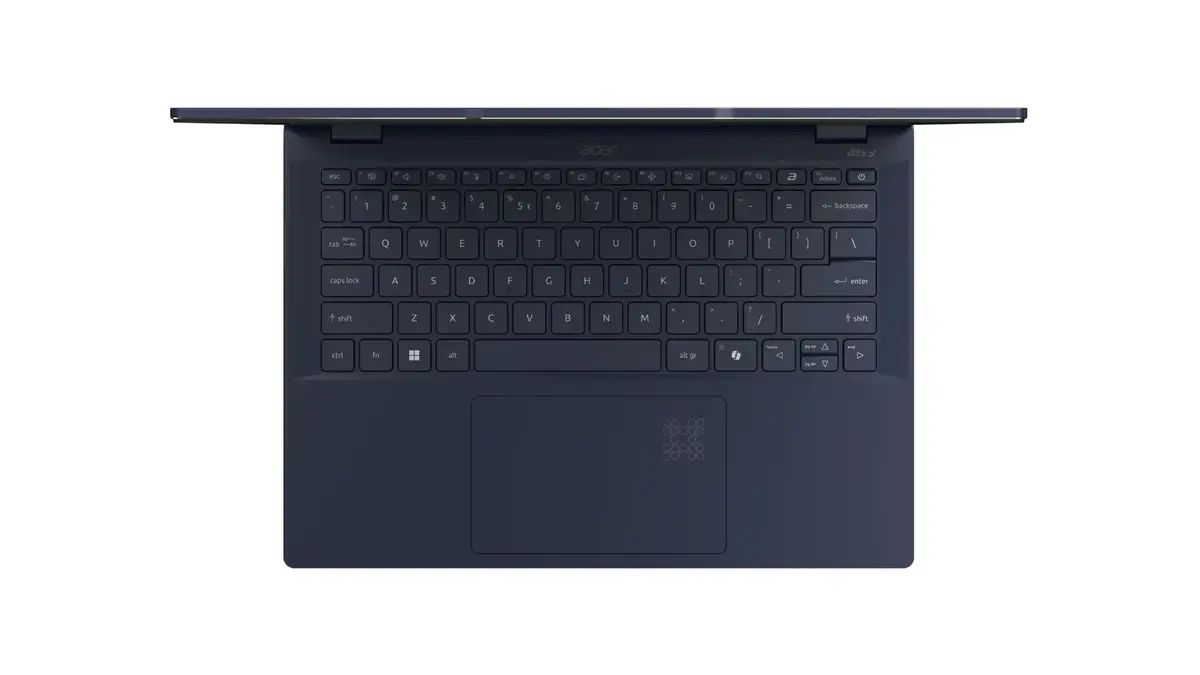
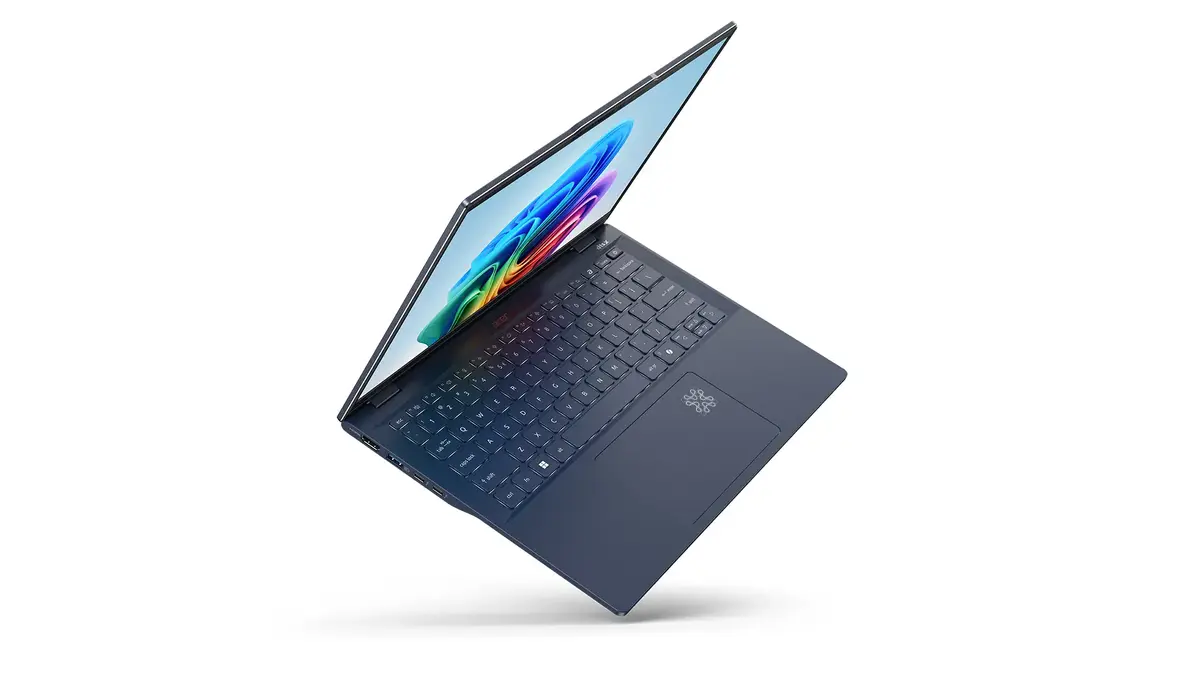
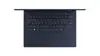
Acer Swift 14 AI SF14-51-52X3 Laptop, 14" WUXGA, Intel Core Ultra 5 226V, 16GB RAM, 512GB SSD, Windows 11 Home, Blue
The Acer Swift 14 AI SF14-51-52X3 is a high-performance, portable laptop designed for modern productivity and creative tasks. Featuring a sleek blue clamshell design, this device combines a powerful Intel Core Ultra 5 226V processor with efficient Intel Arc Graphics to deliver smooth performance for both work and entertainment. With its lightweight construction and long-lasting battery, it is built to support users who need a reliable machine for daily computing, whether at home, in the office, or on the go.
This laptop offers exceptional responsiveness and speed, utilizing advanced processor architecture to handle demanding applications and multitasking with ease. The integration of intelligent AI solutions allows for optimized video communication, noise cancellation, and automated system settings, ensuring a seamless user experience. Furthermore, the device prioritizes security and privacy through hardware-level protection, biometric login options, and a physical webcam privacy shutter, providing peace of mind for sensitive data management.
This laptop may not be suitable for users who require high-end dedicated graphics for intensive 3D gaming or professional-grade video rendering, as it relies on integrated graphics. Additionally, those who prefer a larger screen for complex multi-window workflows might find the 14-inch display size limiting compared to larger desktop-replacement models.
To begin using your Acer Swift 14 AI, simply open the lid to power on the device. Follow the initial Windows 11 setup prompts to configure your user account and network settings. You can utilize the AcerSense tool to manage your AI features and system performance. For security, register your fingerprint or facial profile via Windows Hello to enable quick and secure access. Keep the device charged using the provided power adapter, and ensure the webcam shutter is open only when you intend to use the camera.
Usage recommendations: To maintain optimal battery health and performance, keep your system software and drivers updated through the official Acer support channels. Utilize the built-in AI features for video calls to ensure the best audio and visual quality in various lighting conditions.
{{highlightedFeature.featureTitle}}:
{{getProductFeatureValueById(product, highlightedFeature.featureId)}}
{{ productComparisonGenerationError }}
