

Filters you can trust. Pure water every day.
In cart {{totalProductsCount}} item(s)
Your cart is empty
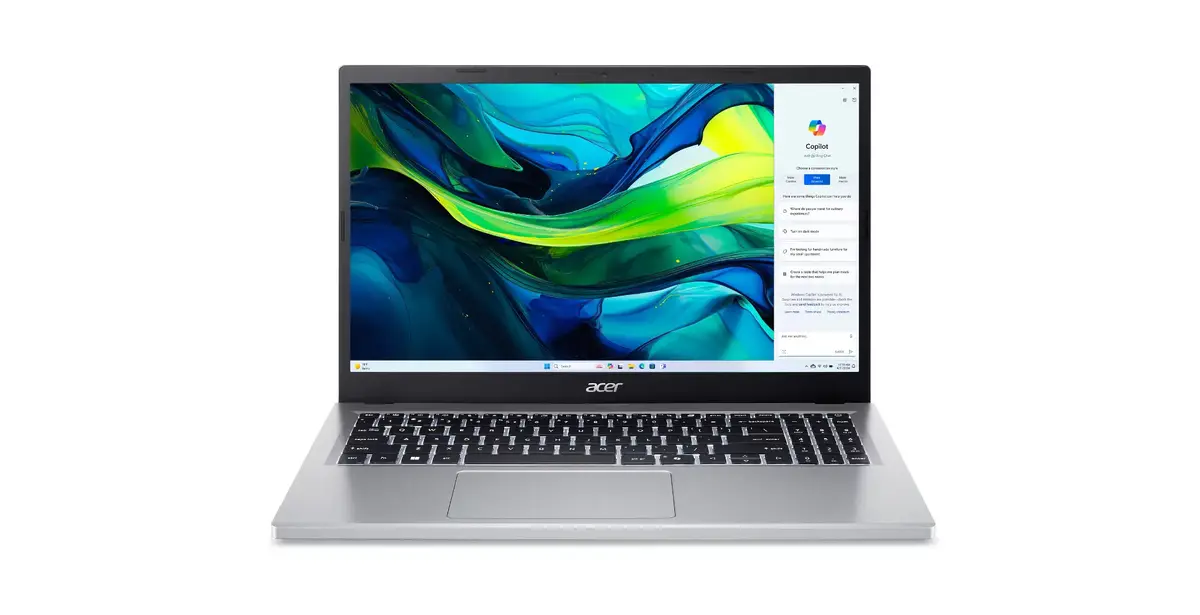
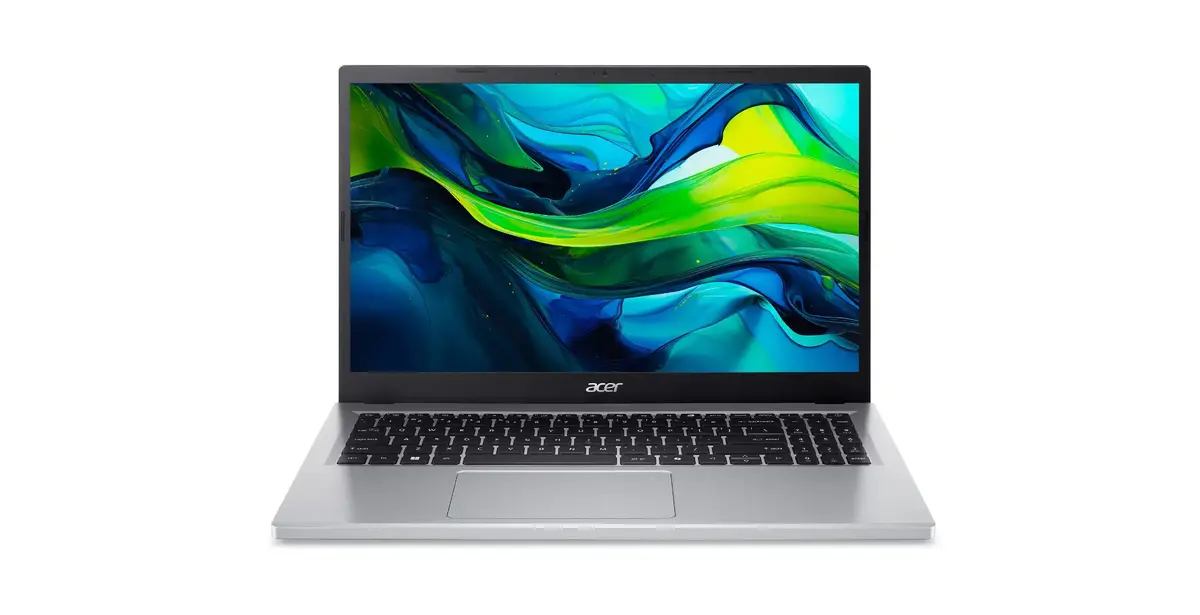
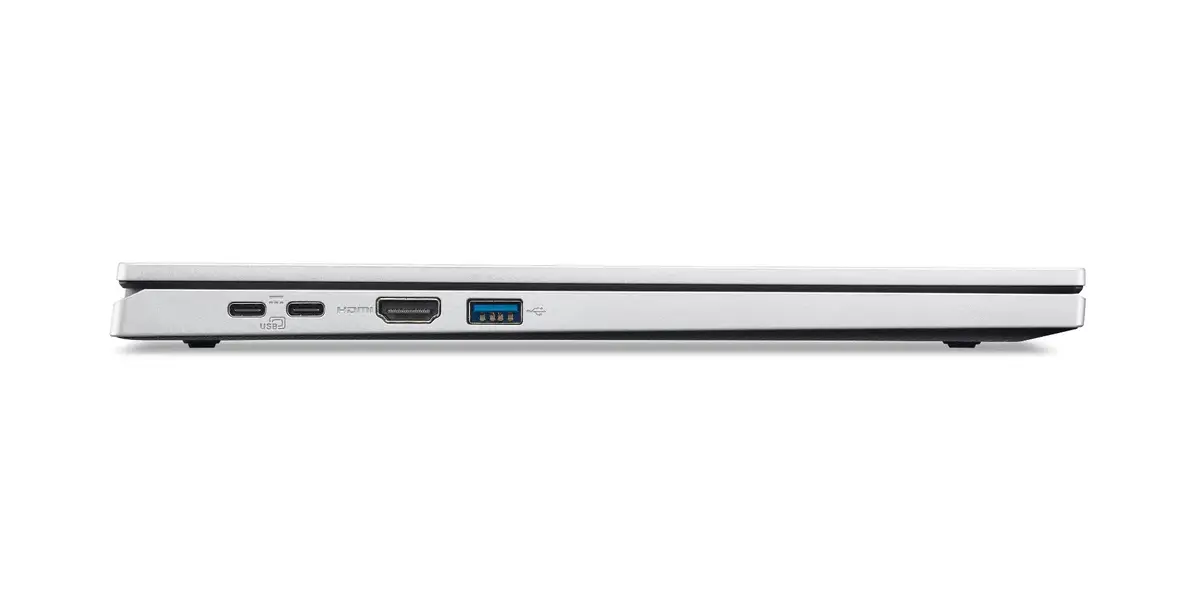
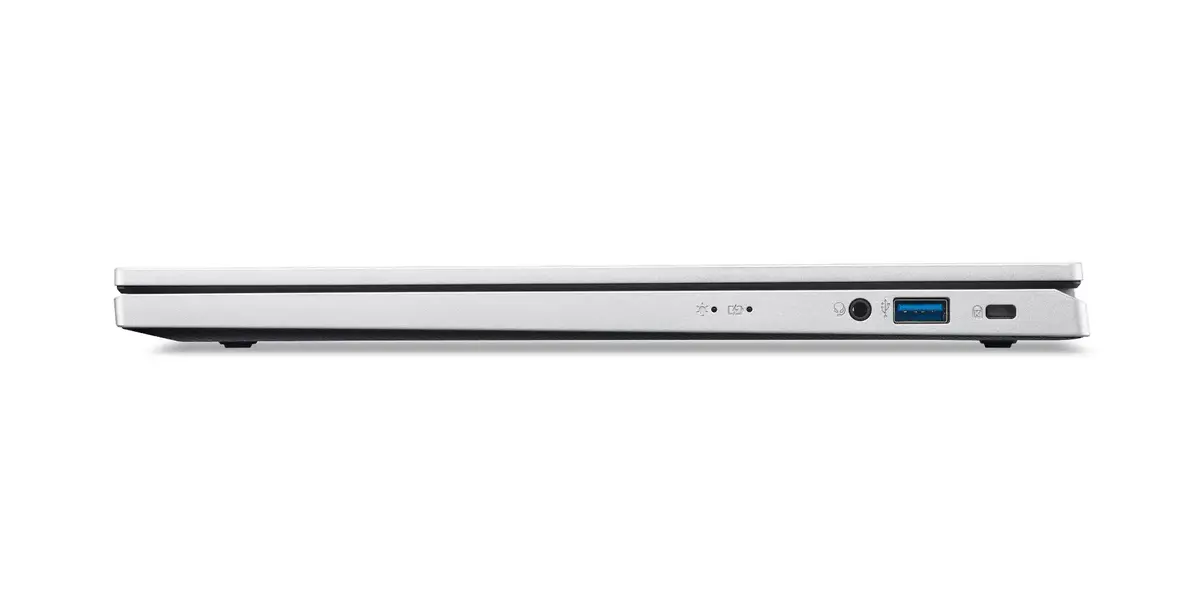
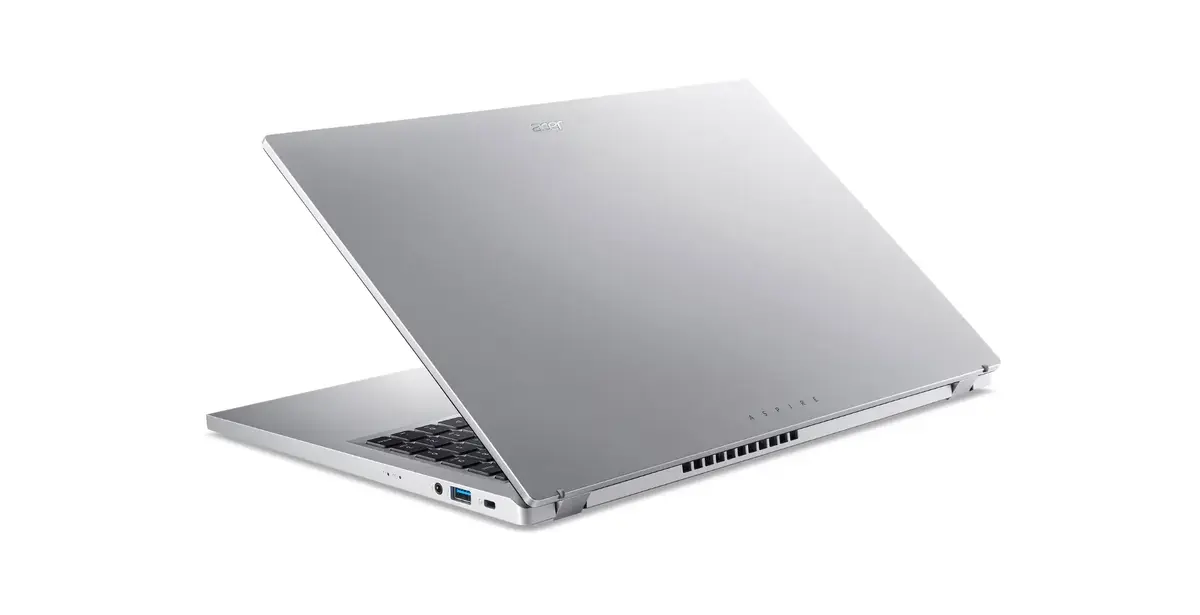
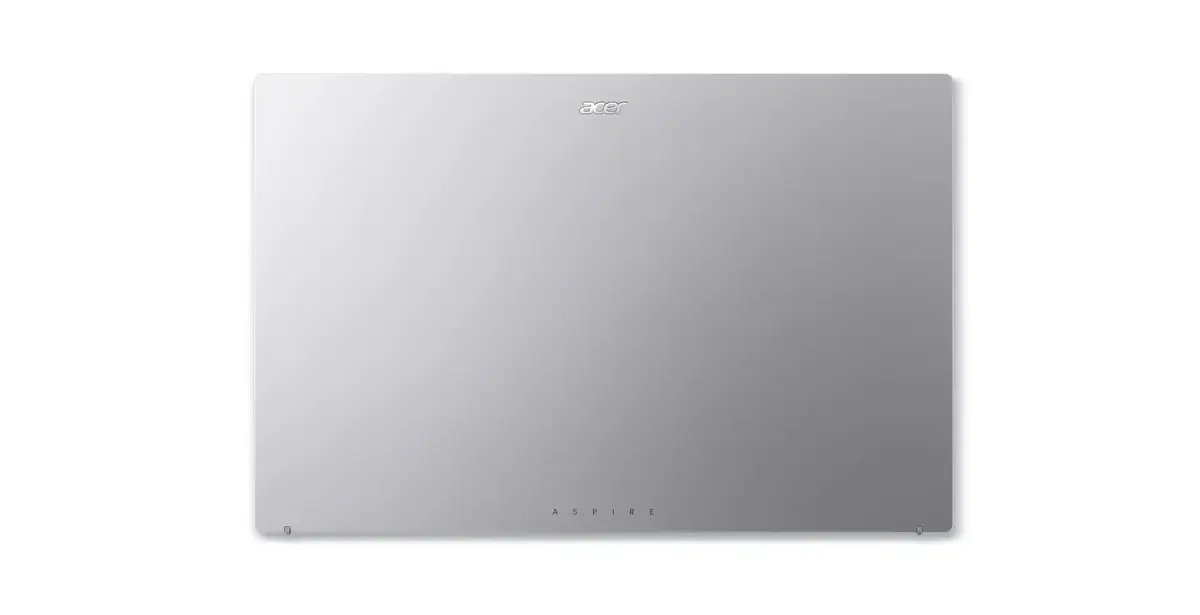
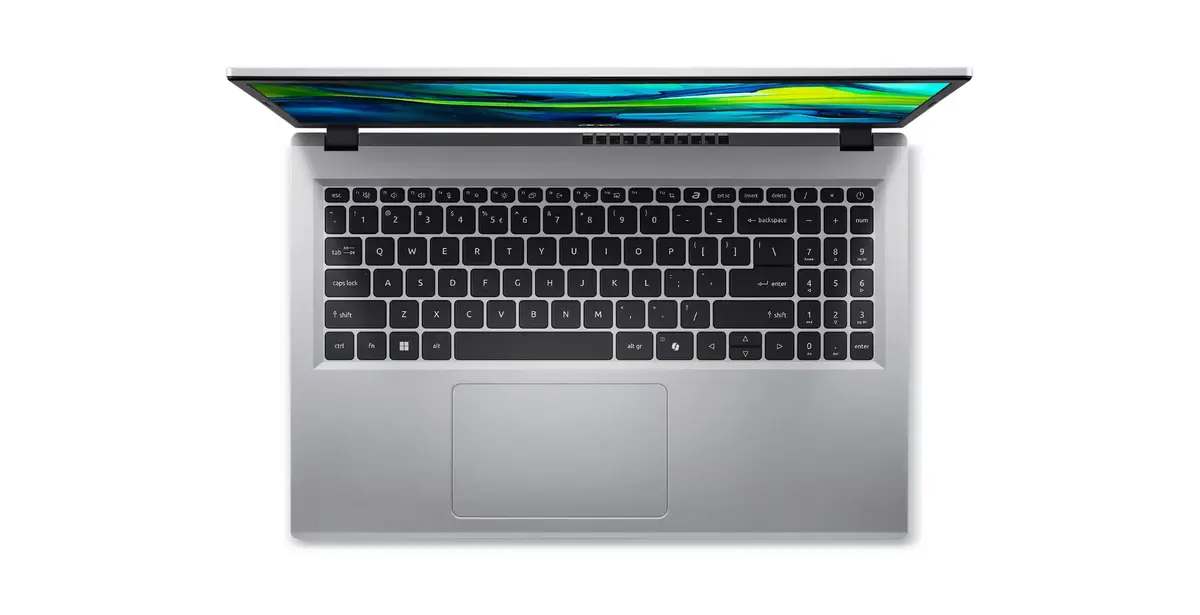
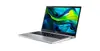
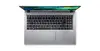
Acer Aspire Go 15 AG15-32P-39R2 Laptop, 15.6-inch Full HD, Intel Core 3 N355, 8GB DDR5 RAM, 128GB SSD, Windows 11 Home, Silver
The Acer Aspire Go 15 AG15-32P-39R2 is a functional and reliable clamshell laptop designed to meet the demands of daily computing. Featuring a 15.6-inch Full HD display with a resolution of 1920 x 1080 pixels, it provides a clear and comfortable viewing experience for work, study, or media consumption. Powered by an Intel Core 3 N355 processor and 8GB of high-speed DDR5 RAM, this device ensures efficient multitasking and smooth operation for standard office applications and web browsing.
This laptop stands out due to its balanced combination of modern hardware and portability. The inclusion of DDR5 memory allows for faster data processing compared to older standards, while the 128GB SSD provides quick boot times and responsive system performance. Its lightweight design, weighing only 1.73 kg, makes it an excellent companion for users who need to move between home, office, or school environments frequently. The silver finish offers a professional and clean aesthetic, while the integrated Intel Graphics provide sufficient power for everyday visual tasks and video playback.
This laptop is not intended for high-performance tasks such as professional video editing, 3D rendering, or playing modern, graphics-intensive video games. The 128GB storage capacity may also be limiting for users who need to store large libraries of high-resolution photos, videos, or extensive software suites.
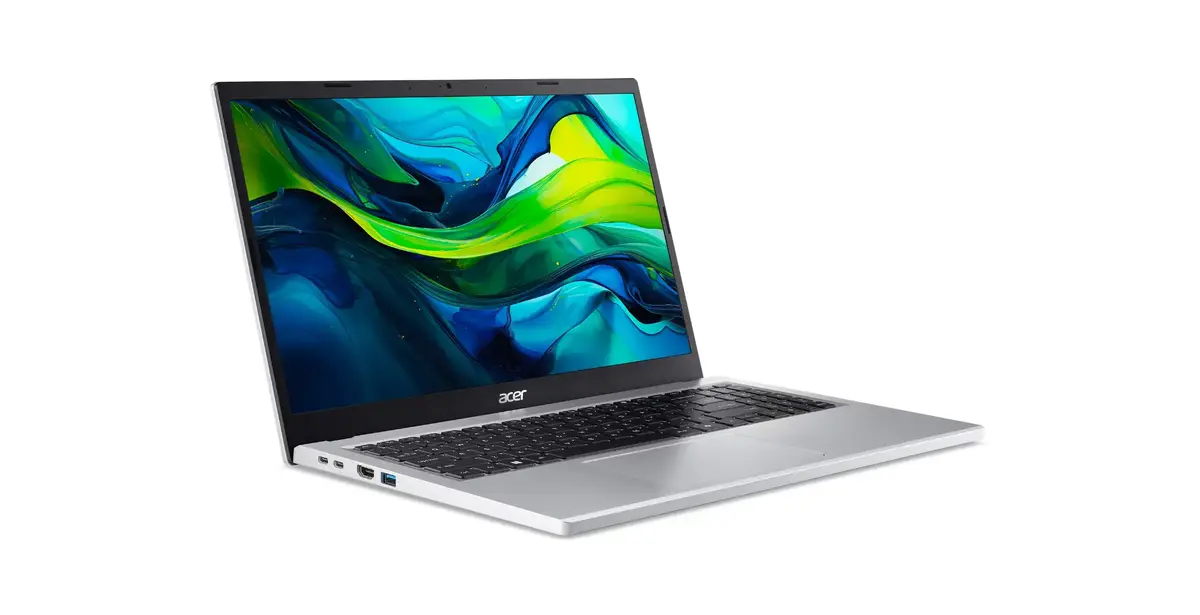
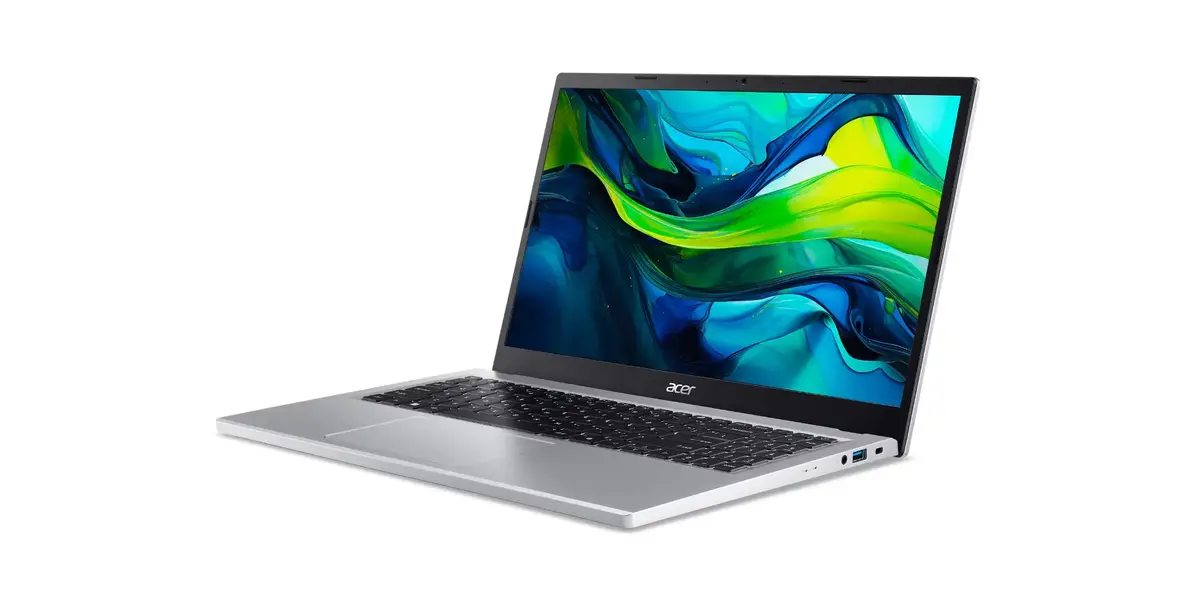
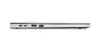
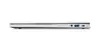
To begin using the Acer Aspire Go 15, connect the provided power adapter to charge the battery fully before the first use. Press the power button to initiate the Windows 11 Home setup process, following the on-screen instructions to configure your language, network settings, and user account. Once set up, you can connect to the internet via Wi-Fi 6 for high-speed browsing. Use the various ports on the side of the chassis to connect external peripherals like mice, keyboards, or external storage drives to expand your workspace.
To maintain optimal performance, keep the operating system updated through Windows Update and avoid installing unnecessary background applications. Regularly clean the screen with a dry, soft microfiber cloth to maintain visual clarity, and ensure the ventilation vents remain unobstructed during use to prevent overheating.
{{highlightedFeature.featureTitle}}:
{{getProductFeatureValueById(product, highlightedFeature.featureId)}}
{{ productComparisonGenerationError }}
