Dreame vacuums for fast and efficient cleaning!
In cart {{totalProductsCount}} item(s)
Your cart is empty
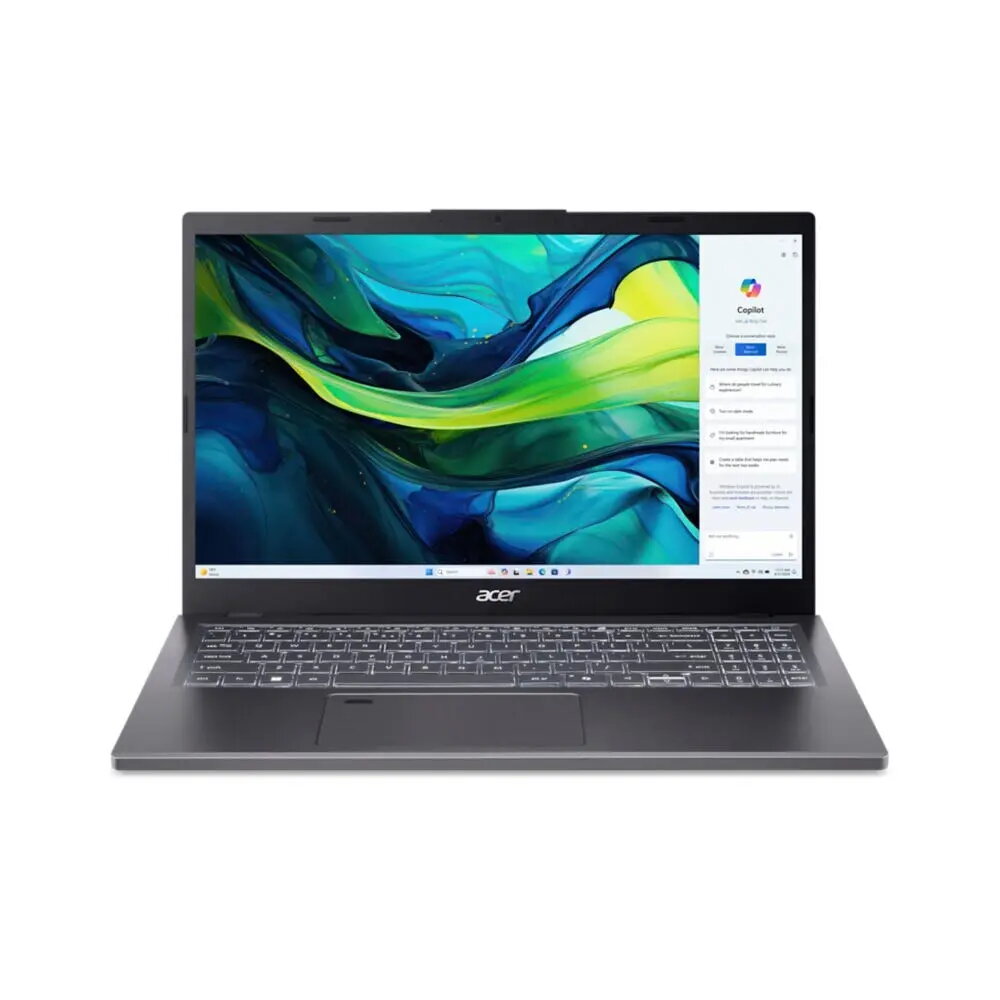
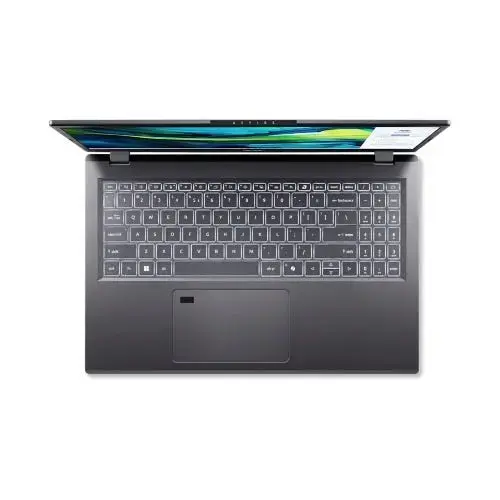
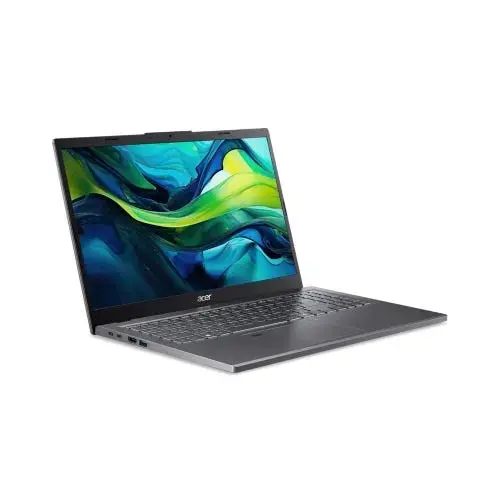
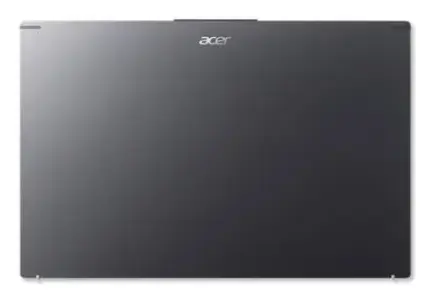
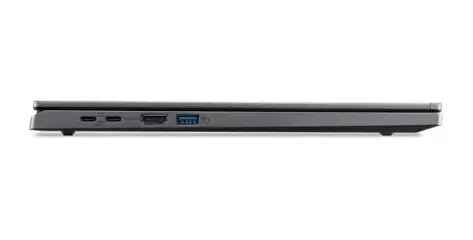
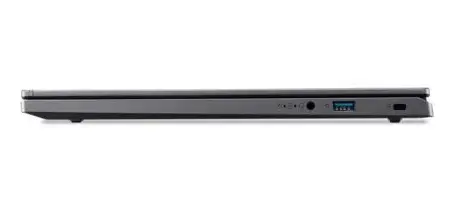
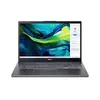
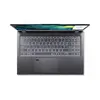
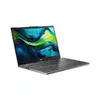
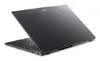
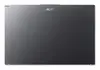
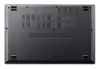
Acer Aspire 15 A15-61M-R77A Laptop, AMD Ryzen 5 8640HS, 15.6" Full HD, 16GB DDR5, 512GB SSD, Windows 11 Home, Grey
The Acer Aspire 15 A15-61M-R77A is a versatile and efficient laptop designed for modern productivity and everyday computing. Featuring an AMD Ryzen 5 8640HS processor and 16 GB of high-speed DDR5 memory, this device delivers reliable performance for multitasking, office work, and media consumption. Housed in a sleek, grey clamshell chassis, it combines portability with a crisp 15.6-inch Full HD display, making it an ideal companion for students, professionals, and home users alike.
This laptop leverages the advanced AMD Zen 4 architecture to provide a balance of power and energy efficiency. The inclusion of integrated AMD Radeon 760M graphics ensures smooth visual performance for daily tasks and light creative work. Users benefit from the dedicated AI engine integrated into the processor, which supports modern AI-driven applications and enhances productivity through features like Copilot. The device also prioritizes user comfort with a display that includes blue light reduction technology, helping to minimize eye strain during extended use.
This laptop is not designed for high-end professional gaming or intensive 3D rendering tasks that require a dedicated high-performance graphics card. While it handles multitasking well, users looking for a workstation for heavy video production or complex engineering simulations may require a more specialized device.
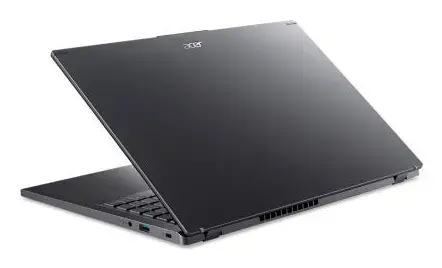
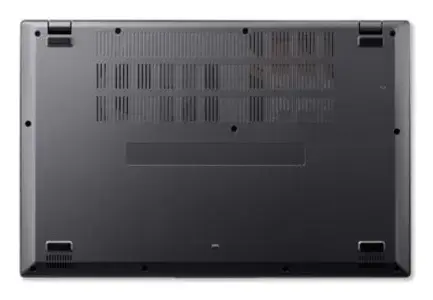
To begin using your Acer Aspire 15, simply open the lid and press the power button. Follow the on-screen instructions provided by the Windows 11 setup wizard to configure your language, network connection, and user account. Once set up, you can utilize the pre-installed AcerSense software to manage your system settings and AI features. For optimal performance, ensure the laptop is placed on a flat, stable surface to allow for proper airflow through the cooling vents.
For the best experience, keep your system updated via Windows Update and utilize the AcerSense dashboard to optimize battery life and performance settings based on your current task.
{{highlightedFeature.featureTitle}}:
{{getProductFeatureValueById(product, highlightedFeature.featureId)}}
{{ productComparisonGenerationError }}