
JBL speakers and headphones for pure and deep sound!
In cart {{totalProductsCount}} item(s)
Your cart is empty
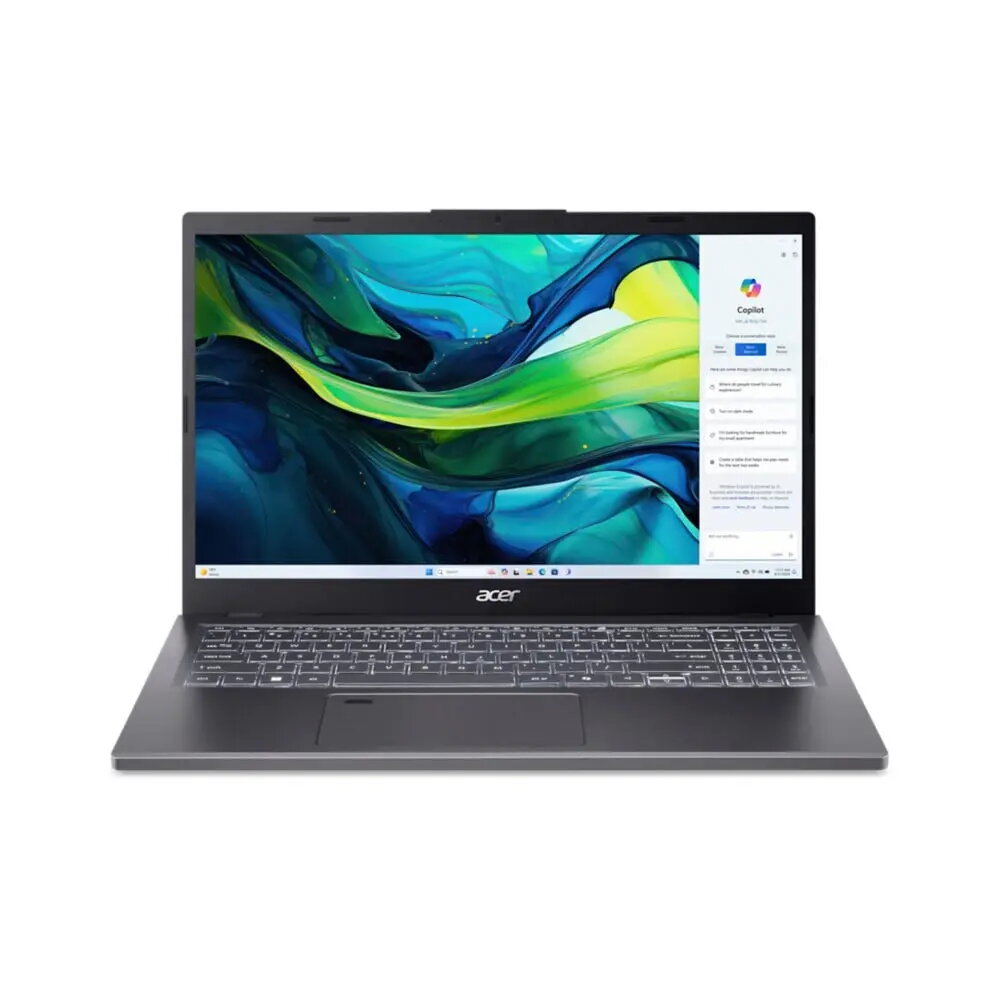
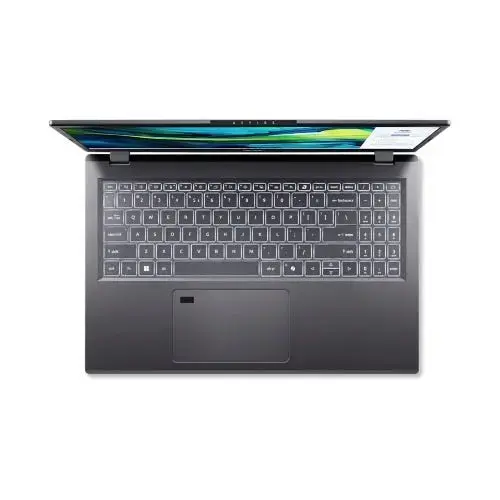
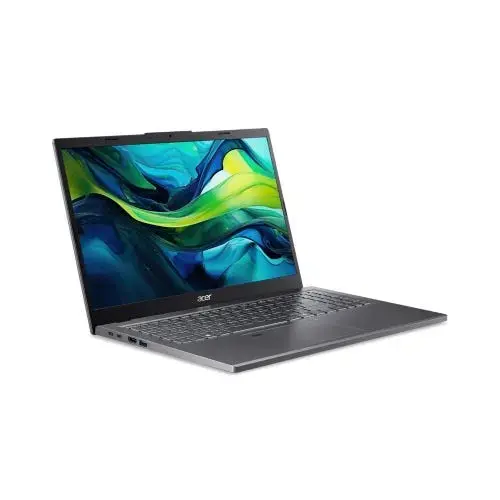
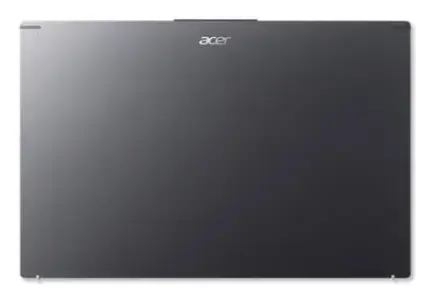
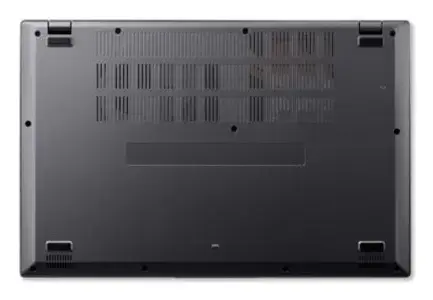
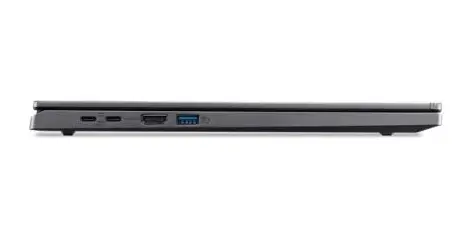
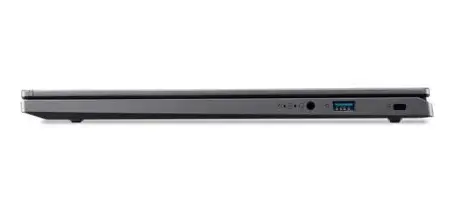
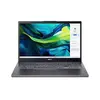
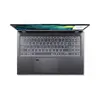
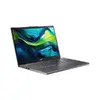
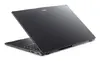
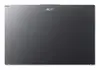
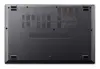
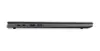
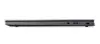
Acer Aspire 15 A15-61M-R72A Laptop, AMD Ryzen 5 8640HS, 15.6-inch Full HD, 16GB DDR5, 512GB SSD, Windows 11 Home, Grey
The Acer Aspire 15 A15-61M-R72A is a versatile and reliable laptop designed to handle everyday computing, productivity, and multitasking with ease. Featuring a sleek grey clamshell design, this device is powered by the efficient AMD Ryzen 5 8640HS processor and 16GB of high-speed DDR5 memory, ensuring smooth performance for both work and study. With its 15.6-inch Full HD display and integrated AMD Radeon 760M graphics, it provides clear visuals for media consumption and professional tasks, all while remaining portable enough for users on the move.
This laptop excels in providing a balanced performance profile suitable for modern digital demands. The inclusion of DDR5 memory significantly improves data transfer speeds compared to older standards, allowing for faster application loading and seamless multitasking. The 512GB SSD offers ample space for files while ensuring quick system boot times and responsive file access. Furthermore, the Full HD display delivers crisp image quality, and the lightweight construction makes it an excellent companion for students and professionals who require a dependable machine that does not compromise on power or portability.
This laptop is not designed for high-end professional gaming or intensive 3D rendering tasks, as it relies on integrated graphics rather than a dedicated GPU. Additionally, users who require massive local storage for large video libraries or extensive professional datasets may find the 512GB SSD capacity limiting without external storage solutions.
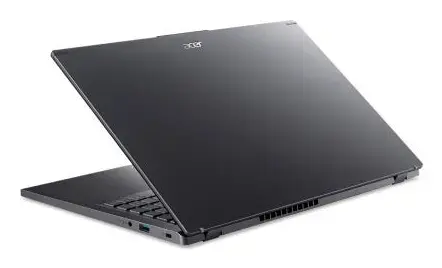
To begin using your Acer Aspire 15, simply open the lid and press the power button. Follow the on-screen instructions provided by the Windows 11 Home setup wizard to configure your language, network connection, and user account. Once set up, you can install your preferred applications and manage your files using the pre-installed storage. Ensure the device is placed on a flat, stable surface to allow for proper ventilation during operation.
Usage recommendations: To maintain optimal performance and battery longevity, keep the laptop's software updated through Windows Update and avoid blocking the air vents during use. For extended stationary work, consider connecting an external monitor and keyboard to enhance your ergonomic setup.
{{highlightedFeature.featureTitle}}:
{{getProductFeatureValueById(product, highlightedFeature.featureId)}}
{{ productComparisonGenerationError }}
