


Filters you can trust. Pure water every day.
In cart {{totalProductsCount}} item(s)
Your cart is empty
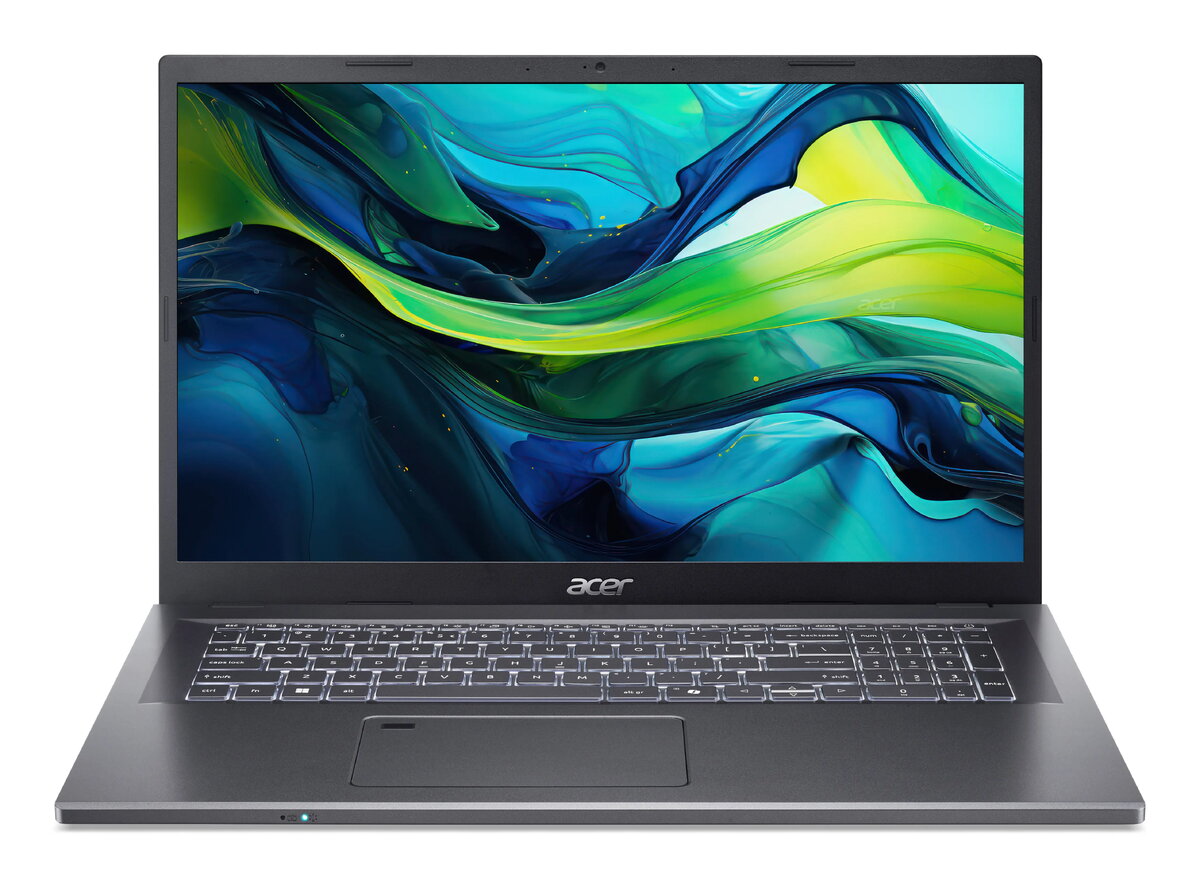
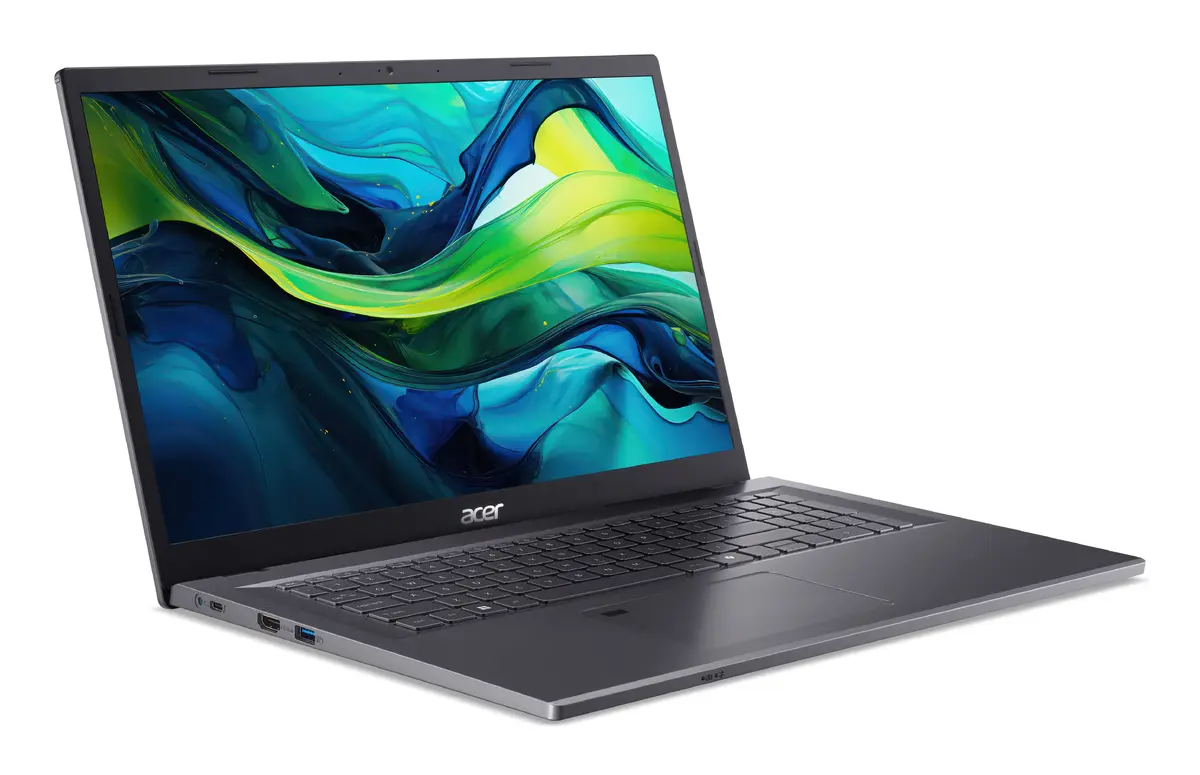
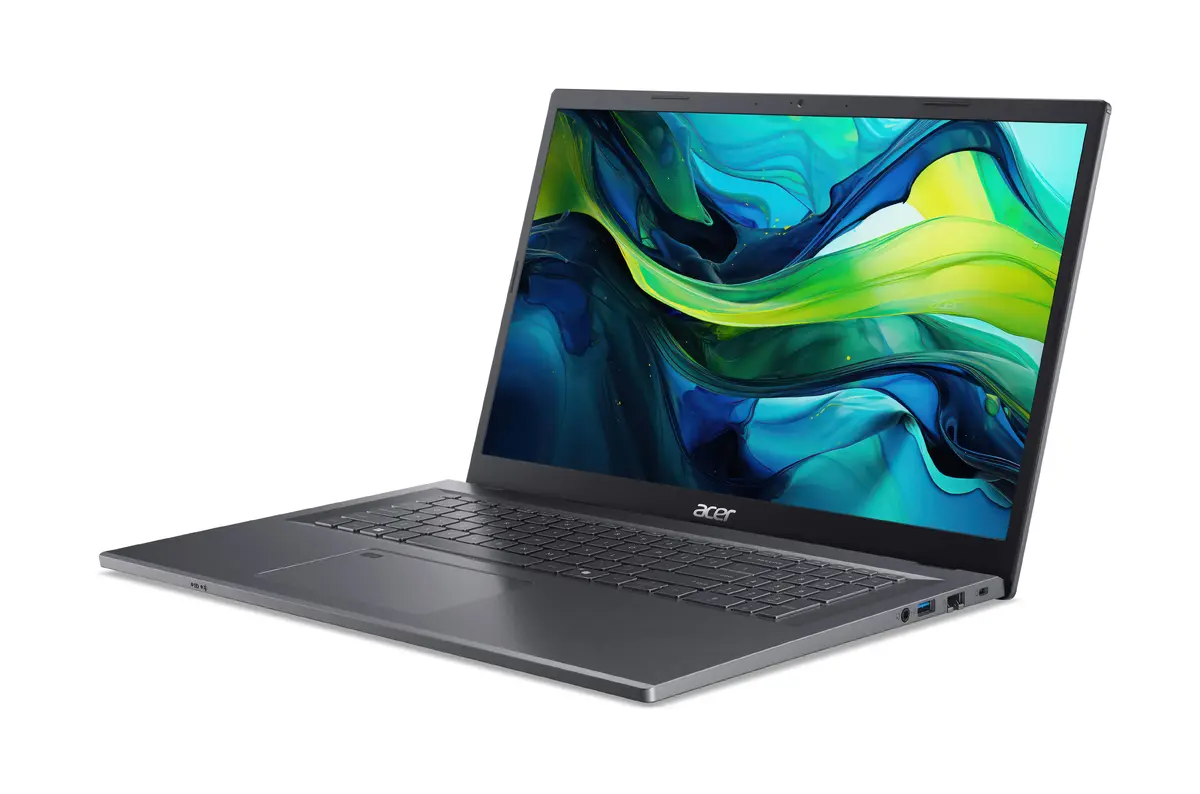
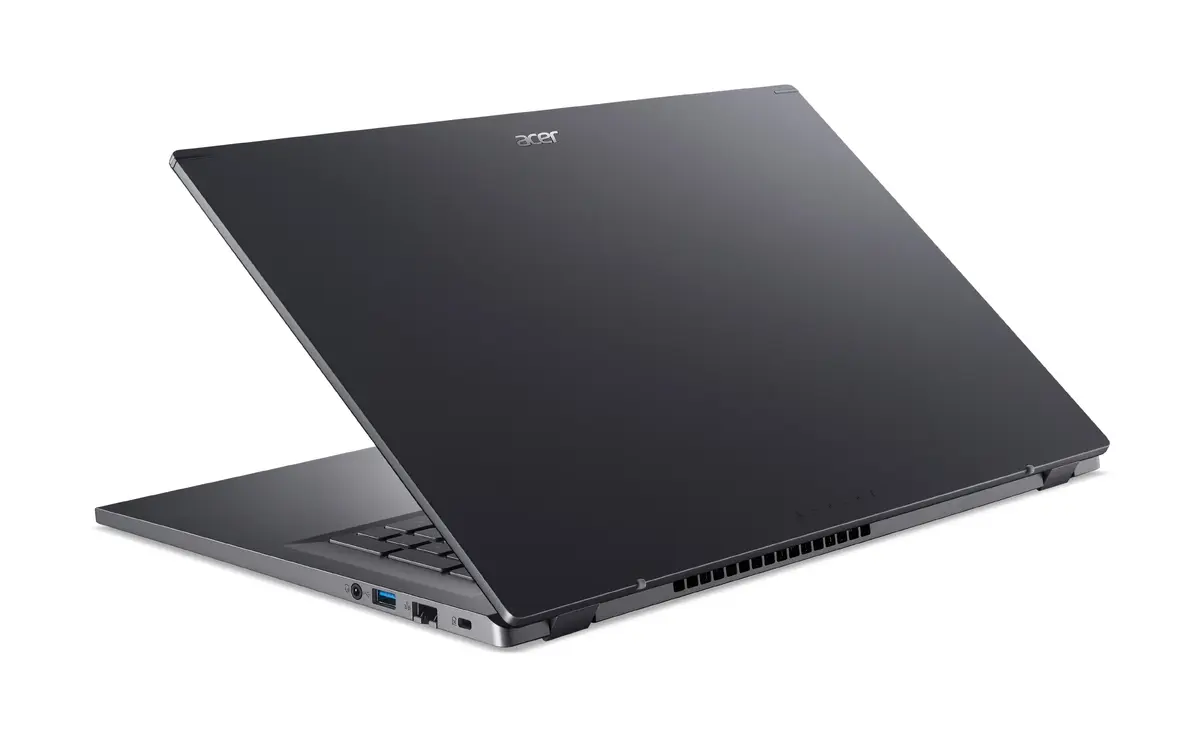
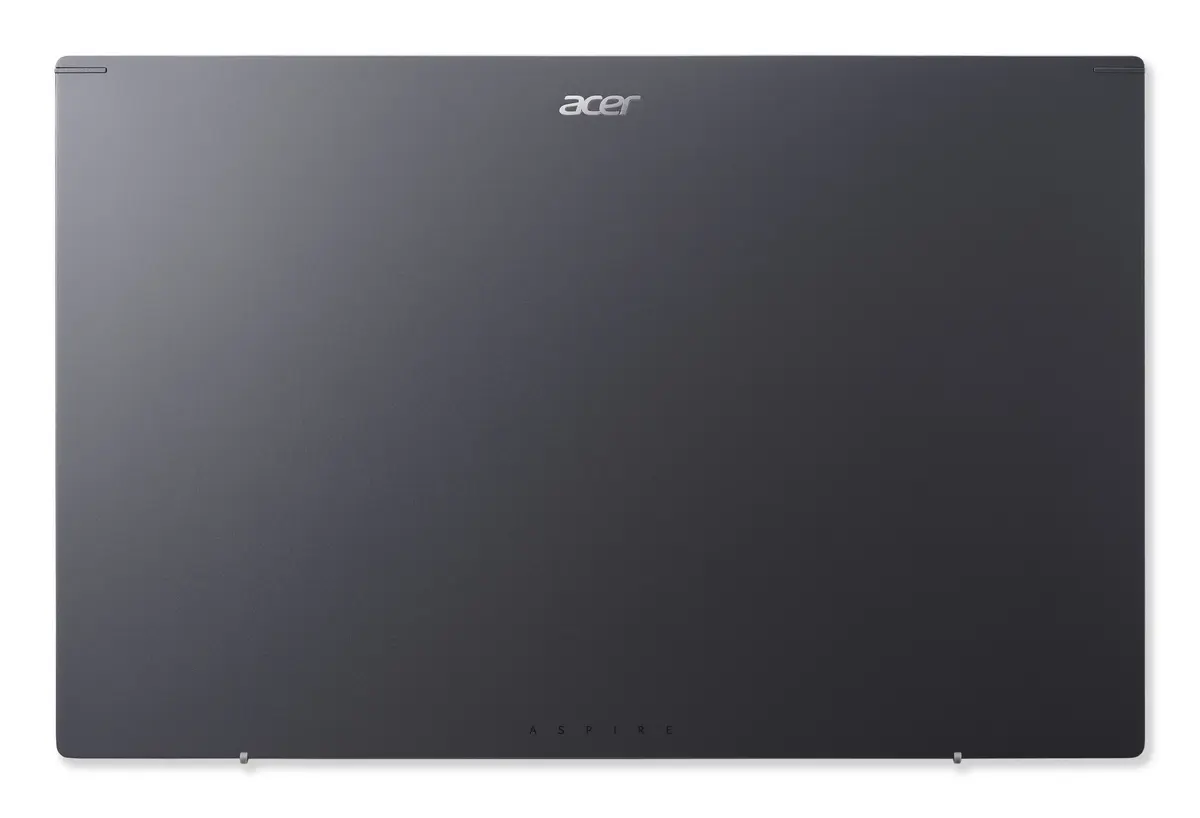
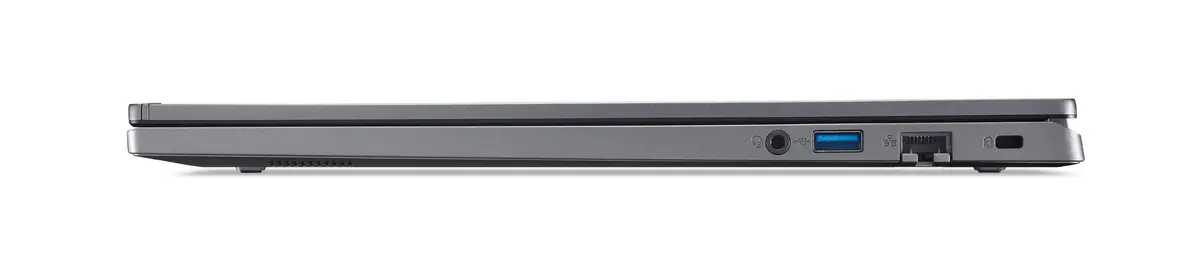
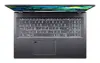
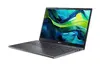
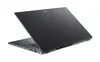
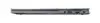
Acer Aspire 17 A17-51M-751L Laptop, 17.3" Full HD, Intel Core i7-13620H, 16GB RAM, 512GB SSD, Windows 11 Home, Grey
The Acer Aspire 17 A17-51M-751L is a versatile and efficient laptop designed for users who need a large screen for productivity and entertainment. Featuring a 17.3-inch Full HD display, this clamshell device offers an expansive workspace, while the Intel Core i7-13620H processor and 16GB of RAM ensure smooth performance for daily tasks. With its sleek grey finish and reliable hardware, it serves as a robust solution for home offices and general computing needs.
This laptop provides a significant visual advantage with its large 17.3-inch display, making it ideal for multitasking, viewing documents side-by-side, or enjoying media content. The inclusion of a powerful Intel Core i7 processor allows for quick responsiveness when running multiple applications simultaneously. Furthermore, the 512GB SSD provides ample space for files while ensuring fast boot times and quick data access, contributing to an overall efficient user experience.
This laptop may not be the best choice for professional-grade video editing, 3D rendering, or high-end competitive gaming, as it relies on integrated graphics rather than a dedicated GPU. Additionally, its larger form factor and 17.3-inch screen may be less convenient for users who prioritize extreme portability and frequent travel.
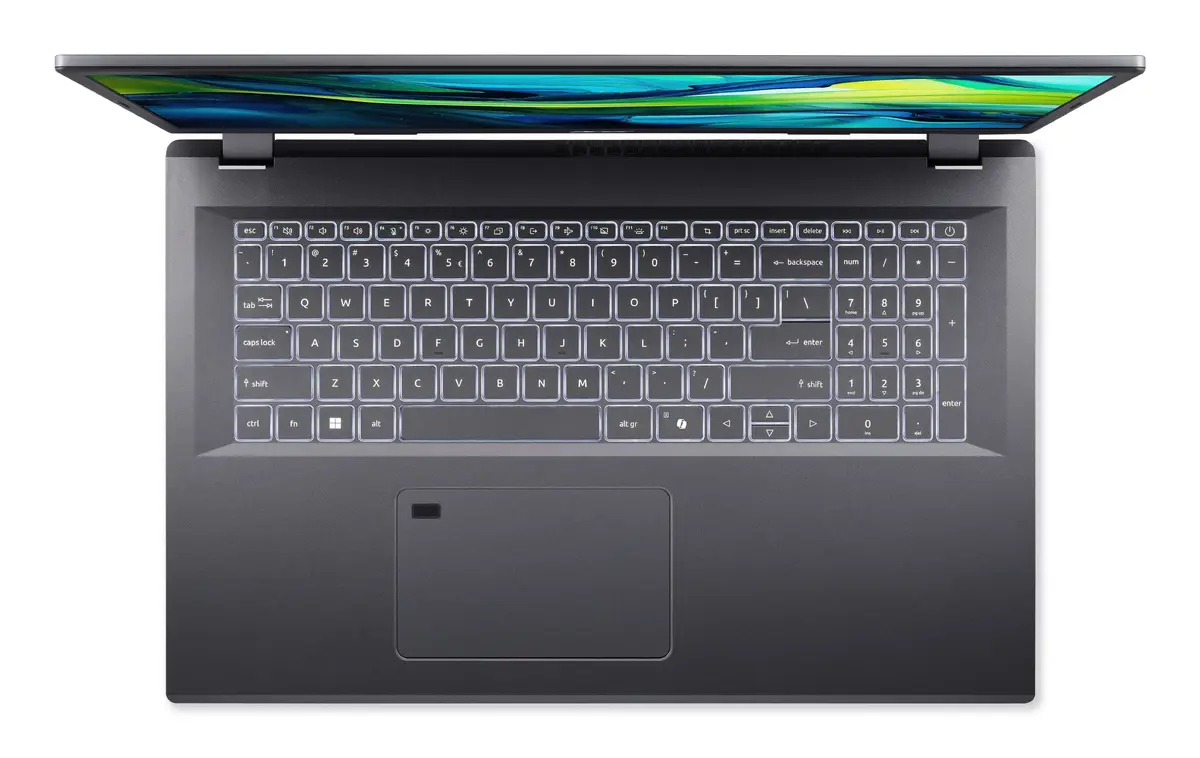
To begin using your Acer Aspire 17, simply open the lid and press the power button. Follow the on-screen instructions provided by the Windows 11 setup wizard to configure your language, network settings, and user account. Once set up, you can navigate the interface using the integrated keyboard and touchpad. To maintain optimal performance, ensure the device is placed on a flat, stable surface to allow for proper airflow through the vents.
Usage recommendations: To prolong battery life, adjust the screen brightness to a comfortable level and close unnecessary background applications. Keep the system updated via the built-in settings to ensure security and performance improvements.
{{highlightedFeature.featureTitle}}:
{{getProductFeatureValueById(product, highlightedFeature.featureId)}}
{{ productComparisonGenerationError }}