
Dreame vacuums for fast and efficient cleaning!
In cart {{totalProductsCount}} item(s)
Your cart is empty
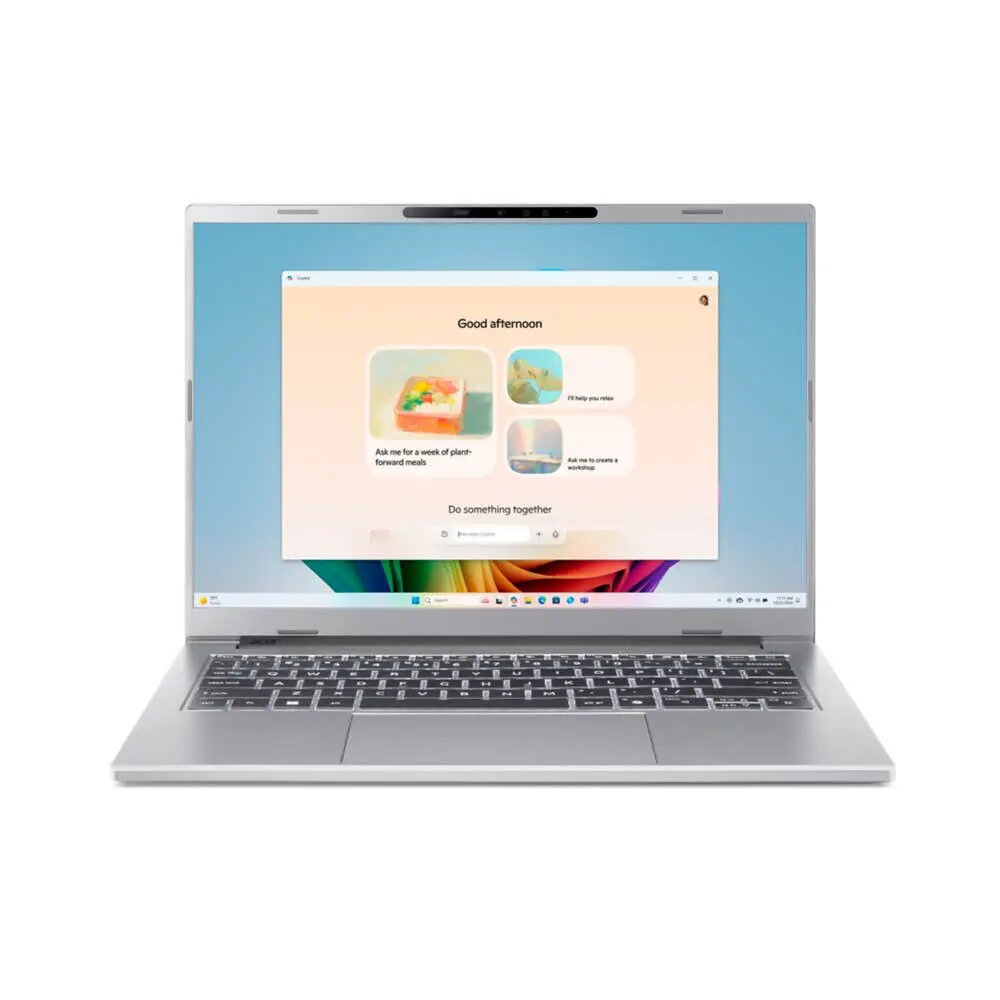
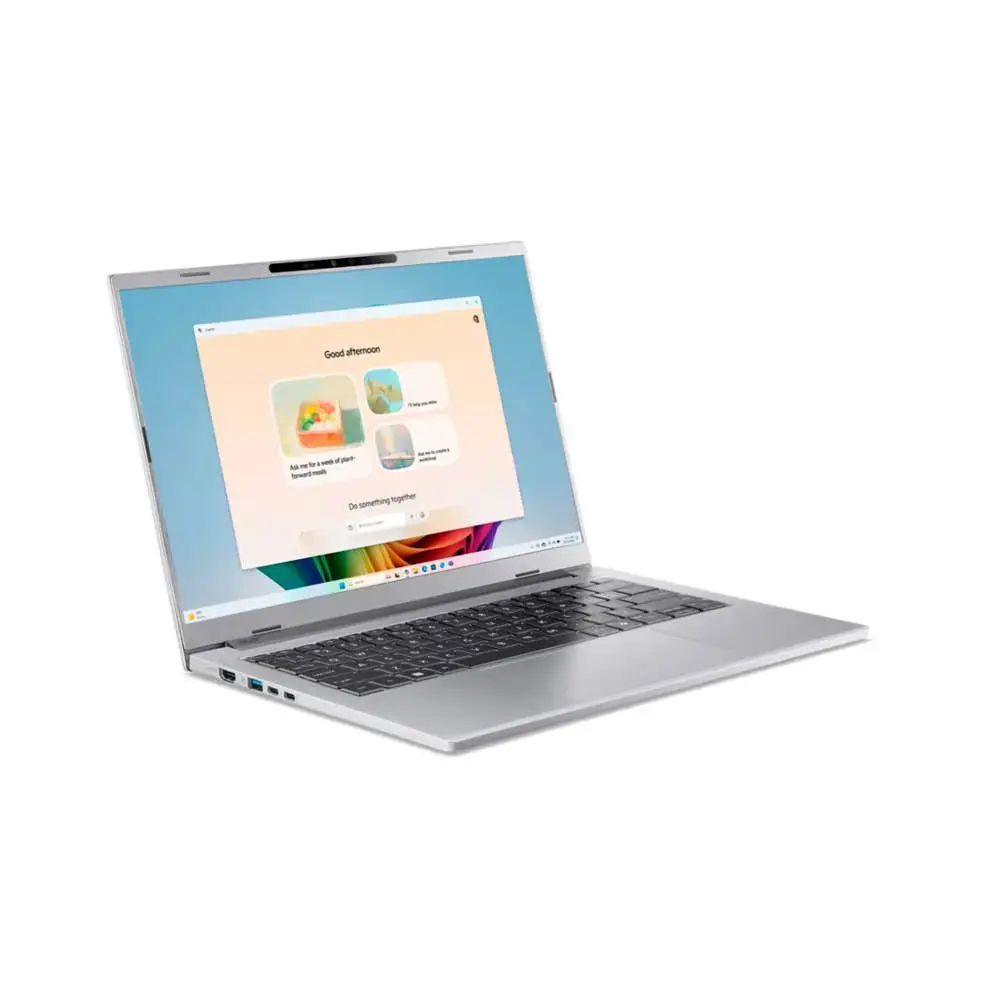
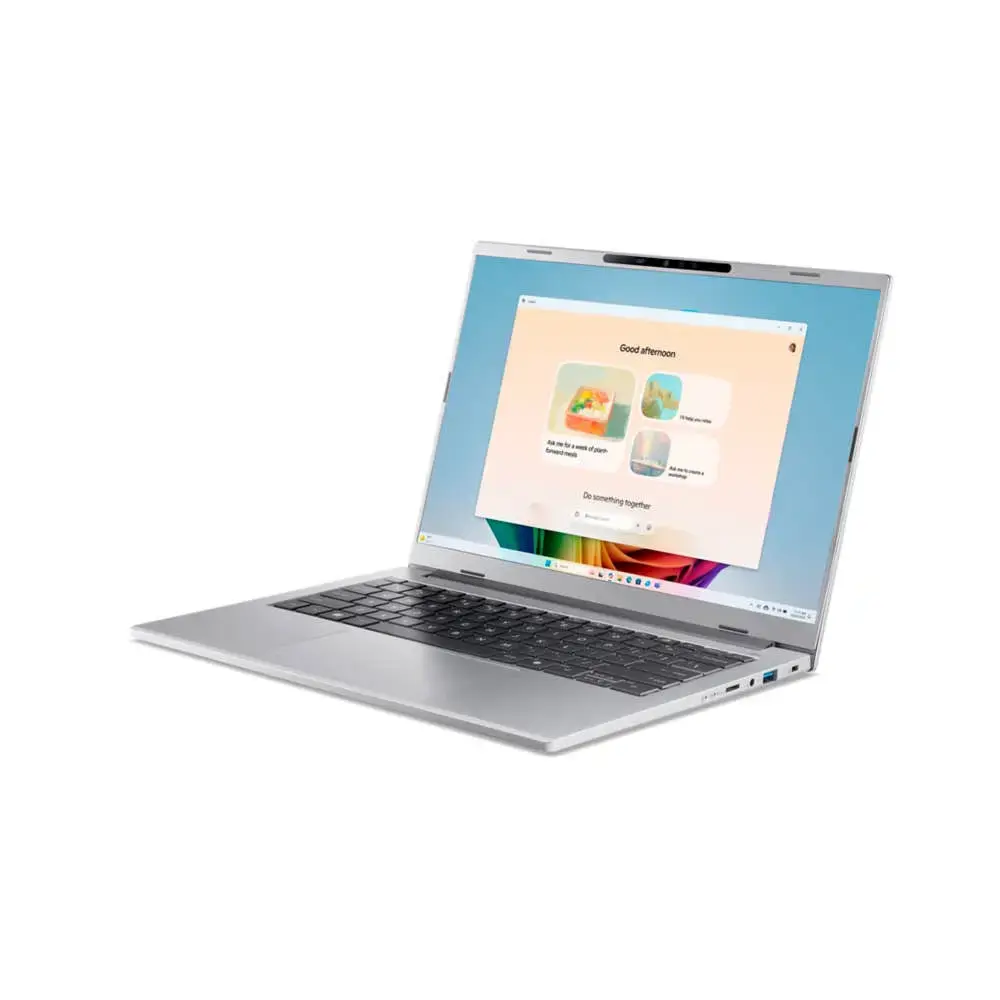
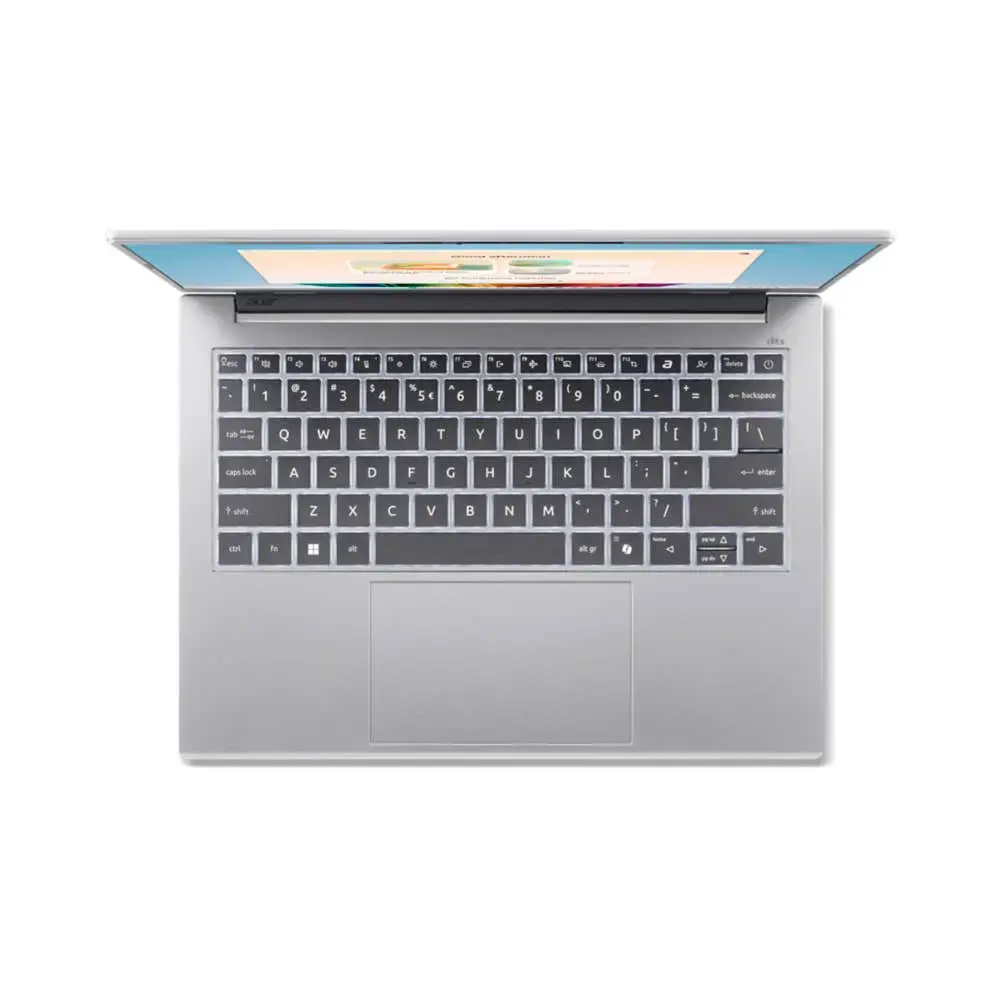
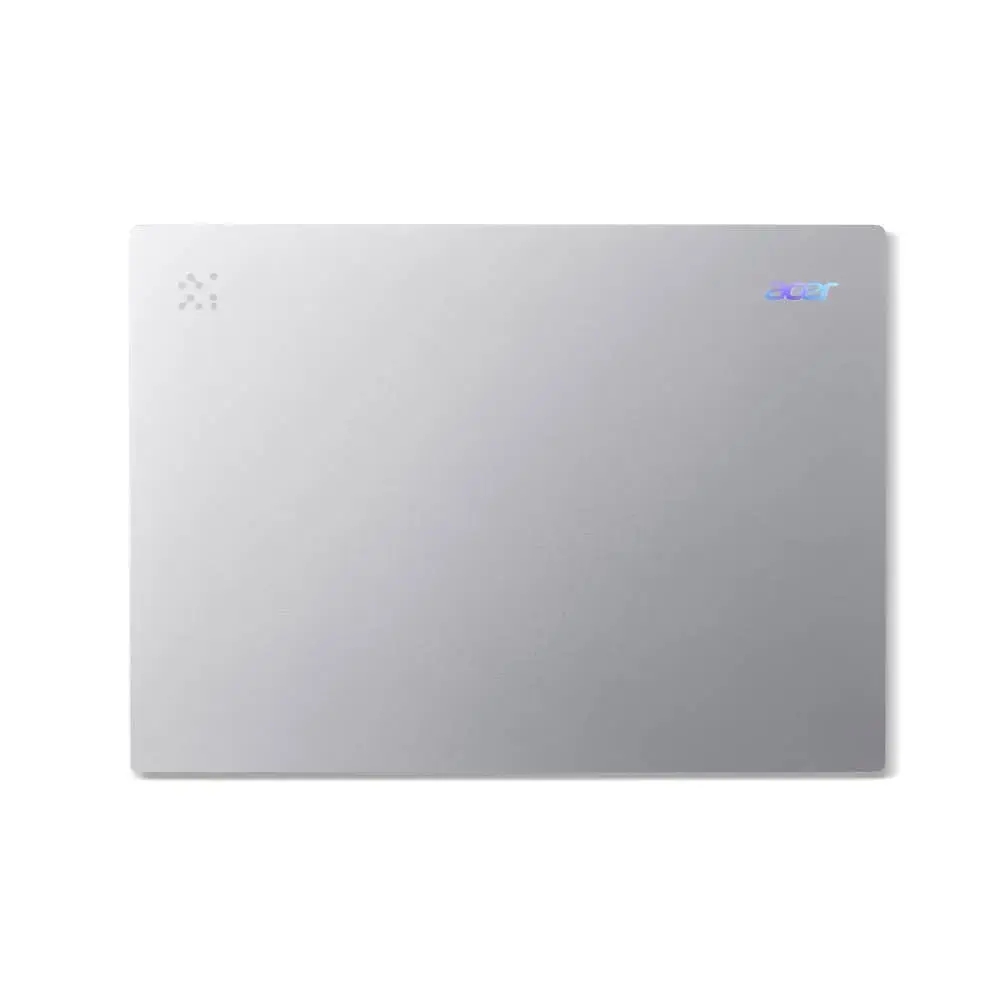
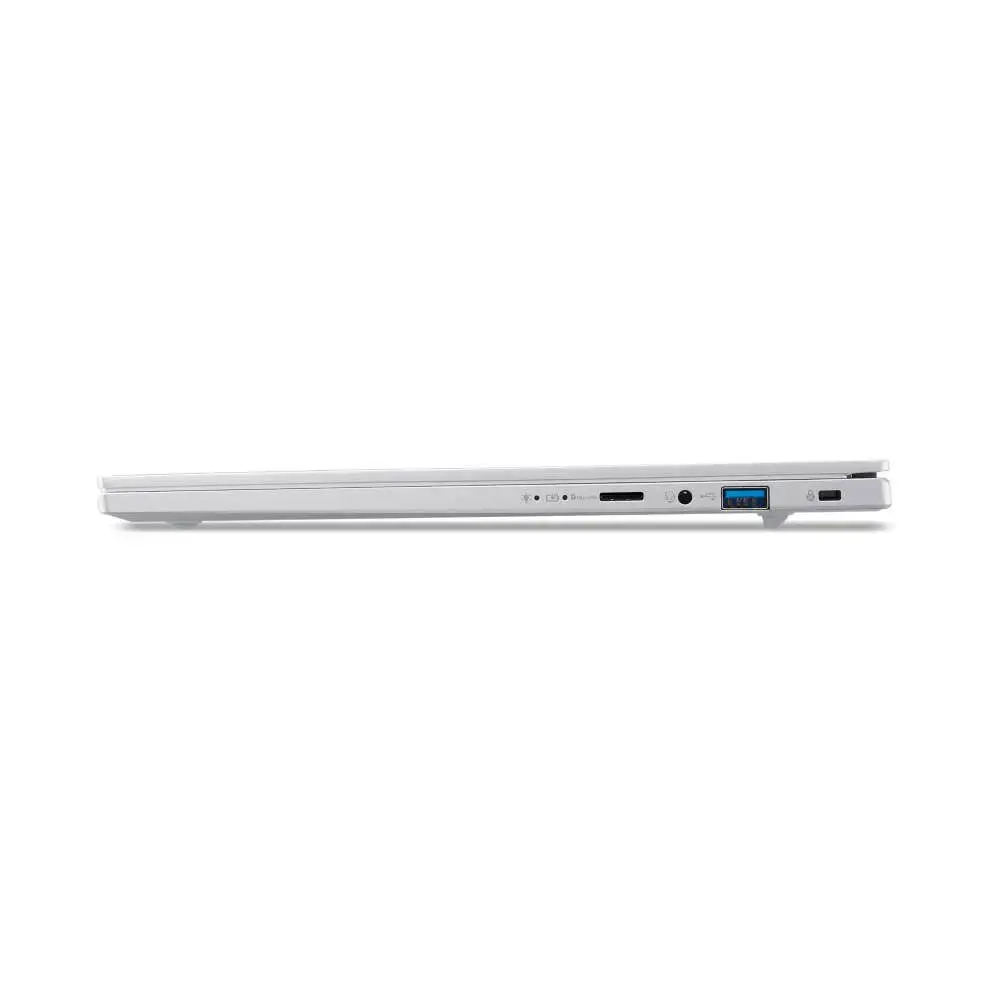
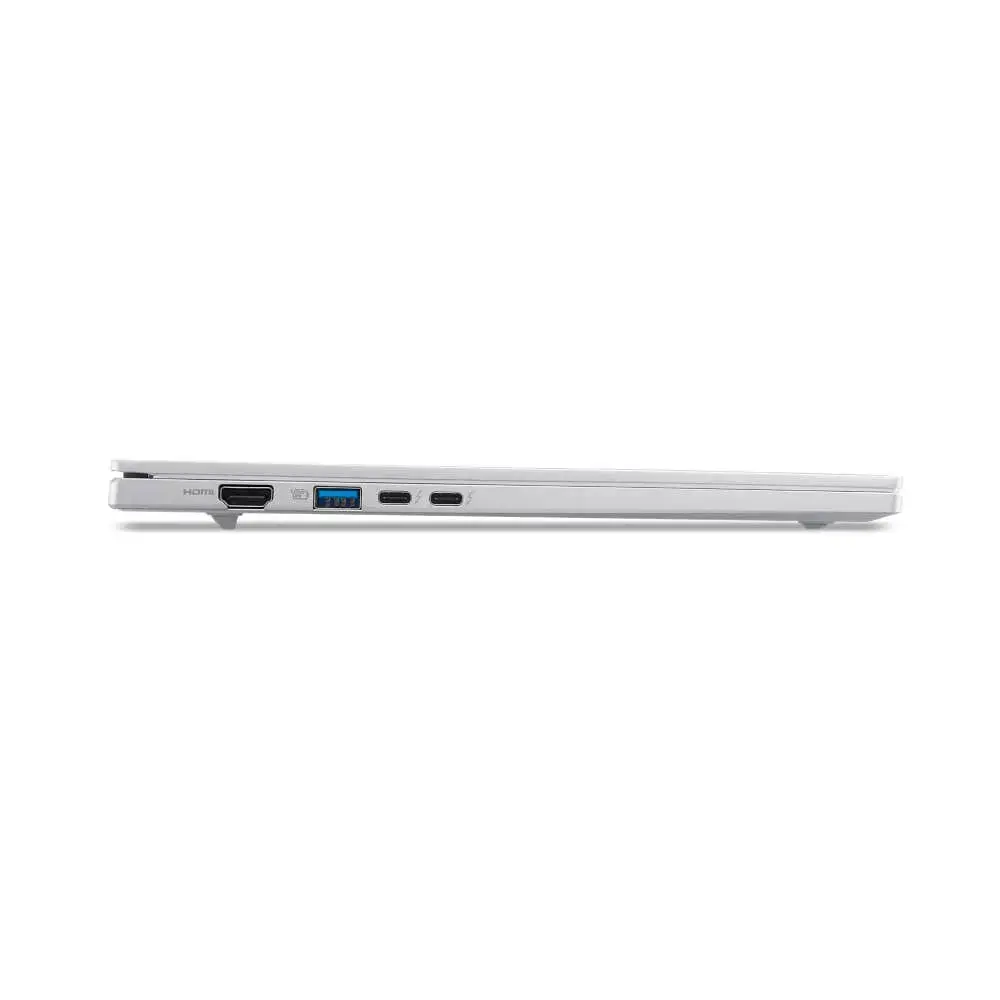
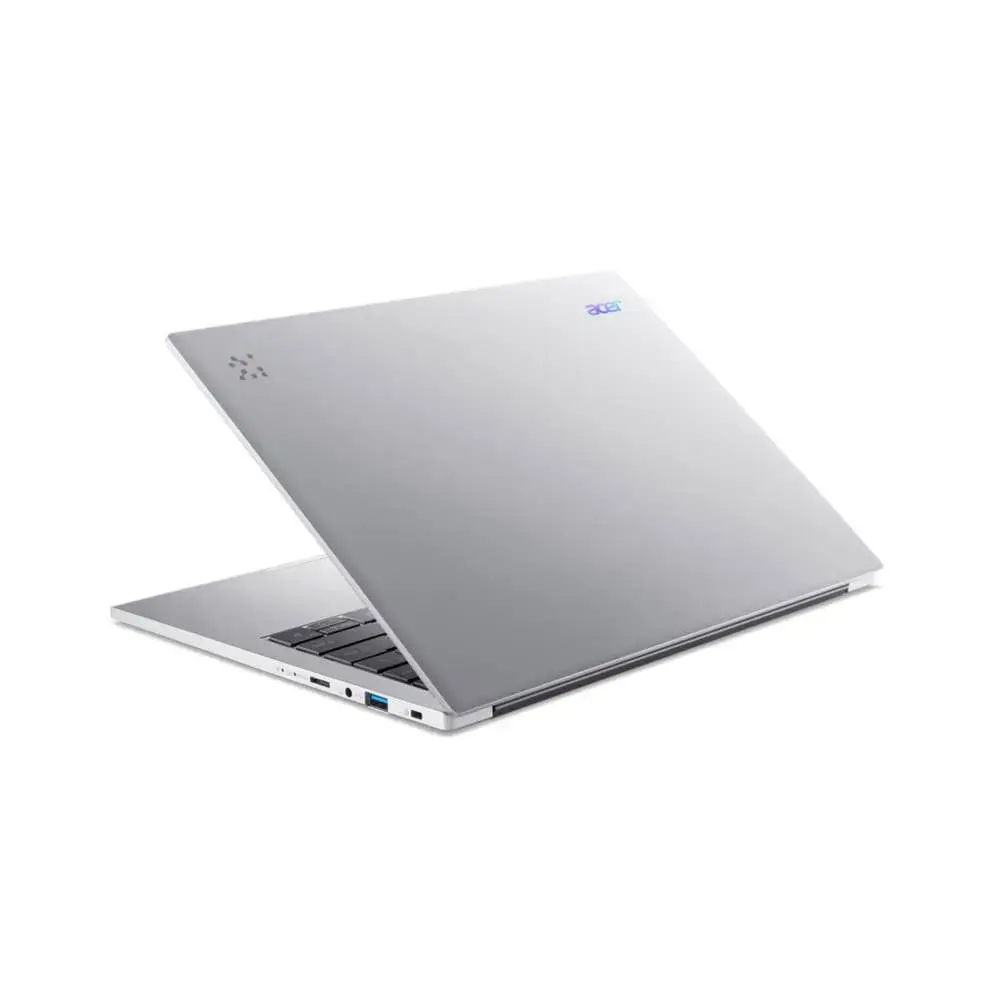
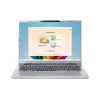
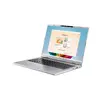
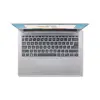
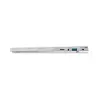
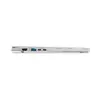
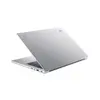
Laptop Acer Aspire 14 AI A14-53M-58AQ — Intel Core Ultra 5 226V, 14" WUXGA, 16GB LPDDR5x, 512GB SSD, Wi‑Fi 7, Windows 11 Home, Silver
The Acer Aspire 14 AI A14-53M-58AQ is a 14" clamshell laptop with a 1920 × 1200 WUXGA display, powered by an Intel Core Ultra 5 226V processor and integrated Intel Arc Graphics 130V. It includes 16 GB of LPDDR5x RAM, a 512 GB SSD, Wi‑Fi 7 connectivity and ships with Windows 11 Home. Finished in silver and weighing 1.24 kg, this model targets everyday productivity, multimedia consumption, web browsing and light content creation with built-in AI capabilities for enhanced responsiveness.
The laptop combines a high-resolution 14" WUXGA screen and a compact, lightweight aluminum chassis to deliver a balance of portability and visual clarity. Performance is driven by an Intel Core Ultra 5 226V with integrated Intel Arc graphics and fast LPDDR5x memory, providing smooth multitasking and accelerated AI-assisted tasks. Modern connectivity includes Wi‑Fi 7 for higher wireless throughput, while a 512 GB SSD ensures quick system boot and application load times. The device runs Windows 11 Home and integrates on-device AI features for privacy-preserving assistant functions.
Set up the laptop by connecting the power adapter and completing the Windows 11 Home first-run setup. Use Windows Hello facial recognition when configuring the IR camera for faster, secure sign-in. For typical daily use, run web browsers, office applications and communication tools; rely on the SSD and LPDDR5x memory to maintain responsive multitasking. Enable built-in AI features and Acer utilities to access local on-device assistants, live captions and other productivity tools without sending personal files to the cloud.
For best performance, keep Windows and drivers up to date, use power profiles appropriate for your tasks (balanced for everyday use, performance for editing tasks), and store large media files on external or cloud storage if you need to preserve SSD space. Use a protective sleeve for transport and avoid exposing the device to extreme temperatures or liquids. When participating in video calls, enable Acer PurifiedVoice and PurifiedView features for clearer audio and image quality.
{{highlightedFeature.featureTitle}}:
{{getProductFeatureValueById(product, highlightedFeature.featureId)}}
{{ productComparisonGenerationError }}