
Filters you can trust. Pure water every day.
In cart {{totalProductsCount}} item(s)
Your cart is empty
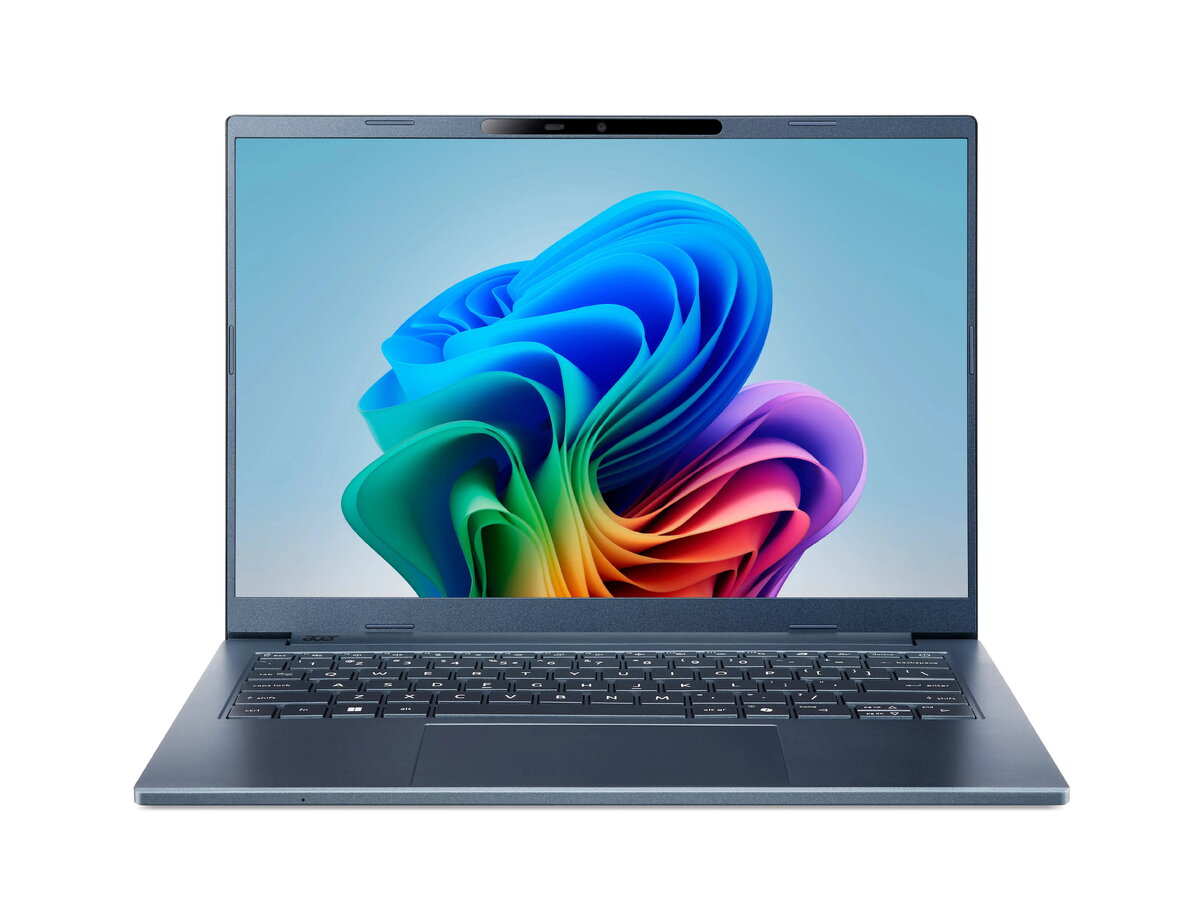
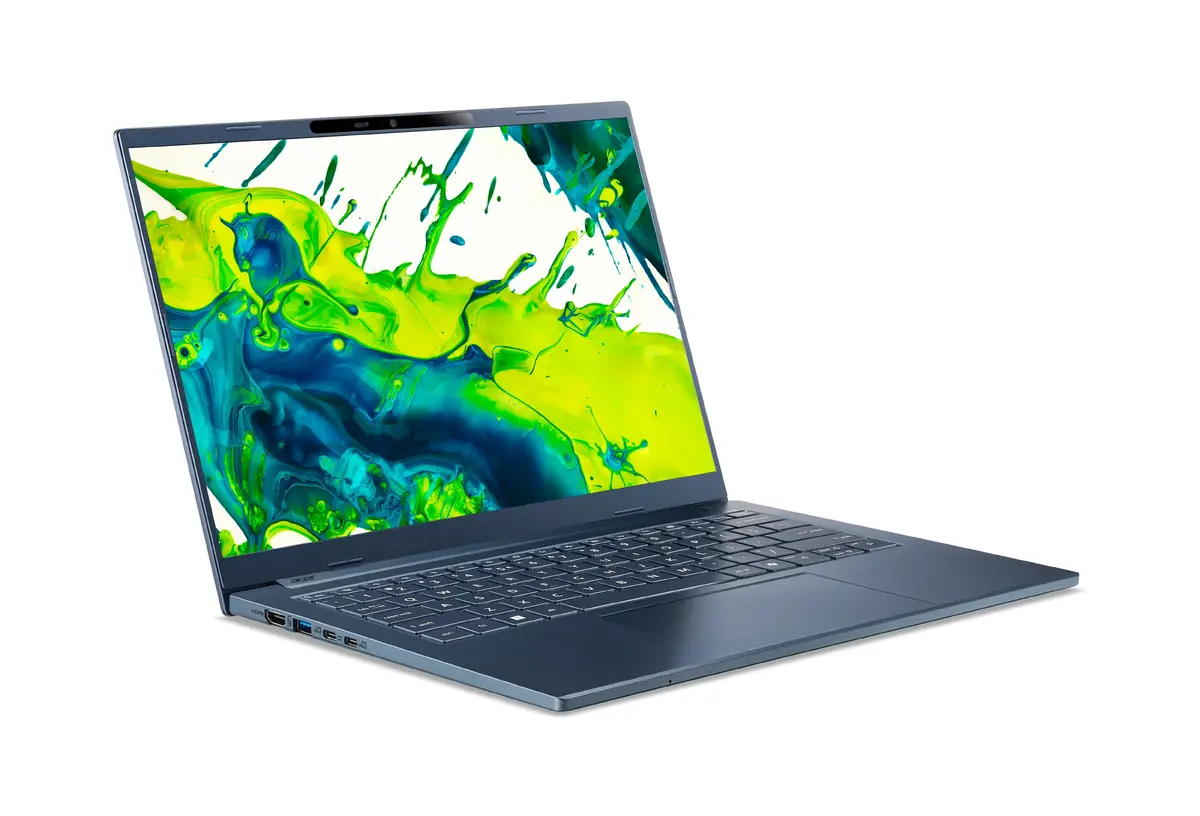
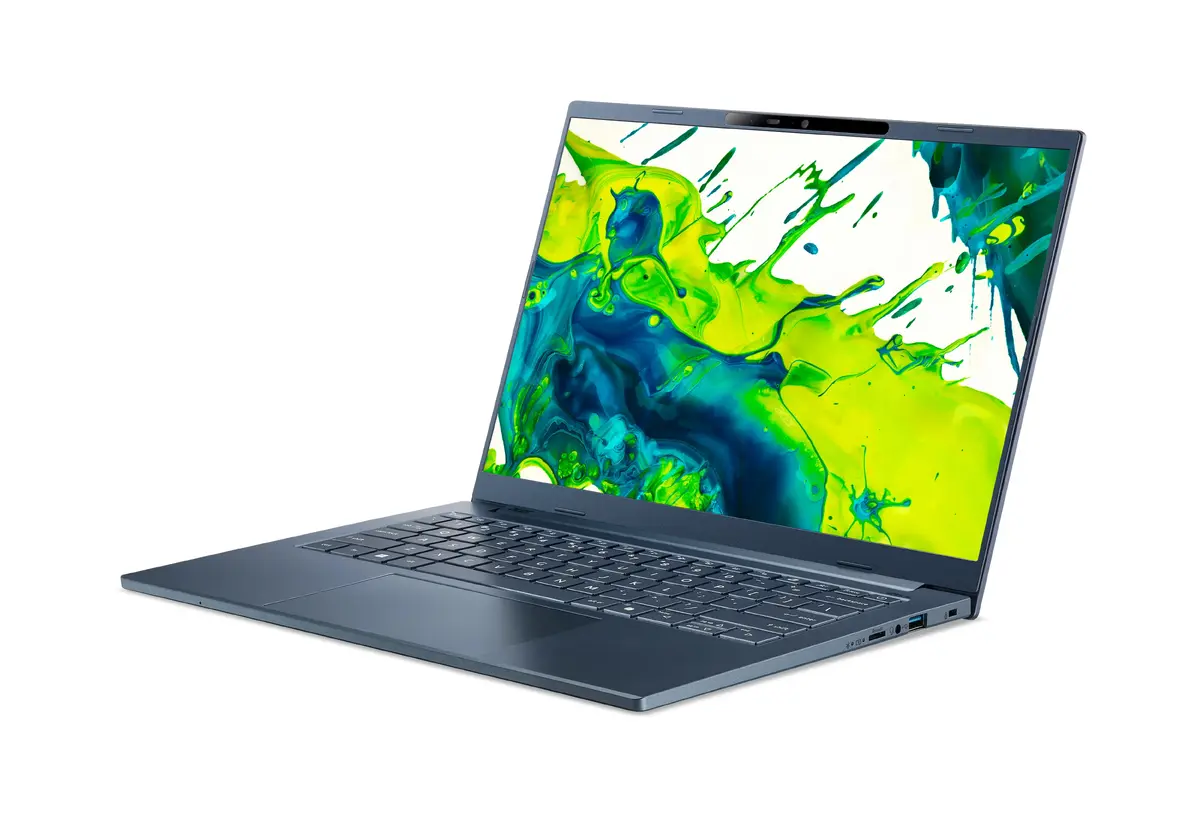
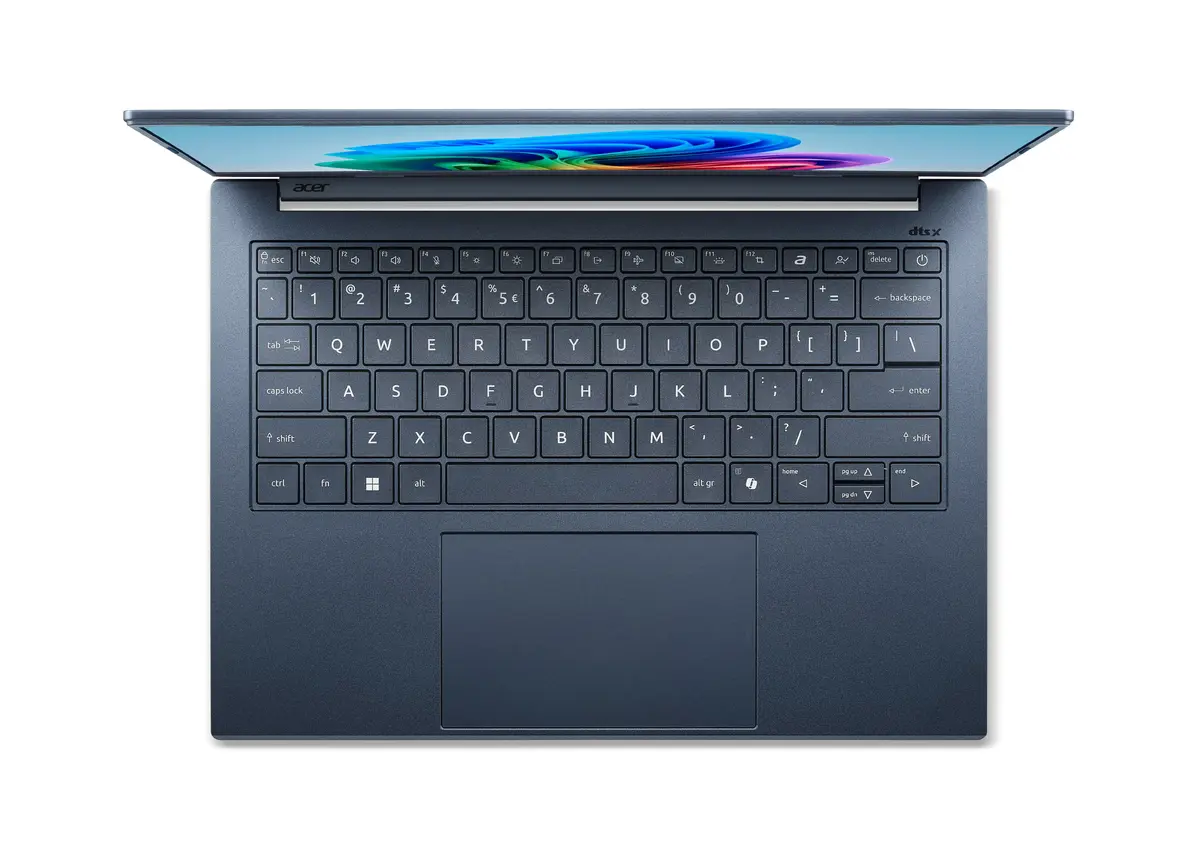
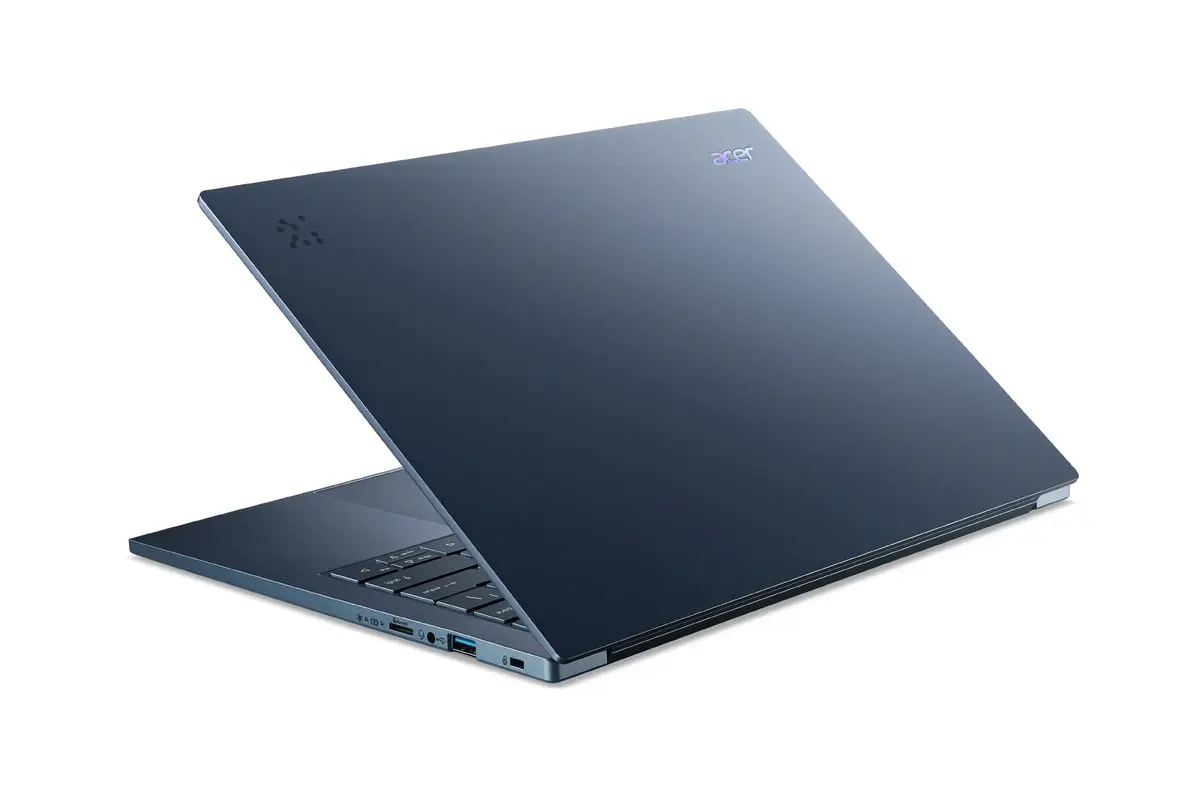
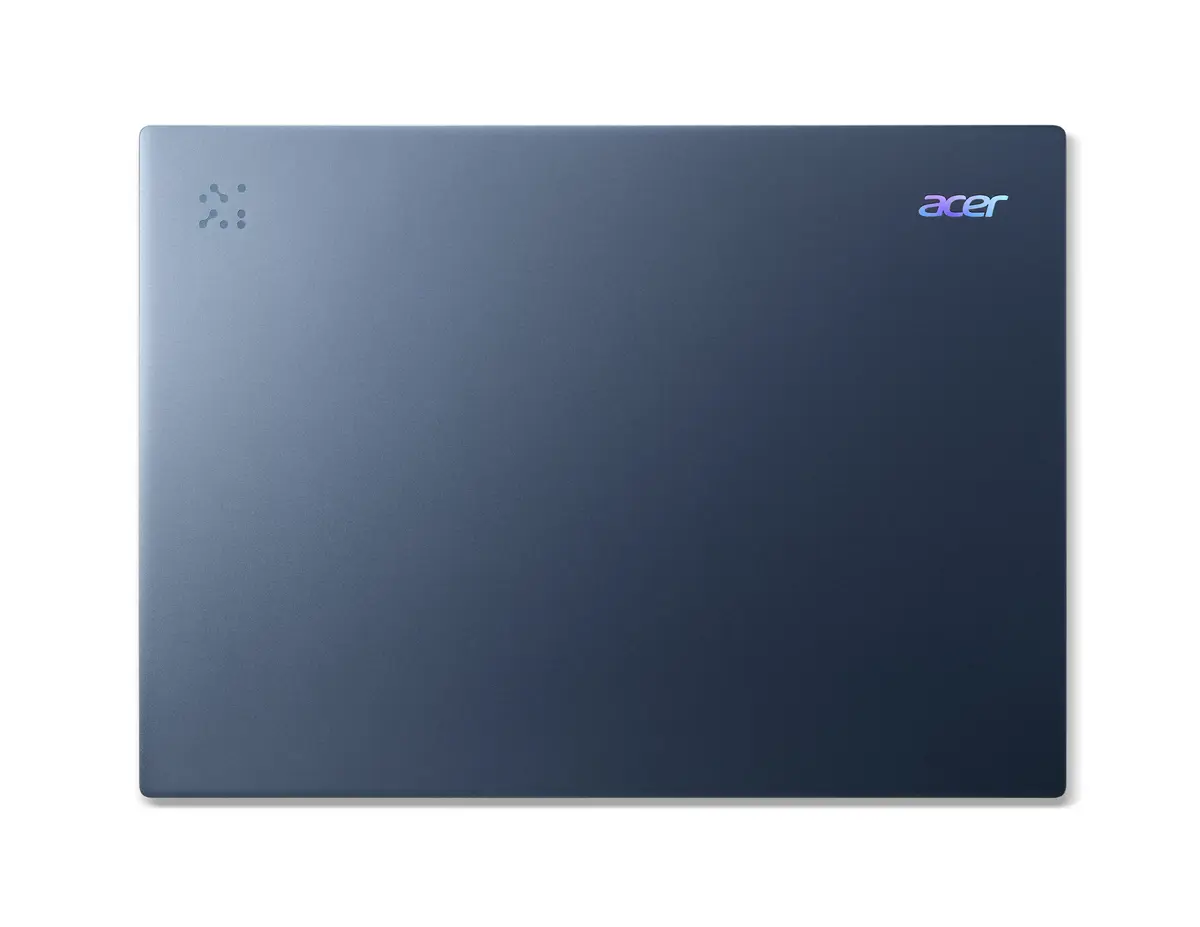
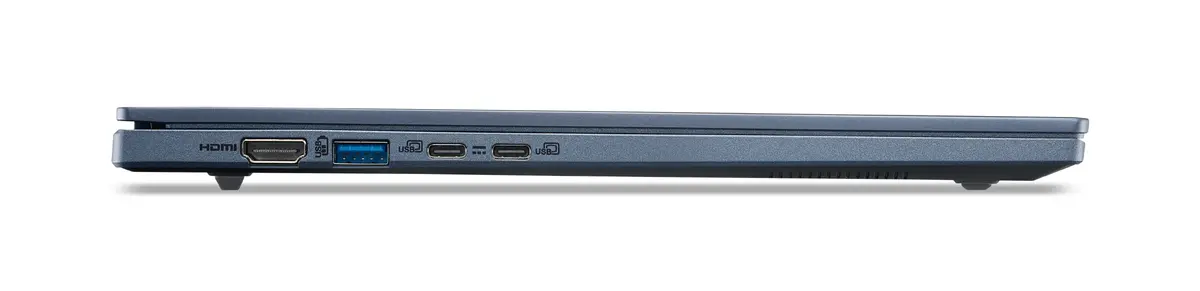
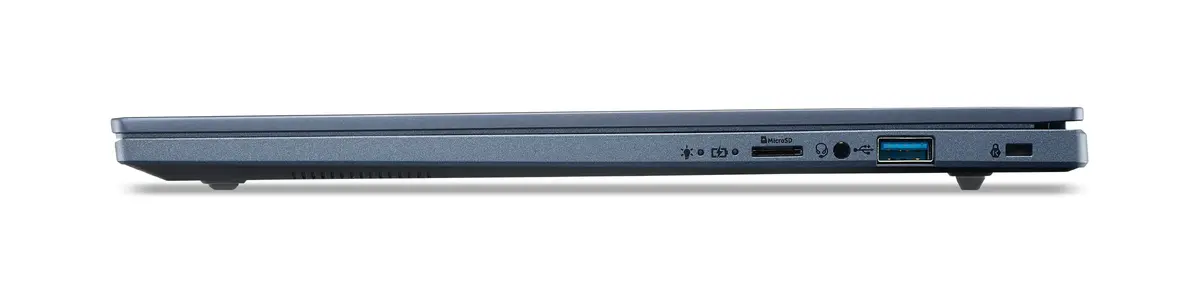
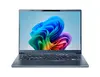
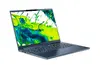
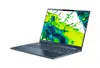
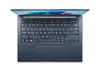
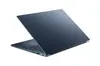
Acer Aspire 14 AI A14-11M-X03M Laptop, 14" WUXGA, Snapdragon X1-26-100, 32GB RAM, 1TB SSD, Windows 11 Home, Blue
The Acer Aspire 14 AI A14-11M-X03M is a high-performance, portable laptop designed for modern professionals and students who require efficiency and mobility. Featuring a sleek blue clamshell design, this device is powered by the Snapdragon X1-26-100 processor, which utilizes advanced ARM-based architecture to deliver a balance of speed and energy efficiency. With a 14-inch WUXGA display, 32GB of LPDDR5x RAM, and a 1TB SSD, it provides a responsive computing experience for multitasking, creative work, and daily productivity tasks.
This laptop stands out due to its integration of cutting-edge AI capabilities, which help streamline workflows and enhance daily interactions with the operating system. The ARM-based processor architecture ensures excellent power efficiency, allowing for extended battery life that supports productivity throughout the day. The inclusion of 32GB of high-speed RAM and a spacious 1TB SSD ensures that the system handles intensive applications and large files with ease. Furthermore, the lightweight aluminum chassis and 180-degree hinge offer superior portability and versatility for users on the move, while the high-resolution WUXGA display provides sharp, vibrant visuals for both work and entertainment.
This device may not be suitable for users who require high-end discrete graphics for professional-grade 3D rendering or heavy gaming, as it relies on integrated Qualcomm Adreno graphics. Additionally, because it runs on an ARM-based processor, users should verify that their specific legacy software or specialized industry applications are compatible with the Windows on ARM ecosystem.
To begin using your Acer Aspire 14, simply open the lid to power on the device. Follow the initial Windows 11 setup prompts to connect to your Wi-Fi network and configure your user account, including Windows Hello facial recognition for secure access. Once on the desktop, you can utilize the AcerSense tool to manage your AI features and system settings. Ensure the device is charged using the included power adapter for the first setup to guarantee a smooth installation of updates.
Usage recommendations: To maximize battery longevity, keep the device updated with the latest firmware via AcerSense and utilize the power-saving modes when working away from a power outlet. For optimal video call quality, ensure you are in a well-lit environment to allow the IR camera and PurifiedView technology to function at their best.
{{highlightedFeature.featureTitle}}:
{{getProductFeatureValueById(product, highlightedFeature.featureId)}}
{{ productComparisonGenerationError }}
