





Save time and money with our discounts!
In cart {{totalProductsCount}} item(s)
Your cart is empty
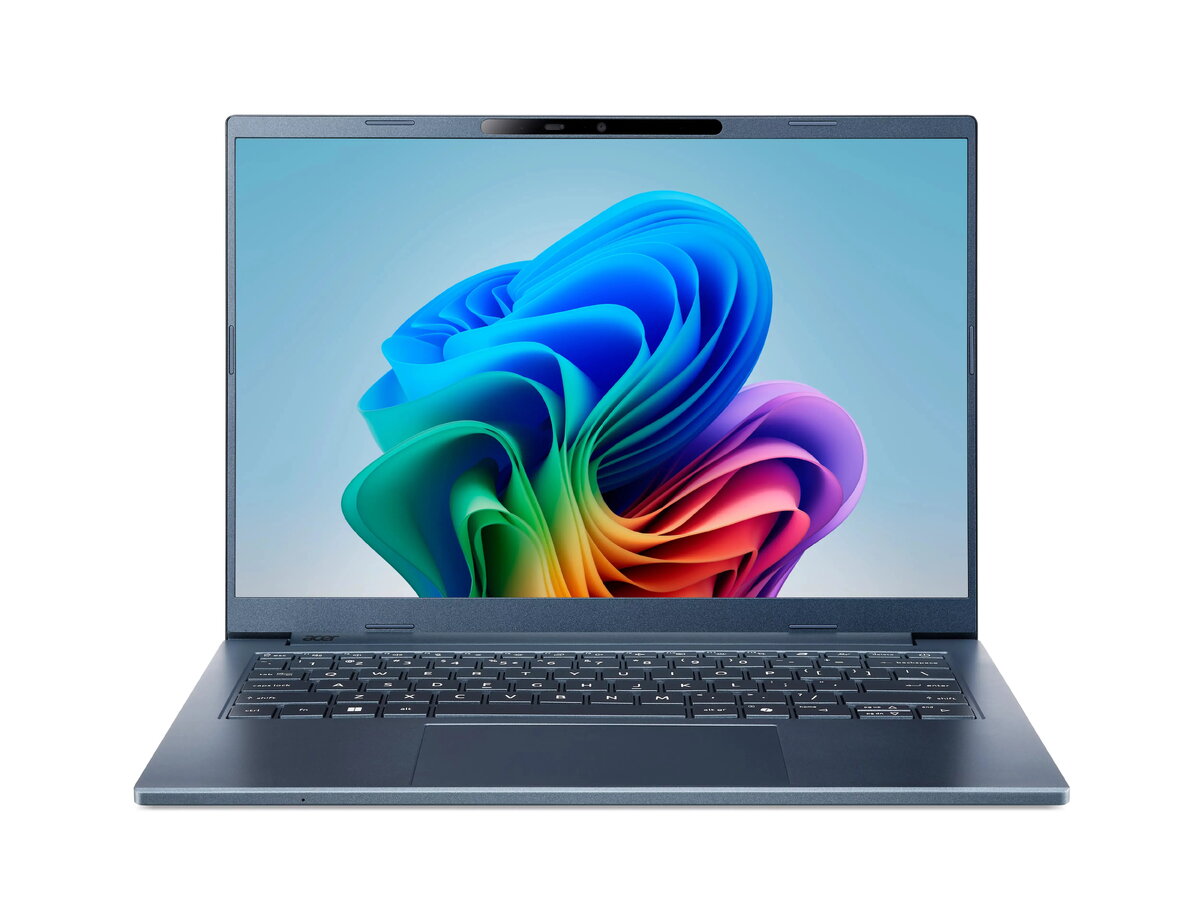
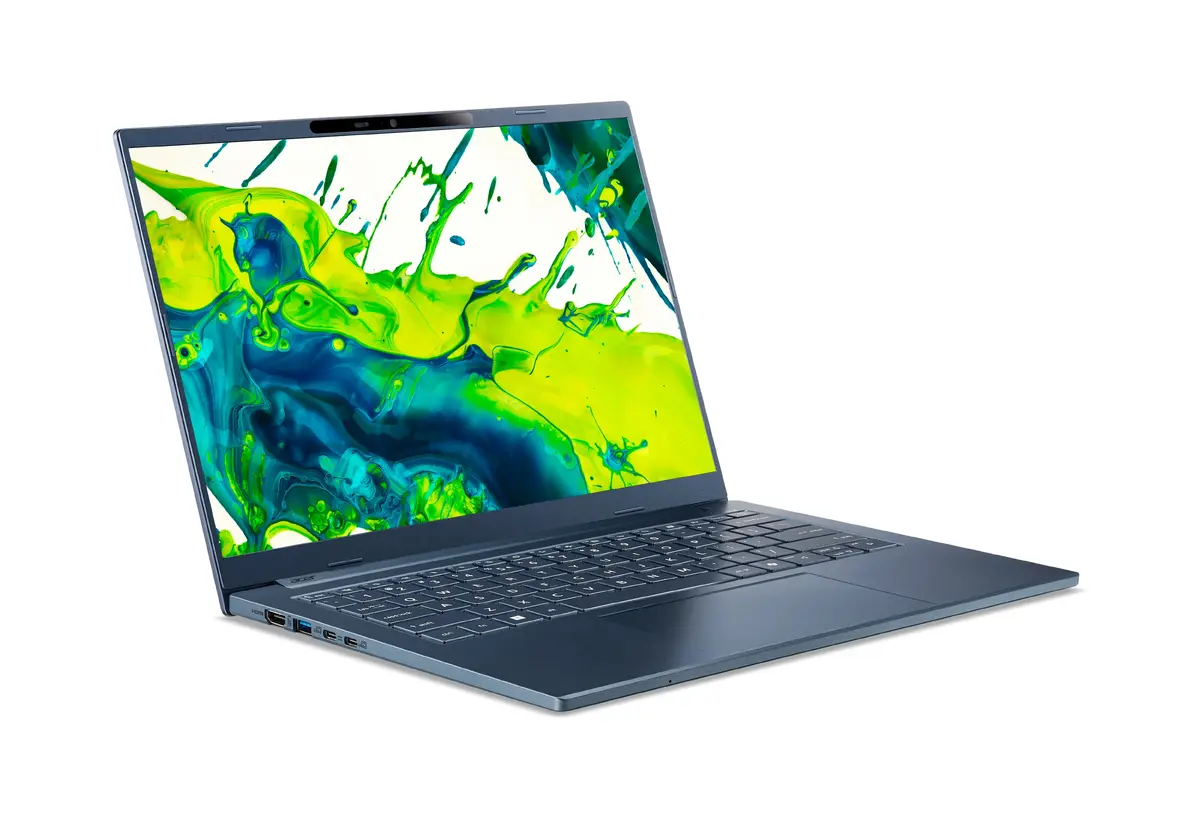
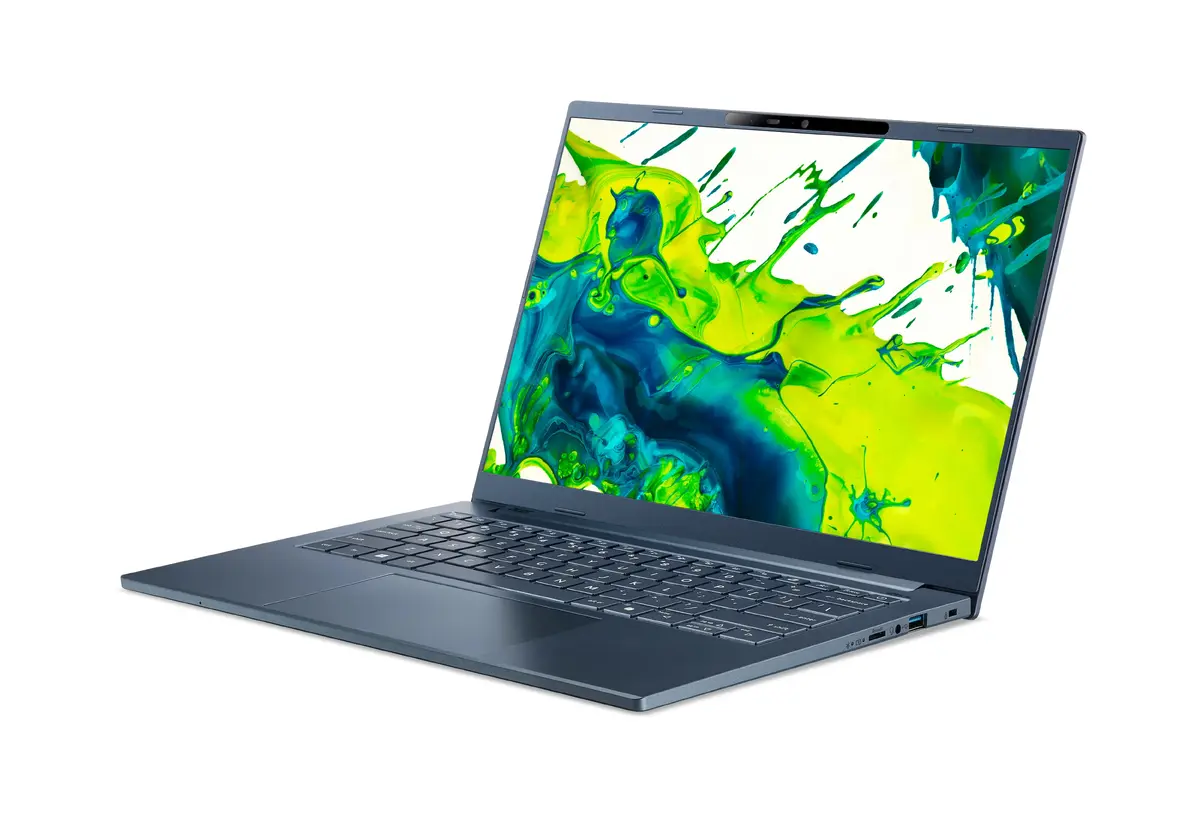
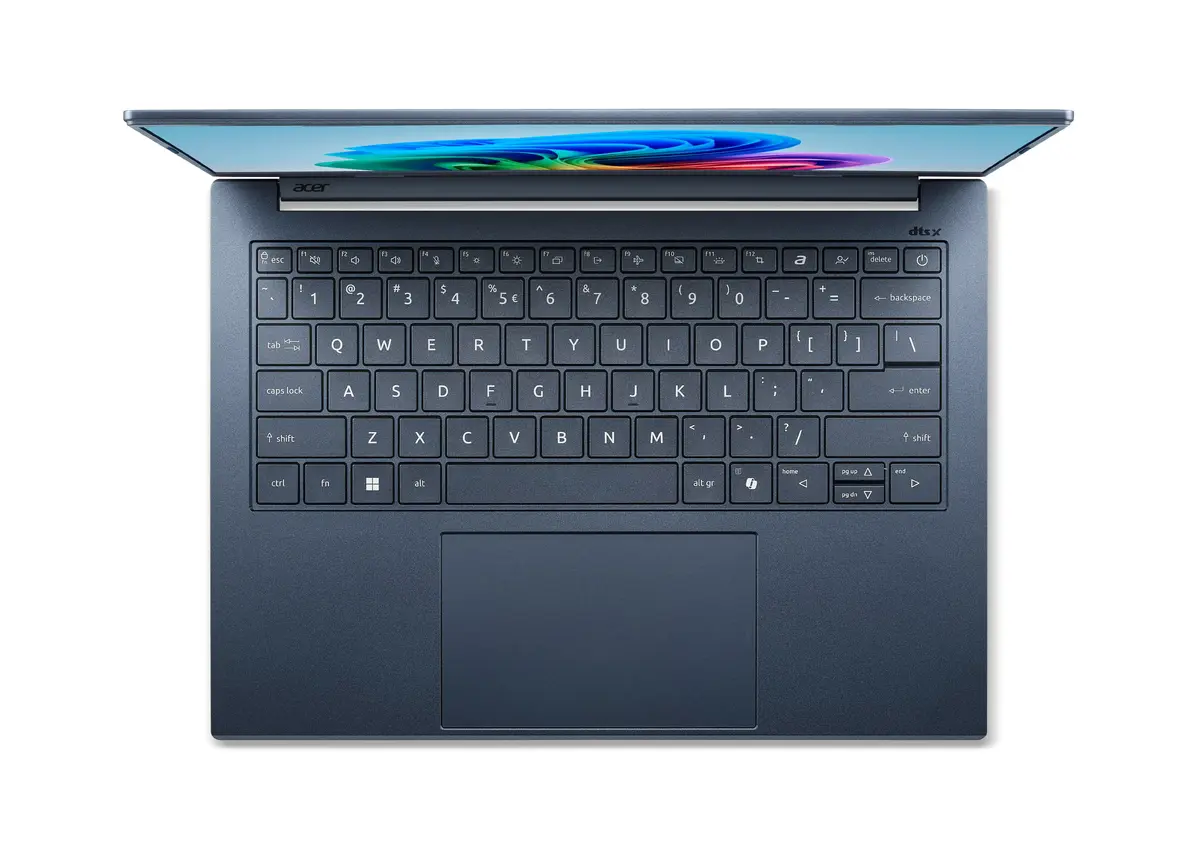
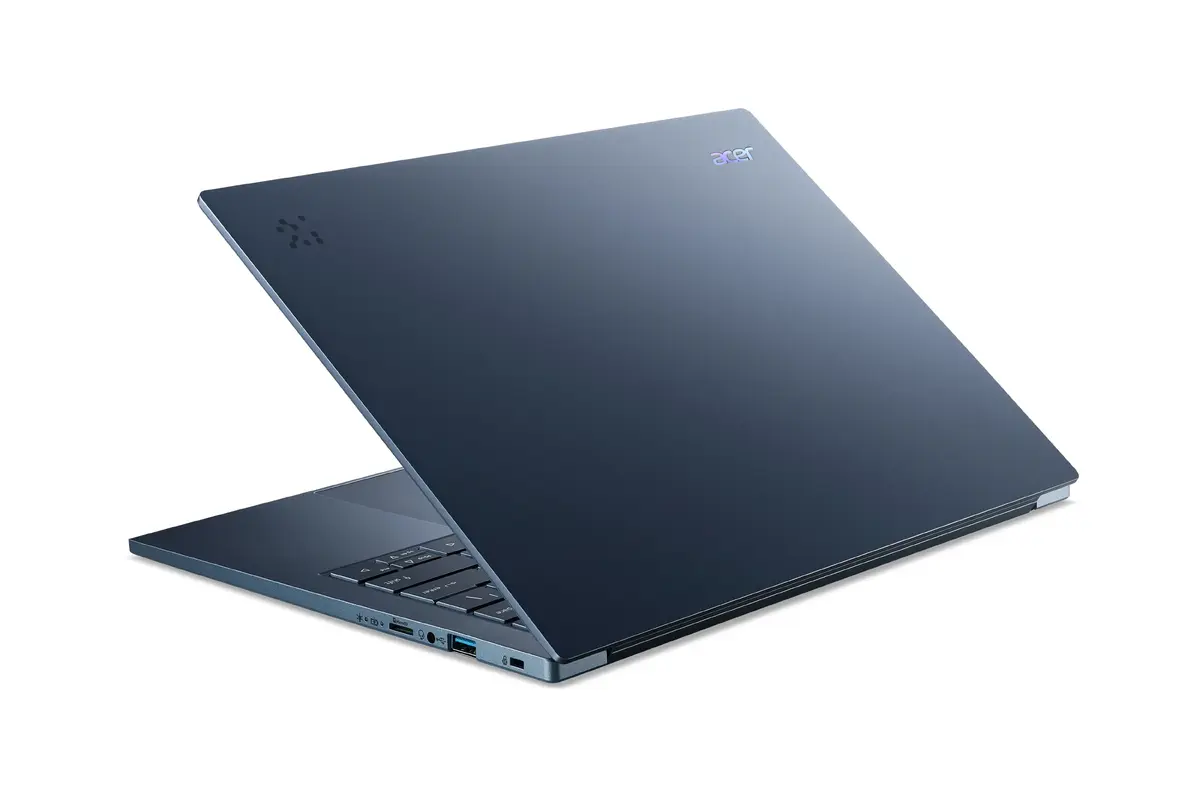
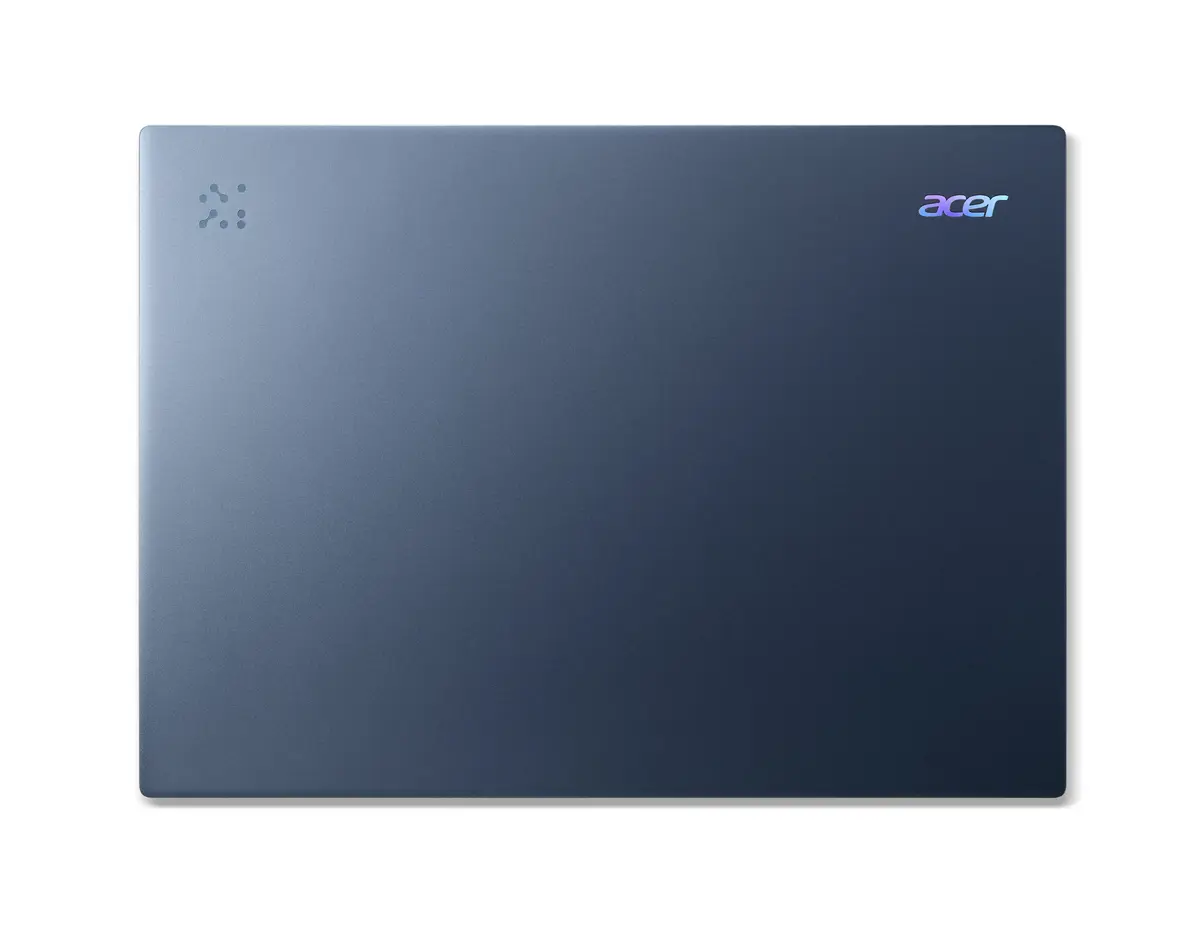
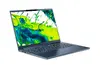
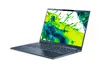
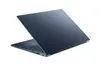
Acer Aspire 14 AI A14-11M-X9PB Laptop, 14" WUXGA, Snapdragon X1-26-100, 16GB RAM, 512GB SSD, Windows 11 Home, Blue
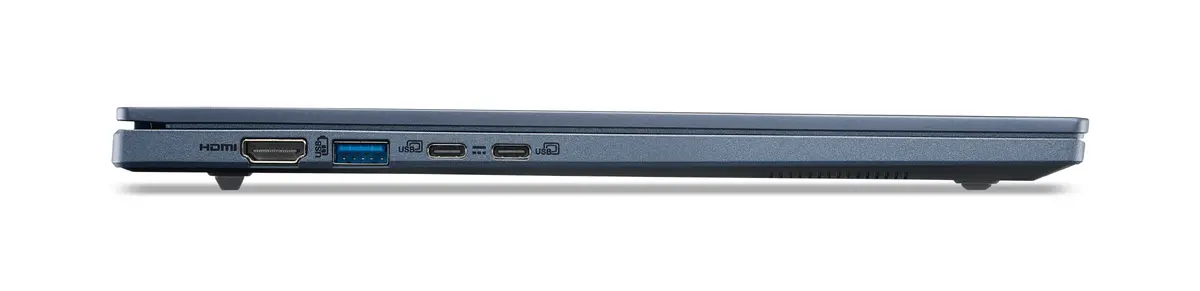
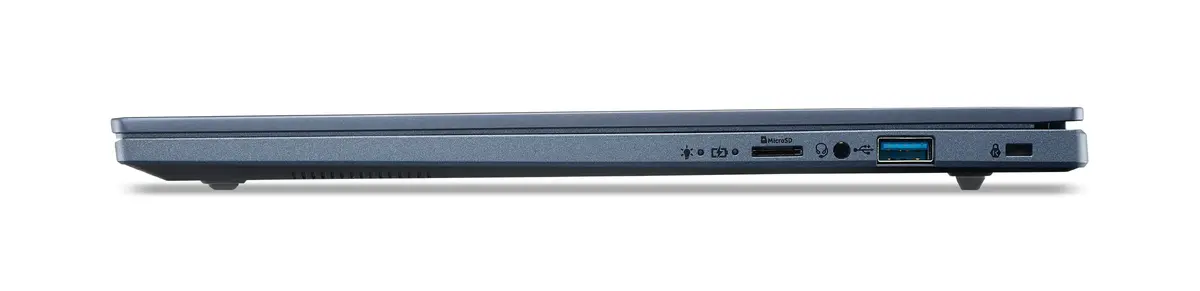
The Acer Aspire 14 AI A14-11M-X9PB is a modern, high-performance laptop designed for users who prioritize efficiency and portability. Featuring a sleek blue clamshell design, this device is powered by the Snapdragon X1-26-100 processor, ensuring responsive computing for daily tasks. With its 14-inch WUXGA display, 16GB of LPDDR5x memory, and a 512GB SSD, it provides a balanced experience for both professional work and creative projects.
This laptop stands out due to its energy-efficient ARM-based architecture, which allows for extended battery life and high responsiveness during multitasking. The inclusion of integrated AI features, such as real-time subtitles and intelligent background removal, helps streamline complex workflows. Its durable aluminum chassis and 180-degree hinge offer both physical longevity and versatile usage scenarios, while the high-resolution display ensures sharp, vibrant visuals for media consumption and productivity.
This laptop is not designed for high-end professional gaming or heavy 3D rendering tasks, as the integrated Qualcomm Adreno GPU is optimized for productivity rather than intensive graphical performance. Additionally, users who rely on legacy software specifically built for x86 architecture may encounter compatibility limitations due to the ARM-based processor.
To begin using your Acer Aspire 14, simply open the lid and follow the on-screen prompts to complete the Windows 11 setup. Use the biometric facial recognition feature via the IR camera for secure and quick access to your desktop. You can manage your AI settings and system performance through the dedicated AcerSense tool. For video calls, the built-in PurifiedVoice and PurifiedView technologies will automatically activate to optimize your audio and video quality.
For optimal battery longevity, keep the device updated with the latest system firmware and utilize the power-saving modes available in Windows 11. Ensure the air vents remain unobstructed during heavy tasks to maintain peak performance.
{{highlightedFeature.featureTitle}}:
{{getProductFeatureValueById(product, highlightedFeature.featureId)}}
{{ productComparisonGenerationError }}
