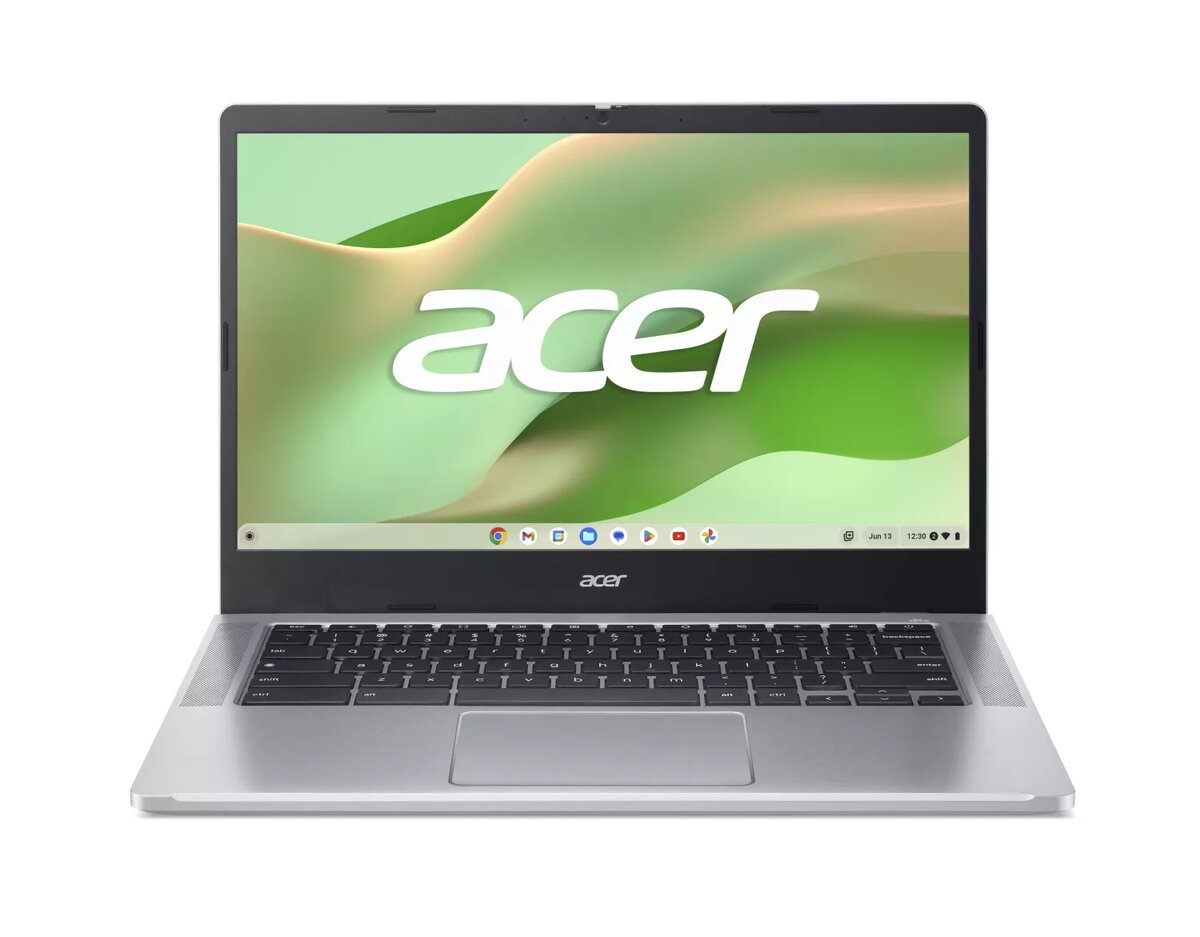
The Acer Chromebook 314 14" N100 4GB 128GB eMMC UHD Chrome is a compact laptop designed for everyday web-based tasks and mobility. It features a 14-inch Full HD display, an Intel N100 processor, 4 GB of system memory and 128 GB of eMMC internal storage, and runs Chrome OS. The combination of lightweight chassis, integrated UHD graphics and energy-efficient components offers a balance of battery life and portability for users who primarily work online, edit documents and stream media.
Advantages
This Chromebook provides a Full HD 14-inch screen in a thin, lightweight design that is easy to carry. The Intel N100 processor with integrated UHD graphics delivers adequate performance for web browsing, video playback and office applications while maintaining low power consumption. With 4 GB of RAM and 128 GB of eMMC storage, the device supports fast boot times and quick access to locally stored files, and Chrome OS ensures automatic updates and built-in security features.
Suitable for
- Web browsing, email and cloud-based productivity (Google Workspace, Microsoft 365 web apps)
- Streaming video and casual media playback
- Light office work: word processing, spreadsheets and presentations
- Students and commuters who need a portable, durable device
When it may not be suitable
This Chromebook is not intended for resource-intensive tasks such as professional video editing, 3D rendering or modern AAA gaming. Users who require large local storage capacity or heavy multitasking with many native desktop applications may find the 4 GB RAM and 128 GB eMMC limiting. Additionally, some legacy desktop software that is not available through the browser or Android apps may not run on Chrome OS.
Key specifications
- Display: 14-inch Full HD (1920×1080) panel
- Processor: Intel N100 energy-efficient CPU
- Memory: 4 GB RAM
- Storage: 128 GB eMMC internal storage
- Graphics: Integrated UHD graphics
- Operating system: Chrome OS with automatic updates and built-in security
- Chassis: lightweight, portable design
- Connectivity: Wi‑Fi and Bluetooth (specific standards depend on exact model configuration)
How to use
After initial setup with a Google account, the Chromebook boots quickly and connects to the internet for access to web apps and cloud storage. Use the Chrome browser and web-based productivity suites for most tasks; install compatible Android apps from the Play Store where needed. Manage local files in the Files app and consider using Google Drive or another cloud service for additional storage and backup. Adjust display brightness and power settings to extend battery life during travel.
What to consider before purchase
- Assess whether 4 GB RAM and 128 GB eMMC meet your multitasking and local storage needs
- Confirm that required applications are available as web apps or Android apps on Chrome OS
- Check specific connectivity options (Wi‑Fi standard, ports) on the exact configuration
- Consider whether a device with more RAM, SSD storage or a different OS would better suit heavy workloads
Usage recommendations
For everyday productivity, keep most files in cloud storage to preserve local space, close unused browser tabs to maintain responsiveness, and use the built-in power-saving features to maximize battery life when working on the go.